Skip to content
| Marketplace
Sign in
Visual Studio Code>Themes>Ion Atom ThemeNew to Visual Studio Code? Get it now.
Ion Atom Theme

Ion Atom Theme

Saniee

|
4 installs
| (0) | Free
Blue and red blend theme with dark and light variants inspired by the ion atom.
Installation
Launch VS Code Quick Open (Ctrl+P), paste the following command, and press enter.
Copied to clipboard
More Info

Ion Atom Theme

Inspired by how the atoms are drawn -- focusing on a blue/red blend with some sparkles on top.

I tried to give every kind of token its own color.
One Dark Pro does this quite well so I took some inspirations from it.

Supported Languages

Due to my preference on Rust, C (++, #), Python and Svelte \w Typescript. The theme works best with those languages in particular.

Font Choices

Ion uses italic and bold a lot to tell similar tokens apart, so a font with real italics helps. I prefer to go with JetBrains Mono but Cascadia Code can work too.

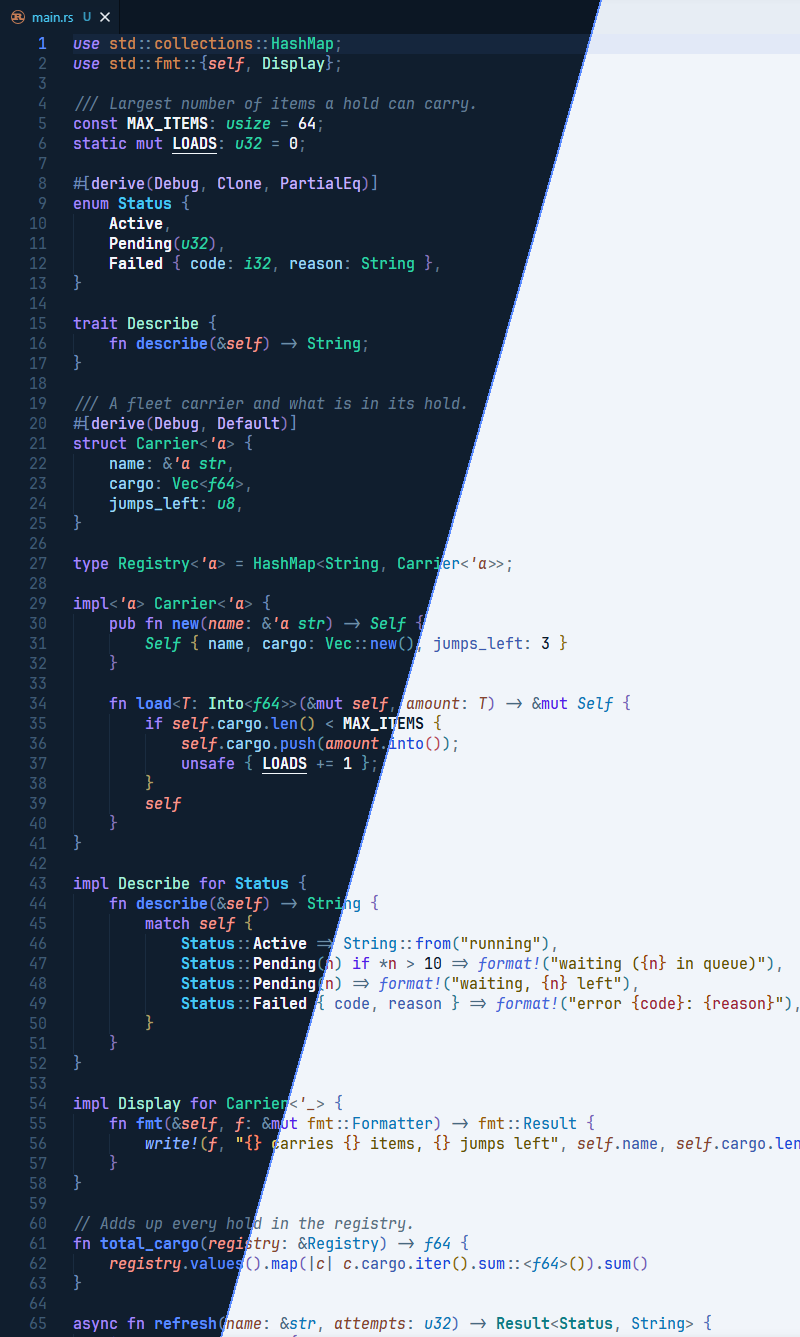
Showcase:

overlay

Variants

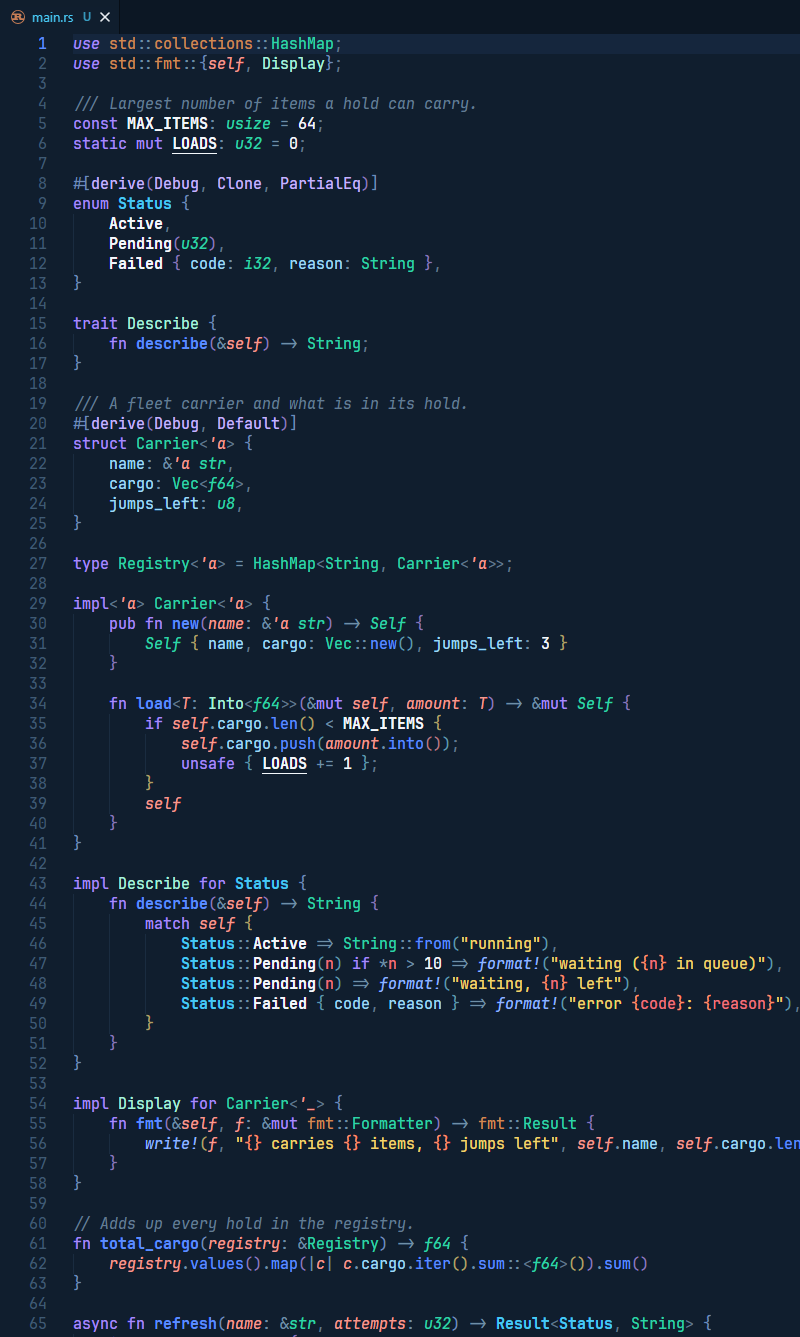
Ion - Dark Original Variant.

dark

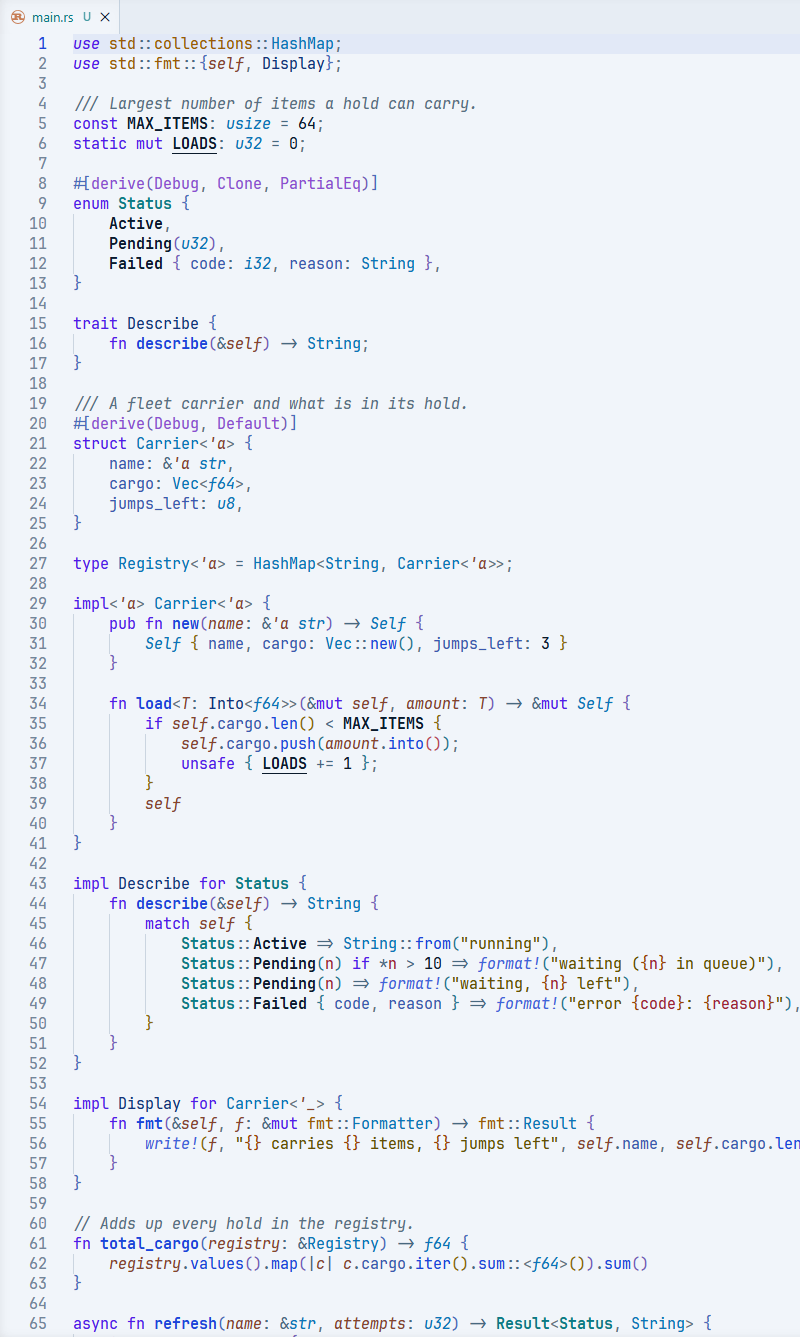
Ion Light - Light Variant

light

License

Released under the GPL-3.0 license.

  • Contact us
  • Jobs
  • Privacy
  • Manage cookies
  • Terms of use
  • Trademarks
  • Your Privacy Choices
  • Consumer Health Privacy
© 2026 Microsoft