BullseyeUber🎯 The Bullseye pack, on ONE tab. Installing BullseyeUber installs all five Bullseye extensions — 🚁 FleetView, 📋 BullseyeBacklog, 🤖 DeepAgent, 🔄 BullseyeSync and 🔔 BullseyeNotif — as one extension pack, and every one of them that is installed hands its panel over to a single Bullseye Control ta Installation Launch VS Code Quick Open ( Ctrl+P), paste the following command, and press enter.Copied to clipboard |

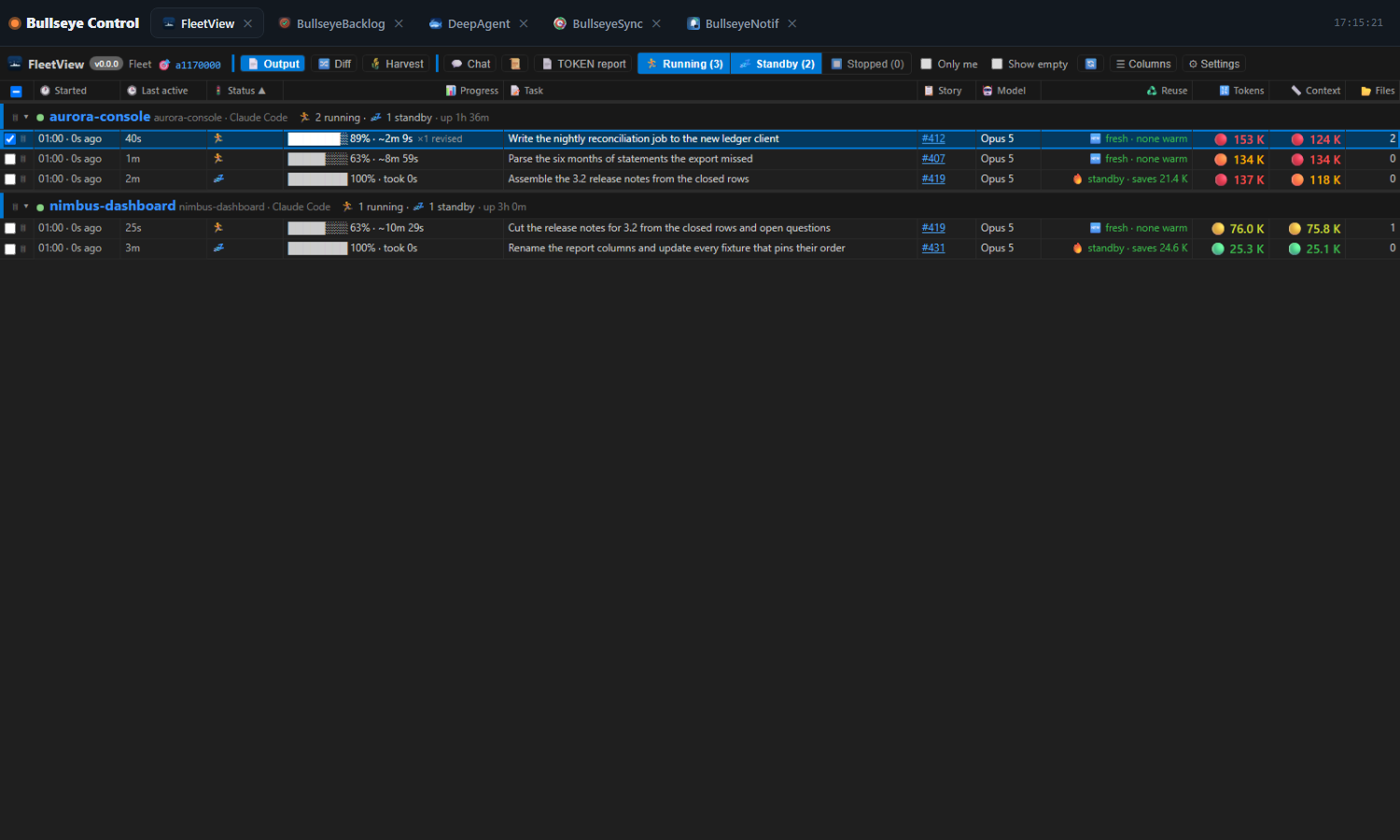
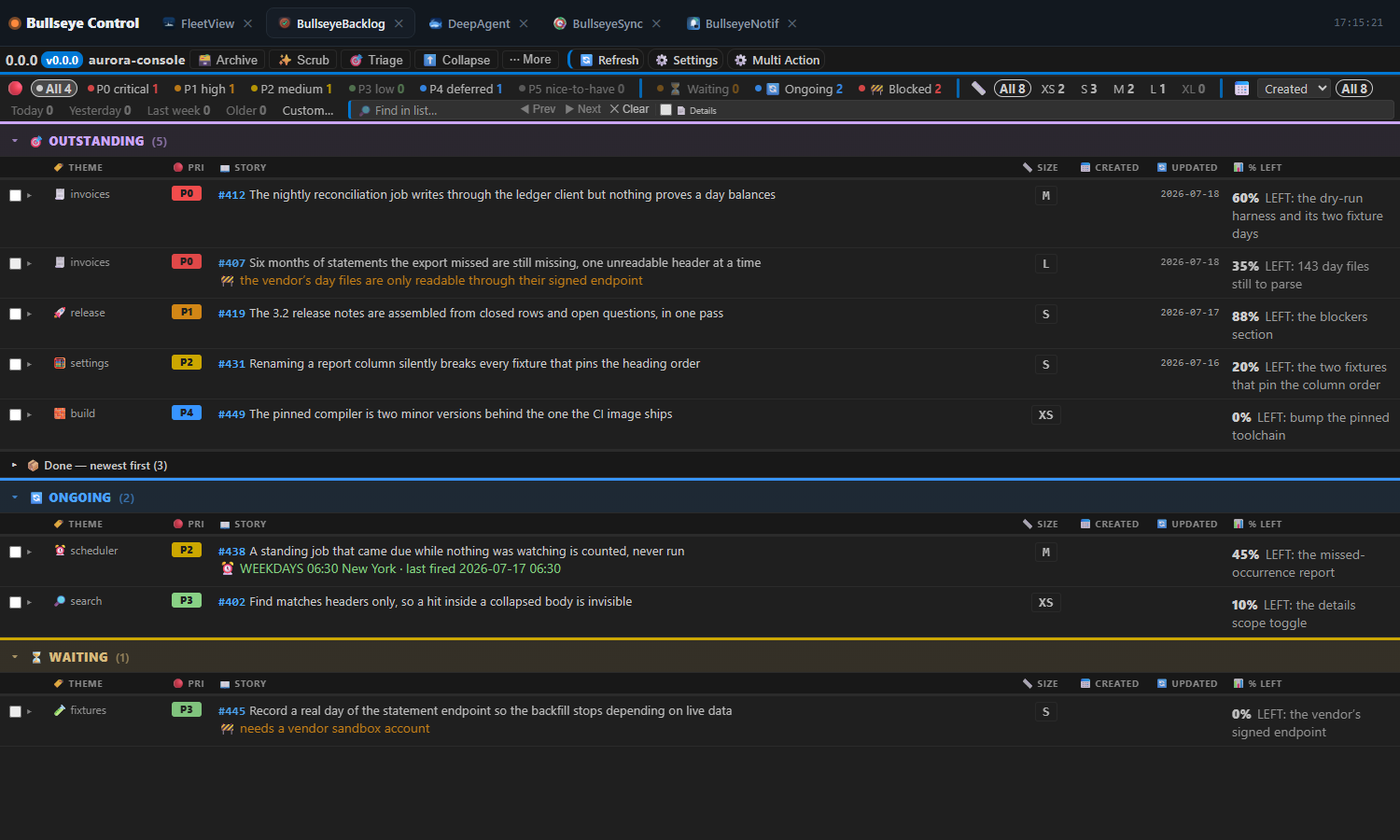
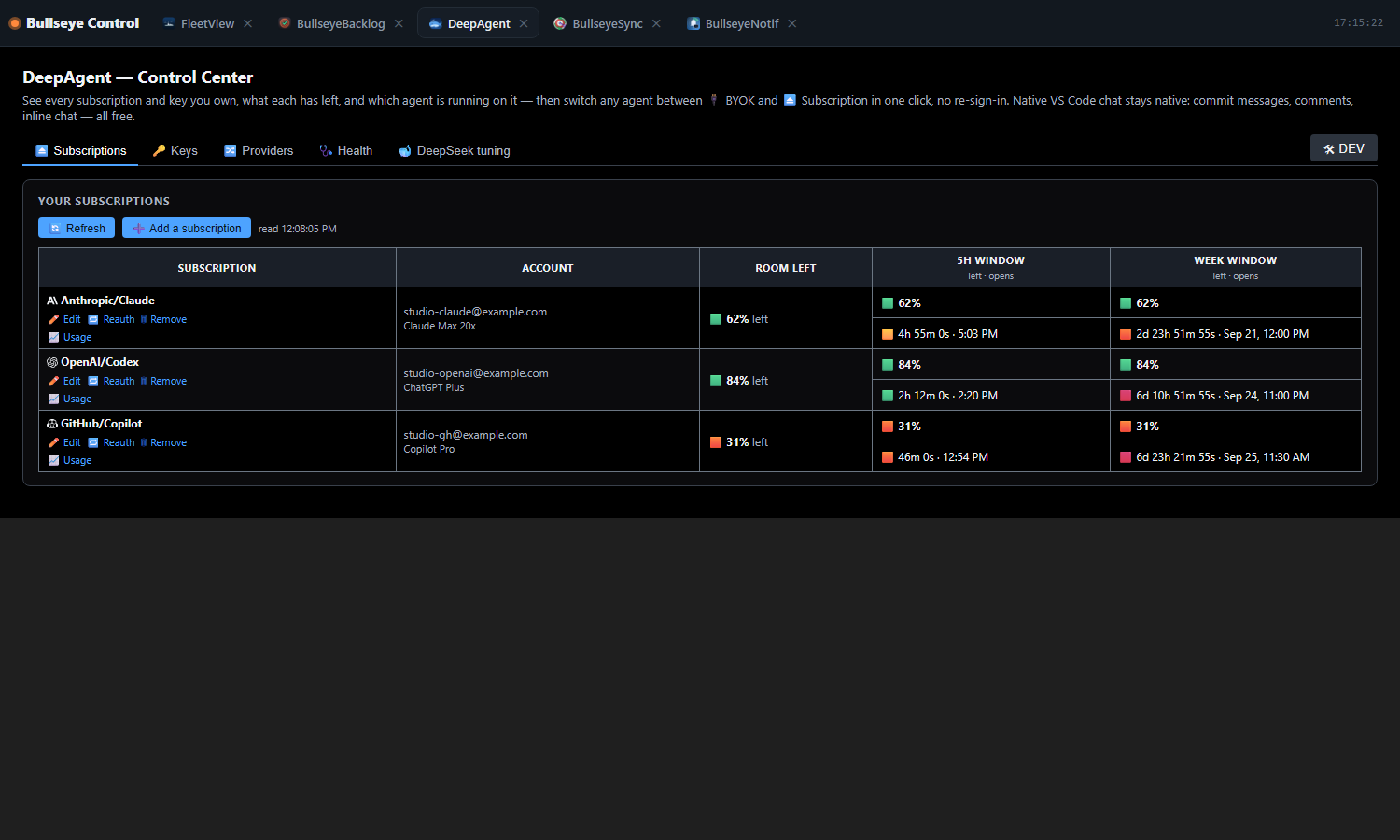
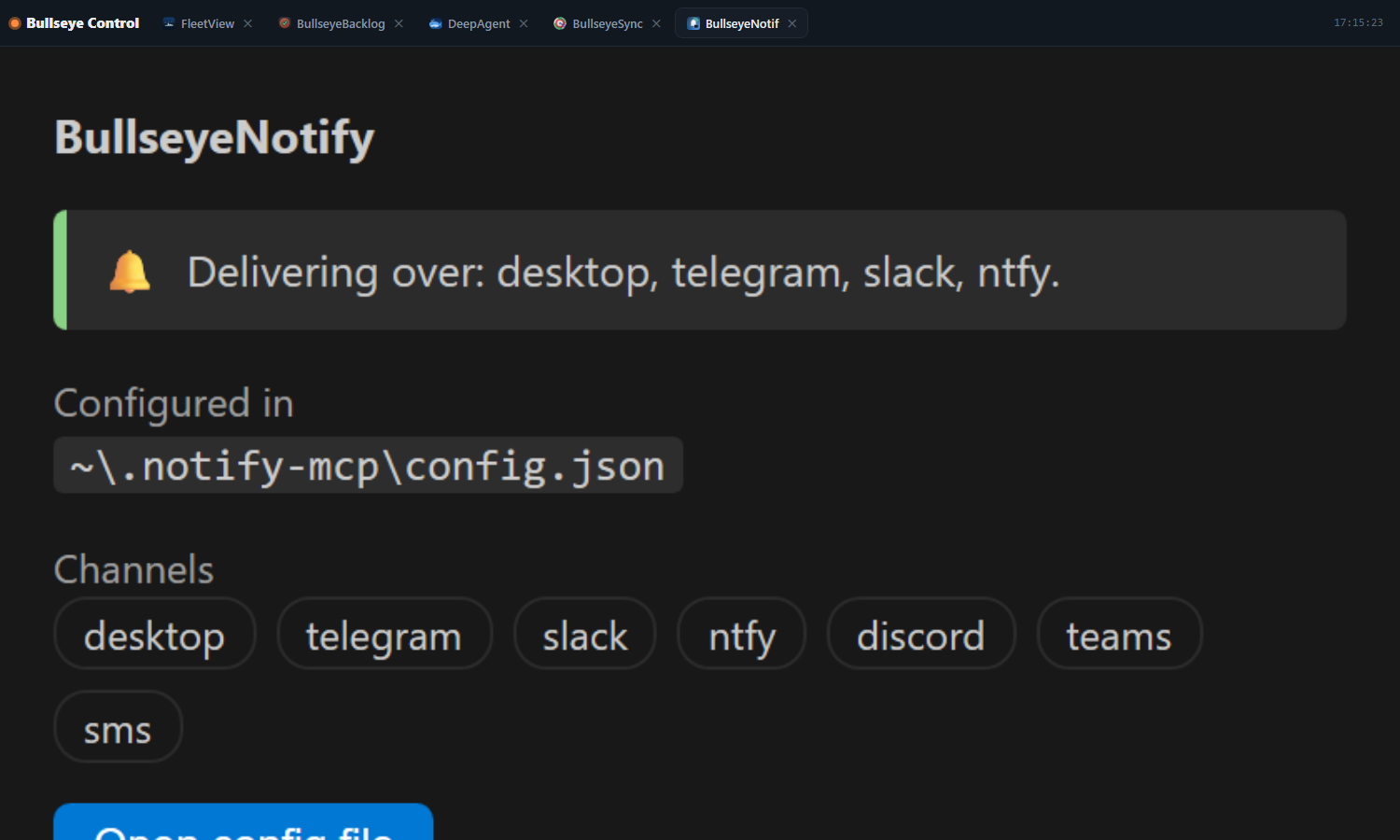
BullseyeUberThe Bullseye pack on one tab. BullseyeUber installs the five Bullseye extensions together — FleetView, BullseyeBacklog, DeepAgent, BullseyeSync and BullseyeNotif — and shows every one of them on a single Bullseye Control tab. A tab-strip across the top switches between them; the member you pick fills the tab. What it looks likeClick any screenshot to open it full size.
The tab-strip, the tabs and their icons are rendered from BullseyeUber's shipped What it hosts
How the pack installs and hands overBullseyeUber is an extension pack: installing it installs any of the five you do not have yet, and VS Code keeps each one updating on its own from its own listing. Every member that is installed — whether the pack brought it or you already had it — draws its editor panel as a tab in Bullseye Control instead of a tab of its own. Each member's page is drawn exactly as VS Code would draw it in a tab of its own, and stays alive while hidden, so switching away and back keeps its scroll position, filters and live updates. A member's sidebar views stay in the sidebar. A window reload puts back the tabs whose member restores its own tab after a reload. A member whose own standalone extension is also installed is never started twice: that extension keeps its
own tab, and the Commands and controls
BullseyeUber has no settings of its own; each member keeps its own. BuildEach member must already be built by its own build. Staging refuses a member whose sources are newer than its
build; Release notes
|