Overview Version History Q & A Rating & Review
Knowledge Decay Tracker
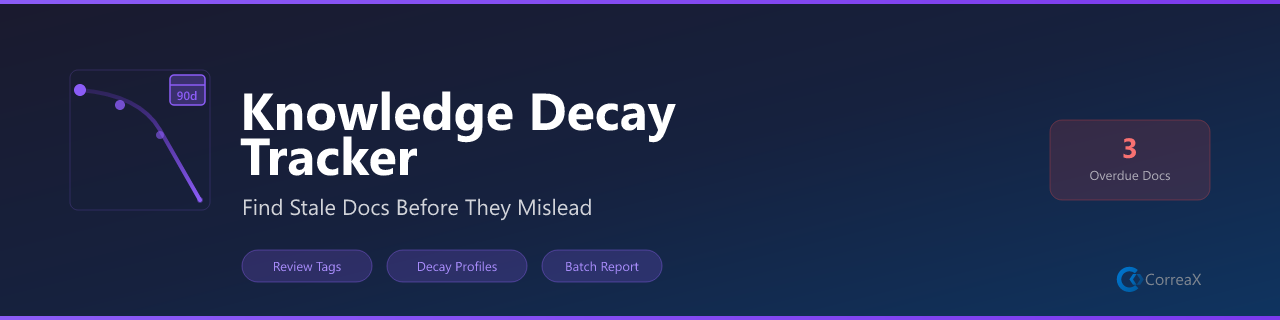
Surface time-decayed knowledge — find docs going stale before they mislead
What It Does
Uses the Forgetting Curve algorithm to score every tracked file by freshness. Files you haven't touched in months surface as stale or critical so you can review and refresh before they cause confusion.
Features
Feature
Description
Forgetting Curve scoring Files decay on a configurable half-life schedule
Four decay profiles Aggressive (14d), moderate (60d), slow (180d), permanent
Status bar badge Overdue file count always visible in the status bar
Staleness report Full workspace scan in the output channel
Critical files quick pick Jump to worst offenders immediately
Mark as fresh Reset the decay clock on reviewed files with one command
Right-click menus Right-click any file in Explorer or Editor → Mark as Fresh or Show Report
Requirements
No external tools required. Optionally tag files with a decay profile by adding a comment at the top:
<!-- decay: moderate -->
Decay Profiles
Profile
Half-life
Use case
aggressive14 days
Rapidly changing docs
moderate60 days
Standard documentation
slow180 days
Stable reference files
permanentNever
Archived/historical content
Commands
Command
Where
Description
Knowledge Decay: Scan WorkspacePalette · Editor right-click
Score all tracked files and generate report
Knowledge Decay: Show Staleness ReportPalette · Editor right-click
Show output channel report
Knowledge Decay: Show Critical FilesPalette · Editor right-click
QuickPick of critical-tier files
Knowledge Decay: Mark File as FreshPalette · Right-click any file
Touch current file (reset decay clock)
Explore more tools from the same suite:
Extension
Description
Marketplace
AI Voice Reader
Read files, selections, or documents aloud with Web Speech API
Install ↗
Brandfetch Logo Fetcher
Fetch and insert brand logos from any domain — SVG, PNG, or Markdown
Install ↗
Dev Wellbeing
Posture, eye-strain, and hydration reminders for long coding sessions
Install ↗
Focus Timer
Pomodoro-style focus and break timer with status bar countdown
Install ↗
Gamma Slide Assistant
Export Marp Markdown presentations to HTML and PDF
Install ↗
Hook Studio
Visual editor for VS Code hook conditions and automation rules
Install ↗
Knowledge Decay Tracker (this) Track staleness of documentation and flag overdue reviews
Install ↗
Markdown to Word
Convert Markdown + Mermaid diagrams to .docx via Pandoc
Install ↗
MCP App Starter
Scaffold Model Context Protocol servers in TypeScript, JavaScript, or Python
Install ↗
Mermaid Diagram Pro
Preview, export, and validate Mermaid diagrams in Markdown files
Install ↗
PPTX Builder
Generate PowerPoint presentations from Markdown using pptxgenjs
Install ↗
Replicate Image Studio
Generate images and videos with FLUX, SDXL, and WAN via Replicate API
Install ↗
SecretGuard
Scan workspaces and files for accidentally committed secrets and keys
Install ↗
SVG to PNG
Convert SVG files to PNG using resvg-js (Rust renderer, no ImageMagick)
Install ↗
SVG Toolkit
Preview, copy as data URI, and validate SVG files in-editor
Install ↗
Workspace Watchdog
Monitor file health, detect stalled work, and surface hot files
Install ↗
License
MIT