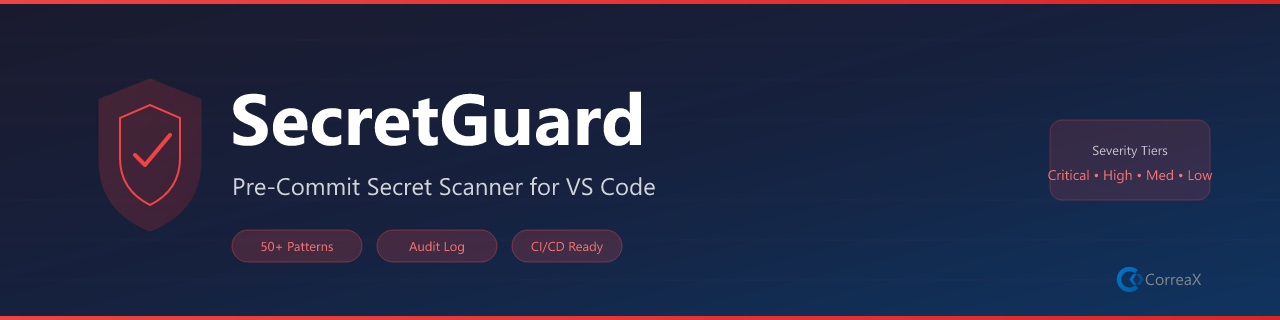
Pre-commit secret scanner — catch leaked API keys, tokens, and credentials before they leave your machine
What It Does
SecretGuard scans your files for 13 secret patterns — API keys, tokens, private keys, and connection strings — and surfaces findings directly in the Problems panel before they can leave your machine. Scans run automatically on save or on demand across the whole workspace.
Features
Feature
Description
Scan on Save
Automatic scan every time a file is saved
Workspace Scan
Full sweep on demand via command or right-click
Problems Panel
Findings appear as errors/warnings with line numbers for quick navigation
Severity levels
Critical (private keys), High (API tokens), Medium (passwords), Low (URL credentials)
Ignore Patterns
Glob-based exclusions for test fixtures, example files, and known-safe references
Right-click menus
Right-click any file → Scan File or Add Ignore Pattern; right-click a folder → Scan Workspace
Detected Patterns
Pattern
Severity
RSA / EC / PGP Private Keys
Critical
OpenAI API Key
High
Replicate API Token
High
GitHub PAT / OAuth Token
High
Azure API Key
High
AWS Access Key ID
High
Generic Password
Medium
Generic Secret
Medium
Database Connection String
Medium
URL with Embedded Credentials
Low
Requirements
No external tools required. The scanner engine runs entirely within VS Code.
Commands
Command
Where
Description
SecretGuard: Scan Workspace
Palette · Explorer right-click
Scan all workspace files
SecretGuard: Scan Current File
Palette · Right-click any file
Scan the active editor
SecretGuard: View Audit Report
Palette · Editor right-click
Show output channel log
SecretGuard: Add Ignore Pattern
Palette · Right-click any file
Exclude a glob pattern
🔷 CX Tools Suite
Explore more tools from the same suite:
Extension
Description
Marketplace
AI Voice Reader
Read files, selections, or documents aloud with Web Speech API