Rust helpers next to rust-analyzer: organize and merge use imports, move items into module files, split inline modules, toggle derives, and see the latest crate versions in Cargo.toml.
Maintained. No sign-in. No telemetry. Works in VS Code, Cursor, Windsurf, VSCodium and other editors that use Open VSX.
Features
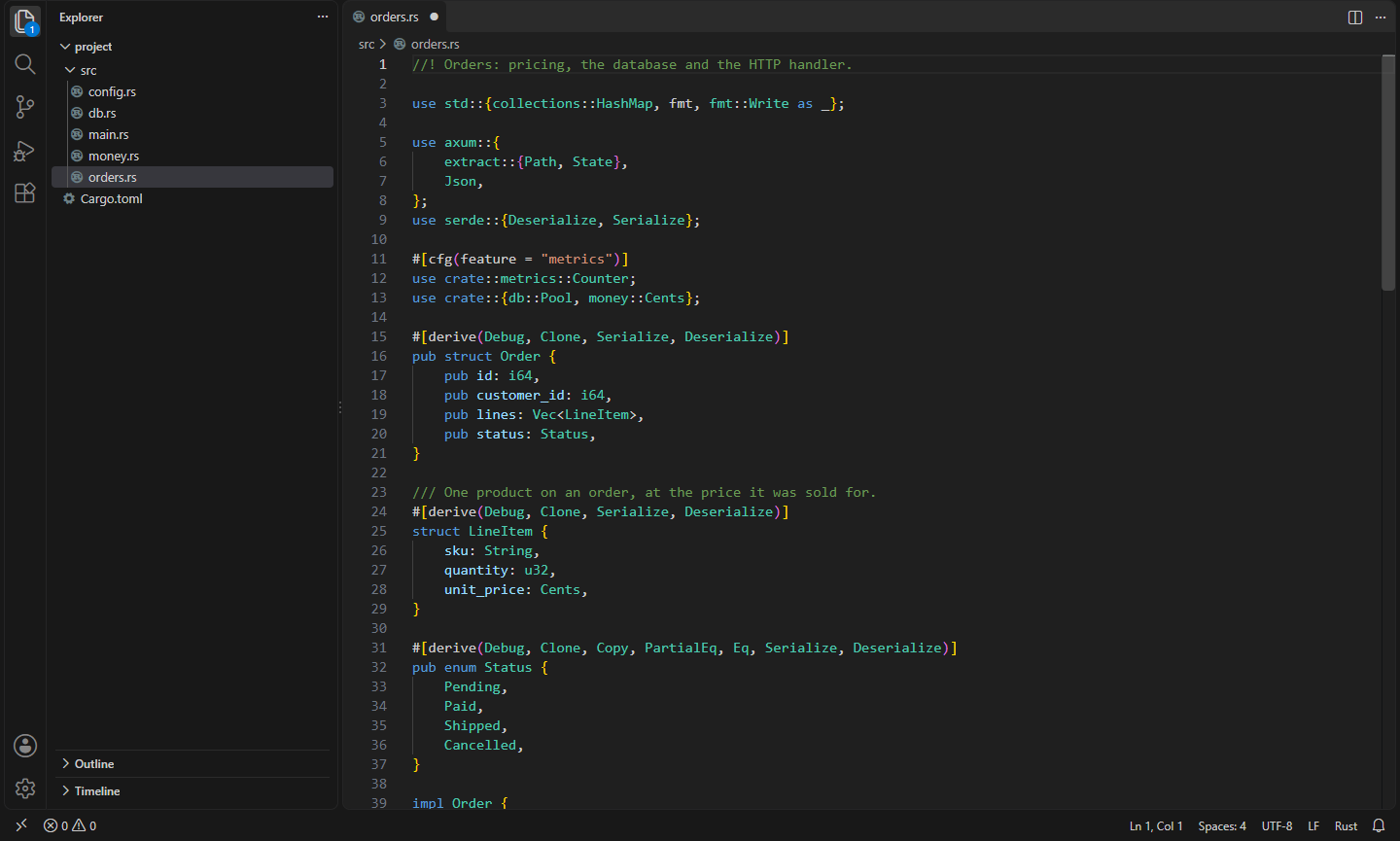


This extension works alongside rust-analyzer and doesn't repeat what it does (completion, diagnostics, go to definition, auto-import). It adds the file-level housekeeping that rust-analyzer leaves to you. Everything reads your code as text, so it works before the project builds, in huge workspaces, and in the browser.
- Organize Imports. Sorts, dedupes and merges
use declarations into nested trees (use std::{fmt, io, io::Read};), in groups: std, core and alloc; other crates; crate::; super:: and self::. The merging follows rustfmt's imports_granularity (crate, module, item, preserve or one), and the order and line wrapping follow rustfmt, including the 2024 style edition's version sorting. If your rustfmt.toml sets imports_granularity or group_imports, that's what it uses. Otherwise imports are merged per crate, exactly as rustfmt does with imports_granularity = "Crate" (rustfmt's own default is to leave them as written).
#[cfg(…)] and other attributes stay on their imports, and only imports with the same attributes are merged.- Comments above or after an import stay with it.
pub use re-exports are kept apart from private imports.- Imports in inline modules (
mod tests { … }) are organized too.
- Run it from the command palette, the editor's context menu, VS Code's Organize Imports (
Shift+Alt+O), or on save.
- Move Item to Module. Put the cursor on a function, struct, enum, trait, impl, type, const or static and choose Move … to module… from the light bulb. Pick an existing module (a file or an inline
mod) or name a new one. The item moves with its doc comments and attributes, and:
- the new file goes where your crate keeps modules,
name.rs or name/mod.rs,
- the imports and parent items it uses are imported in the module,
mod name; is added, and a use (or pub use for public items) keeps the code that uses it compiling,- private items, fields and methods become
pub(super), so the parent keeps exactly the access it had.
- Move Inline Module to Its Own File. Turns
mod tests { … } into mod tests; and a tests.rs (or tests/mod.rs), keeping #[cfg(test)] and other attributes where they belong.
- Change Derives. A checklist of
Debug, Clone, Copy, PartialEq, Eq, PartialOrd, Ord, Hash, Default, serde's Serialize and Deserialize when the crate uses serde, and your own. What a derive needs comes along: Copy adds Clone, Ord adds PartialOrd, Eq and PartialEq.
- Latest crate versions in Cargo.toml. Hover a dependency to see its latest version on crates.io, whether your requirement includes it, its features, and links to docs.rs and crates.io. When a newer version is out of range, the light bulb updates the requirement (
0.7 → 0.8) and keeps your style. Answers are cached for an hour; set nifty.rust.crates.checkLatest to false to keep the extension offline.
Commands
| Command |
What it does |
Nifty Tools for Rust: Organize Imports |
Sort, dedupe, merge and group the use declarations in the file |
Nifty Tools for Rust: Move Item to Module… |
Move the item at the cursor to a new or existing child module |
Nifty Tools for Rust: Move Inline Module to Its Own File |
mod x { … } → mod x; and x.rs |
Nifty Tools for Rust: Change Derives… |
Pick the derives of the struct, enum or union at the cursor |
Nifty Tools for Rust: Update Dependency to Latest Version |
In Cargo.toml, point the dependency at the cursor to the latest version |
Settings
| Setting |
Default |
What it does |
nifty.rust.imports.granularity |
auto |
crate, module, item, preserve or one; auto reads imports_granularity from rustfmt.toml, else crate |
nifty.rust.imports.groups |
auto |
stdExternalCrateLocal, stdExternalCrate (rustfmt's), one or preserve; auto reads group_imports from rustfmt.toml |
nifty.rust.imports.organizeOnSave |
false |
Organize imports when a Rust file is saved |
nifty.rust.moduleFileStyle |
auto |
file (name.rs), modRs (name/mod.rs), or whatever the crate already uses |
nifty.rust.moveItem.visibility |
super |
Visibility for moved private items: super, crate or none |
nifty.rust.derives |
[] |
Extra derives to offer, e.g. ["thiserror::Error"] |
nifty.rust.crates.checkLatest |
true |
Look up latest versions on crates.io |
nifty.rust.crates.apiUrl |
crates.io |
The crates.io API to ask, for a mirror |
max_width, tab_spaces, hard_tabs and style_edition also come from rustfmt.toml, and the style edition follows your Cargo.toml edition like cargo fmt does.
Install
- VS Code: search for "Nifty Tools for Rust" in the Extensions view, or install from the Visual Studio Marketplace.
- Cursor, Windsurf, VSCodium, Kiro, Antigravity: install from Open VSX.
Privacy
This extension collects no telemetry and needs no account. It only goes online to look up crate versions on crates.io when you hover a dependency in Cargo.toml, and you can turn that off.
- Nifty TOML: Format, Validate & Schemas: TOML support: highlighting, errors, a formatter that keeps comments, outline, folding, and JSON Schema validation, completion and hover (Cargo.toml, pyproject.toml via SchemaStore). TOML to JSON/YAML. (Open VSX)
- Nifty Code Runner: Run Code in 25+ Languages: Run the current file or selection in 25+ languages in the terminal, with input support, your own commands and no telemetry. (Open VSX)
- Nifty Pretty Errors: Readable Error Messages: Readable error messages for every language: TypeScript types formatted as code, long C++ and Rust types folded, and a docs link for every error code, in the hover and a side panel. (Open VSX)
- Nifty .NET Explorer: Solution & Test Explorer: A solution explorer and test explorer for .NET in VS Code, Cursor, Windsurf and VSCodium: projects, references and files from .sln/.slnx, and xUnit, NUnit and MSTest tests in the Testing view. (Open VSX)
- Nifty Actions: Workflow Checks, SHA Pinning & act: GitHub Actions workflows without sign-in: completion and go to definition for local and reusable actions, actionlint checks, pin actions to commit SHAs, and run jobs locally with act. (Open VSX)
- Nifty Bash Debugger: Breakpoints & Step Through Scripts: Debug Bash scripts without bashdb: breakpoints, conditions, logpoints, stepping, call stack, variables and arrays. Works with bash 4.2 to 5.2+ and Git Bash on Windows. (Open VSX)
See all 100+ Nifty extensions and web tools at https://getnifty.dev
| |

