Syside Modeler: SysML v2 ProfessionalPreviewSyside Modeler provides profesional modeling support and visualization capabilities for SysML v2 and KerML languages. Installation Launch VS Code Quick Open ( Ctrl+P), paste the following command, and press enter.Copied to clipboard |

Syside Tool SuiteComprehensive Digital Engineering tool suite for SysML v2 & KerML
Learn more at https://sensmetry.com/syside/ Table of ContentsGetting Started
Got questions, concerns or ideas? Talk to us directly at our Community Forum or reach out to syside.support@sensmetry.com.
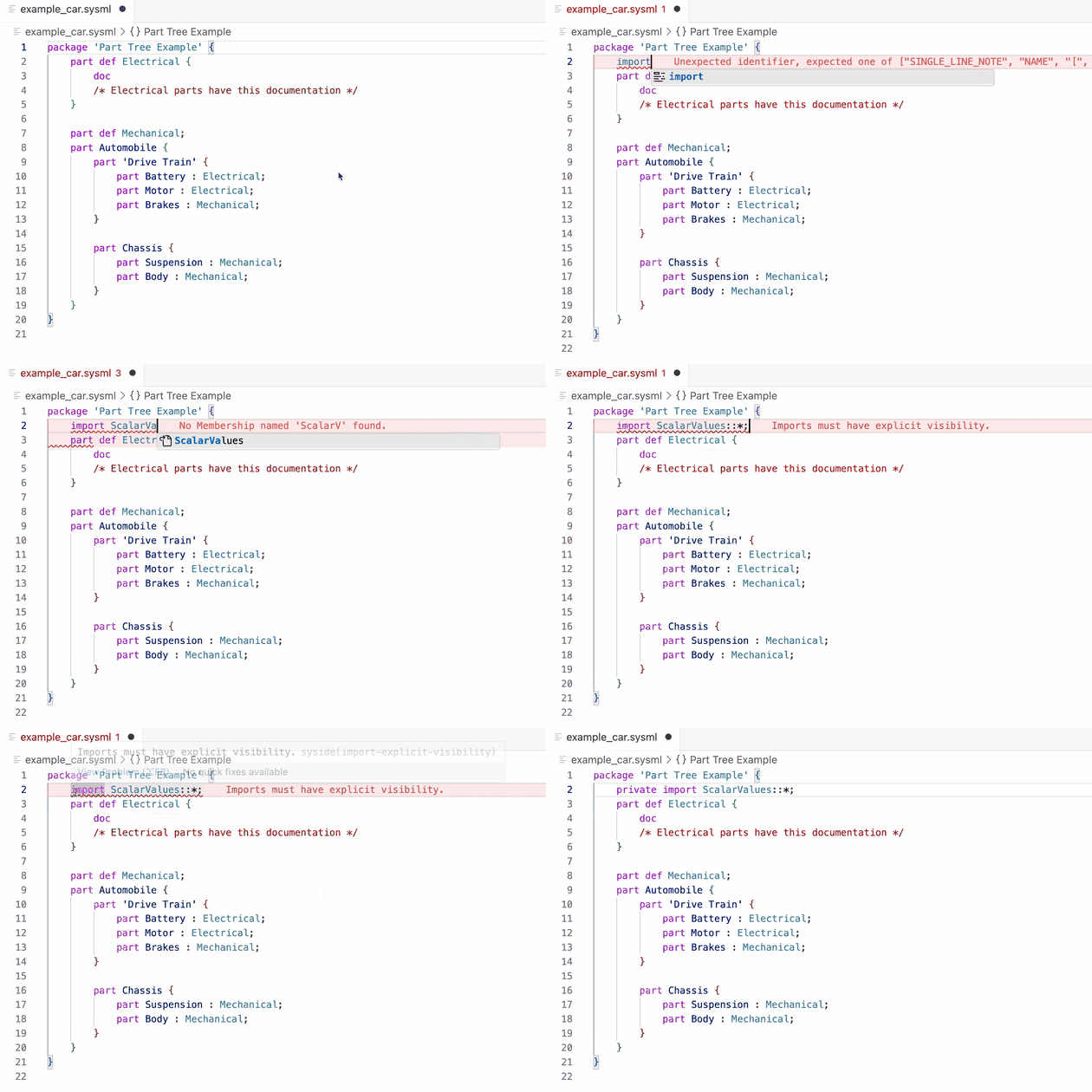
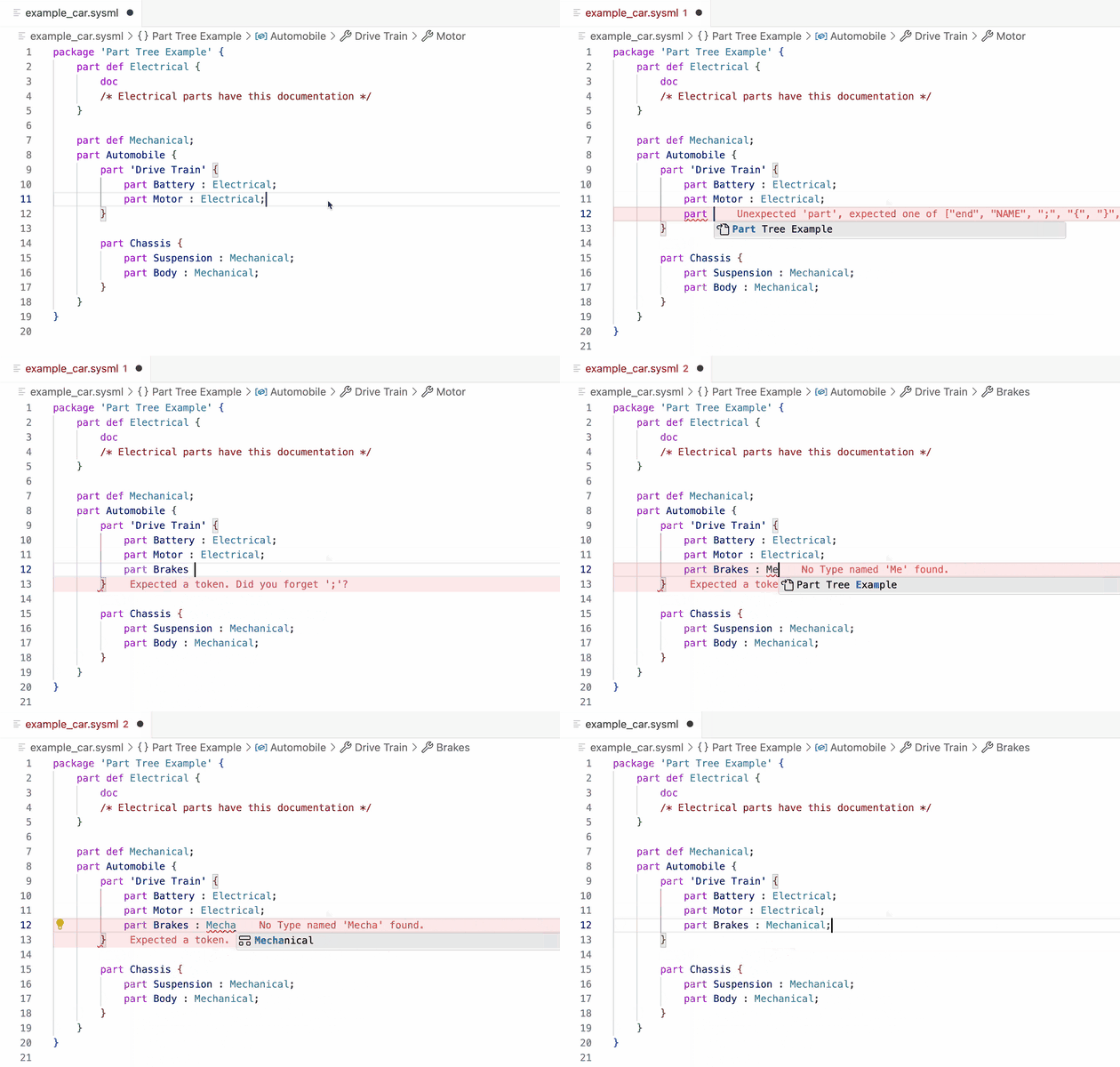
Language FeaturesModel ValidationCatch errors early with real-time diagnostics for syntax errors, type mismatches, and constraint violations.
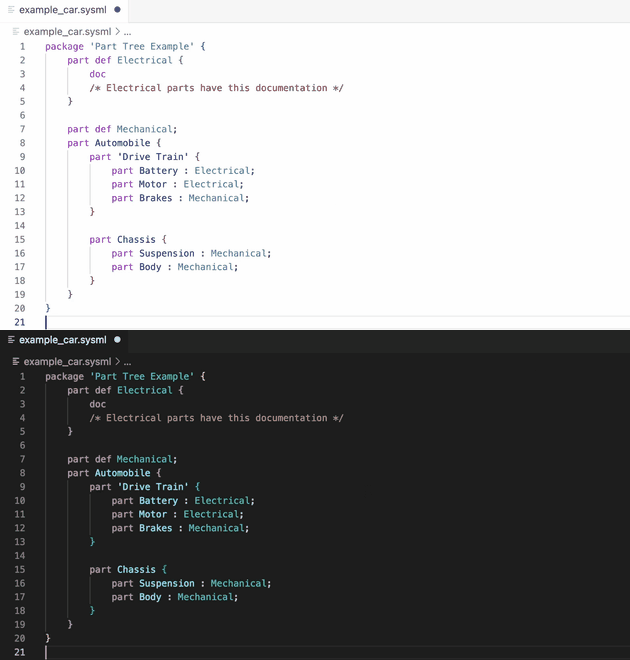
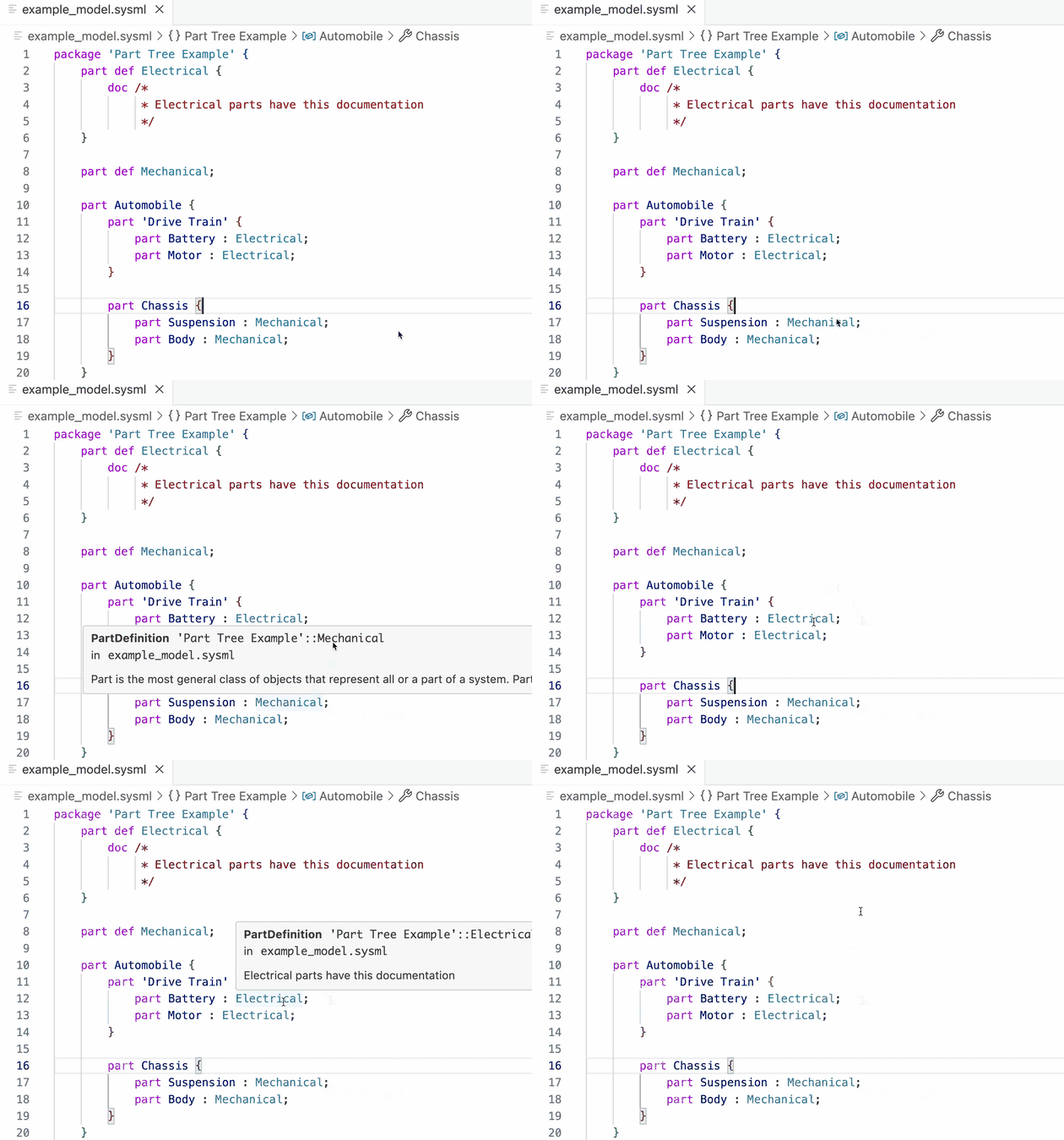
Semantic HighlightingQuickly identify element types and model structure through visual styling based on semantic meaning.
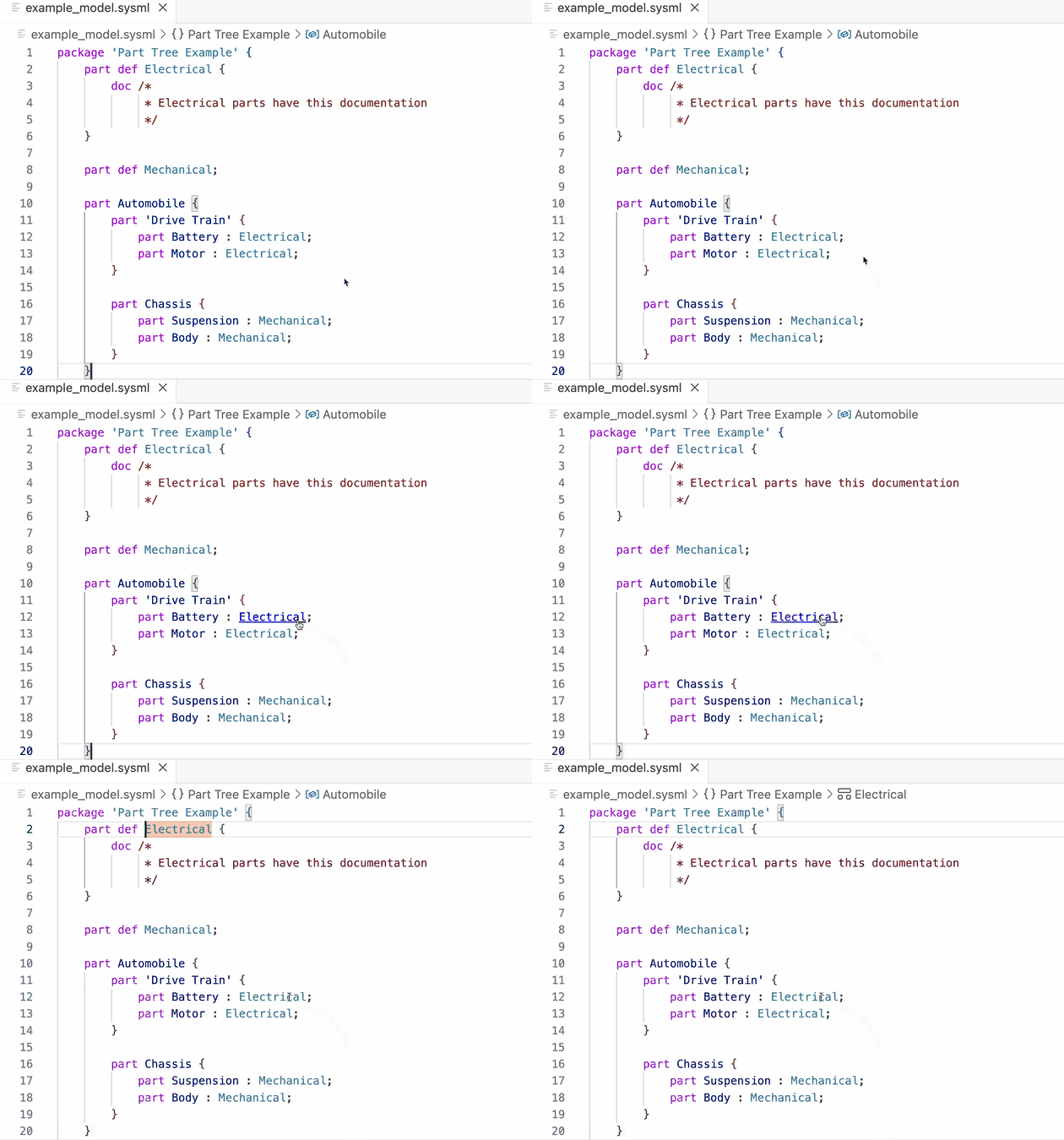
Model NavigationNavigate your model efficiently by jumping to definitions, finding references, and traversing specialization hierarchies across files.
Documentation on HoverAccess element documentation, type information, and metadata instantly without leaving your current context.
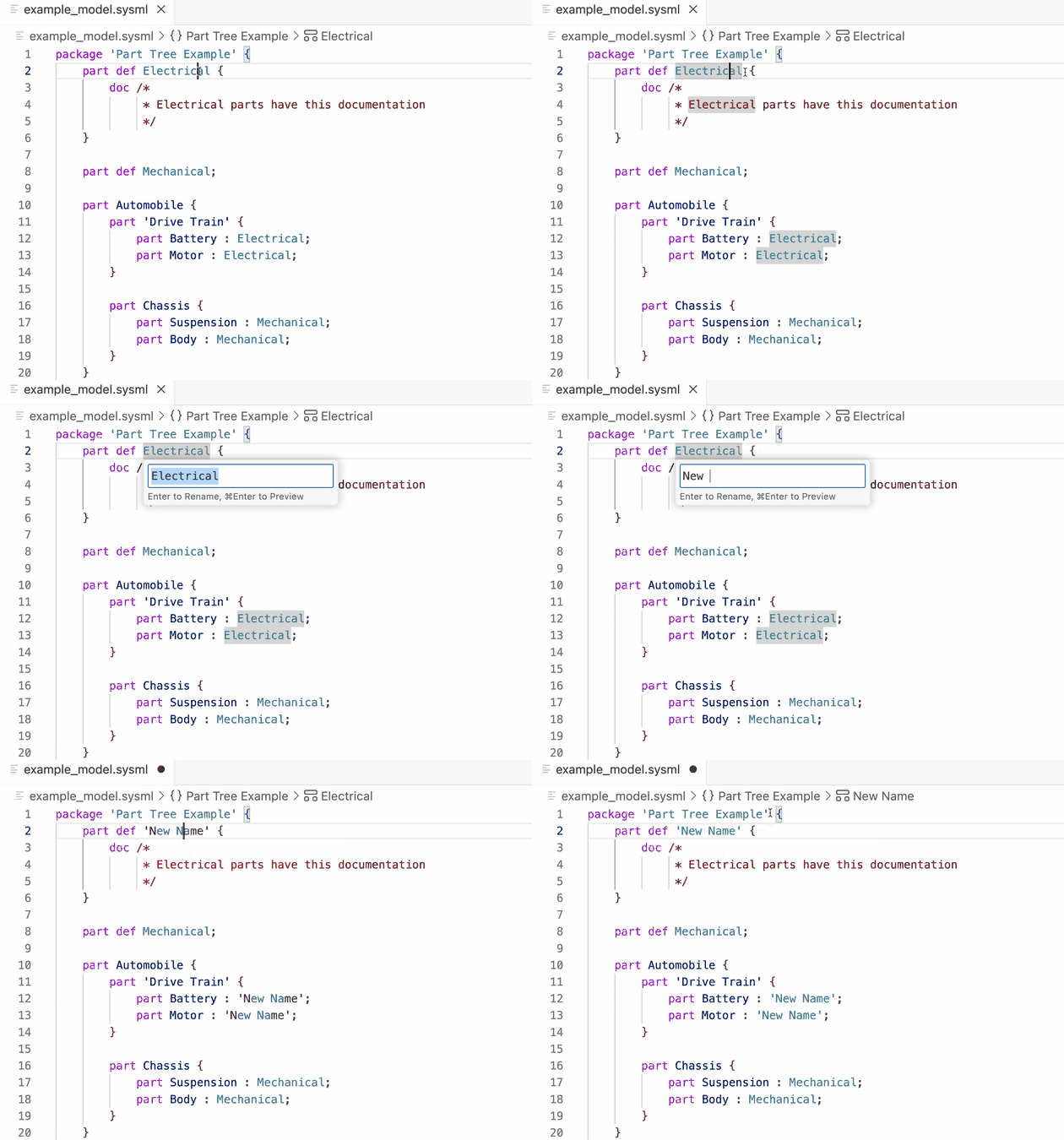
RenamingRename elements safely across your entire workspace with automatic updates to all references.
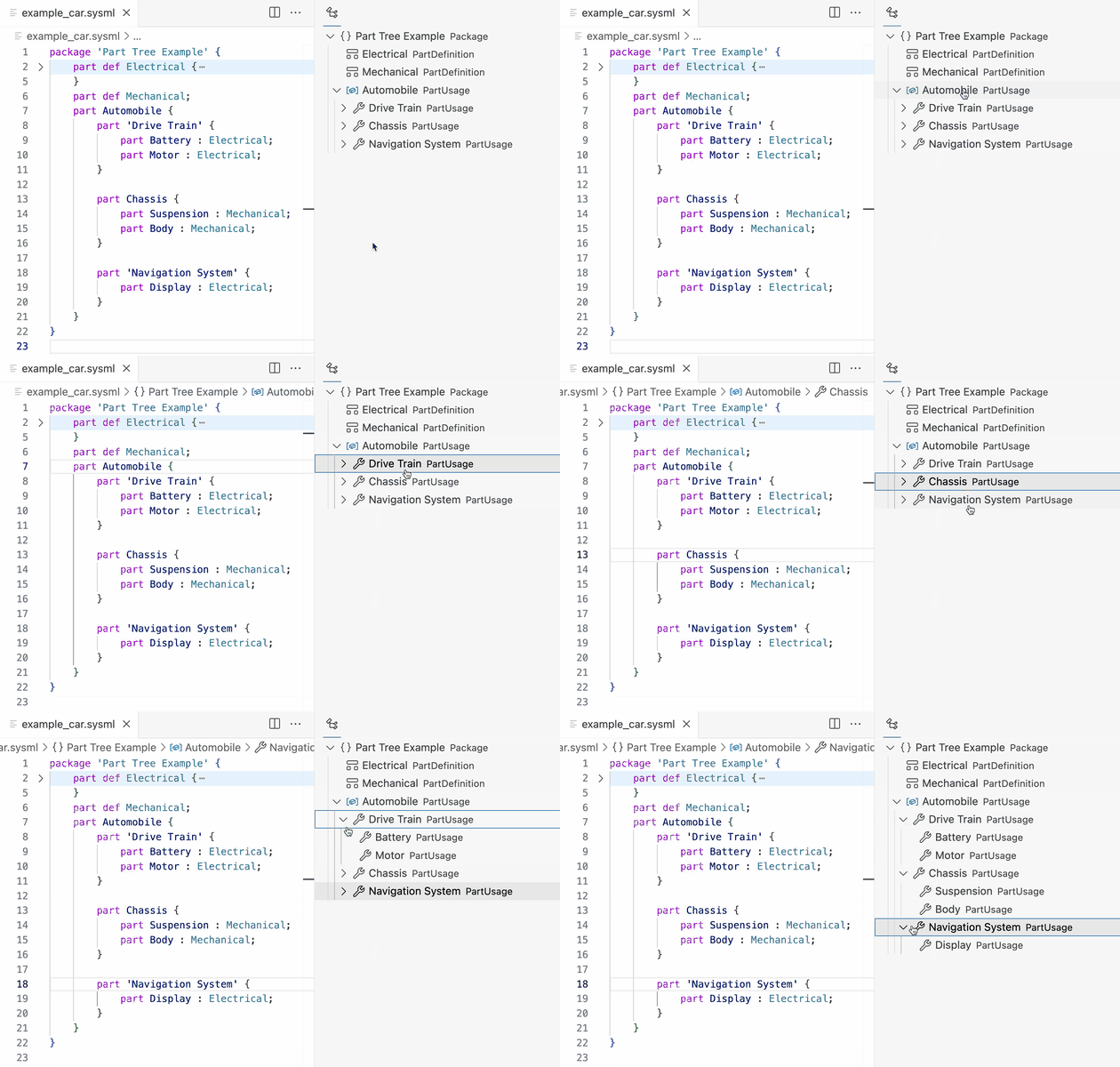
Document OutlineNavigate quickly to any element using a hierarchical tree view that provides structural overview of the currently opened document.
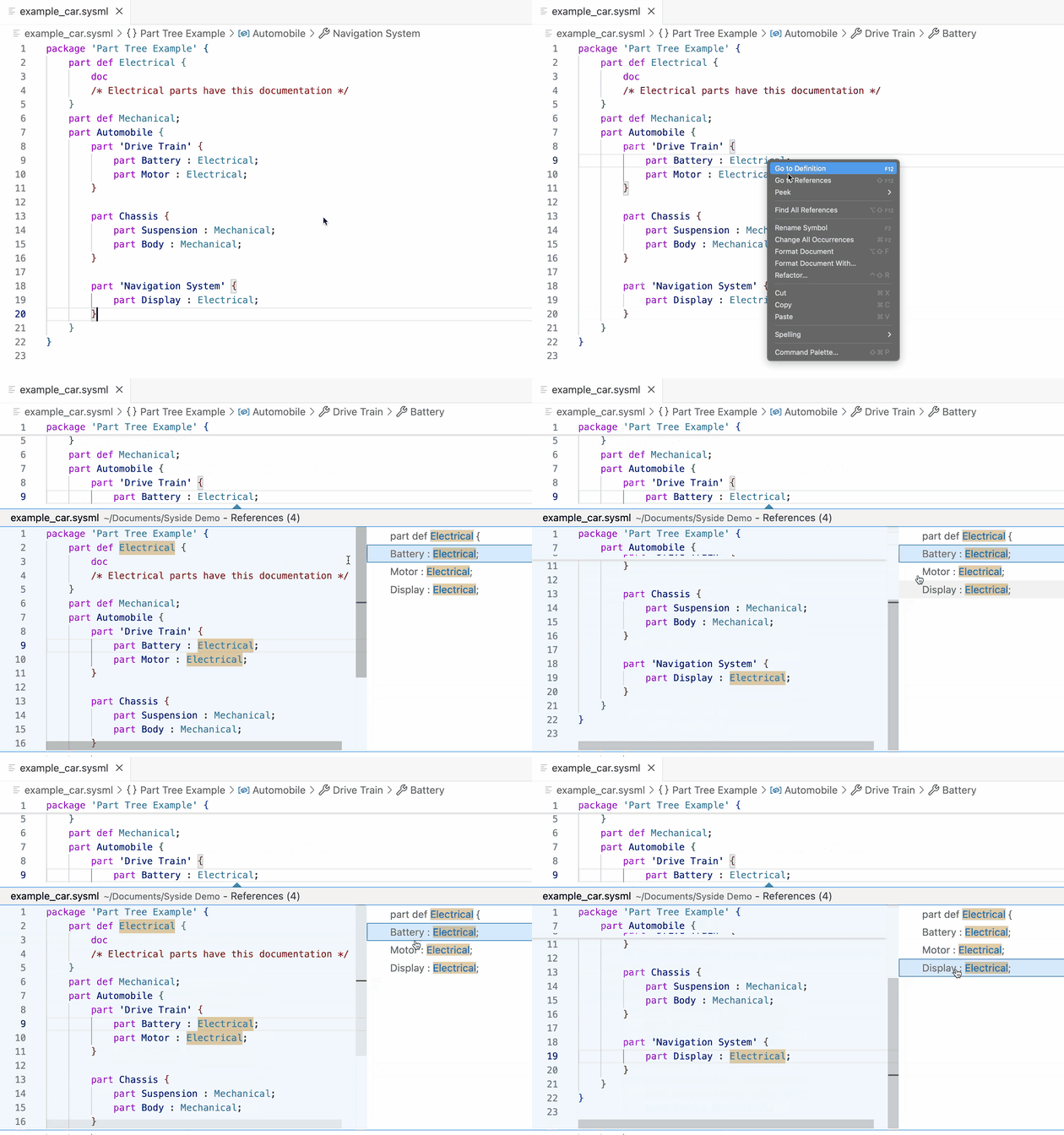
ReferencesUnderstand the impact of changes by finding all locations where an element is referenced.
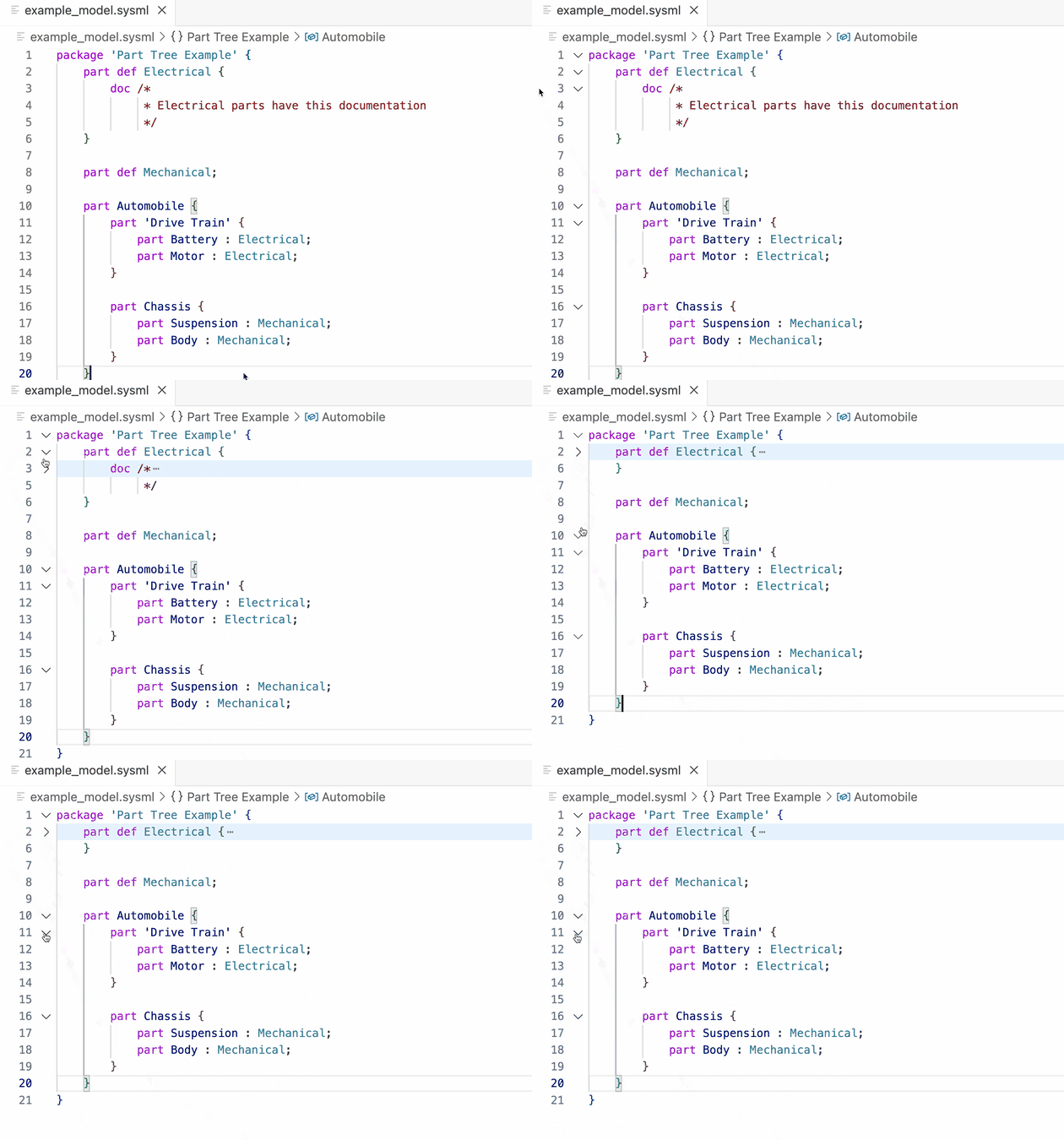
FoldingImprove readability by collapsing and expanding sections based on syntactic structure.
Auto-completionWrite SysML v2 code faster with context-aware suggestions for keywords, element names, and qualified references.
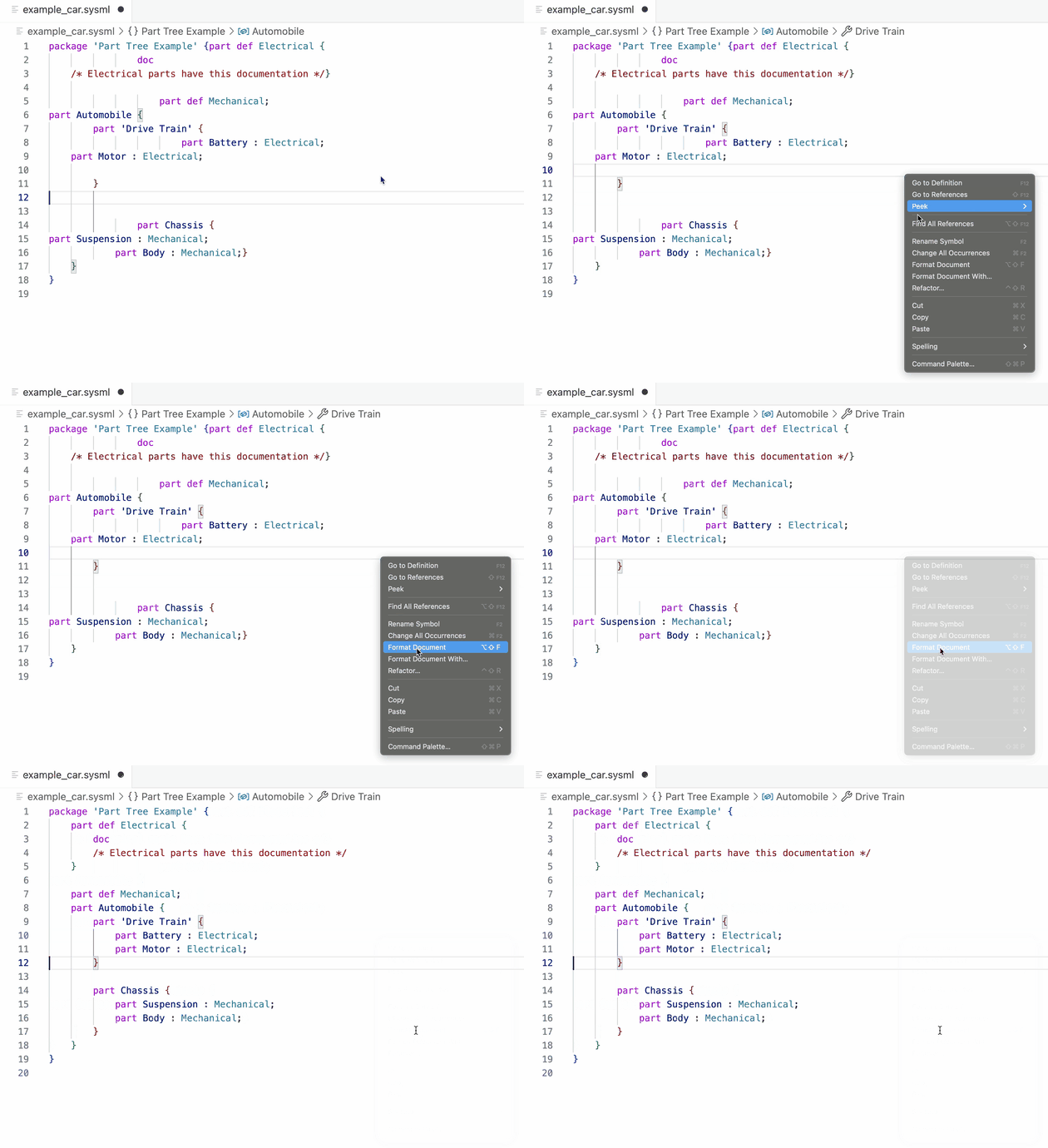
Auto-formattingMaintain consistent code style with automatic indentation, spacing, and alignment.
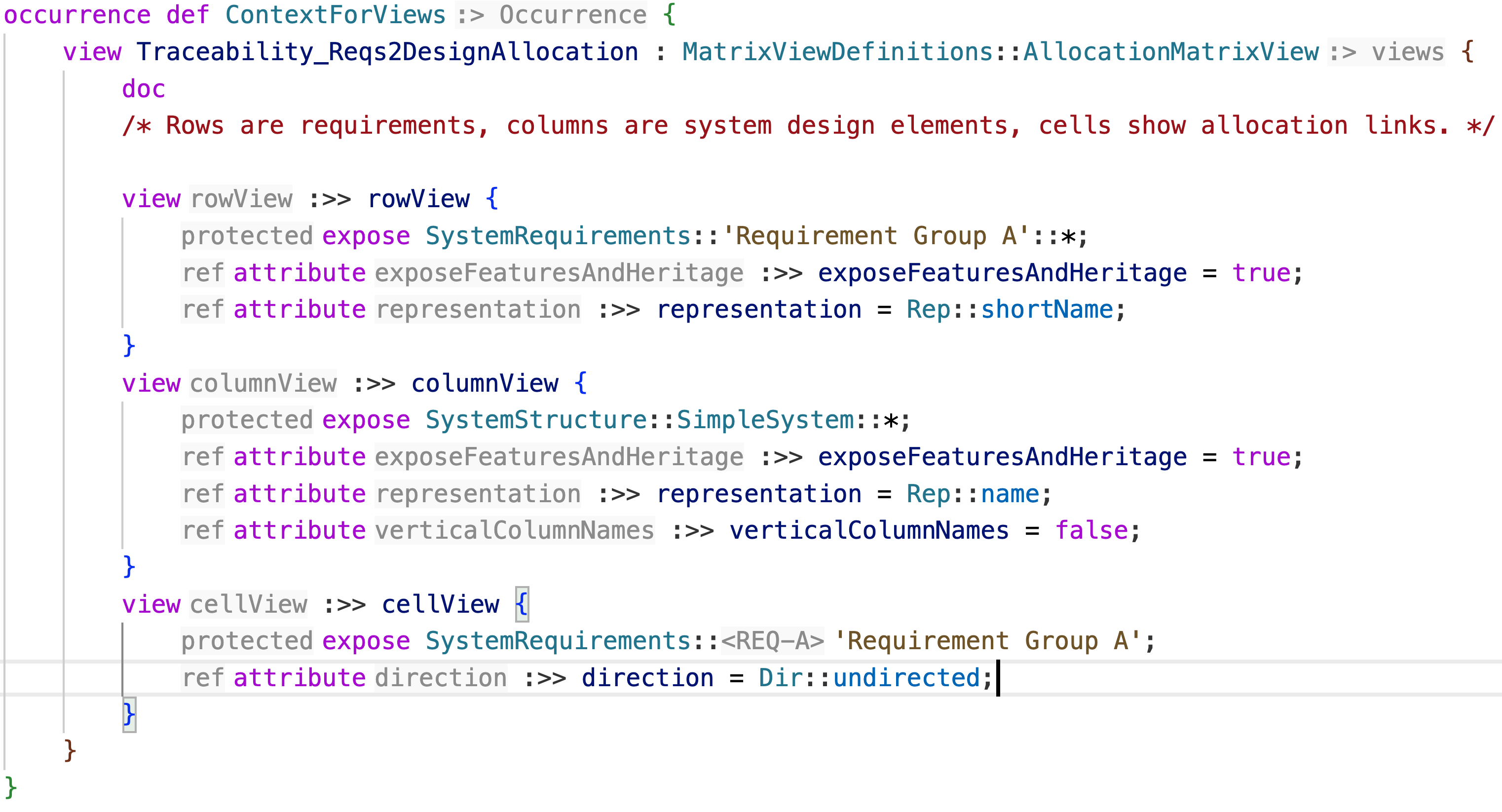
Inlay Hints [Modeler]Display inferred types, multiplicities, and redefined features as inline annotations alongside your code.
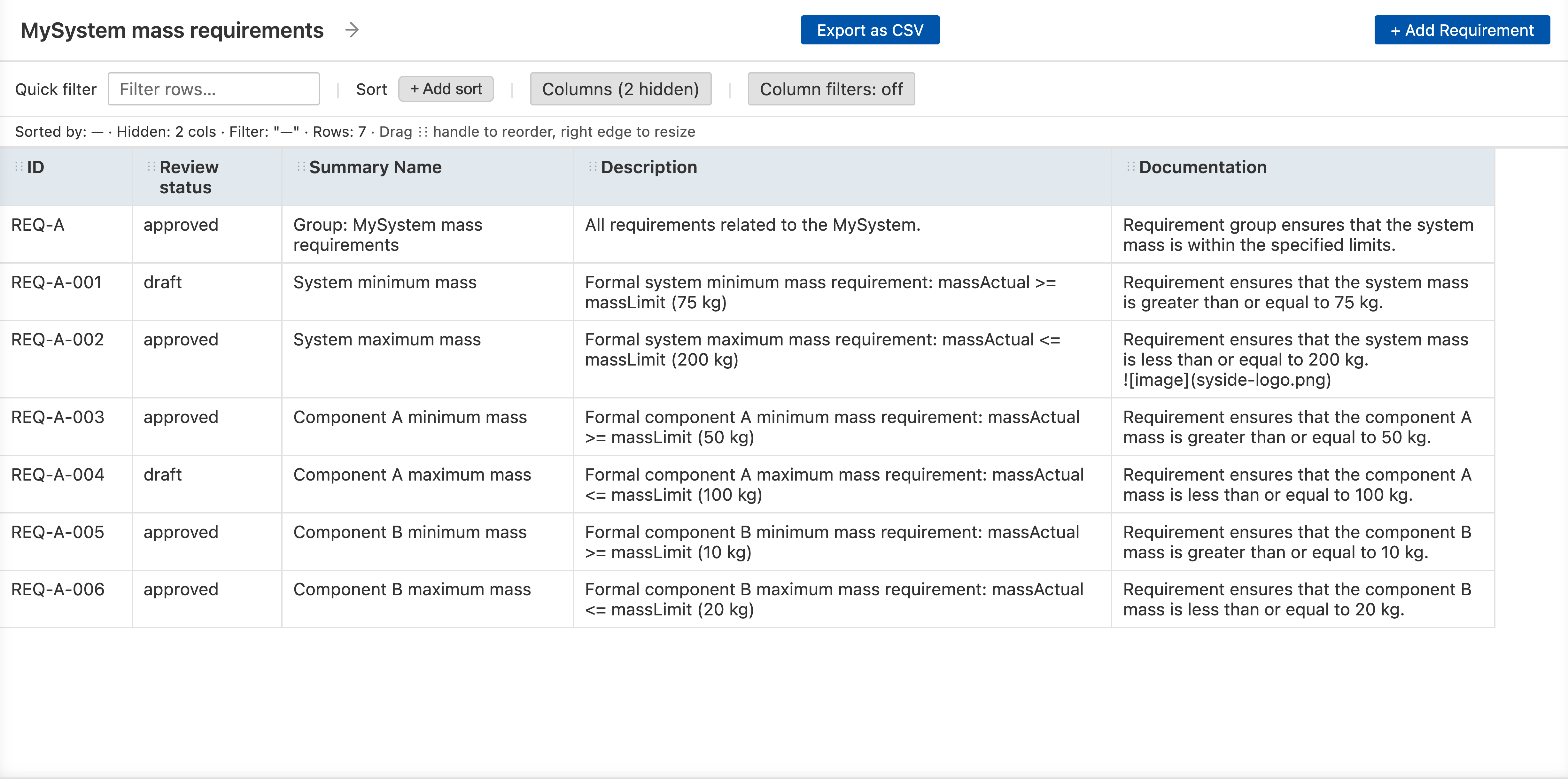
Tables [Modeler]Browse and edit your model in spreadsheet-like views.
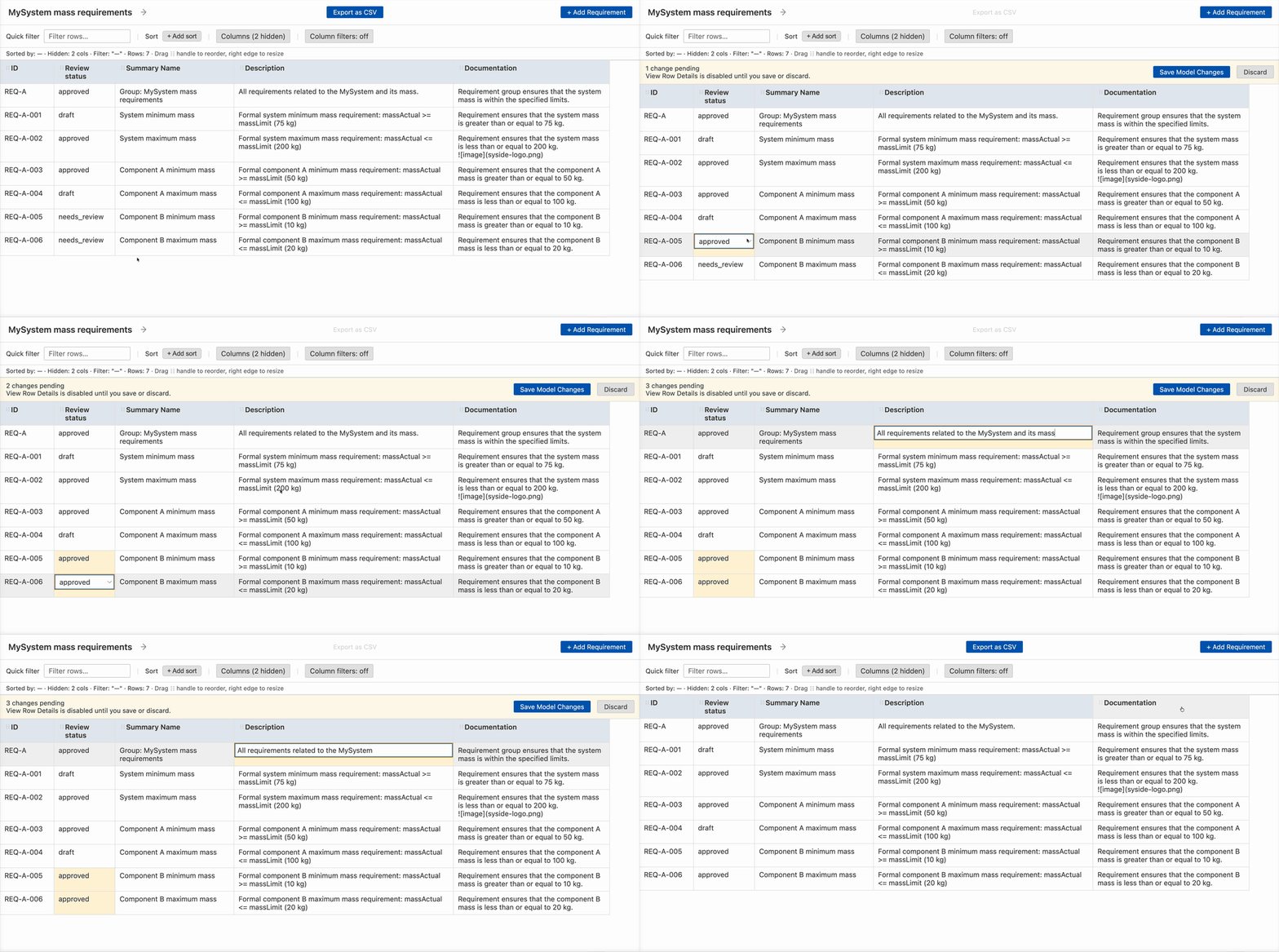
Edit Model in Table ViewModify attributes, statuses, and relationships directly in the table — every edit is written back to the SysML source automatically.
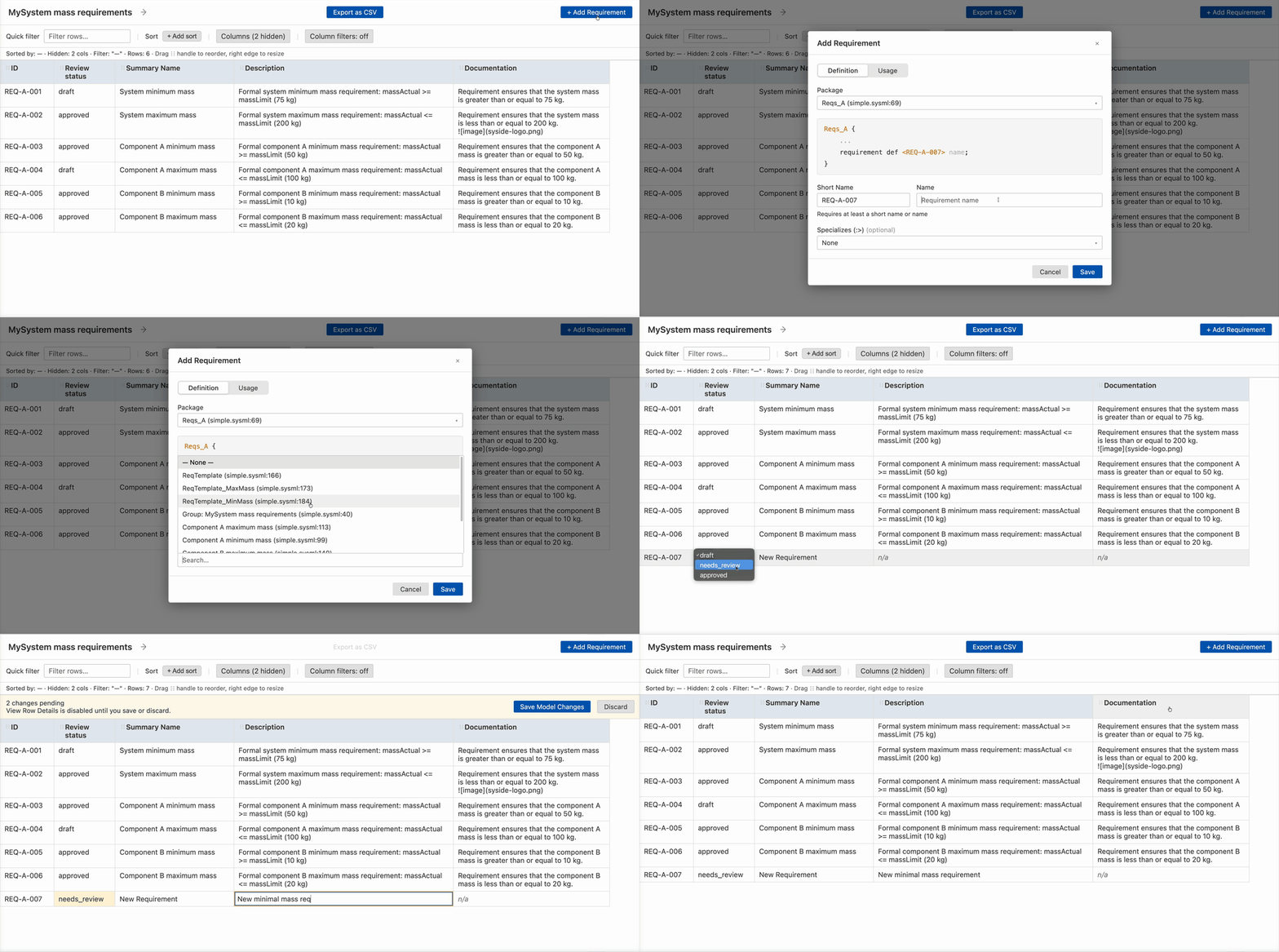
Add RequirementsAuthor new requirement definitions and usages from a guided dialog.
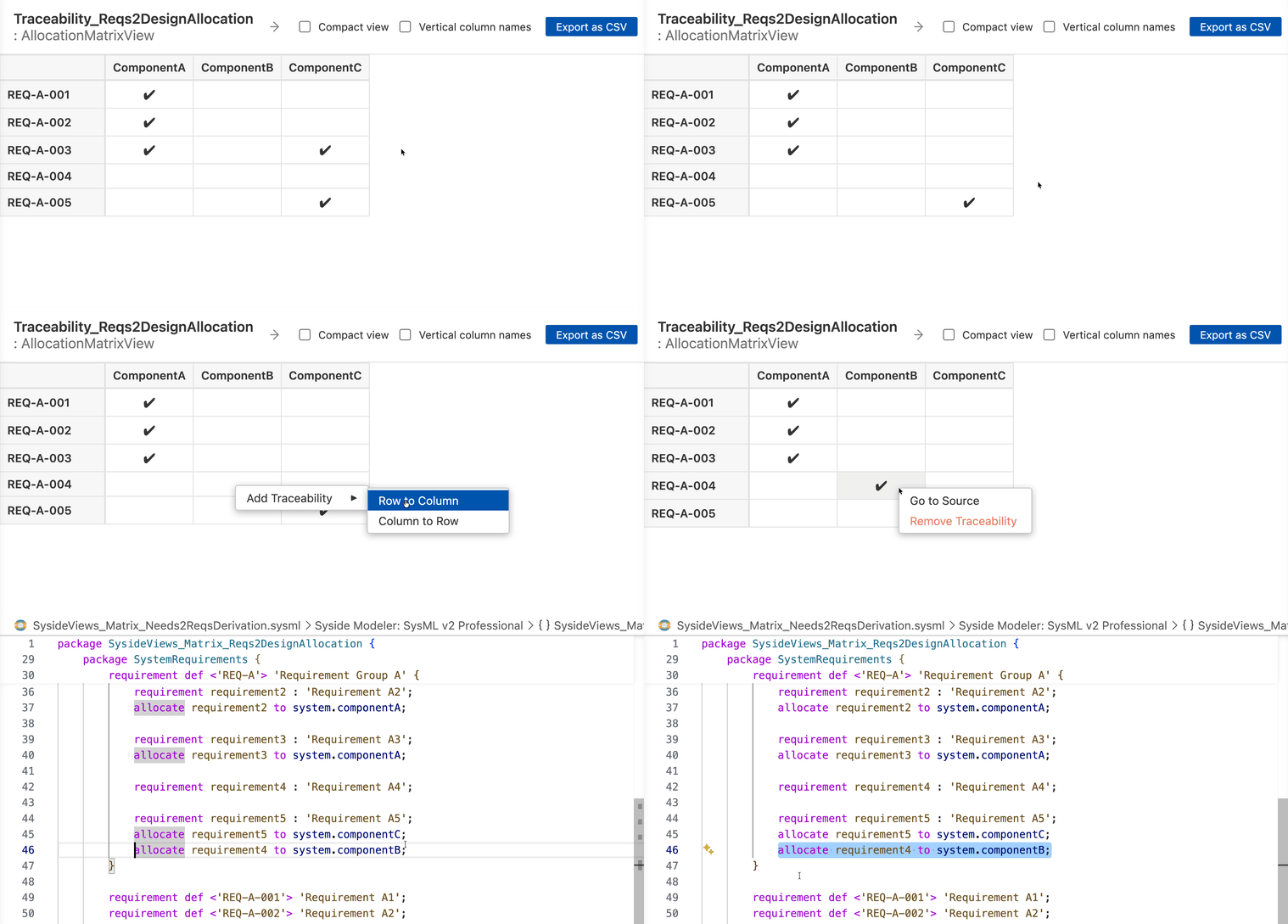
Matrix ViewsTrace relationships between model elements in a matrix grid.
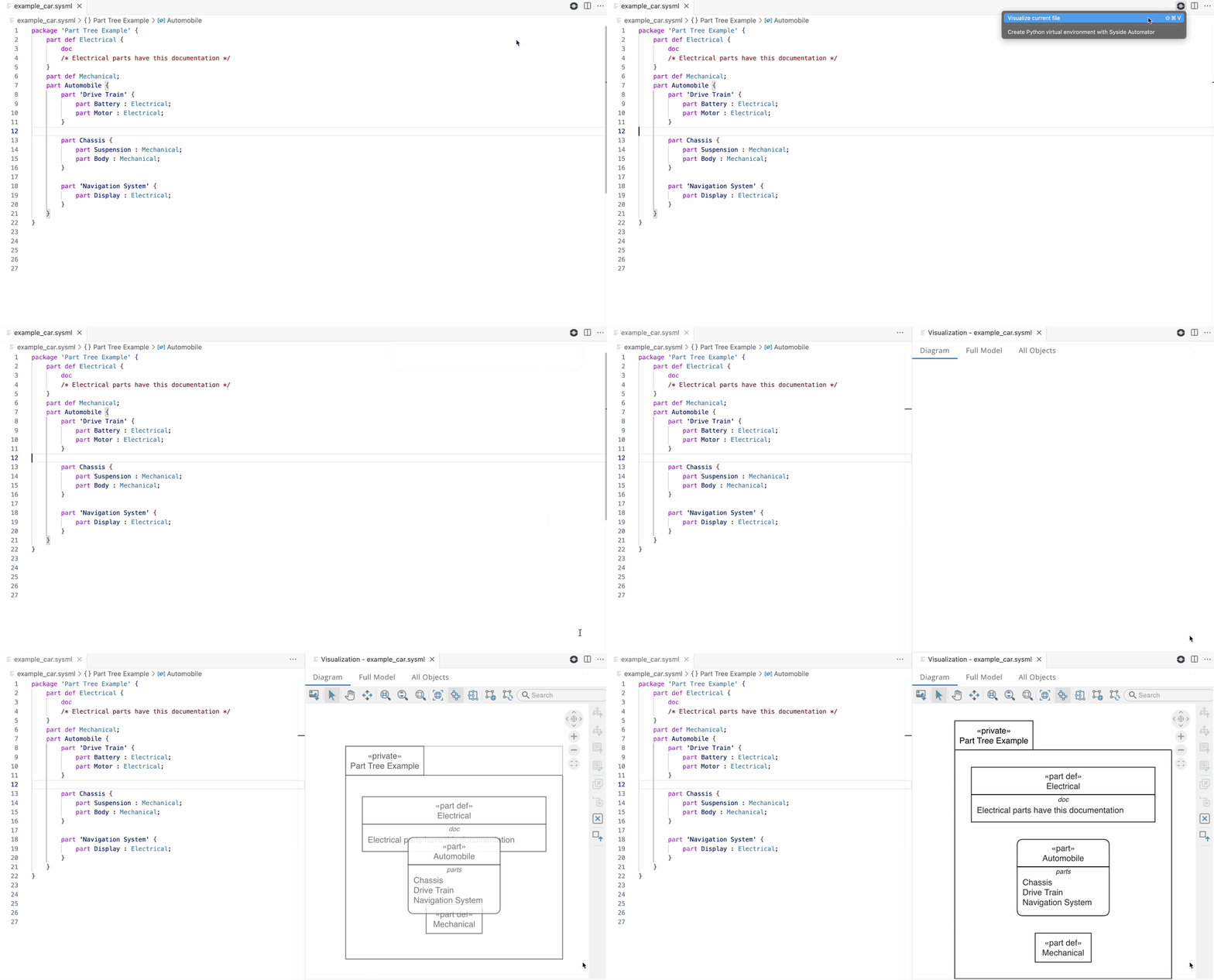
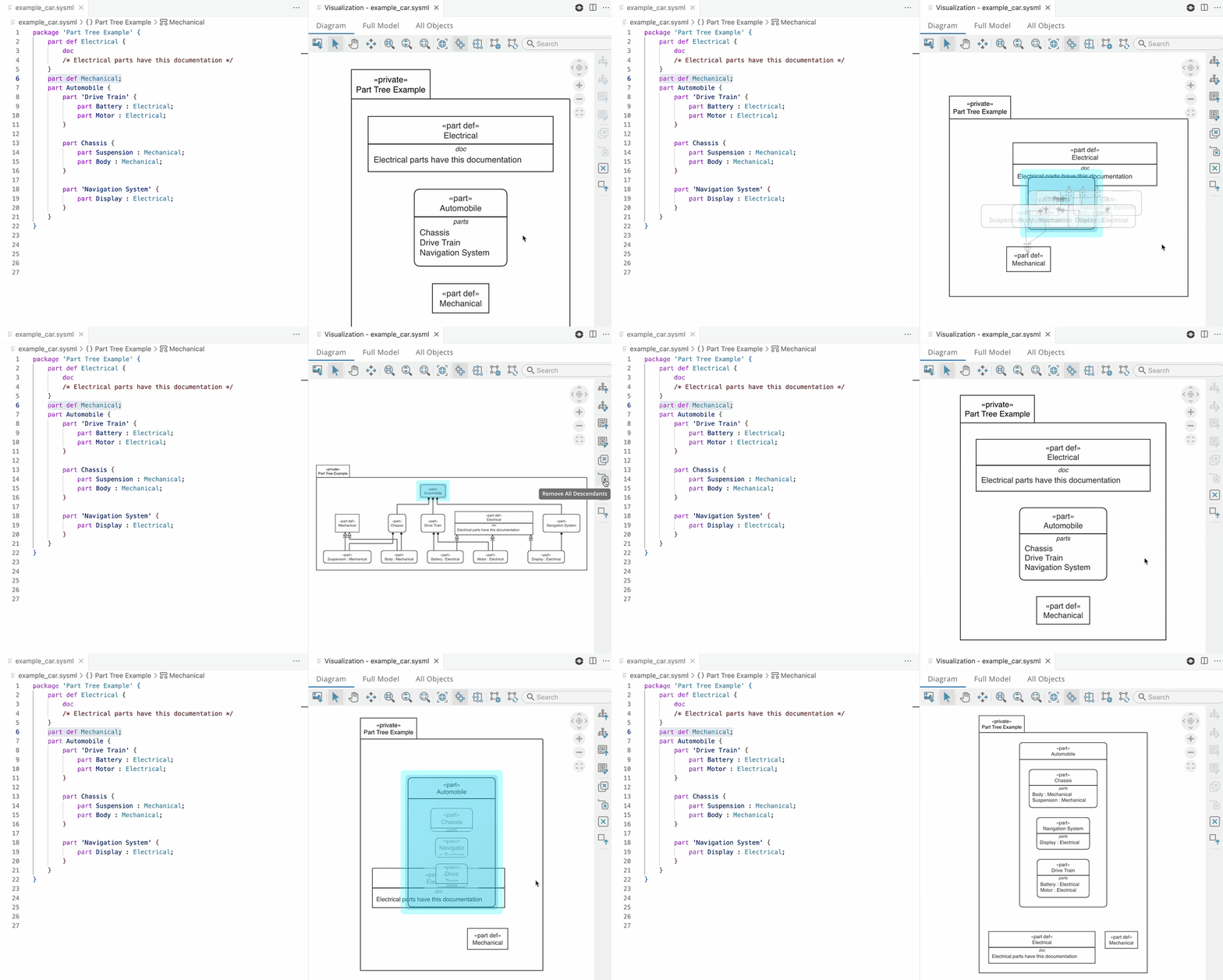
Diagrams [Modeler]Interactive Tree ViewExplore model structure through an interactive tree view that displays model elements and their relationships.
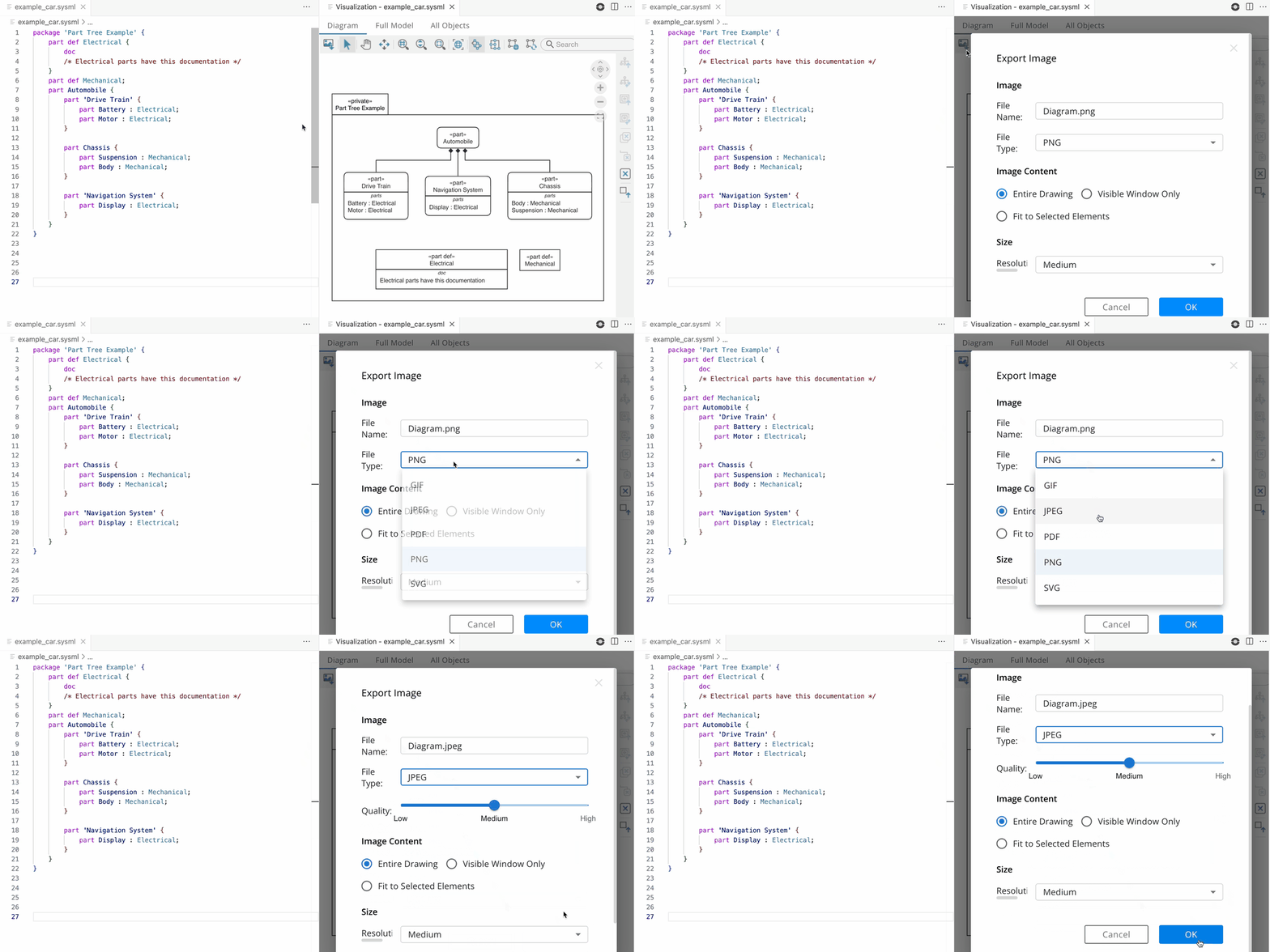
Export DiagramExport visualizations to multiple formats including PNG, SVG, and PDF.
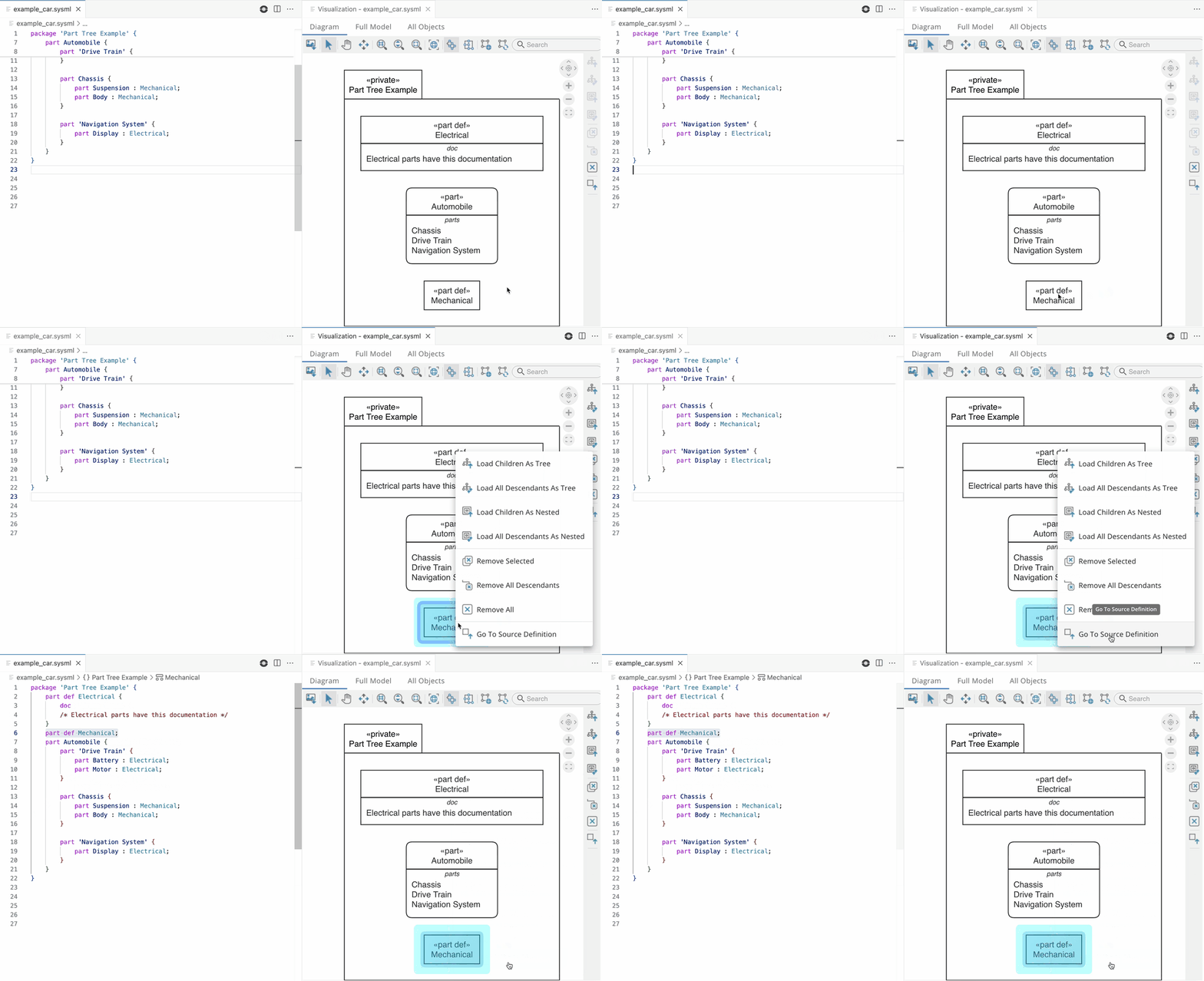
Show Source CodeJump directly from any diagram element to its corresponding definition in the text editor.
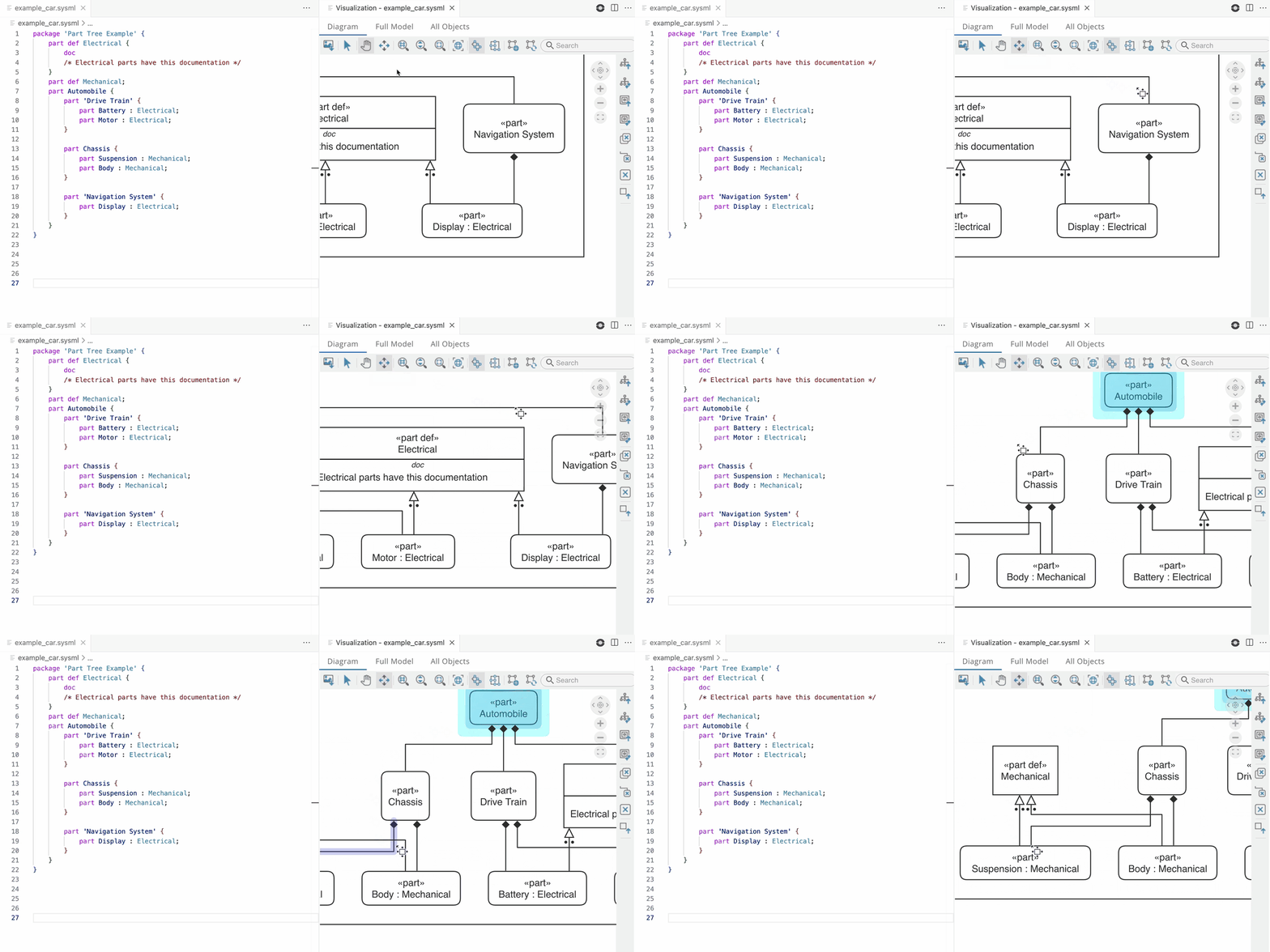
Navigate LinksTrace relationships between elements by following connection paths through the diagram.
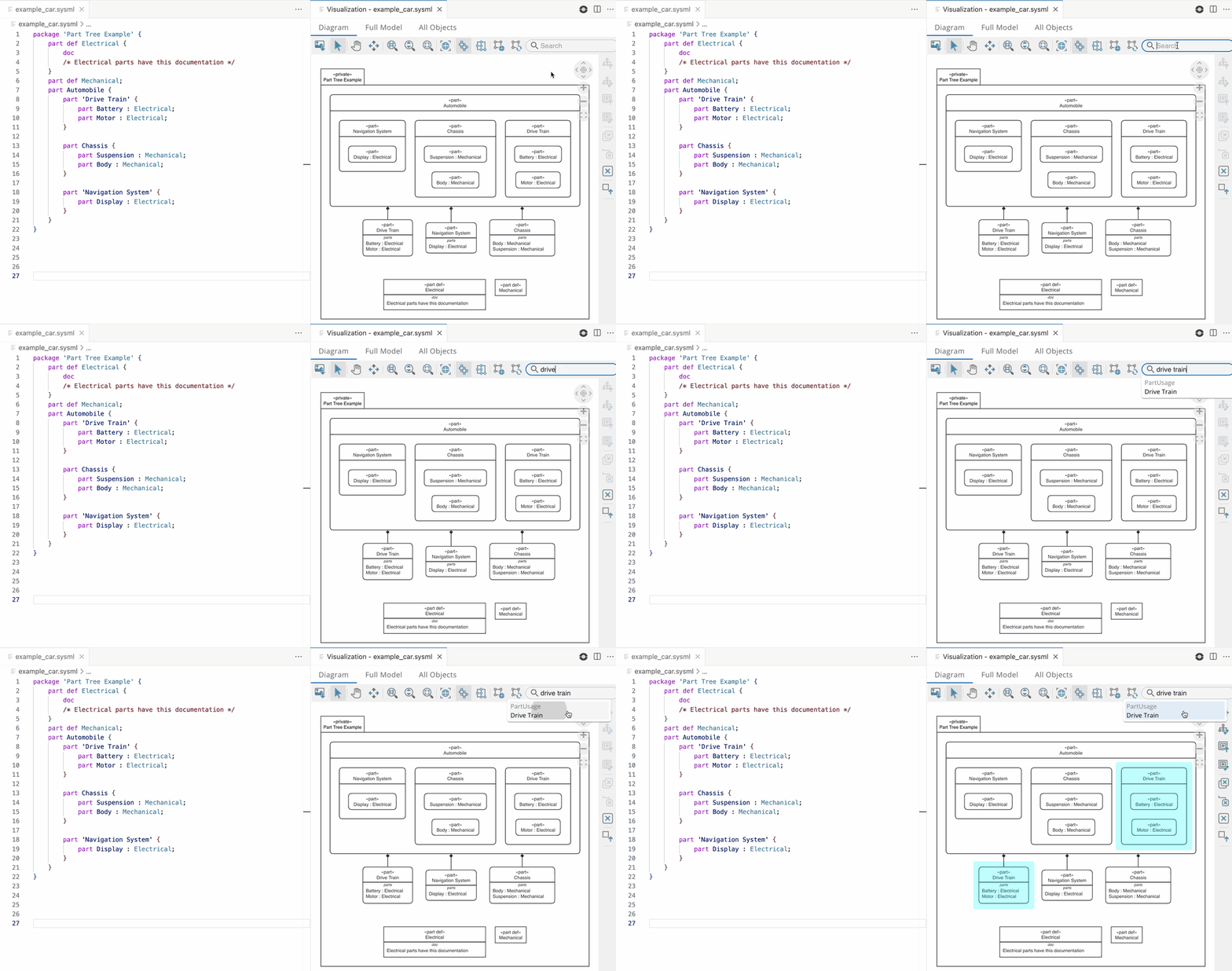
Search DiagramLocate elements quickly by searching for names, with matching results highlighted in the visualization.
Resources
Developed by Sensmetry - Enabling Systems Integrated Digital Engineering to build superior systems much faster. |