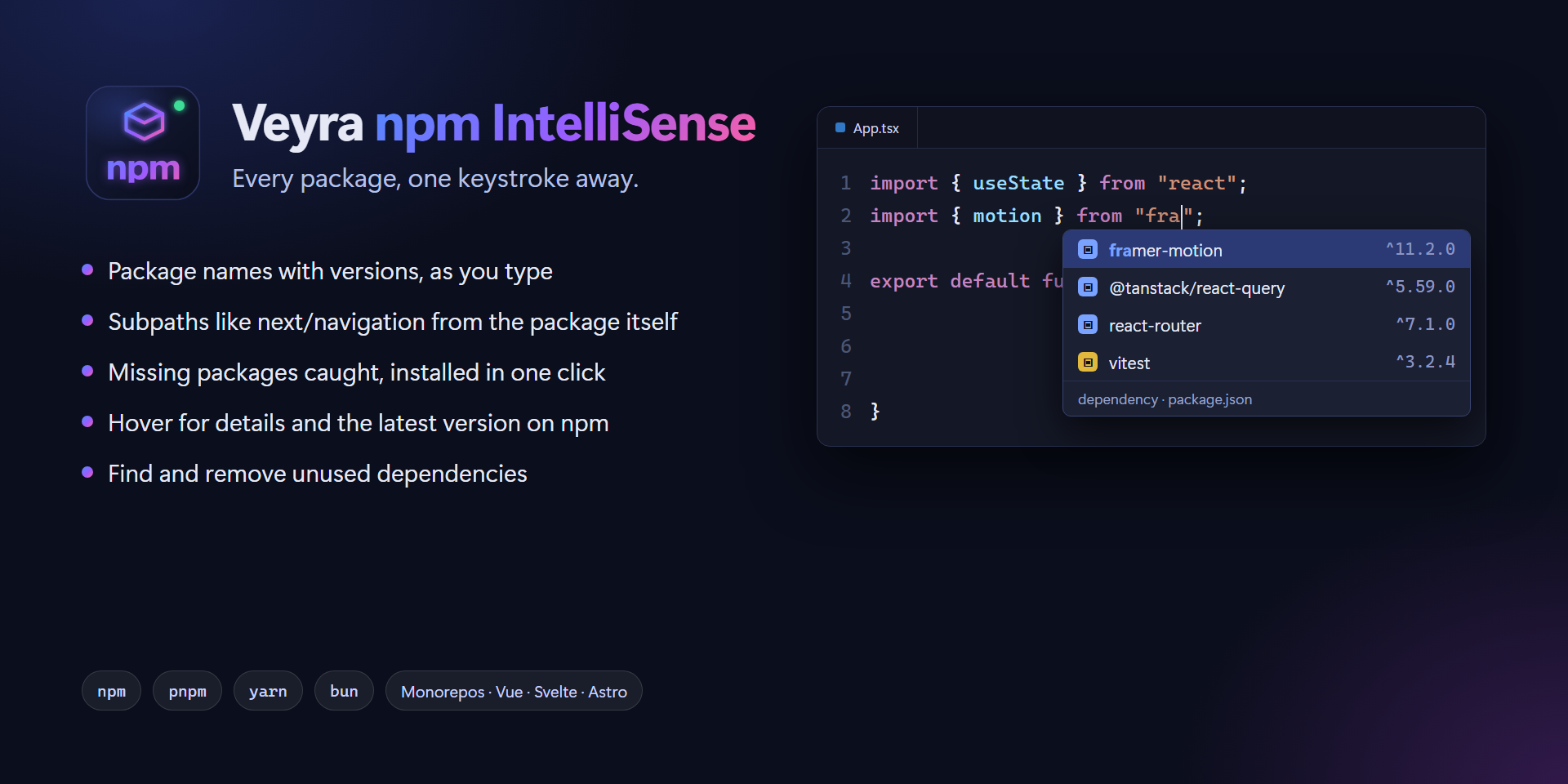
Veyra npm IntelliSense
Every package, one keystroke away.
Autocomplete npm packages in your imports, catch missing ones before they break your build, and keep package.json tidy. A faster, smarter take on npm IntelliSense, by the makers of Veyra Studio. Free and open source.
- 📦 Package names with versions as you type
import or require, dependencies first.
- 🧭 Subpaths like
next/navigation and @mui/material/Button, read from the package itself.
- 🟢 Node.js built-ins, with
node: when your file uses it.
- ⚠️ Missing packages caught as you type, installed in one click with npm, pnpm, yarn or bun.
- 🔍 Hover any import for its version, licence, links and the latest version on npm.
- 🧹 Find unused dependencies and remove them in one step.
- 🏗️ Monorepos, aliases, Vue, Svelte and Astro understood out of the box.
Package names, with versions
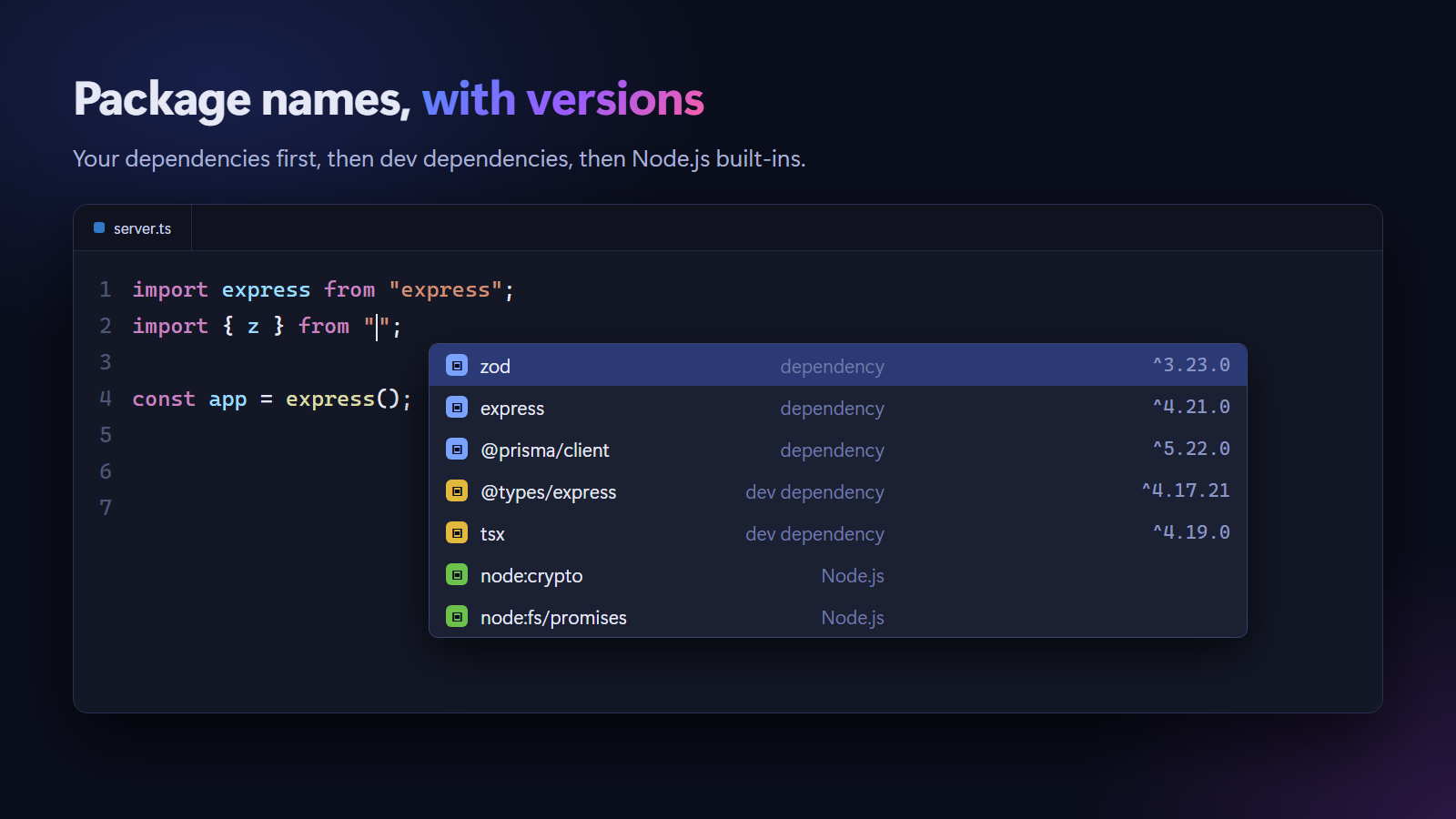
Type inside the quotes of an import, export … from, import(), require(), jest.mock() or vi.mock() and pick from your project's packages. Each suggestion shows its version and whether it is a dependency, dev dependency, peer or optional dependency. Your dependencies come first, then dev dependencies, then Node.js built-ins, and the package's description appears beside the list.
import { motion } from "fra|"        // framer-motion   ^11.2.0
const express = require("ex|")       // express         ^4.21.0
await import("cha|")                 // chart.js        ^4.4.0
vi.mock("axi|")                      // axios           ^1.7.0
Subpaths, straight from the package
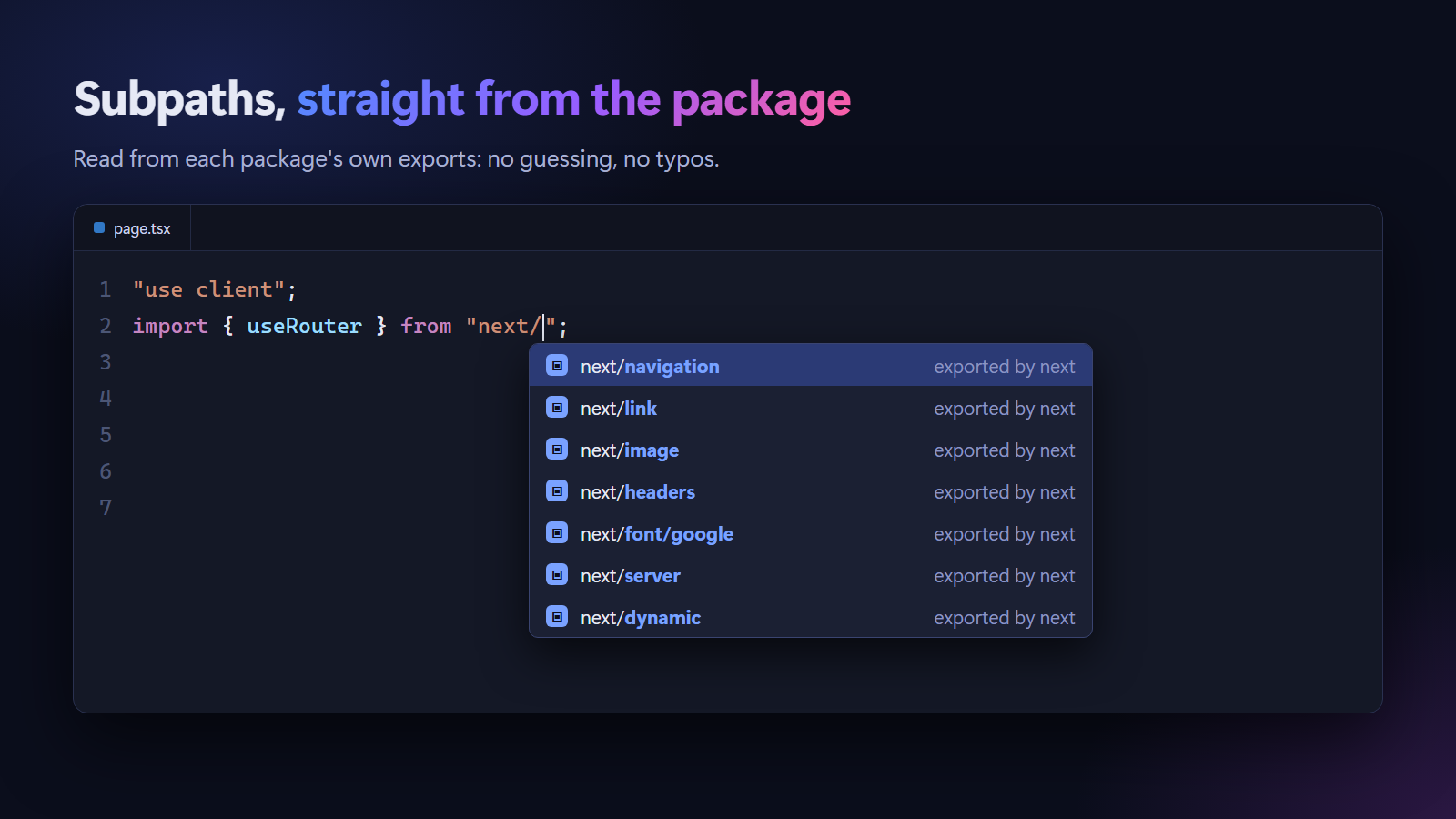
After package/, see what the package really exports: next/navigation, @mui/material/Button, date-fns/locale, firebase/auth. They come from the package's own exports in package.json, so they are always right for the version you have installed. For older packages without exports, browse their folders and files.
Missing packages, caught as you type
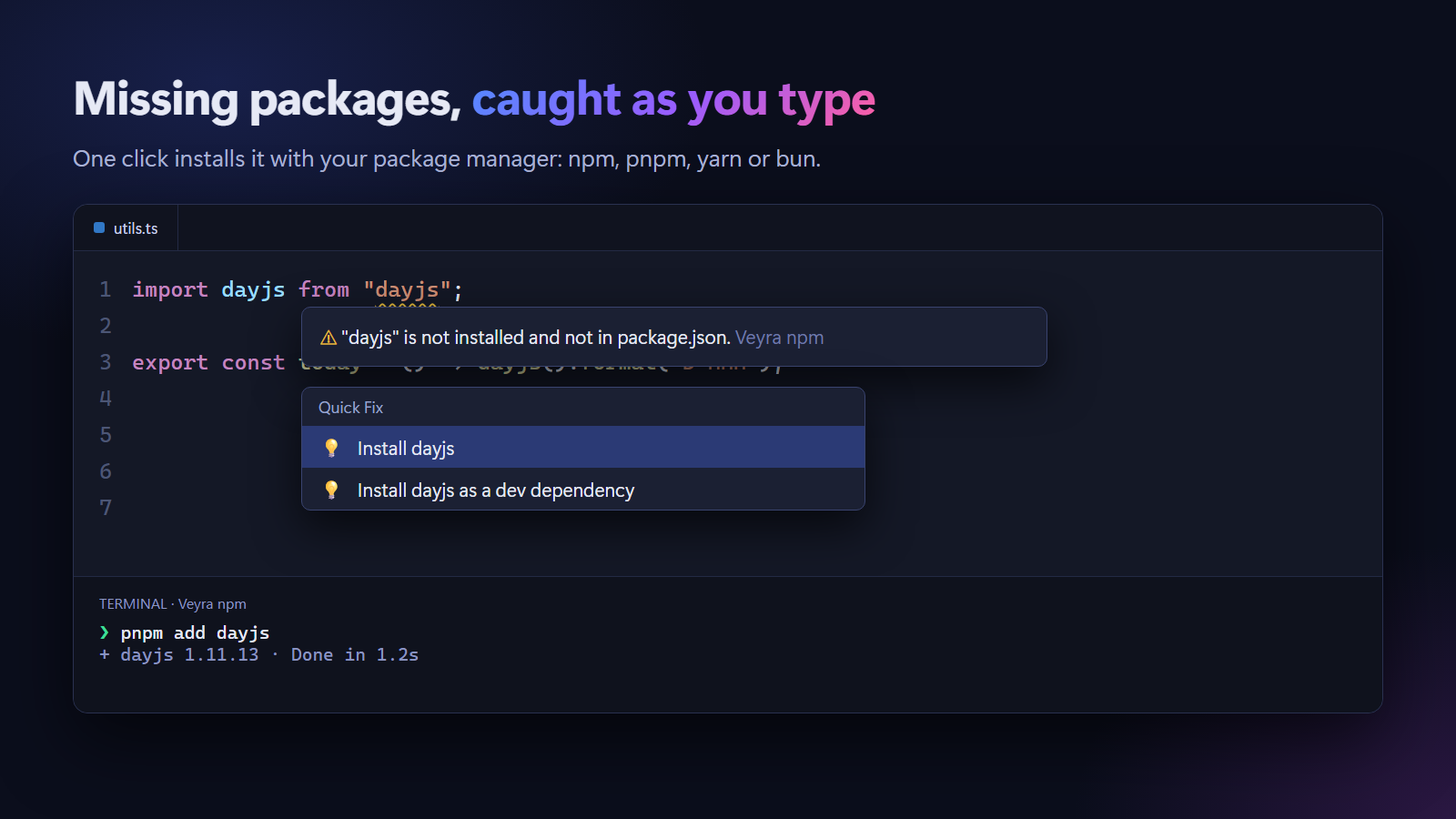
Every import is checked against your package.json and node_modules:
| Warning |
What it means |
Quick fix |
| not installed and not in package.json |
The import will fail when you run or build. |
Install it, as a dependency or dev dependency |
| not in package.json |
It works only because another package installed it, and can break when that package changes. |
Install it so it is in package.json |
| in package.json but not installed |
Someone added it and you have not installed yet. |
Run install |
Quick fixes use your package manager, found from the lockfile or the packageManager field: npm install, pnpm add, yarn add or bun add. They run in a terminal you can see. When the install finishes, the warning disappears by itself.
Everything about a package, on hover
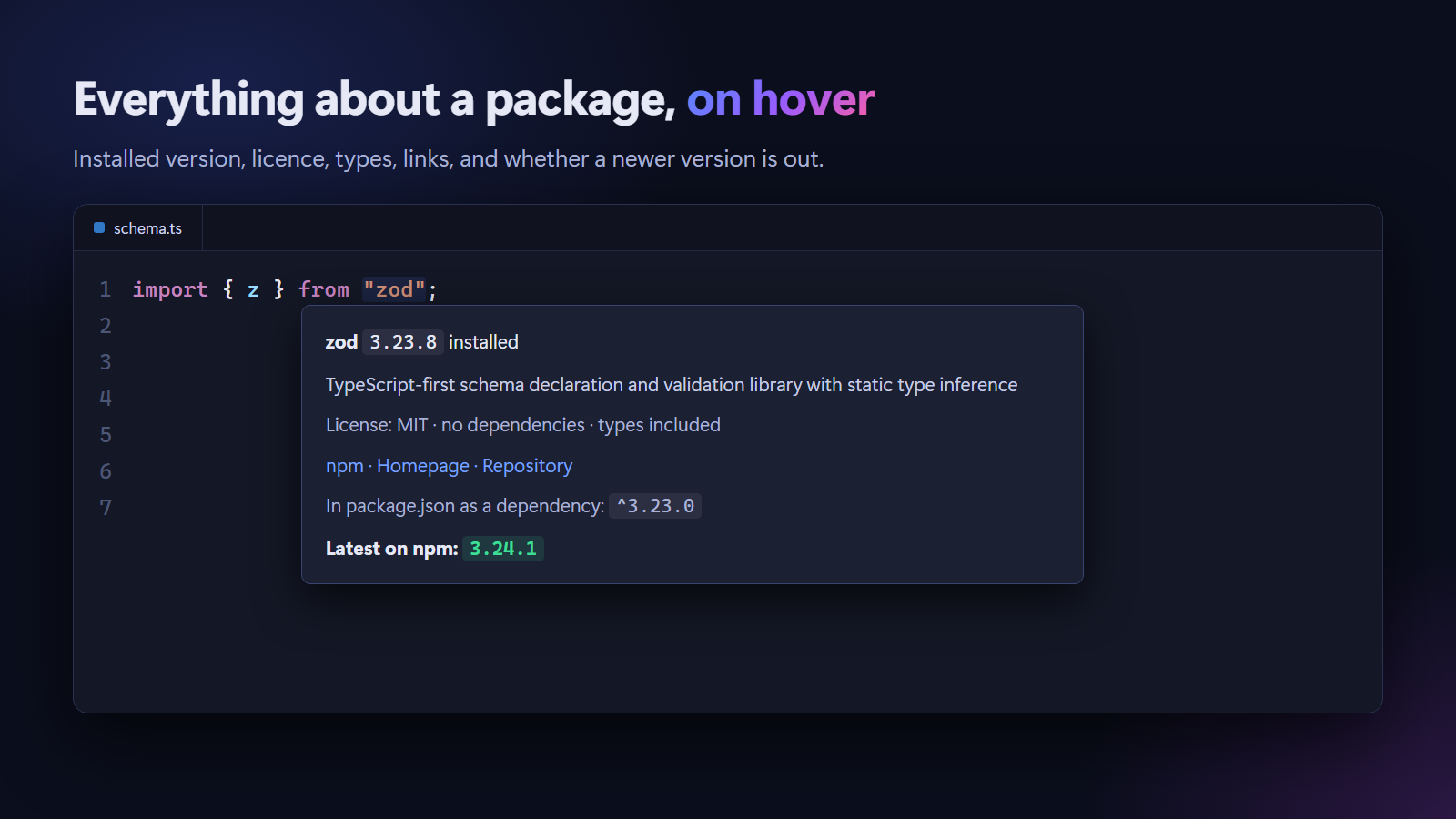
Hover an import to see:
- the installed version and the version range in
package.json;
- the description, licence, number of dependencies and whether types are included;
- links to npm, the homepage and the repository;
- the latest version on npm, highlighted when you are behind.
Hover a built-in like node:fs for a link to its Node.js documentation.
Find unused dependencies
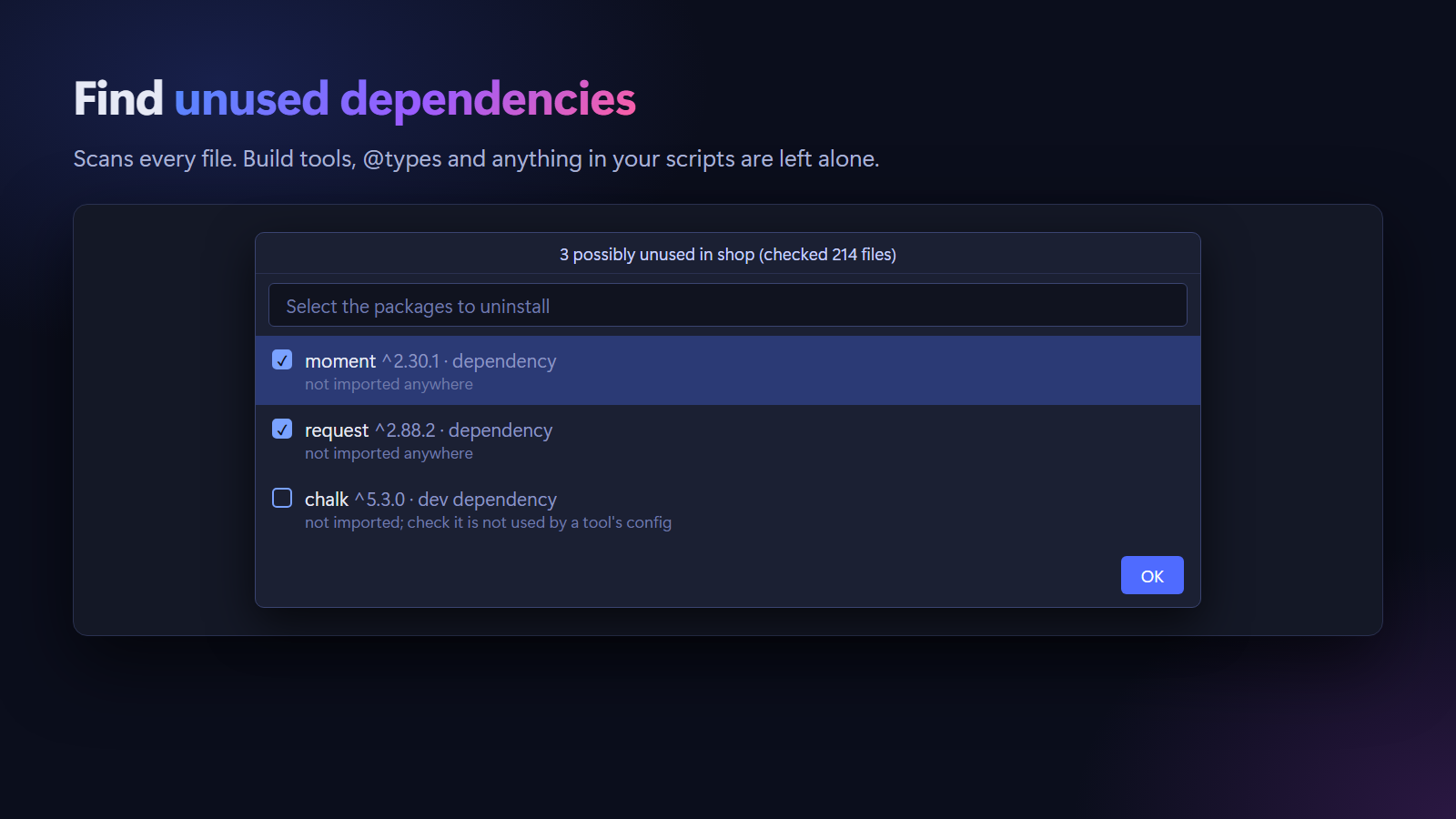
Run Veyra npm: Find Unused Dependencies from the Command Palette, or right-click a package.json. Every source file is scanned, including config files, and the dependencies nothing imports are listed. To avoid false alarms, these are never reported:
- build and test tools: TypeScript, ESLint, Prettier, Vite, Vitest, Jest, Tailwind CSS, PostCSS, Next.js and more;
@types packages, ESLint and Prettier plugins, Babel and PostCSS plugins;- anything named in your
scripts, and packages your tsconfig.json uses.
Tick the ones to remove and they are uninstalled in one step, after you confirm. Dev dependencies start unticked, since a tool may load them by name.
Add an import without leaving the keyboard
Veyra npm: Add Import from Package lets you pick a package, then the kind of import (default, named, namespace or side effect), and writes it below your other imports. It writes require() in CommonJS files, puts the import inside <script> in Vue and Svelte files, and picks a good name, like reactQuery for @tanstack/react-query.
Works with your setup
- Monorepos and workspaces: packages from the nearest
package.json first, then from the workspace root.
- Aliases are not mistaken for packages:
@/, ~/, #imports, tsconfig and jsconfig paths, SvelteKit $app and $lib, Astro modules, Vite virtual: modules, and anything in veyraNpm.ignore.
- Languages: JavaScript, TypeScript, JSX, TSX,
.mjs, .cjs, Vue, Svelte and Astro. In .vue, .svelte and .astro files only the script is checked.
- Package managers: npm, pnpm, yarn and bun, including Yarn Plug'n'Play.
- Comments and strings that only look like imports are ignored.
Commands
| Command |
What it does |
| Veyra npm: Add Import from Package… |
Pick a package and add an import for it |
| Veyra npm: Install Package… |
Install packages with your package manager, as dependencies or dev dependencies |
| Veyra npm: Install All Dependencies |
Run install for the current package |
| Veyra npm: Find Unused Dependencies |
List dependencies nothing imports, and remove the ones you choose |
Settings
| Setting |
Default |
Description |
veyraNpm.checkImports |
true |
Warn about missing or uninstalled packages |
veyraNpm.builtins |
true |
Suggest Node.js built-in modules |
veyraNpm.nodeProtocol |
auto |
Write node:fs always, never, or when the file already does |
veyraNpm.importStyle |
auto |
What Add Import writes: import, require, or what the file uses |
veyraNpm.latestVersion |
true |
Show the latest npm version on hover. This is the only network request; turn it off to stay fully offline |
veyraNpm.ignore |
[] |
Extra import prefixes that are not npm packages, such as your own aliases |
Privacy
Everything runs on your computer, from your package.json and node_modules. The only network request is the optional latest-version lookup on hover, which sends just the package name to the public npm registry. No telemetry, no account.
In Restricted Mode, completions and hovers work and installing packages is turned off.
FAQ
How is this different from npm Intellisense?
It shows versions and dependency types, completes subpaths from the package's exports, warns about missing and uninstalled packages with one-click installs, shows package details on hover and finds unused dependencies. It also understands monorepos, aliases and Vue, Svelte and Astro files.
Can I use it together with npm Intellisense or Path Intellisense?
Yes. Relative paths like ./utils are left to VS Code and Path Intellisense. If you also keep npm Intellisense, you will see package names twice, so you may want to disable one.
An alias of mine is reported as missing.
Aliases from tsconfig or jsconfig paths are understood automatically. For others, add the prefix to veyraNpm.ignore, for example "veyraNpm.ignore": ["@shop/"].
More from Veyra

