SQLite Viewer — DBConvertOpen .db, .sqlite and .sqlite3 files in the editor: schema, ER diagram, read-only SQL across several databases, integrity check. Nothing leaves your machine. Installation Launch VS Code Quick Open ( Ctrl+P), paste the following command, and press enter.Copied to clipboard |

SQLite Viewer — DBConvertOpen .db, .sqlite and .sqlite3 files in the editor: schema, ER diagram, read-only SQL across several databases, integrity check. Nothing leaves your machine.
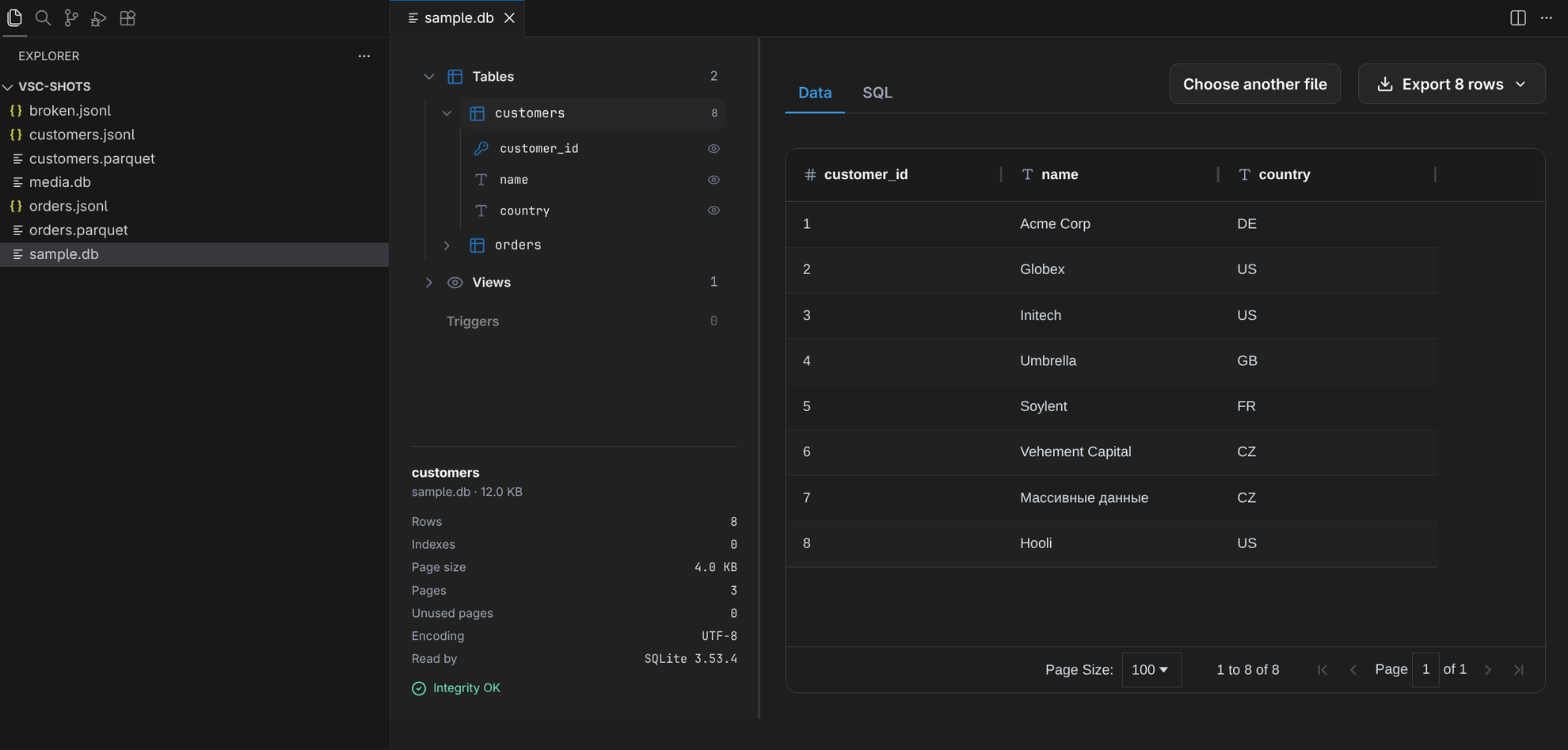
Pick the file in the Explorer and it opens as a tab: tables and views with their row counts,
triggers, a row grid you can sort and page through, how many indexes the file carries, the page
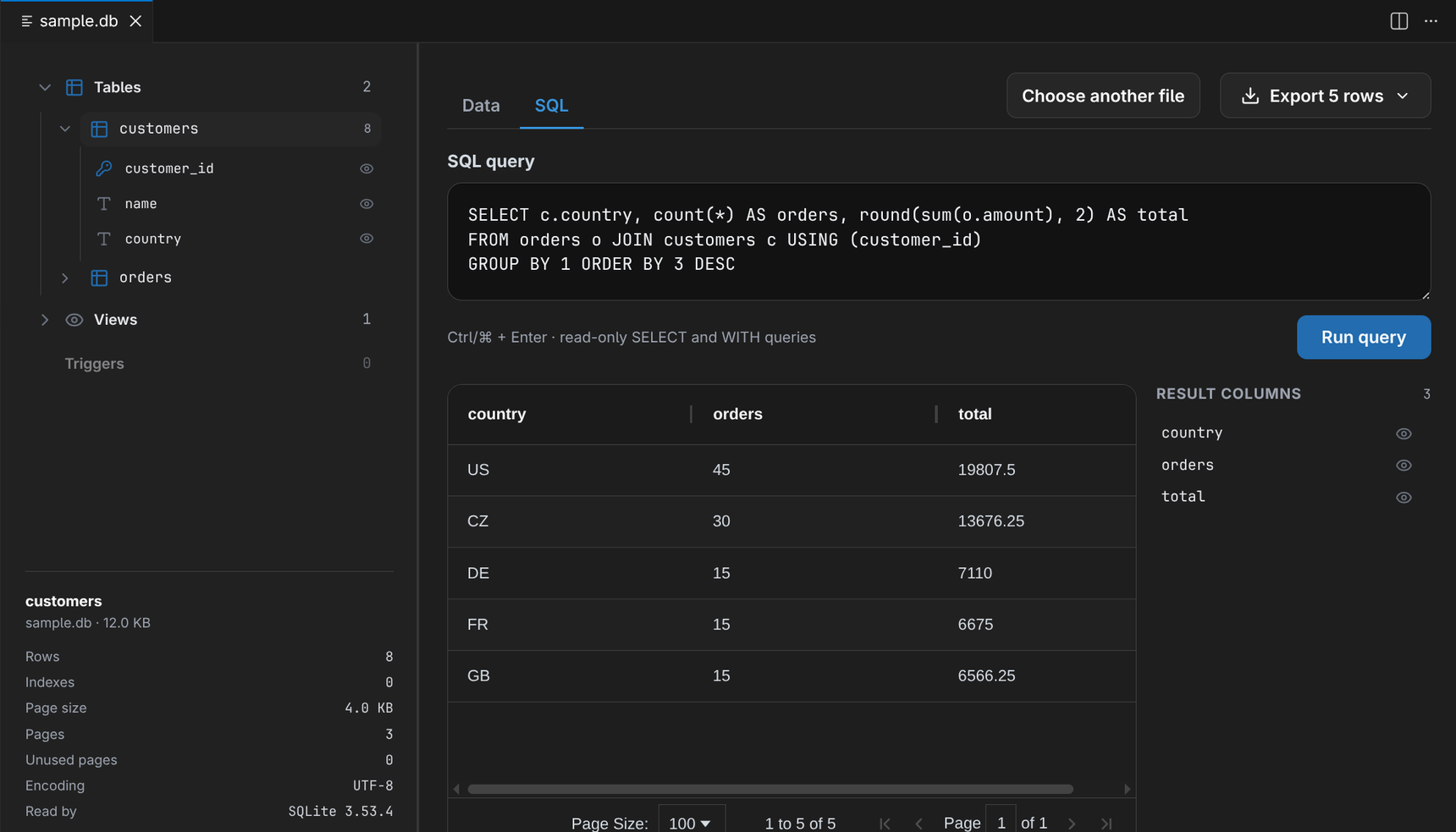
size and text encoding it was created with, and A damaged file still opens — it reports what the check found and shows whatever is readable, instead of refusing the file. Read-only SQL over the whole database
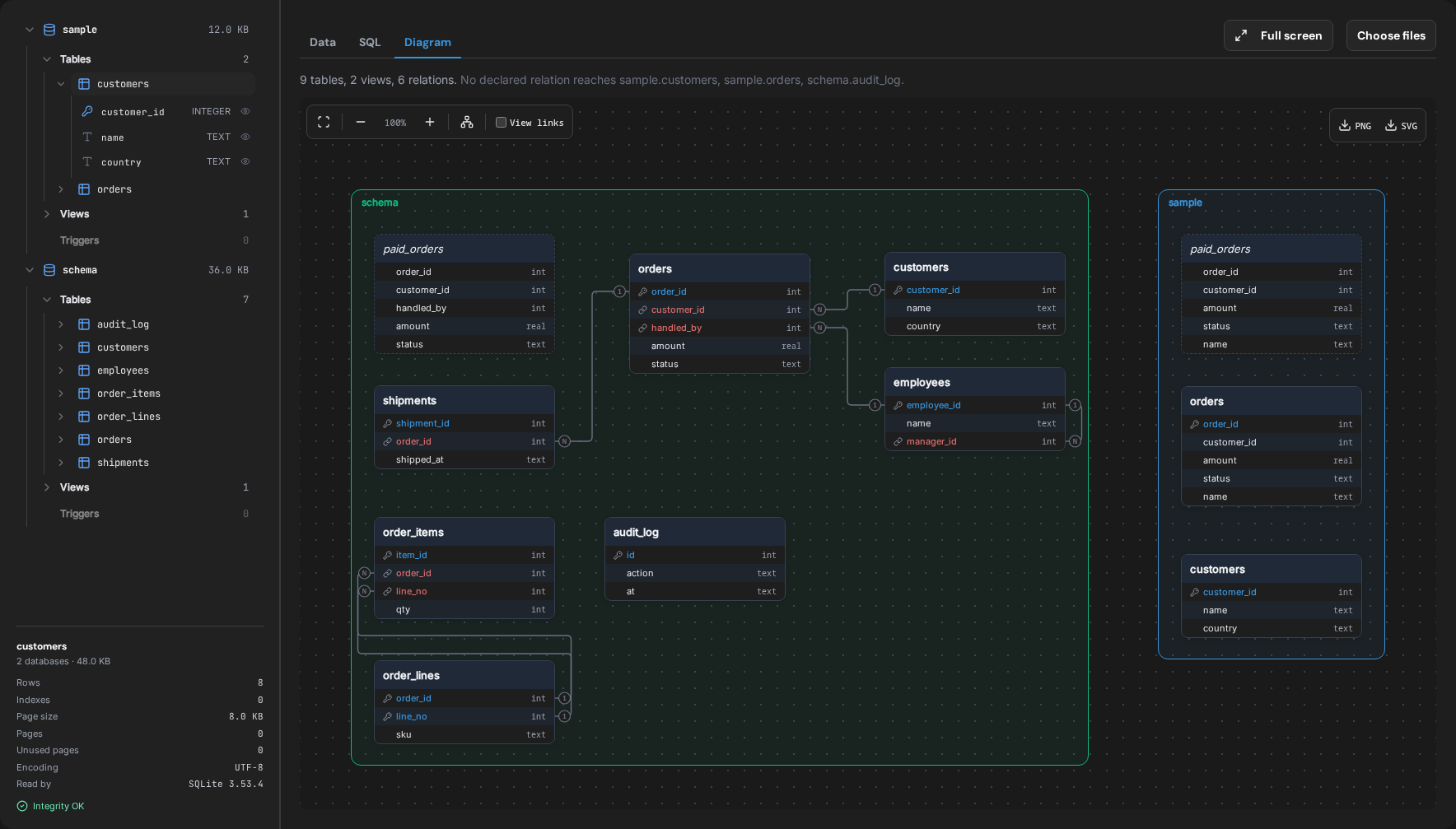
Every table pages to its last row. Export a result as CSV or JSON: the first 10,000 rows free, the whole result with PRO. Several databases at onceThe editor opens one file per tab. To query several databases together, click Choose files in that tab and select all of them at once: each is attached under a name taken from its filename, so one query reaches tables in all of them. Choosing again replaces the set. Up to ten databases, all in the same text encoding. ER diagramThe Diagram tab draws every table and view with the foreign keys the file declares — N at the referencing column, 1 at the key — and a frame per database when several are open.
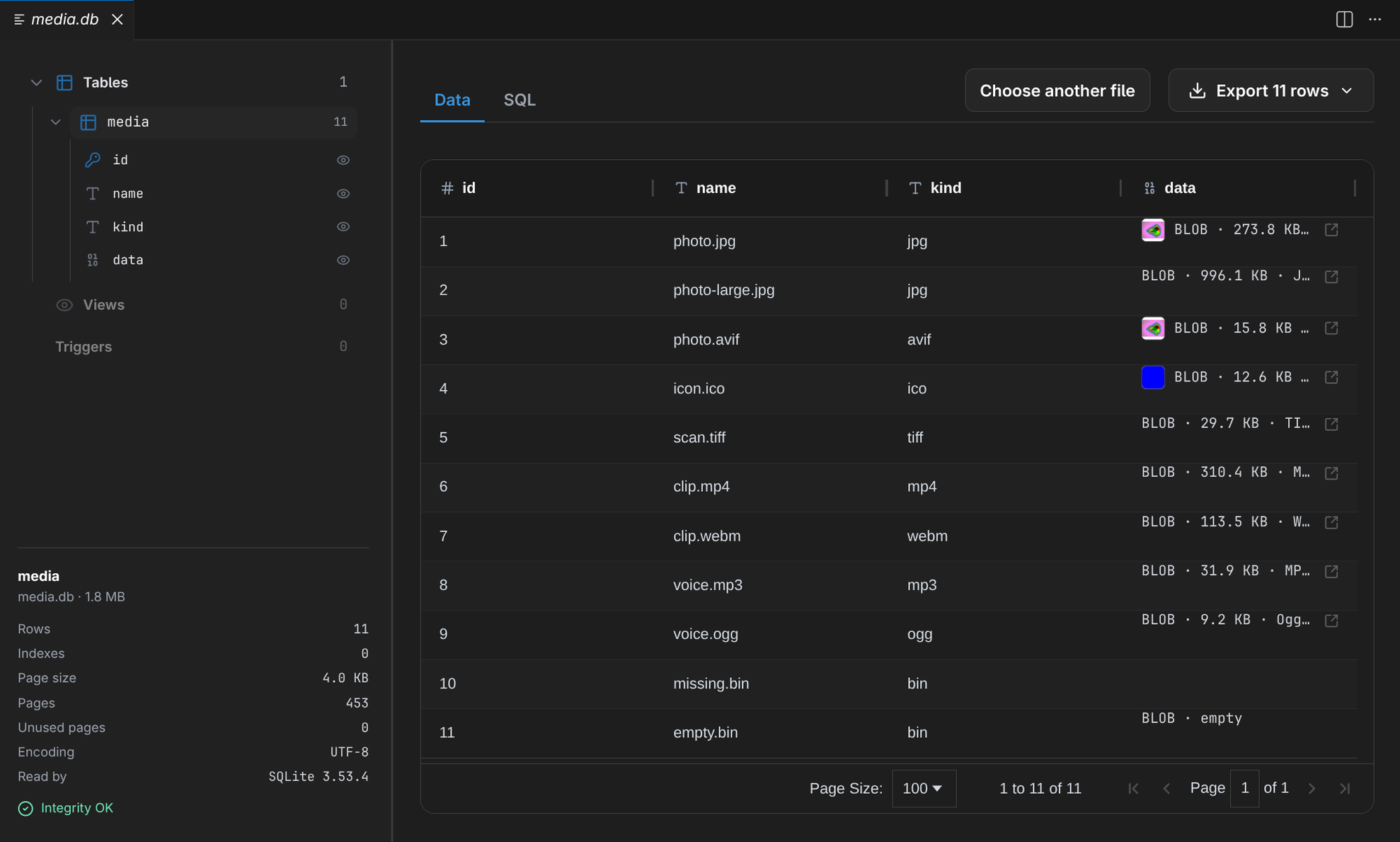
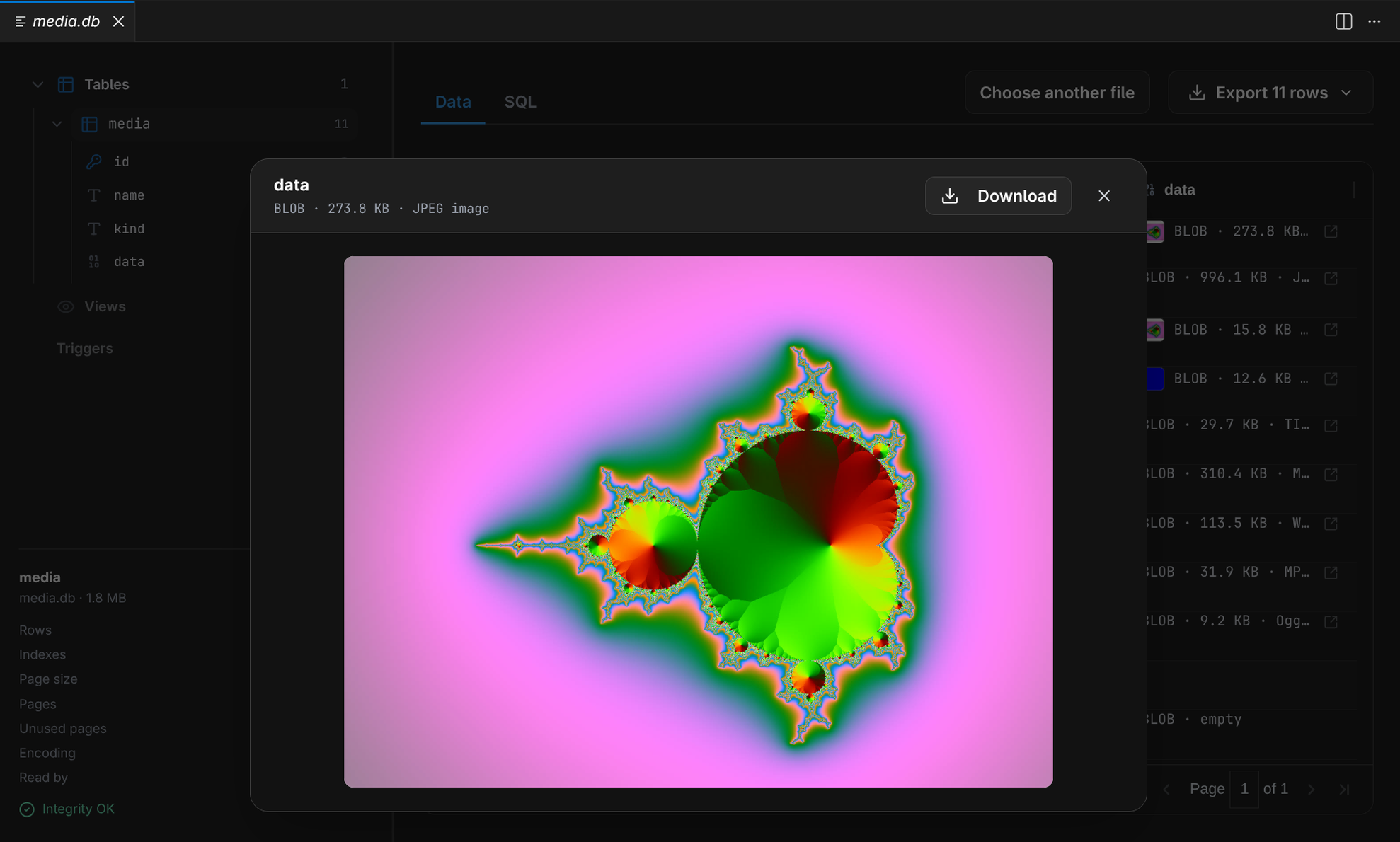
Select a table and its relations stand out while the rest fades. Binary values are identified, not printed as hexEvery
Open a value and it renders as an image, a
Where the file goesNowhere. The editor reads it from disk and hands it to the panel; the panel parses it with WebAssembly in the editor itself. There is no account and no remote server. The one port the extension opens is the local one AI agents use (below), bound to 127.0.0.1 and closed by a token. Ask AI about the open fileThe file tab has an Ask AI about this file button. It opens the editor's own agent chat with the question already typed — "What is in orders.db? Use the DBConvert viewer tools to look at its tables and data." — and the agent answers from the file, not from a guess. The agent gets three read-only tools: list the tables of the files open in the viewer, describe a
table, and run one Where each agent gets the tools from:
In an editor with no agent chat to open, the button copies the question and offers Connect. One server serves every open editor window and every installed DBConvert viewer, so an agent sees all the files you have open. Reset MCP token issues a new token; connected agents need Connect again after it. The viewer never talks to a model itself. What the agent reads — table names, columns, the rows its queries return — goes to whichever model that agent uses. The other viewersSame viewer, one per format — install only the one you need, so a SQLite user never downloads the Parquet engine.
Built by DBConvert. The same viewer runs in a browser tab at streams.dbconvert.com/sqlite-viewer, and as a Chrome extension. |