Skip to content
| Marketplace
Sign in
Visual Studio Code>Themes>Zellner Theme ExtendedNew to Visual Studio Code? Get it now.
Zellner Theme Extended

Zellner Theme Extended

Yue Yu

|
2 installs
| (0) | Free
Extended light and dark variants of the Zellner color theme for Visual Studio Code
Installation
Launch VS Code Quick Open (Ctrl+P), paste the following command, and press enter.
Copied to clipboard
More Info

Zellner Theme Extended for Visual Studio Code

VS Code Marketplace Open VSX

The extended companion pack adds 10 light and dark variations to the two core themes in Zellner Theme (Open VSX).

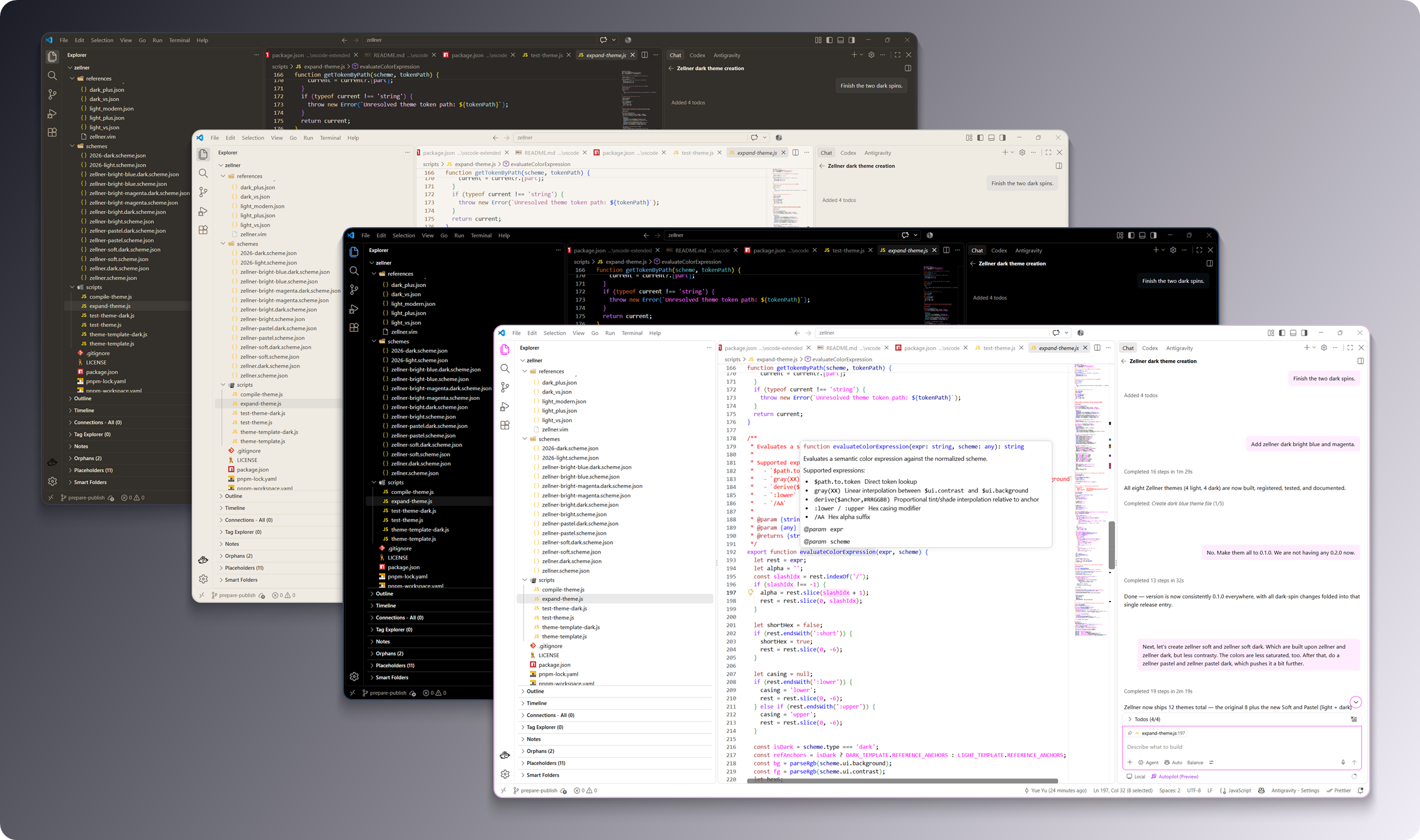
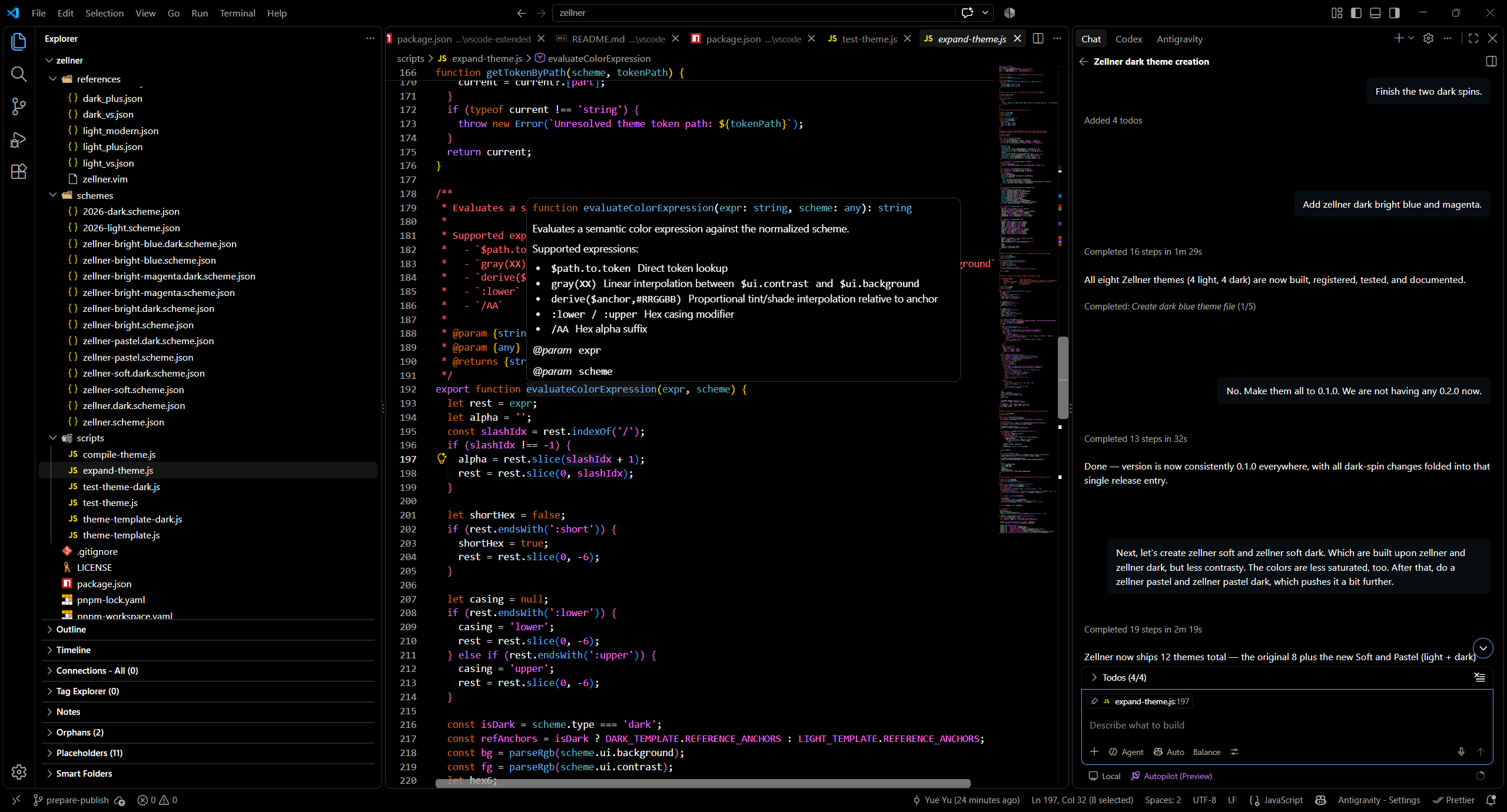
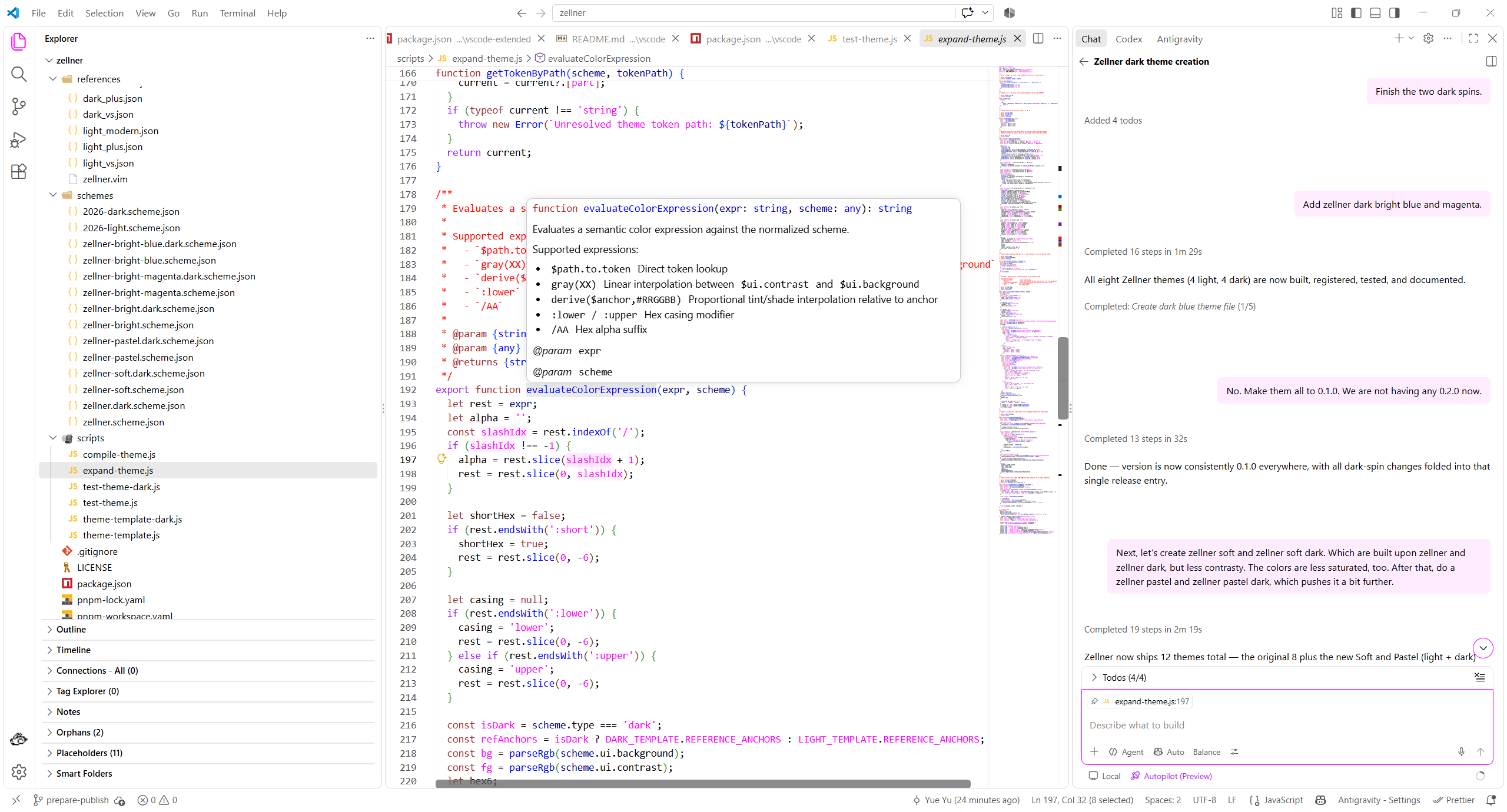
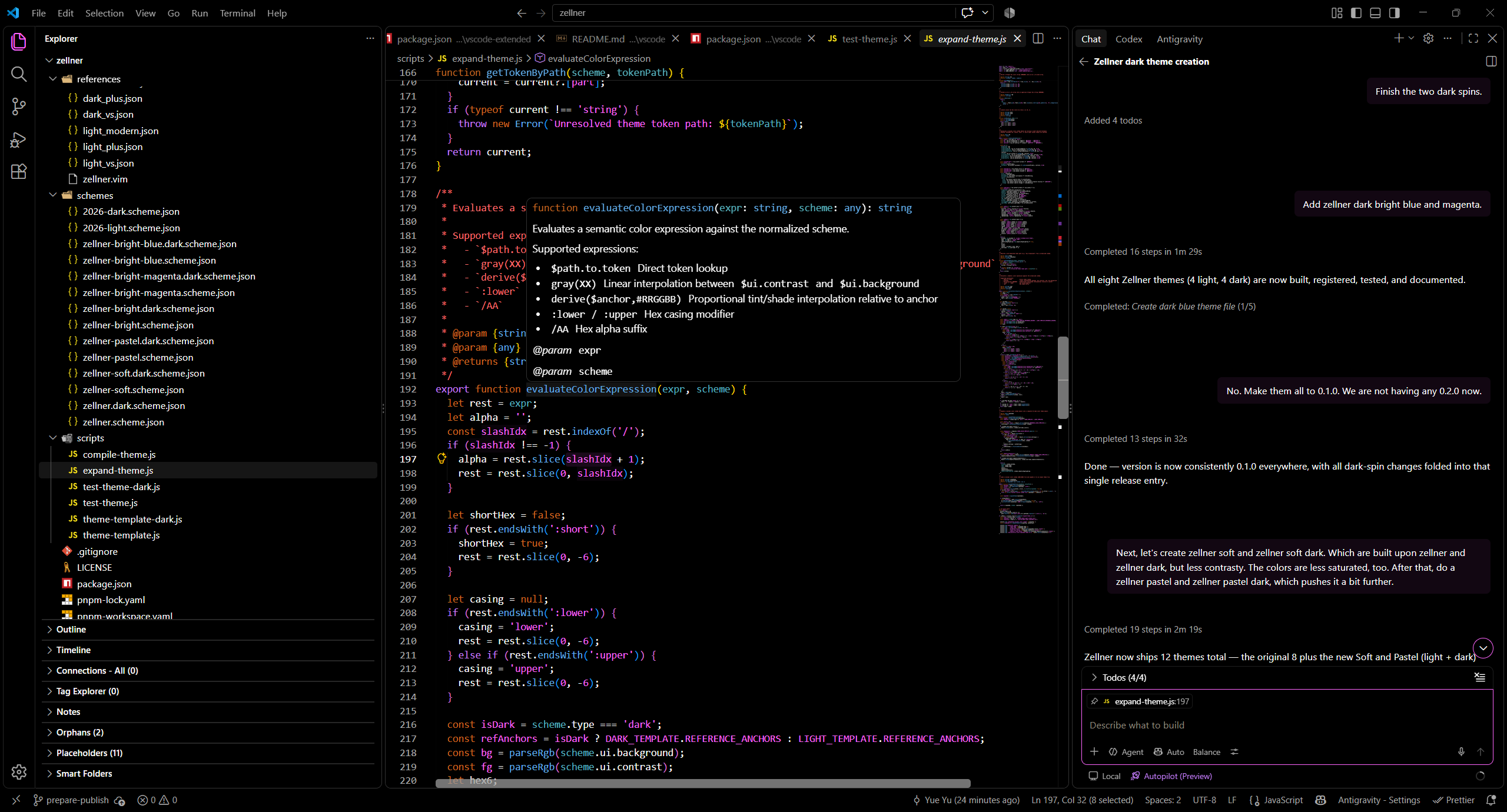
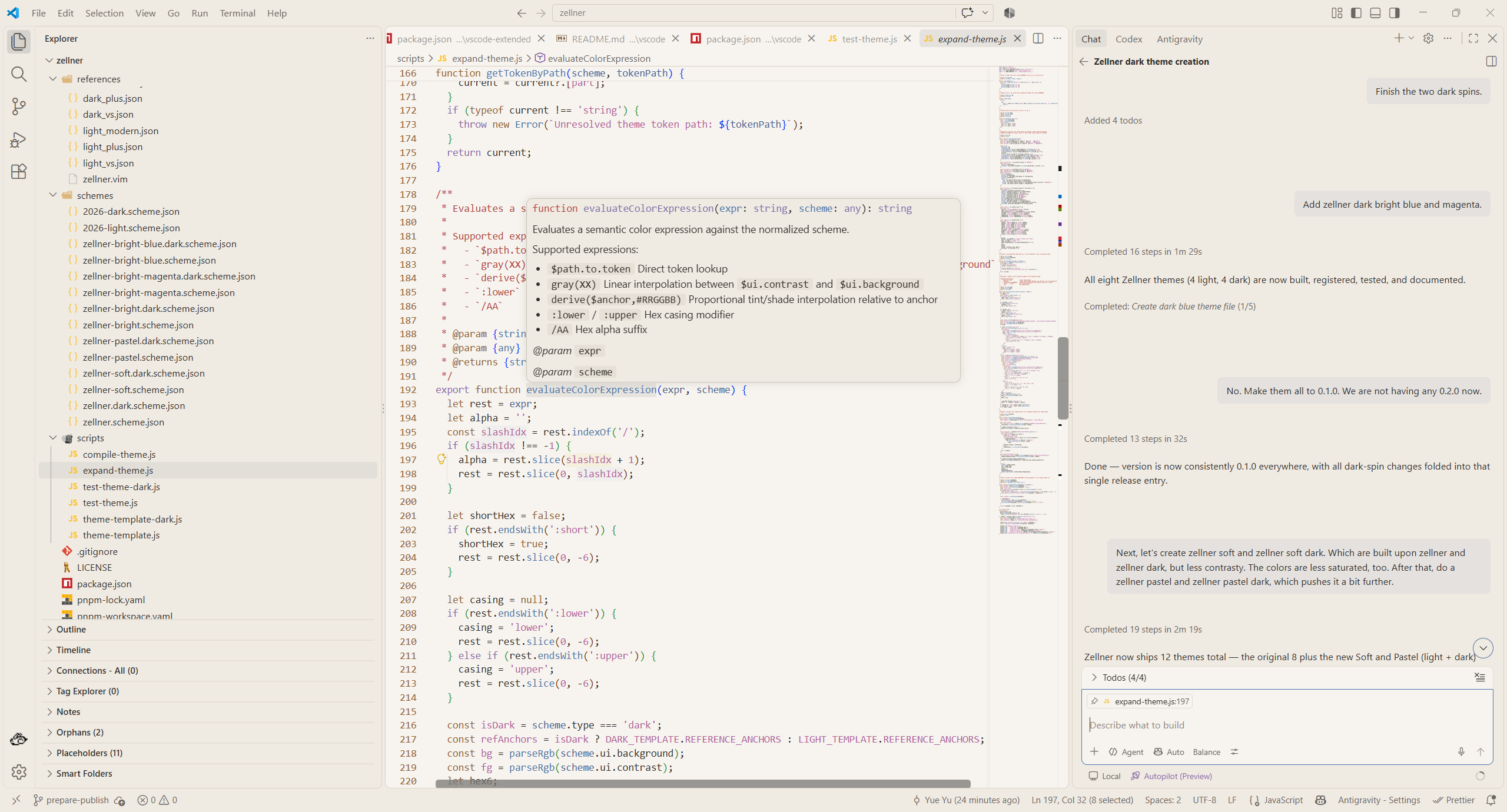
Zellner Theme Extended Stacked Preview


🎨 Included Theme Families (10 Themes)

1. Zellner Bright & Zellner Bright Dark

Unified pure-white (#FFFFFF) and pitch-black (#000000) editor and sidebar surfaces paired with vibrant magenta (#FF00FF / #FF66FF) active tab top borders.

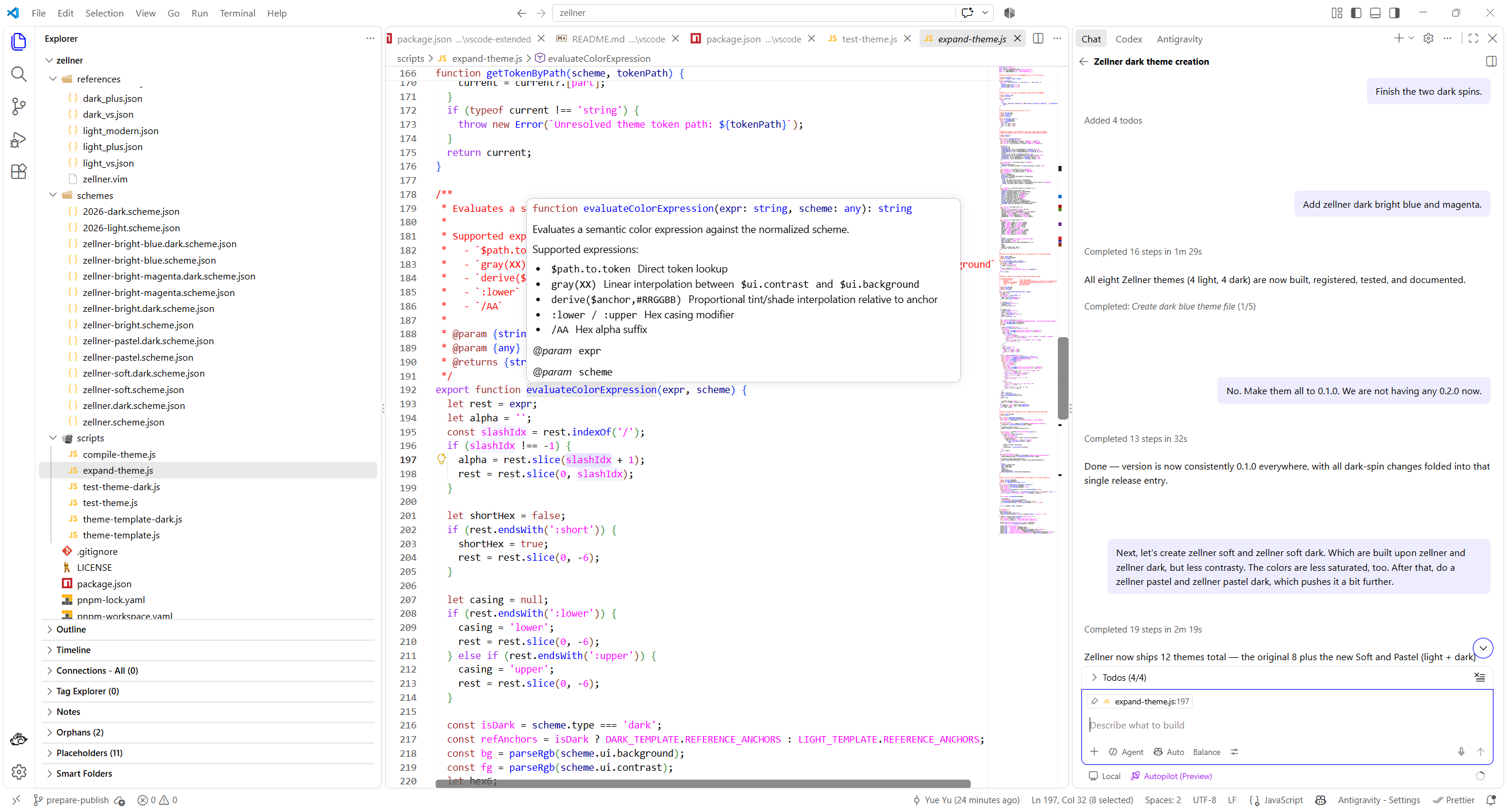
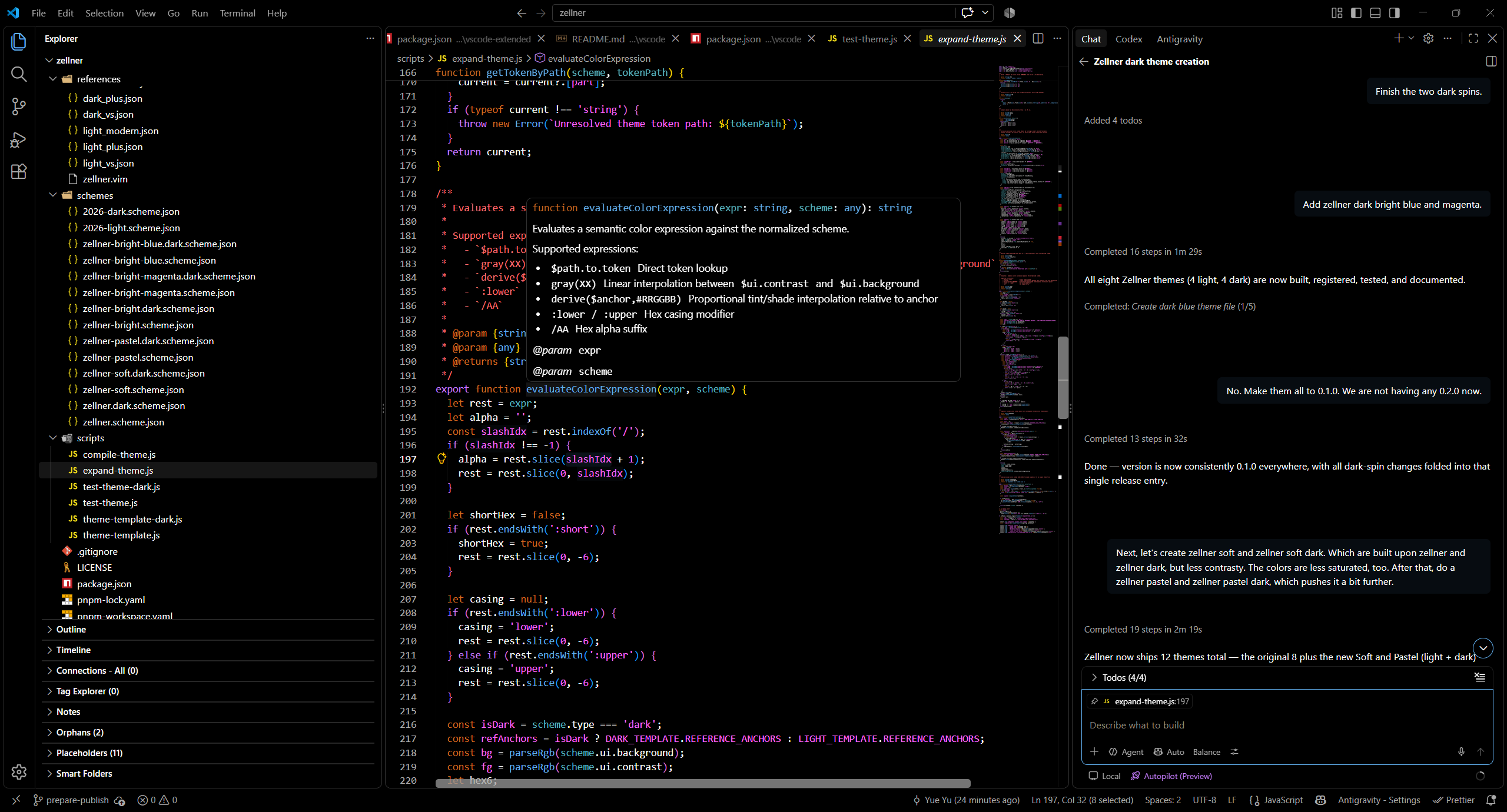
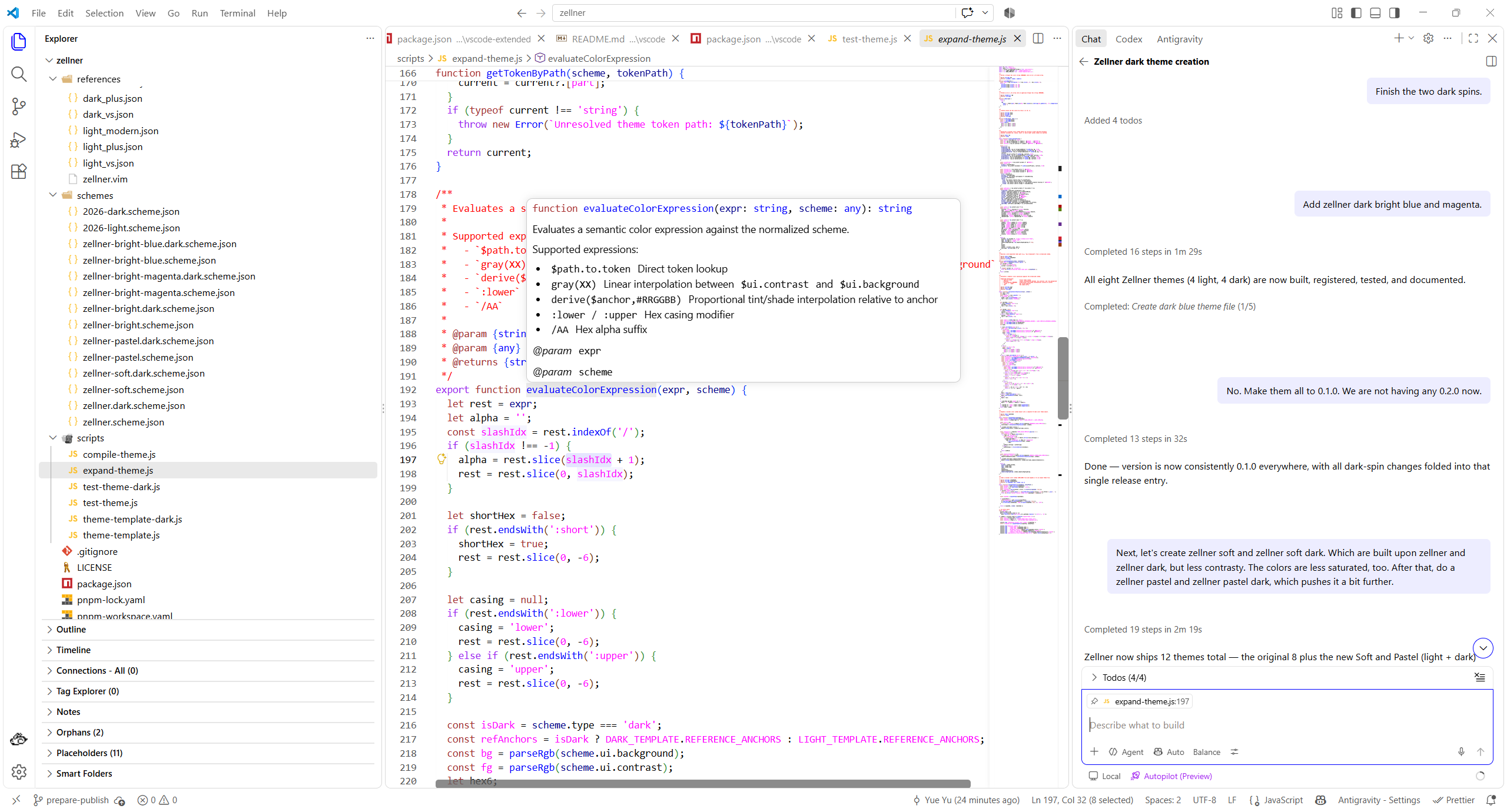
Zellner Bright Zellner Bright Dark

2. Zellner Bright Blue & Zellner Bright Blue Dark

High-contrast unified workbench surfaces paired with classic blue (#0000FF / #61AFEF) interactive accents and active tab top borders.

Zellner Bright Blue Zellner Bright Blue Dark

3. Zellner Bright Magenta & Zellner Bright Magenta Dark

High-contrast unified workbench surfaces with bold magenta (#FF00FF / #FF66FF) interactive buttons, focus rings, and active tab indicators.

Zellner Bright Magenta Zellner Bright Magenta Dark

4. Zellner Soft & Zellner Soft Dark

Warm, eye-comfort paper (#FAF9F6) and charcoal slate (#181A1F) backgrounds with softened contrast and gently desaturated Zellner syntax tokens.

Zellner Soft Zellner Soft Dark

5. Zellner Pastel & Zellner Pastel Dark

Delicate, low-saturation pastel syntax palettes on soothing cream (#F6F4F0) and deep twilight (#1E2028) surfaces designed for extended coding sessions.

Zellner Pastel Zellner Pastel Dark

🚀 Activation

  1. Open Command Palette: Ctrl+Shift+P (Windows/Linux) or Cmd+Shift+P (macOS).
  2. Type Preferences: Color Theme (Ctrl+K Ctrl+T or Cmd+K Cmd+T).
  3. Choose any of the 10 extended Zellner variants.

🛠️ Building

From the yuyuqp/zellner monorepo root, run pnpm build to generate both packs, or pnpm run build here to generate these ten themes only.


📄 Credits & License

  • Authored and maintained by Yue Yu under the MIT License.
  • Original Vim colorscheme designed and authored by Ron Aaron (ron@ronware.org), maintained in the Vim colorschemes repository under the Vim License.
  • Workbench and syntax theme templates adapted from Visual Studio Code default themes (microsoft/vscode), Copyright (c) Microsoft Corporation (MIT License).
  • Contact us
  • Jobs
  • Privacy
  • Manage cookies
  • Terms of use
  • Trademarks
  • Your Privacy Choices
  • Consumer Health Privacy
© 2026 Microsoft