
LearnByDiffTurn GitHub source and increment tutorials into a real local learning workspace. Installation Launch VS Code Quick Open ( Ctrl+P), paste the following command, and press enter.Copied to clipboard |

LearnByDiffLearn course source code through diffs—without losing track of what changed while you follow along. Full docs and demo videos: rjiazhen.github.io/learn-by-diff. InstallSearch for LearnByDiff in the Extensions view, or open the matching marketplace:
You can also install a Open a courseClick Open Course on the LEARN BY DIFF view title bar in Explorer (or run LearnByDiff: Open Course from the Command Palette). 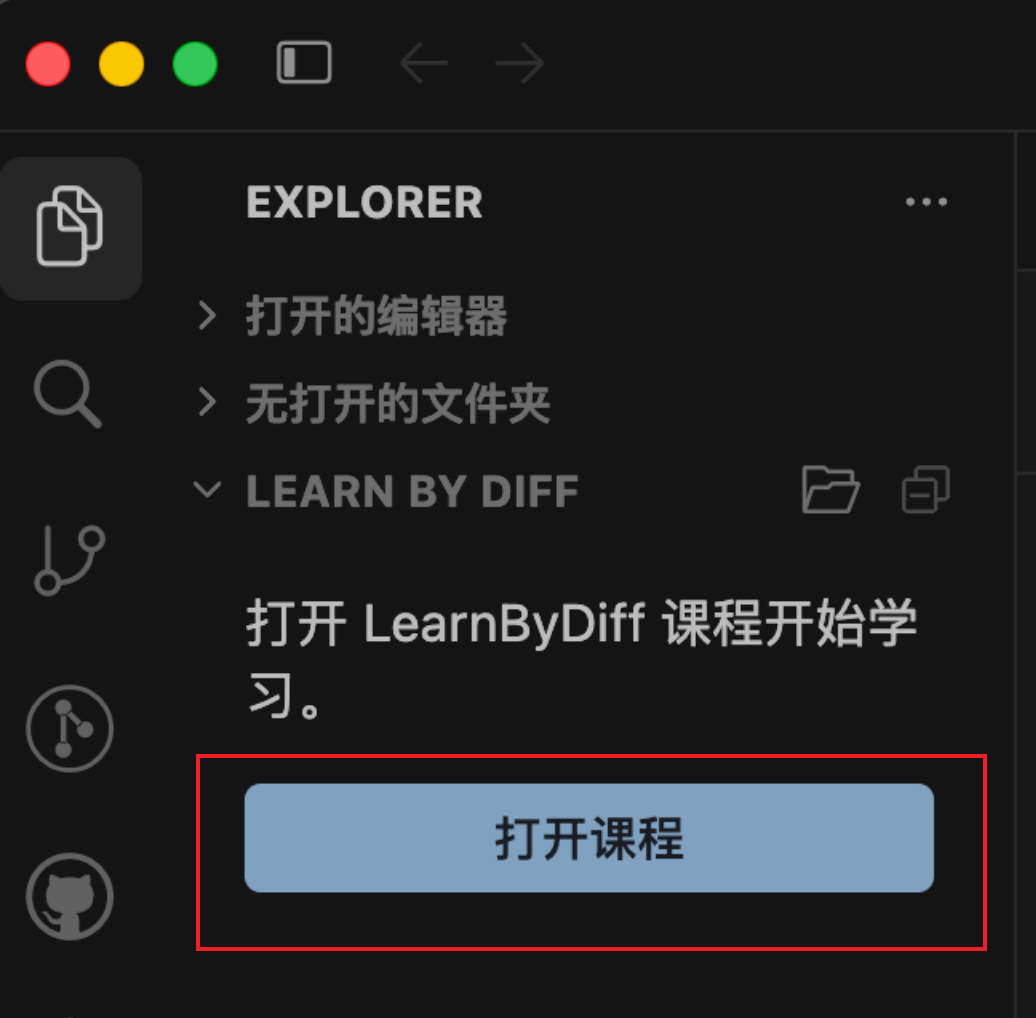
Select an official course, or paste this demo course config URL and confirm: In the folder picker, choose a directory for the learning workspace. Course files download into that folder. Learning workspace after download: 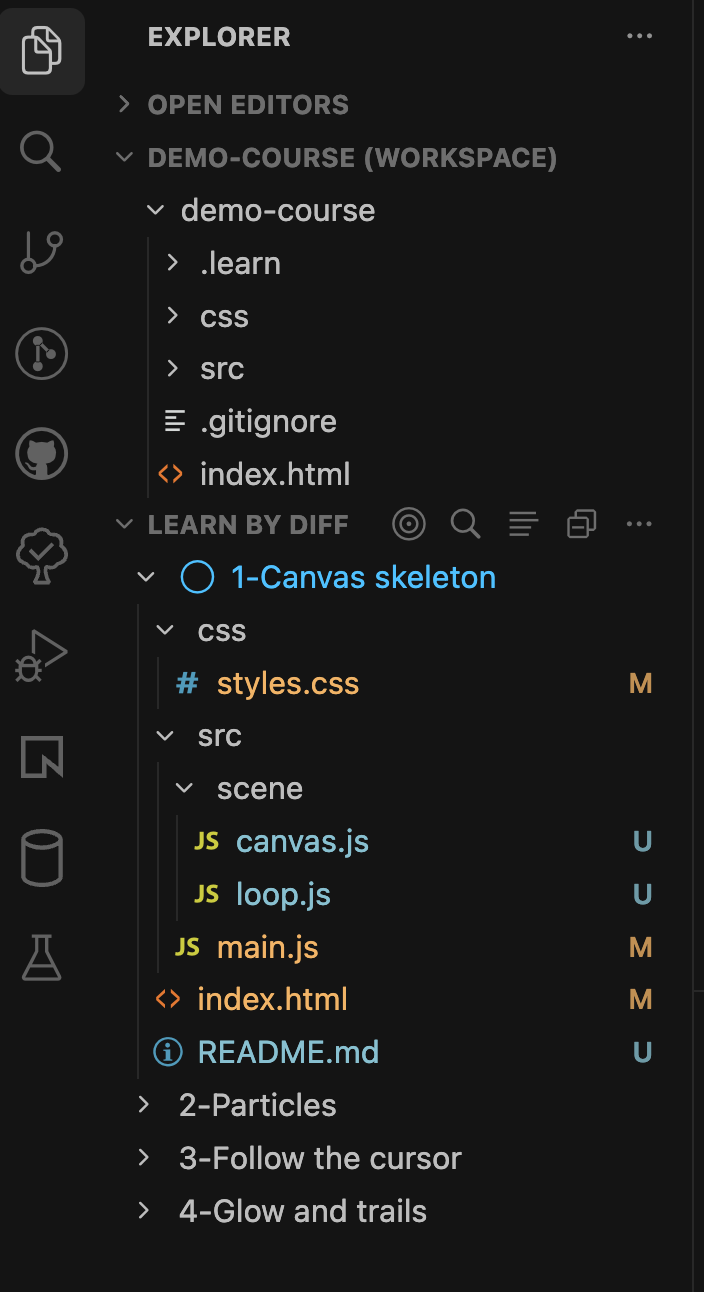
With the extension installed, you can also open the demo in one click: Learn in your own wayThe first time you open a course, chapter 1’s Not Started snapshot is exported locally. For the demo course, preview The Learn By Diff view lists chapters and provides:
You can edit the code anytime to see how changes affect behavior. You can also expand a chapter to inspect the diffs that implement each feature. More on the website: Features. ContributingSee the contributing guide. |