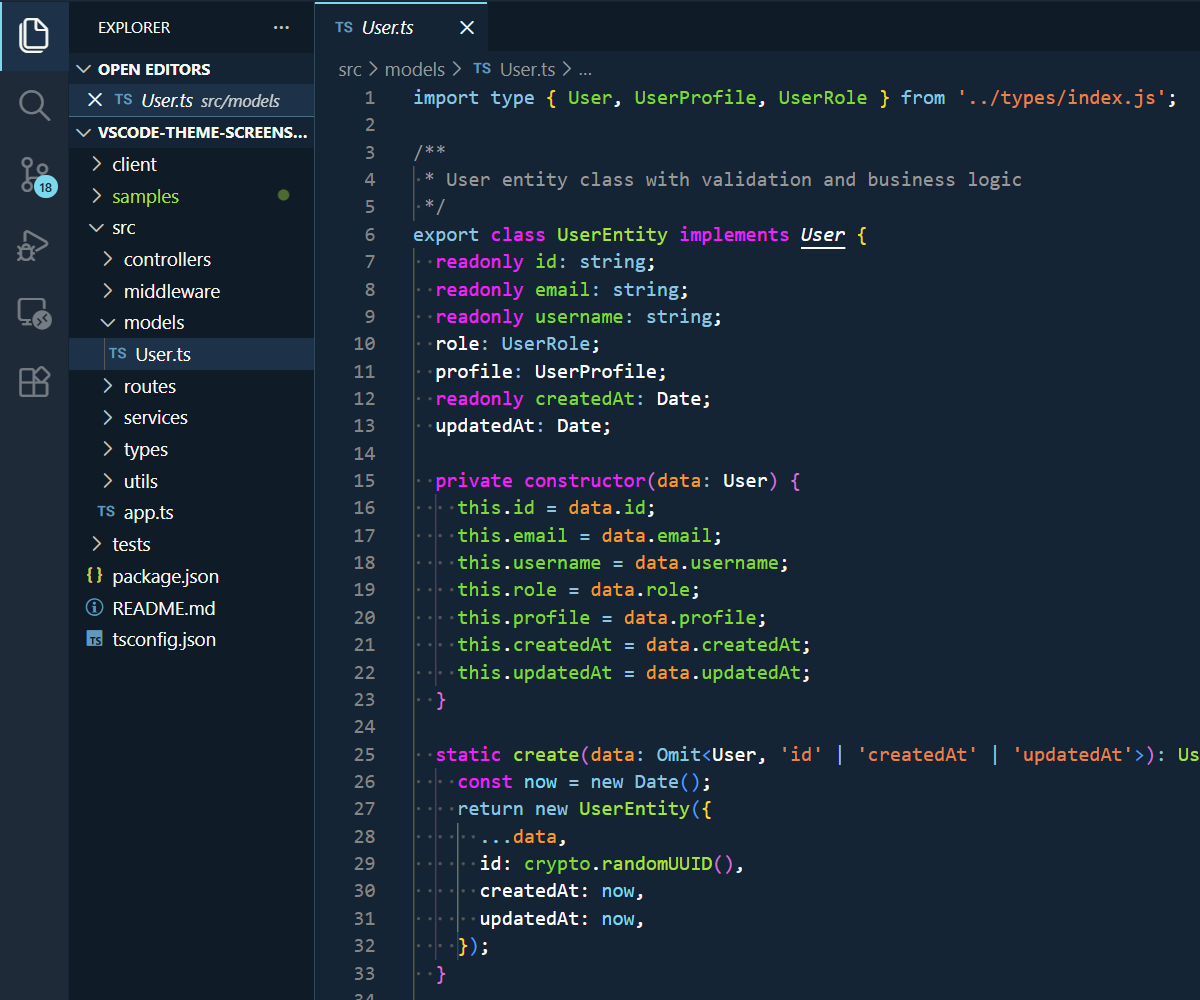
Ruby Blue Theme
Dark, high contrast theme designed for readability.
About Ruby BlueRuby Blue is a classic dark theme originally created by John W. Long in 2006 for TextMate. The name pays homage to the Ruby programming language — it was designed to mimic the colors used in code samples on ruby-lang.org at the time. What sets Ruby Blue apart from typical dark themes is its distinctive deep navy blue background rather than pure black, paired with warm accent colors (orange, yellow, green) that create a unique aesthetic that's both easy on the eyes and highly readable. Over nearly two decades, Ruby Blue has earned its place as a trusted theme across the developer ecosystem:
This VS Code adaptation continues that tradition, bringing the classic Ruby Blue experience to modern development workflows. InstallInstall from the Visual Studio Code Marketplace. After installation, press CustomizationYou can customize the colors to your liking, overriding the ones provided by this theme. More info here. CreditsThis theme is based on:
License |