Refactor documentation like code.Home · Get started · Roadmap · Newsletter · Zensical Spark Catch [broken links] instantly. Zensical Studio keeps links, headings, and references up to date when you rename, move, or restructure content. Blazing fast and reliable, integrated with your editor. Works with all Zensical and MkDocs projects.
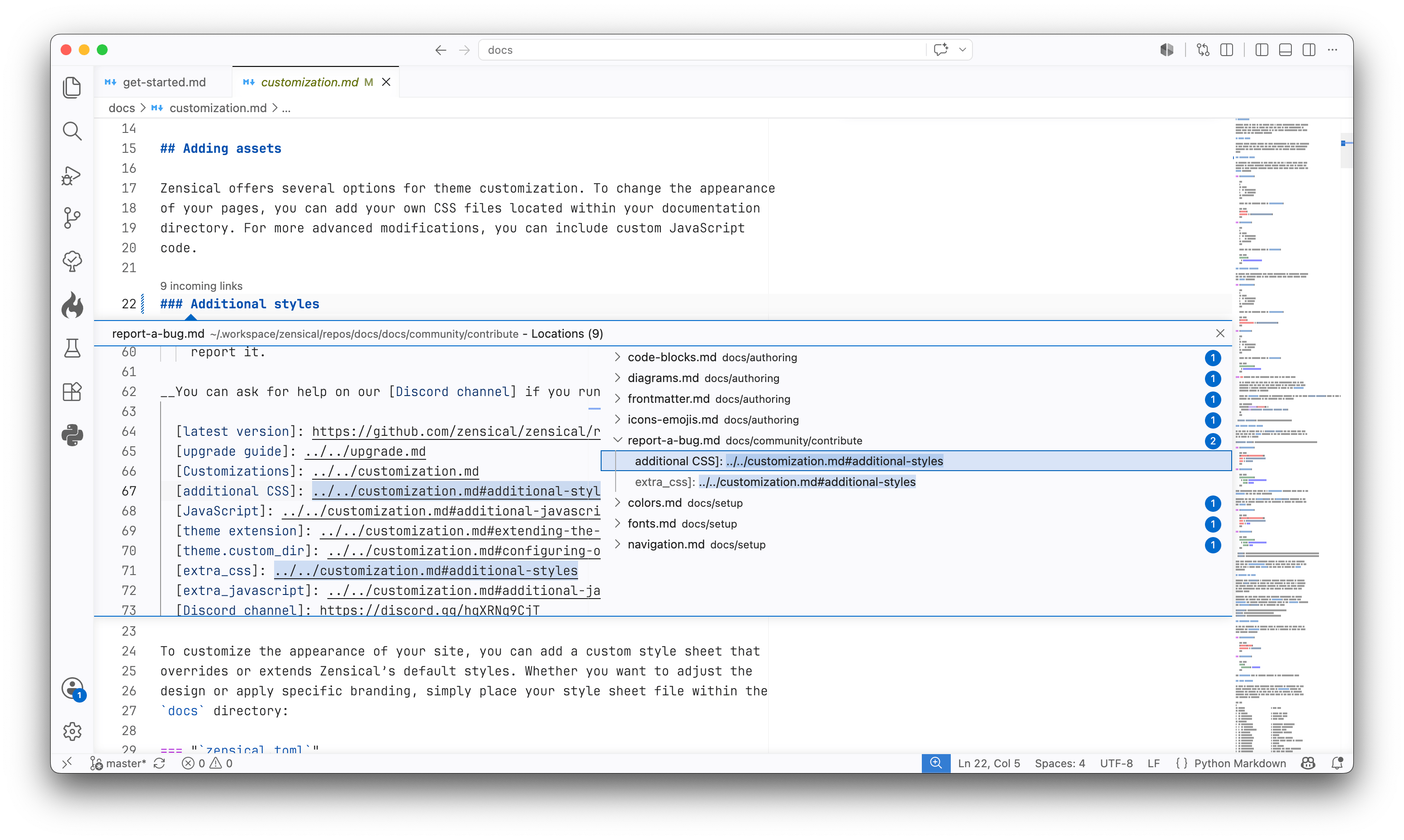
Zensical Studio in Visual Studio Code. Learn more at zensical.org/studio/. InstallationZensical Studio is in Public Beta and free to use. Install Zensical Studio in Visual Studio Code and use the editor you already know for writing, validating, and navigating your documentation. We'll add support for other editors in the near future, including Cursor and Zed. Zensical Studio brings native support for Python Markdown - including accurate syntax highlighting, navigation, refactoring, and validation. To activate Python Markdown support, create That's all. Zensical Studio will now automatically detect and validate Python Markdown files in your project, and check for broken links, headings, and references. For more information, refer to the Zensical Studio documentation. Supported platforms
SupportIf you think you've found a bug, or have ideas for improvements, please report them in the Zensical Studio GitHub repository. With your feedback, we'll shape Zensical Studio into the authoring environment technical writers and documentation teams want to use. LicenseThis repository contains the editor integrations for Zensical Studio, which are licensed under MIT. Zensical Studio is licensed separately under the EULA. By using Zensical Studio, you agree to the terms of the EULA. During the Public Beta, Zensical Studio is free to use, and we commit to providing a free tier once the Beta concludes. Our notes on Open Source sustainability explain why we chose this licensing model. |