Video Player (with Audio)






Play MP4 / MOV / M4V / WebM videos with sound directly inside VS Code — audio that actually plays, and stays in sync.
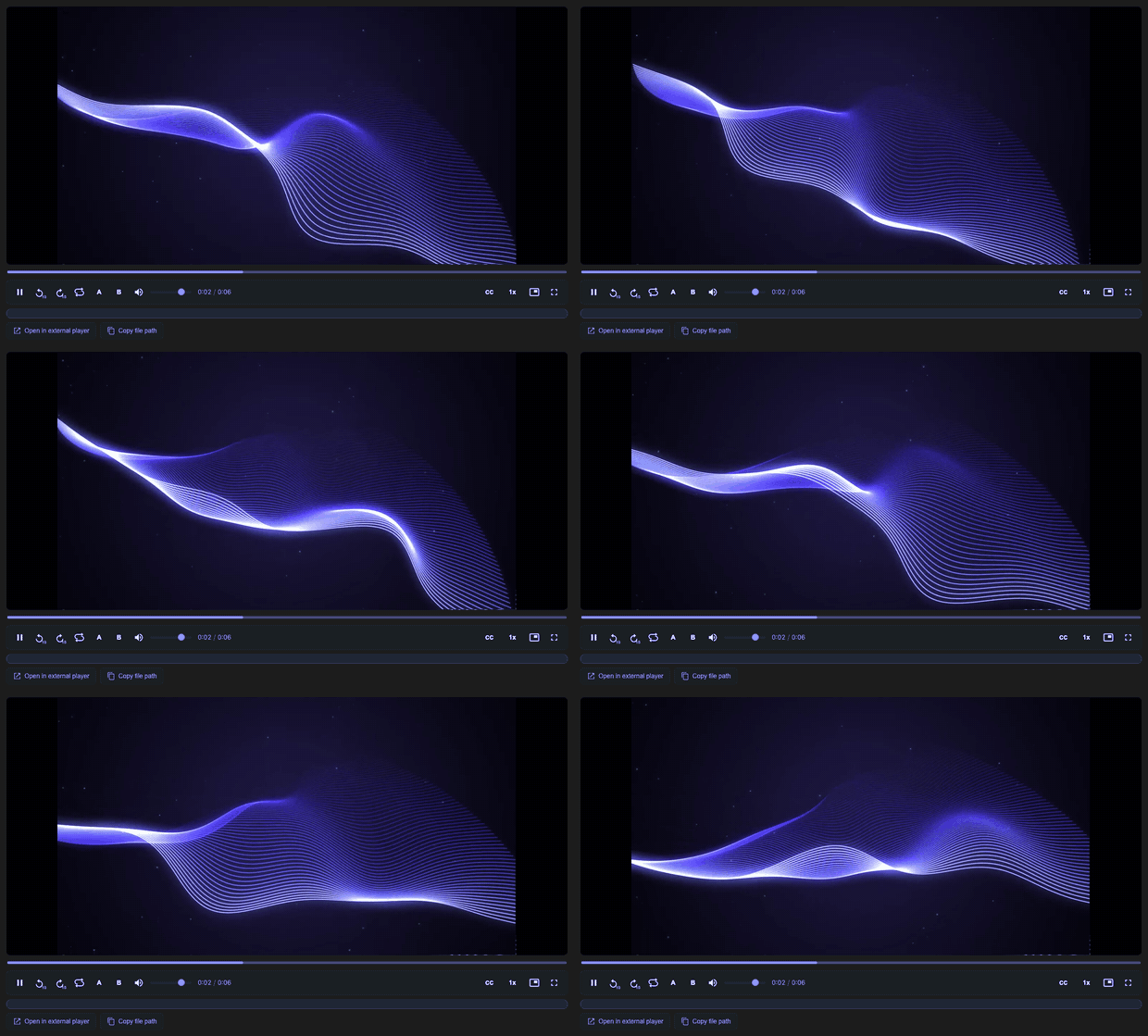
Features
- 🔊 Plays MP4 / MOV / M4V / WebM with real sound — not the silent preview the built-in editor gives you.
- 🪶 WebM needs nothing installed — it plays with native audio, so
.webm works on a machine without ffmpeg.
- 🎯 Audio stays in sync with the video through continuous drift correction, even on long clips.
- 🚀 Streams large files over HTTP Range — the video is never loaded fully into memory.
- ⌨️ Full keyboard controls, adjustable playback speed (0.5×–2×), and picture-in-picture.
- 🔒 Safe by default in untrusted workspaces — stays muted until you trust the workspace.
- ♿ Accessible — keyboard navigation and screen-reader announcements.
| Format |
Audio |
Needs ffmpeg |
.mp4 / .mov / .m4v |
✅ extracted via ffmpeg |
Yes |
.webm |
✅ native |
No |
Where these usually come from: screen recordings and bug reports from Loom,
CleanShot or QuickTime (.mp4 / .mov), and test videos from Playwright
(.webm, so no ffmpeg) or Cypress (.mp4).
Requirements
Needs ffmpeg on your PATH for MP4/MOV/M4V audio; WebM needs nothing. Without ffmpeg the video still plays, just silently — the player says so and offers the command for your platform. Install it, then reload the window.
- VS Code
^1.90.0
ffmpeg (for .mp4 / .mov / .m4v audio):
- macOS:
brew install ffmpeg
- Ubuntu/Debian:
sudo apt install ffmpeg
- Windows:
winget install Gyan.FFmpeg
Install
- In VS Code, open the Extensions view and search for
Video Player (with Audio), or install it from the
VS Code Marketplace.
- Or use Quick Open and run
ext install yutabee.unmute-video.
- For VSCodium, Cursor, and other Open VSX clients, install it from there.
Usage
- Open any
.mp4 / .mov / .m4v / .webm file from the Explorer — it opens in the
player automatically.
- Or run "Open with Video Player (with Audio)" from the Command Palette.
Controls: click the stage or use space/k to play-pause, j/l (or ←/→)
to seek by the configured step (±10s by default — change it with
unmuteVideo.seekStep), m to mute, the volume slider to adjust audio, f for
fullscreen, and p for picture-in-picture when the host supports it. The speed
button cycles 0.5×–2×. The action buttons copy the file path or open the file in
an external player.
Default editor
The extension registers as the default editor for .mp4, .mov, .m4v, and
.webm files. To opt out for a file type or glob, map it back to the built-in editor in
workbench.editorAssociations:
{
  "workbench.editorAssociations": {
    "*.mp4": "default",
    "*.mov": "default",
    "*.m4v": "default",
    "*.webm": "default"
  }
}
How it works
VS Code's webview runs on the Electron/Chromium build that ships without the
AAC codec (patent licensing). So a normal <video> element shows the picture
but stays silent. This extension works around that:
- The video stream is served from a tiny loopback HTTP server with HTTP Range
support, so even large files play without being loaded into memory.
ffmpeg extracts the audio track to MP3 in the background.- The webview plays a muted
<video> alongside a hidden <audio> element
and keeps the two in sync (play/pause/seek/speed/volume).
Limitations
ffmpeg must be installed on the same machine as the extension host.- In Remote-SSH, WSL, and Codespaces, the extension runs on the remote machine;
ffmpeg and the video files need to be available there.
- Virtual and web workspaces are not supported because the player needs a real
on-disk path.
- Without
ffmpeg, the video still plays, but silently.
.webm plays with native audio and does not need ffmpeg; .mp4, .mov,
and .m4v need ffmpeg for sound.
Security
Media is streamed from a loopback-only, token-gated HTTP server with a strict
Host-header check. The webview uses a tight CSP, and ffmpeg is invoked without
a shell. See SECURITY.md for the disclosure process and full
security model.
Develop
npm install
npm run compile      # compiles host (-> out/) and webview (-> media/player.js)
npm test             # StreamServer / audio unit tests (node:test, no deps)
npm run package      # build a .vsix via @vscode/vsce
The codebase is all TypeScript. The extension host compiles via tsconfig.json
to out/; the webview is bundled by esbuild from src/webview/main.ts into a
single media/player.js IIFE (a generated, git-ignored artifact) and type-checked
via tsconfig.webview.json (DOM lib). npm run watch / npm run watch:webview
watch each side.
Press F5 ("Run Extension") to launch an Extension Development Host.
Layout
| Path |
Role |
src/extension.ts |
activation: start the stream server, register the editor + command |
src/server/streamServer.ts |
loopback HTTP server, token-gated, HTTP Range streaming |
src/editor/playerEditorProvider.ts |
custom editor: webview wiring, video token, trust handling |
src/editor/audioExtractionController.ts |
per-editor audio-extraction lifecycle (ffmpeg → mp3 → stream token) |
src/media/audio.ts |
ffmpeg discovery + audio extraction (no vscode import) |
src/shared/protocol.ts |
host ↔ webview message types (type-only module), shared by both ends |
src/webview/ |
in-webview player, bundled to media/player.js: main.ts (entry + wiring), playerController.ts (video/audio sync + drift), seekbar.ts, dom.ts, status.ts, util.ts (pure, unit-tested helpers) |
media/player.html / player.css |
webview markup + styles |
Support
This extension is maintained in my own time — if it saves you some, you can sponsor its upkeep. It is entirely optional and does not change how issues are handled.
License
MIT

