Aura Modern
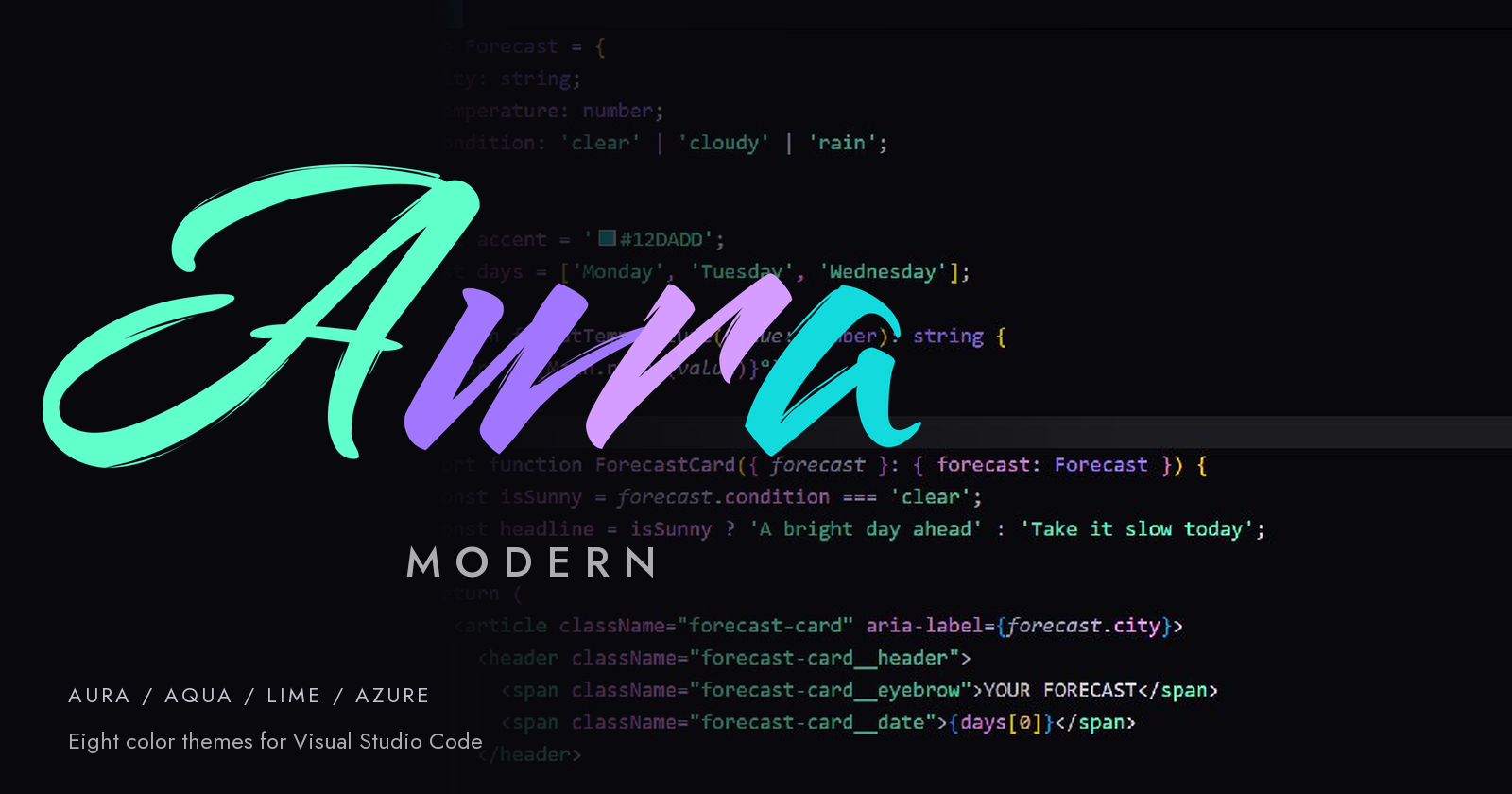
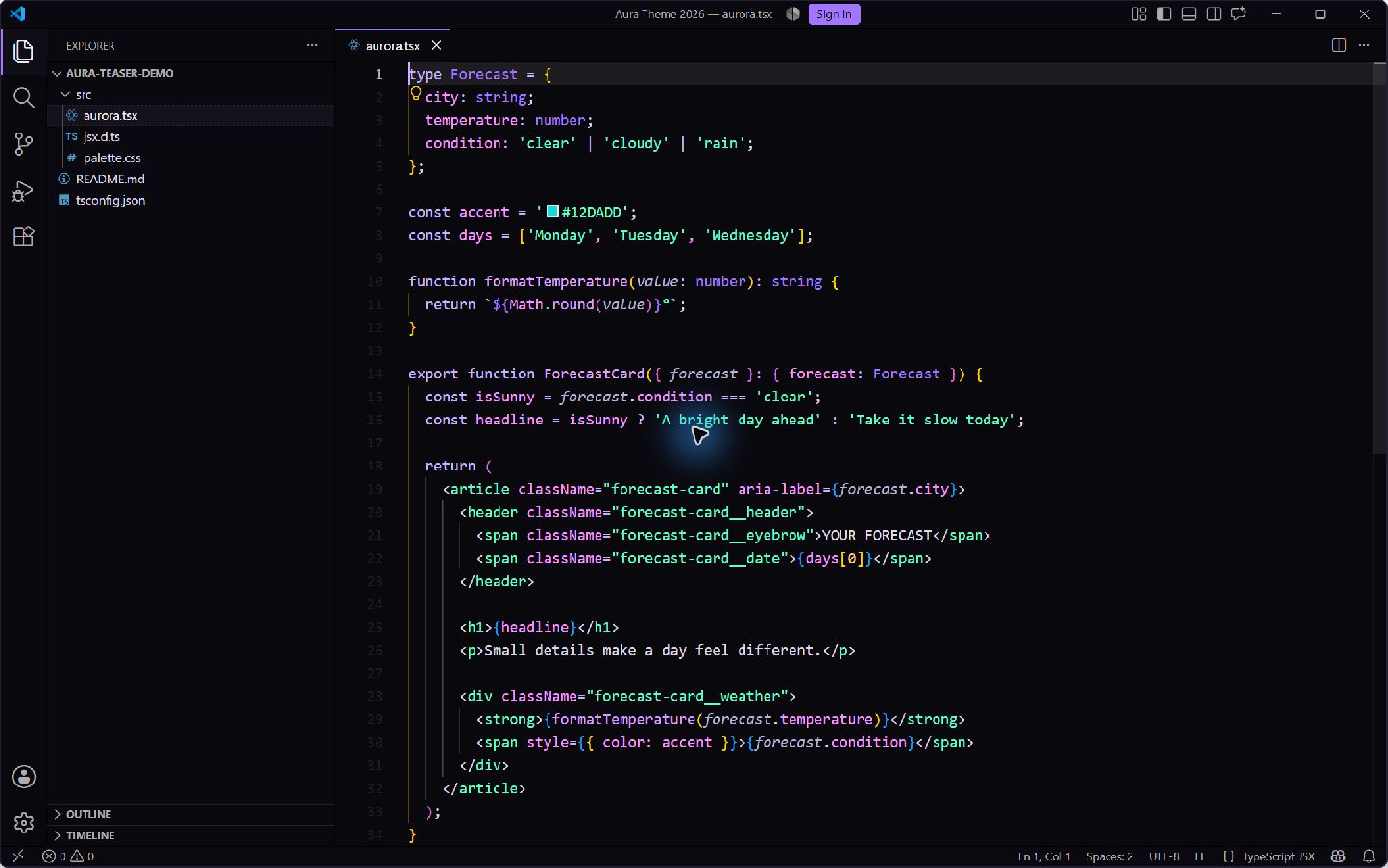
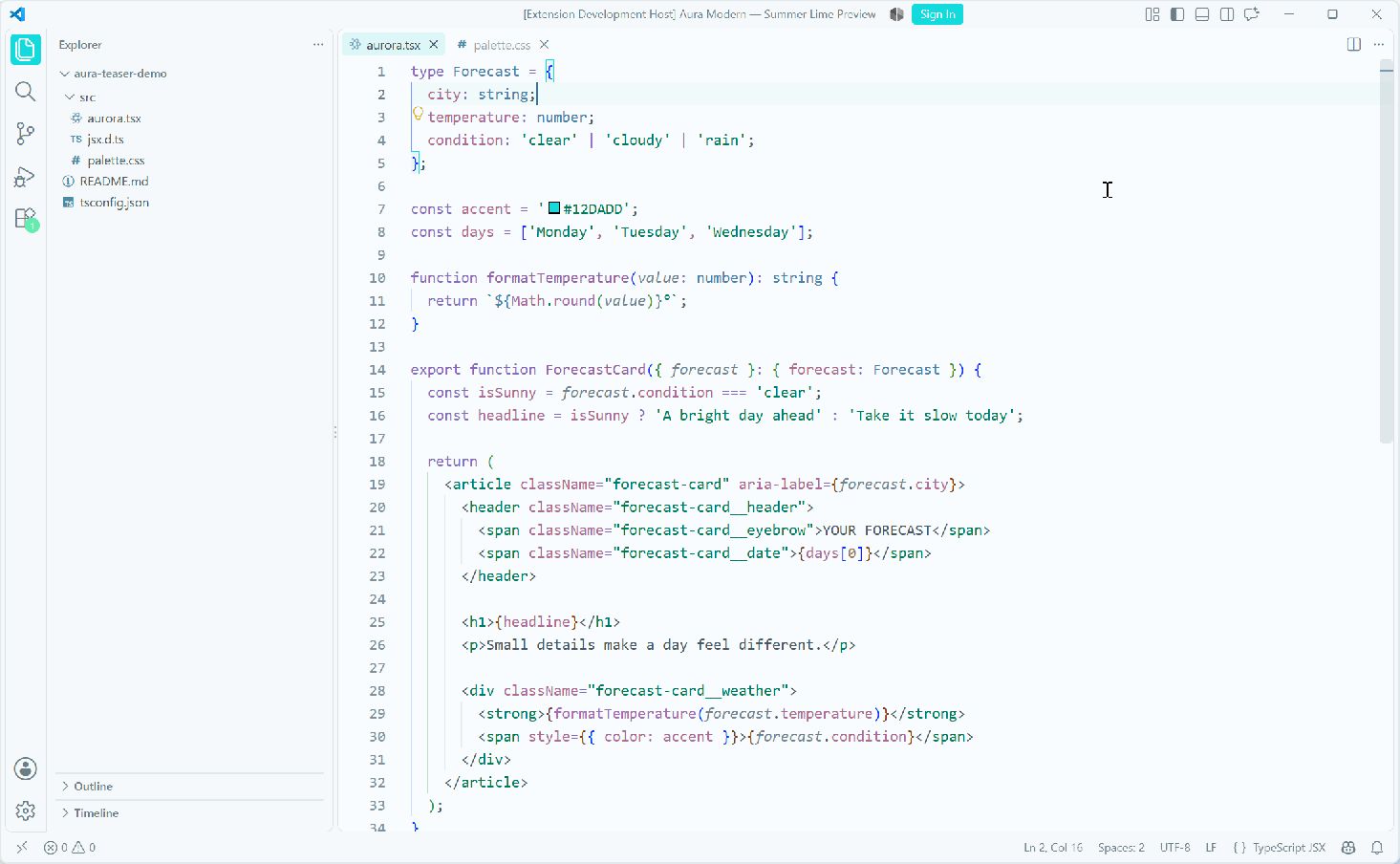
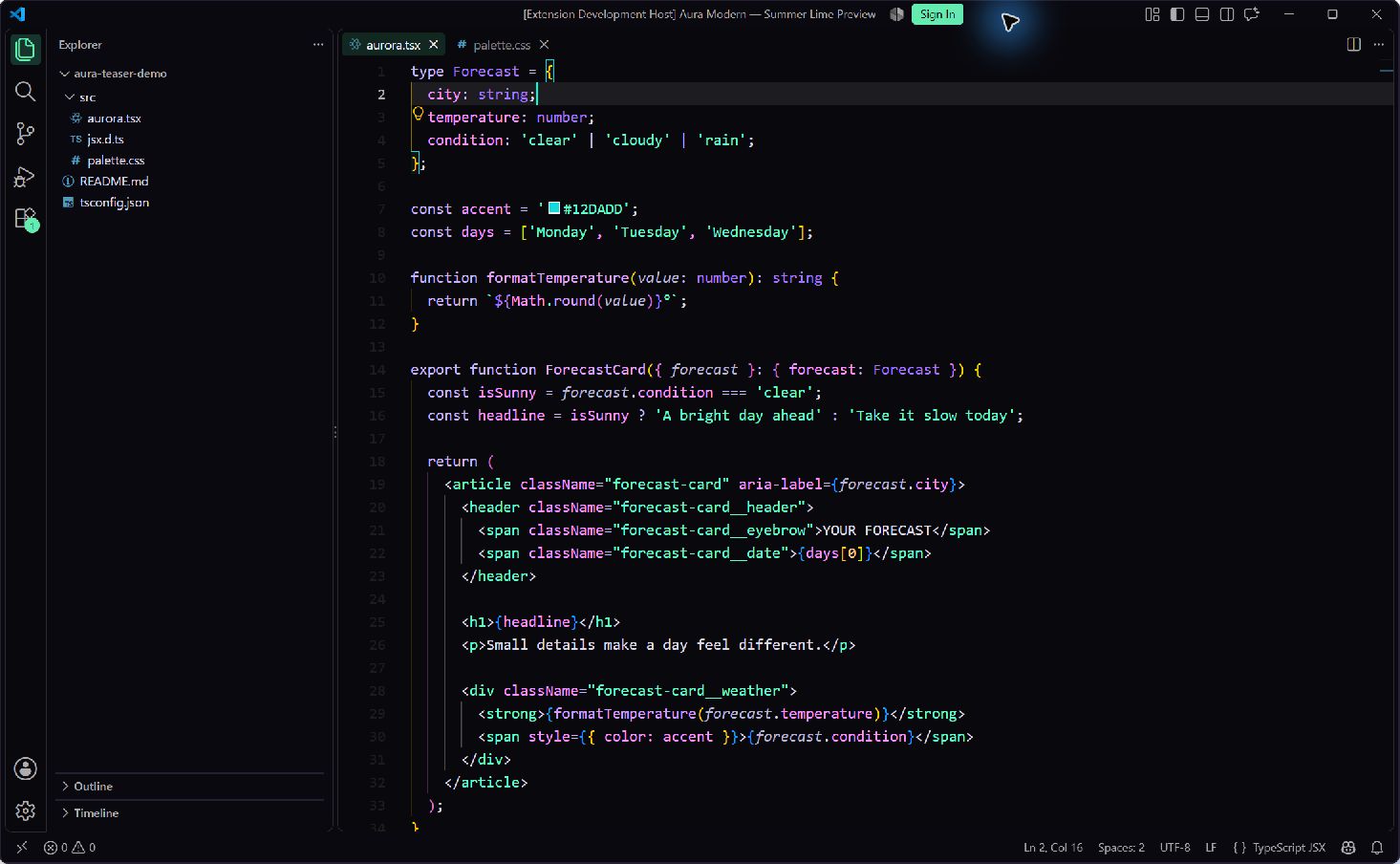
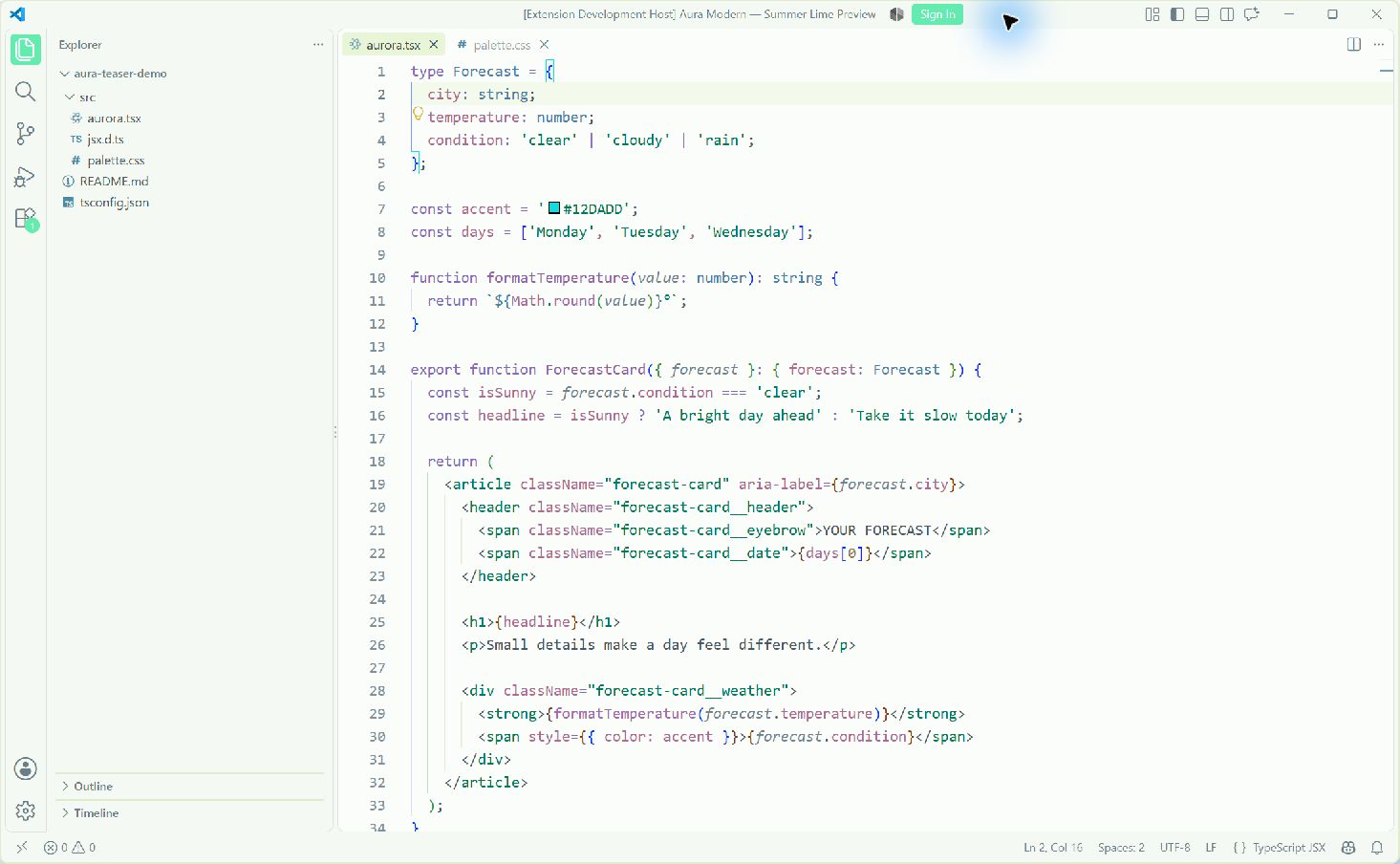
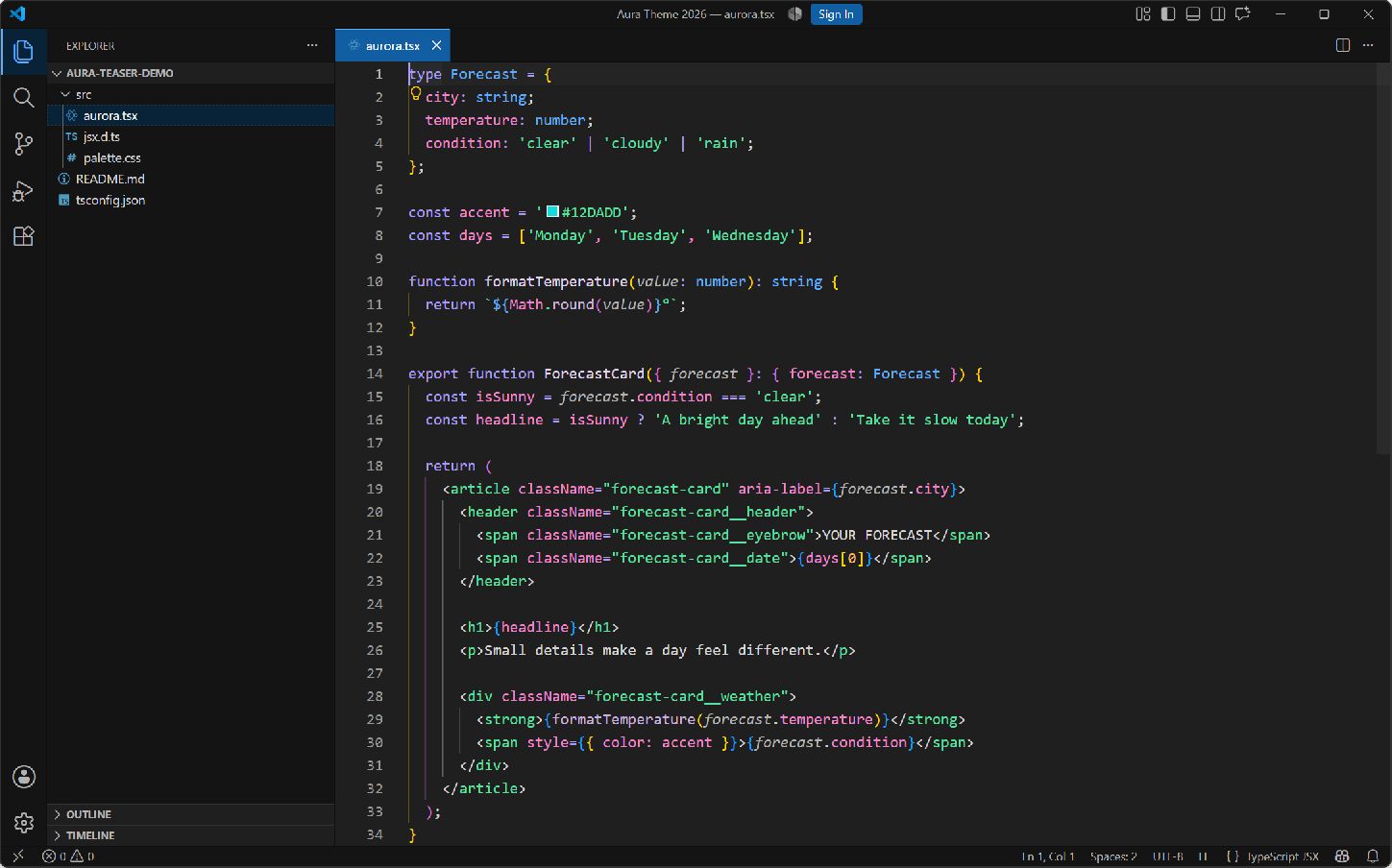
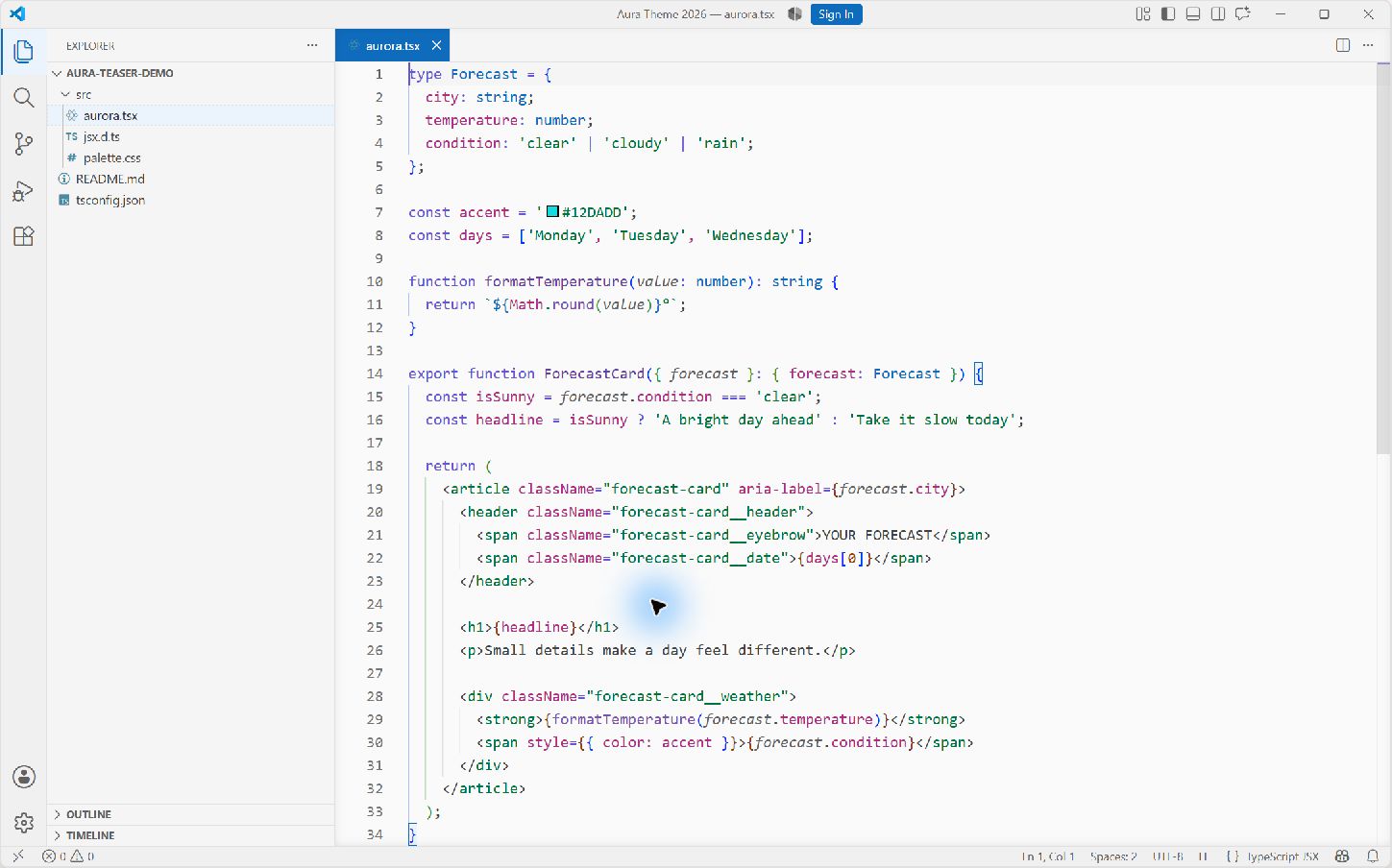
Nine color themes for Visual Studio Code: Aura, Aqua, Lime, and Azure in dark and light, plus Aqua Lime Light. An unofficial fork of Aura by Dalton Menezes, maintained by yukiumi13. InstallInstall Aura Modern from the Marketplace, then open Preferences: Color Theme from the Command Palette and choose an Aura theme. To switch with your system appearance, enable Window: Auto Detect Color Scheme in Settings and choose your preferred light and dark themes. All nine themes work without additional extensions. For mint/cyan button gradients, glowing numeric badges and shared focus rings in the two Aqua Light themes, see Optional Aqua effects. PreviewsReal VS Code screenshots of a fictional sample project. Aqua and Lime show the experimental Modern UI; Aura and Azure show the traditional interface. AuraAura's purple and mint palette. Aura Dark
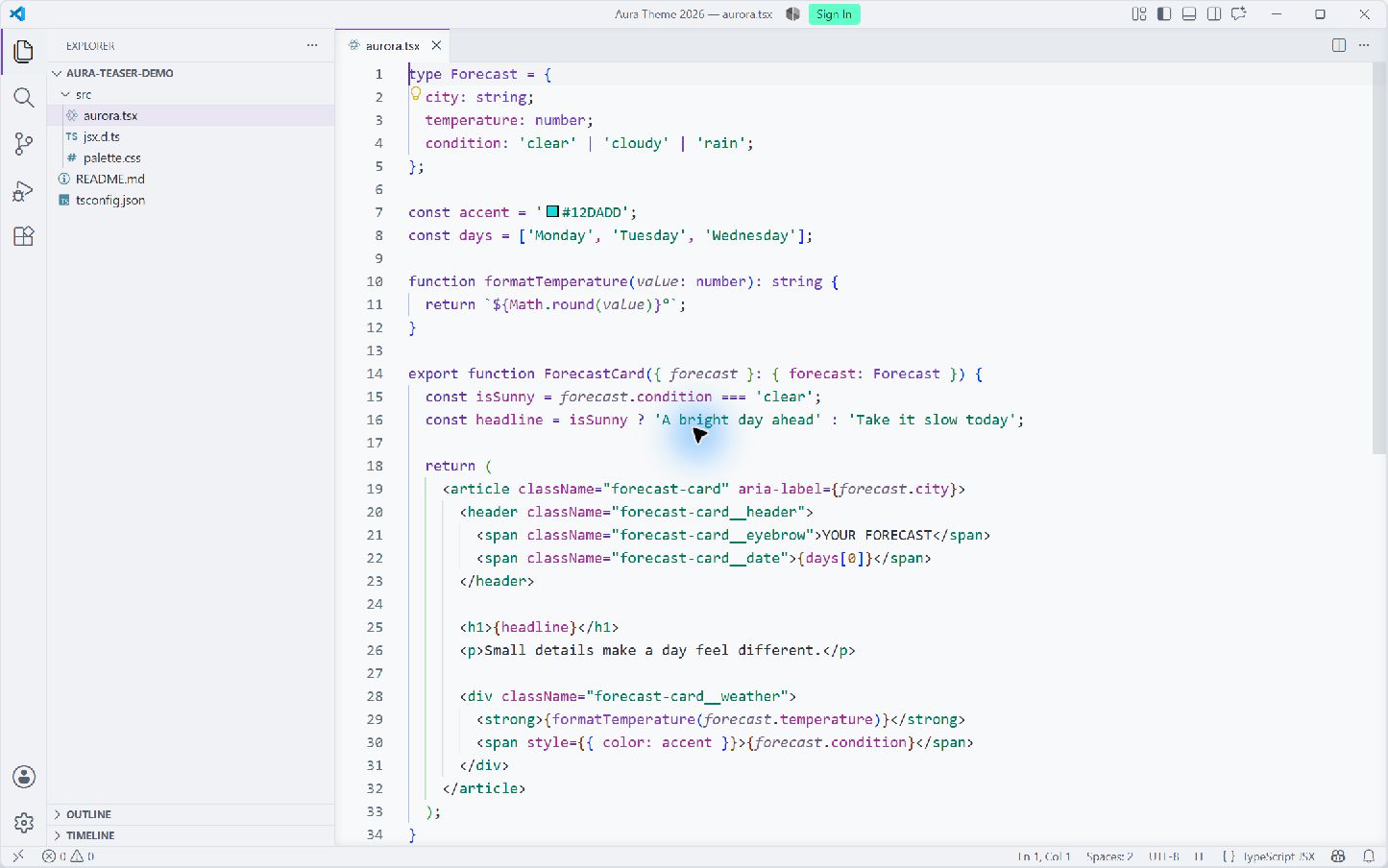
Aura Light
AquaCyan actions and navigation, mint badges, and a touch of citrus on cool white or Aura's violet-black background. Aura Aqua Dark
Aura Aqua Light
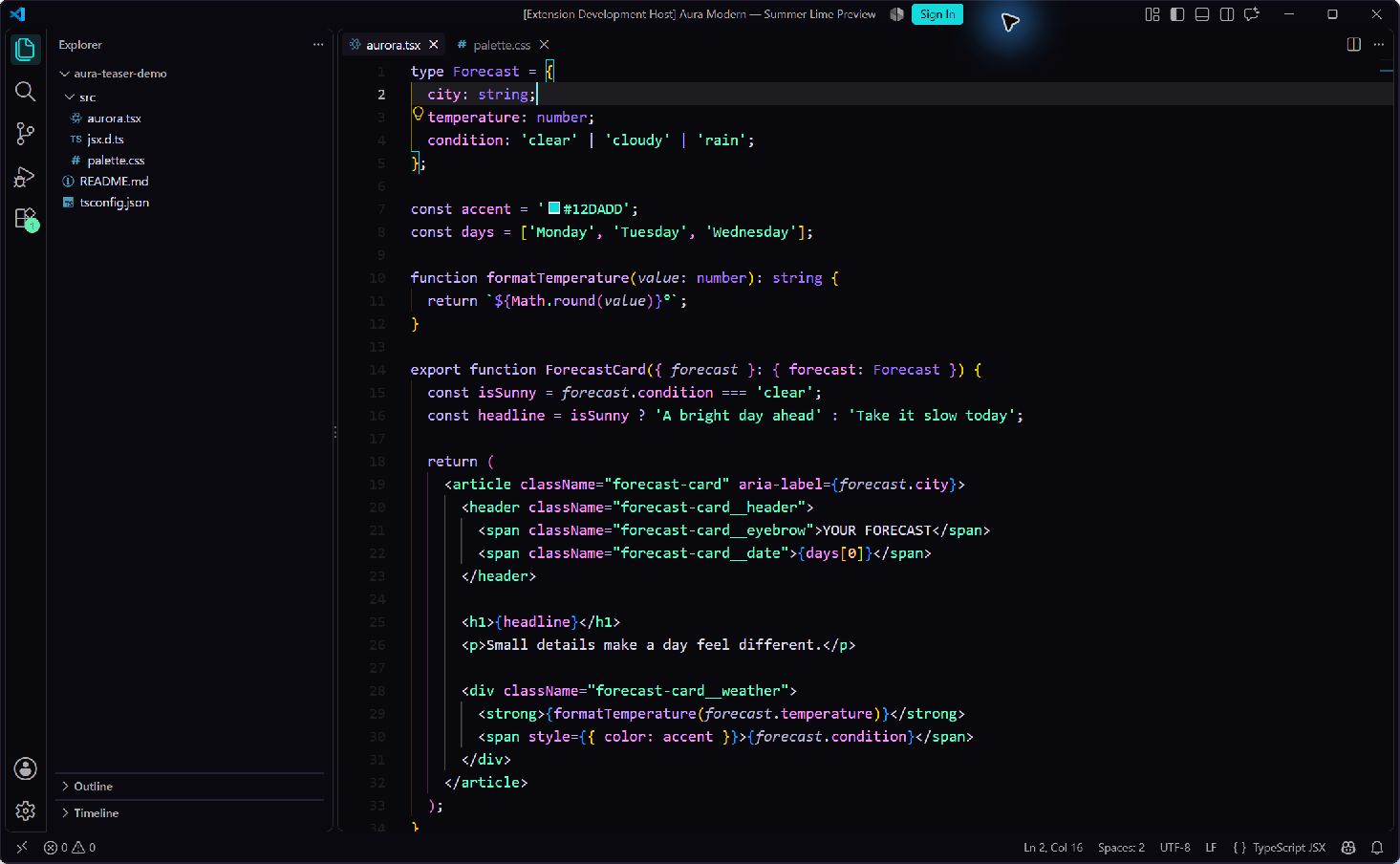
Aura Aqua Lime LightAqua's cool white workspace with brighter cyan, mint, yellow-green, and warm yellow syntax. It shares Aqua Light's interface and terminal colors; strings, tags, and quotes retain one consistent green. LimeCyan and mint with a touch of lemon. Lime Light has a pale green-white workspace; Lime Dark keeps Aura's violet-black background. Aura Lime Dark
Aura Lime Light
AzureBlues inspired by Microsoft Fluent, with neutral backgrounds. Aura Azure Dark
Aura Azure Light
Modern UIOn supported VS Code versions, enable Workbench › Experimental: Modern UI: Aqua and Lime Light use white icons on the selected cyan or mint activity tile, and dark icons on a pale tile when hovering over an unselected item. Their dark appearances use bright icons on subdued surfaces. The traditional interface is also supported; this experimental setting changes parts of VS Code's layout and styling too. Aura Modern defaults Workbench › Experimental: Modern UI Editor Tab Style to Pill. This lets Modern UI display each theme's active-tab fill, including Aqua's cyan background and white text. Modern UI itself remains controlled by your existing setting; the tab default does not require the gradient enhancement or a CSS loader. The default applies to every theme while Aura Modern is enabled, because VS Code exposes tab style as an editor setting. It does not write to your settings file. Your explicit User, Remote or Workspace choice takes precedence, and disabling or uninstalling Aura removes its default contribution. If an existing Optional Aqua effects (desktop)Aura Aqua Light and Aura Aqua Lime Light offer optional mint/cyan accents for everyday controls:
The effects are static and off by default. Buttons and icons show focus when VS Code requests a visible focus indicator, typically during keyboard navigation. Validation, severity, disabled controls and secondary buttons keep their native treatment. Editor colors, typography and tabs use the normal theme. Requirements
The loader is an optional dependency, installed separately. Aura neither bundles nor automatically installs it. Install and enable it on the computer running desktop VS Code, including when working over Remote SSH. Modern UI is a separate VS Code setting, not an extension dependency. The loader changes the local VS Code installation and needs write permission to it. This can trigger VS Code's installation-integrity warning; Aura does not suppress that warning. The enhancement is experimental and can require maintenance after editor updates. Enable
After initial setup, changing the switch can apply automatically when the installation and other loader imports are unchanged. The reload is still required. Aura preserves other CSS/JS imports; applying the loader reapplies those imports too. Update or use another computerAfter updating Aura or VS Code, run Aura: Apply Gradient Setting and reload to apply the current effects. Aura: Show Gradient Status reports missing setup, pending application or an installed stylesheet. It checks the installed payload, not whether every window has reloaded. Setup is required on each computer: install the loader, enable the setting, apply and reload. The switch is machine-specific and does not sync. In Remote SSH sessions, Aura applies the effects to the local desktop window; the remote server needs no CSS patch. Turn off or uninstallDisable Aura › Experimental: Gradients, run Aura: Apply Gradient Setting, and reload all affected windows. Do this before uninstalling Aura or the loader. Turning the setting off without applying and reloading can leave the installed effects visible. The themes then use their native focus, button and badge colors. CompatibilityEffects use internal desktop CSS and are unavailable in web VS Code. They affect matching Aqua Light windows across the whole VS Code installation, including other profiles; manage them from one local profile. Workspace-level loader imports must be moved to User Settings before applying. Enhanced fills, focus edges and shadows use Aura's effect palette. Ordinary color customizations do not recolor those effects; native text and icon foregrounds still apply. The Modern UI Pill tab default works independently of the loader. FeedbackReport an issue with the theme name, file type, and a screenshot of the problem. Release notes and upgrade information are in the Changelog. LicenseMIT. The original Aura license is included with this extension. Azure also uses selected Microsoft Fluent UI color tokens; see third-party notices. |