Skip to content
| Marketplace
Sign in
Visual Studio Code>Themes>datumNew to Visual Studio Code? Get it now.
datum

datum

w0zro

|
13 installs
| (0) | Free
A colorscheme derived from color science — light + dark, contrast-verified, colorblind-safe.
Installation
Launch VS Code Quick Open (Ctrl+P), paste the following command, and press enter.
Copied to clipboard
More Info

datum

datum for VS Code

A light and dark color theme derived from color science. Part of datum — see datum.w0zro.com.

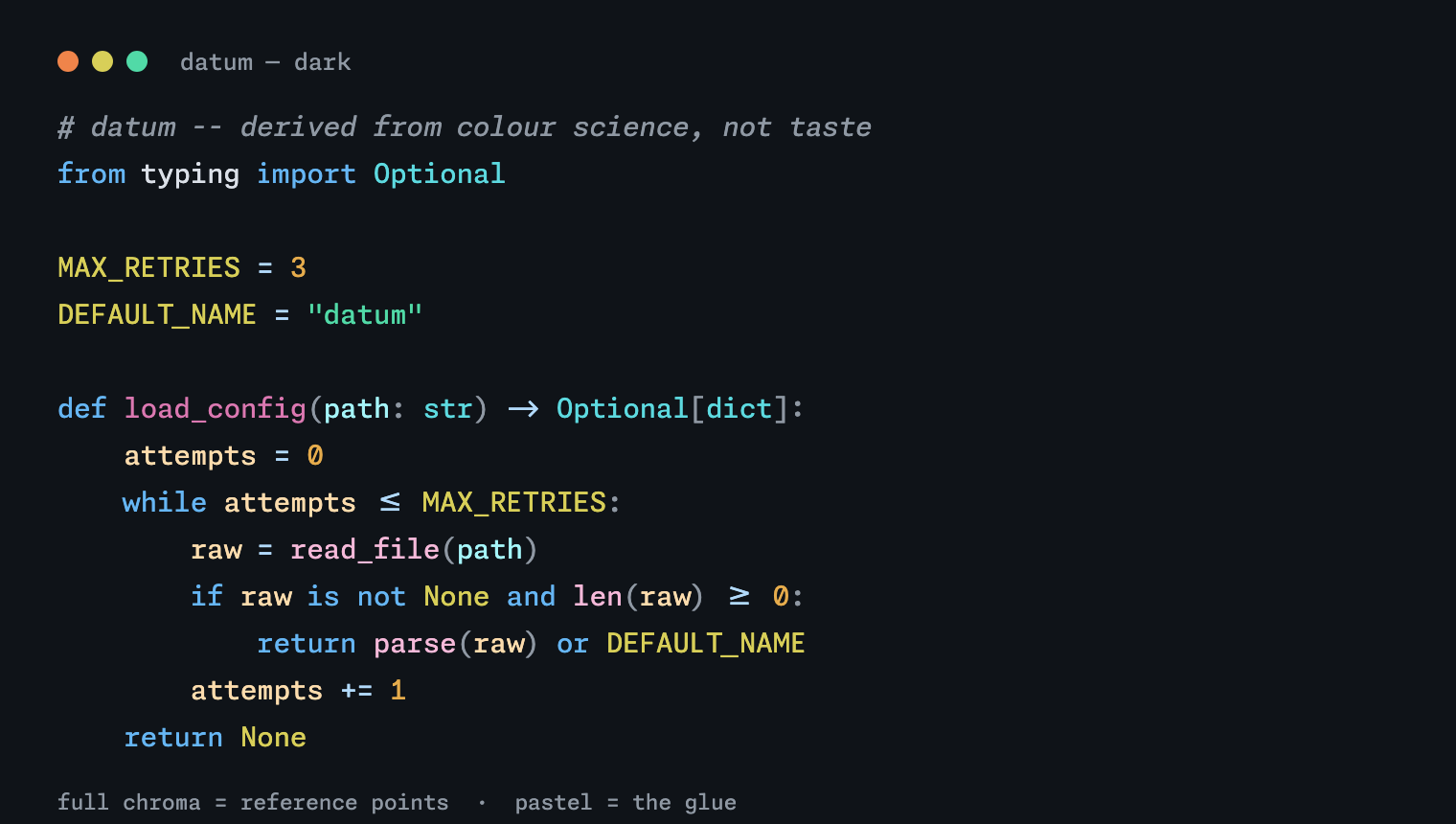
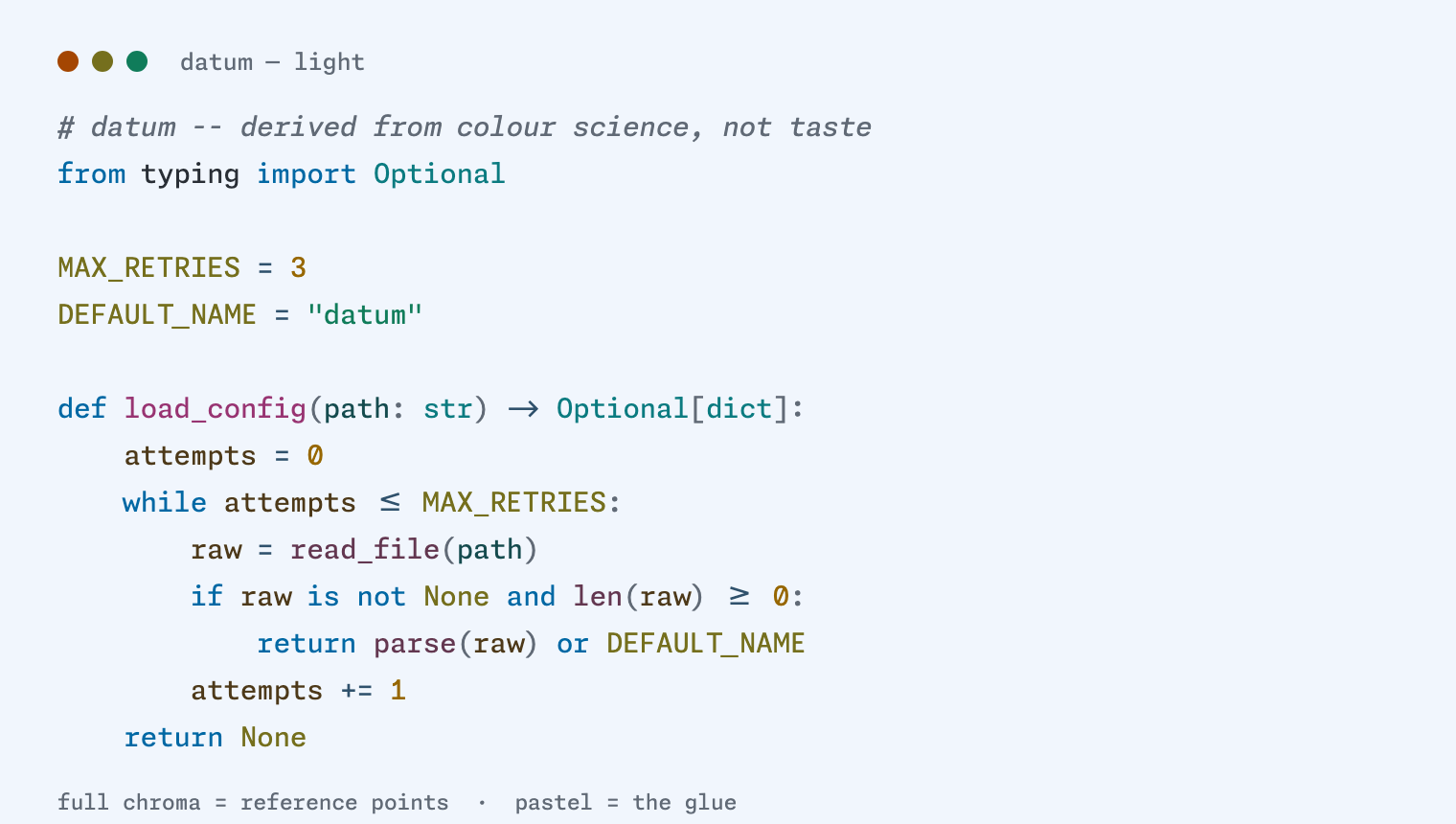
datum dark datum light

Pick datum (dark) or datum (light) in Preferences → Color Theme.

Install

Search datum in the Extensions view, or:

code --install-extension w0zro.datum

It's on the VS Marketplace and Open VSX.

Notes

The theme JSON in themes/ is generated from the datum palette — don't edit it by hand. To build the extension locally instead of installing from a registry:

cd ports/vscode && npm i -g @vscode/vsce && vsce package
code --install-extension datum-*.vsix

  • Contact us
  • Jobs
  • Privacy
  • Manage cookies
  • Terms of use
  • Trademarks
© 2026 Microsoft