Smart Data Viewer — AI Data WorkspaceExplore CSV, JSON, Excel, Parquet, SQLite, DuckDB and more with AI context, EDA, SQL, annotations, and rich in-editor previews. Installation Launch VS Code Quick Open ( Ctrl+P), paste the following command, and press enter.Copied to clipboard |

Smart Data Viewer
The AI-native data workspace for VS Code and Antigravity. Open the files your code and AI agents produce, understand them as tables, trees, databases, or documents, and turn the exact data you care about into useful AI context—without leaving the IDE.
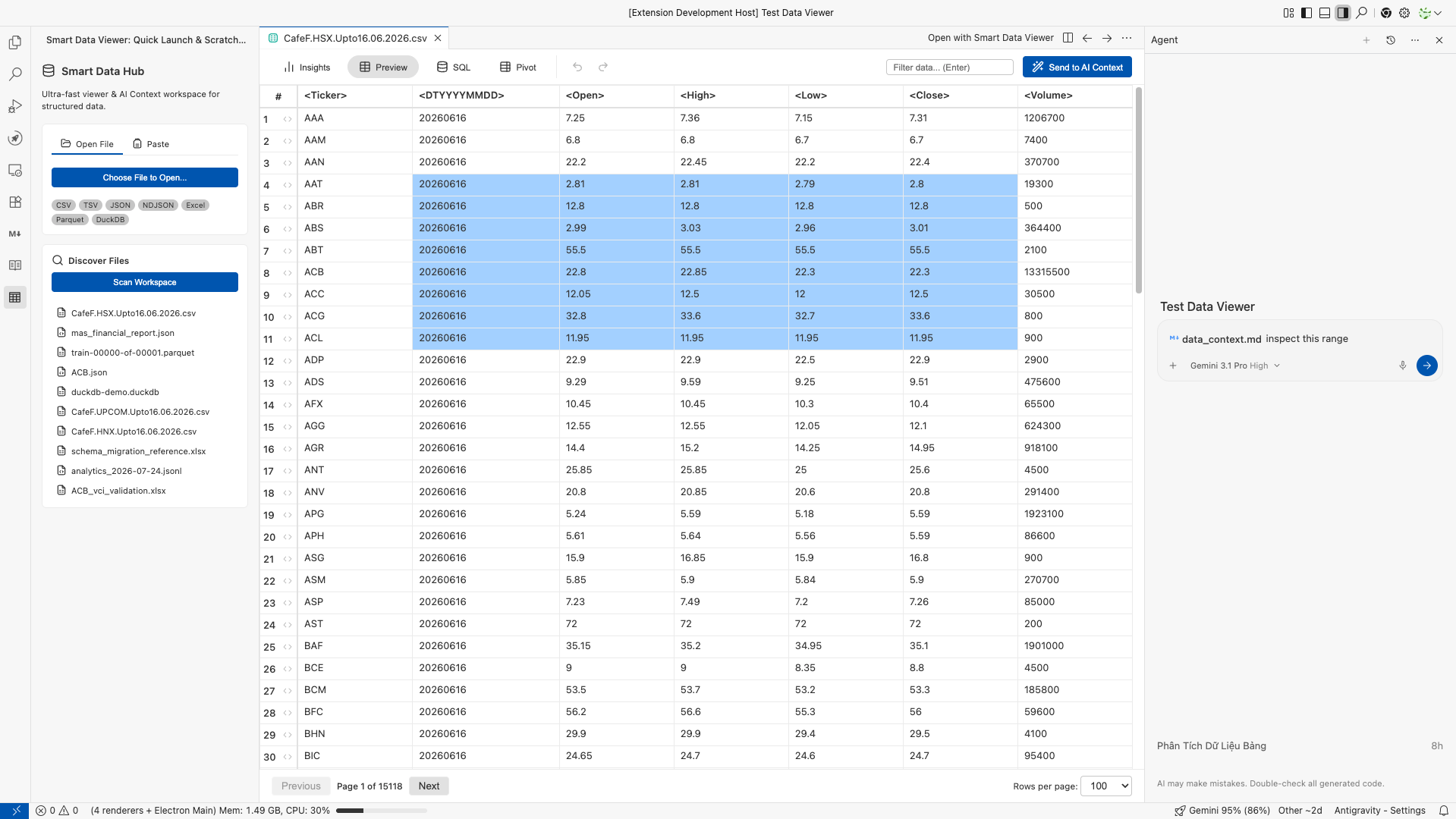
Smart Data Viewer is not another single-format CSV plugin. It is the missing interaction layer between AI coding and data artifacts: Why this extension existsModern development with AI is no longer a text-only workflow. Agents generate test fixtures, API responses, extracts, workbooks, Parquet files, local databases, HTML reports, and documents. Yet the IDE experience is still fragmented: binary formats open in external apps, every data type asks for another extension, and popular viewers often stop at rendering a file or editing a cell. That breaks the flow precisely when the next step is to understand an output, point out an anomaly, or give an AI agent the right evidence. Smart Data Viewer was built from a data practitioner's mental model. If a Pandas DataFrame can serialize or flatten almost anything into a table, the IDE should make that representation immediately useful. And if Exploratory Data Analysis can reveal schema, missingness, ranges, and suspicious values in seconds, those insights should sit next to the data—not in a separate notebook or heavyweight desktop tool. The result is one focused workspace where developers, analysts, data engineers, and AI-first teams can move from file to understanding to action with far less friction. What makes it differentTurn a selection into precise AI contextSelect cells, rows, columns, or a range in the grid and choose Send to AI Context. Smart Data Viewer converts the selection into a compact Markdown table with headers and row indices, so the agent receives structure and meaning instead of an opaque file dump.
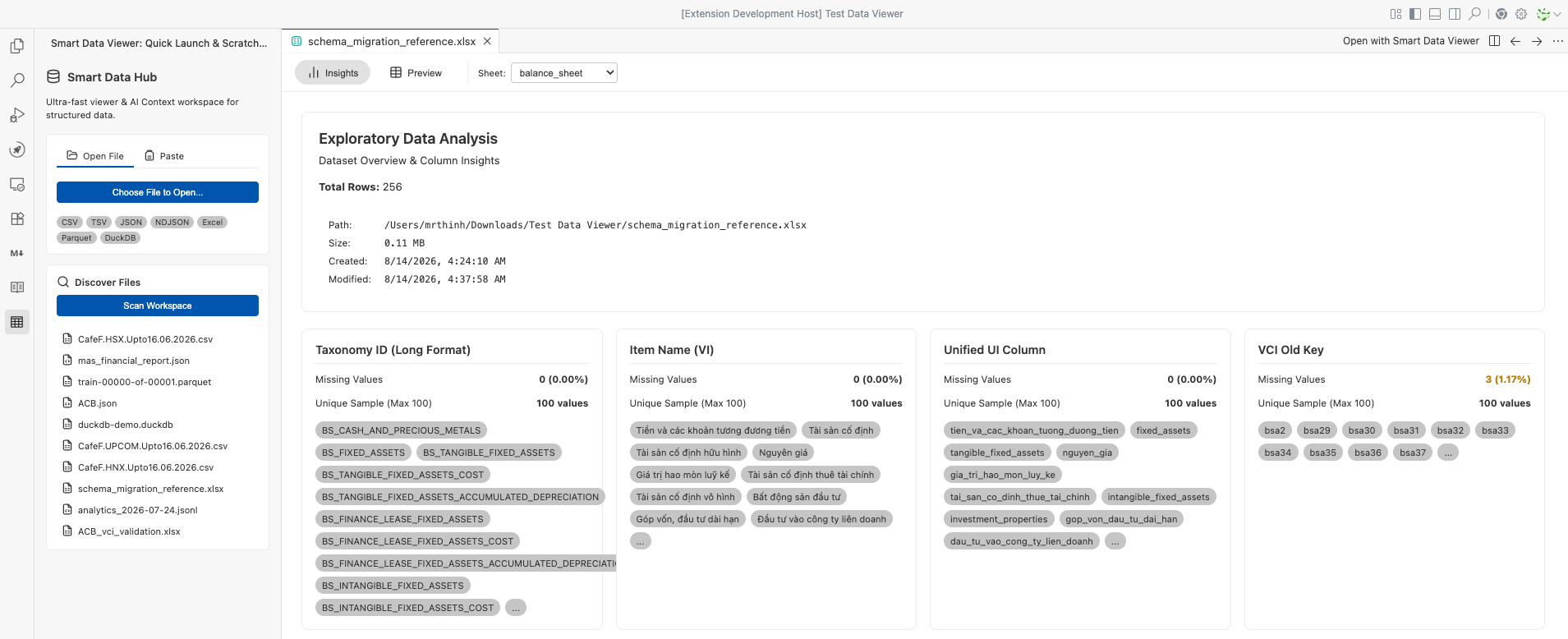
This excerpt-first approach keeps prompts focused and avoids spending context on an entire dataset when only a few records matter. Understand the dataset before asking AIThe built-in Insights panel performs background EDA and surfaces:
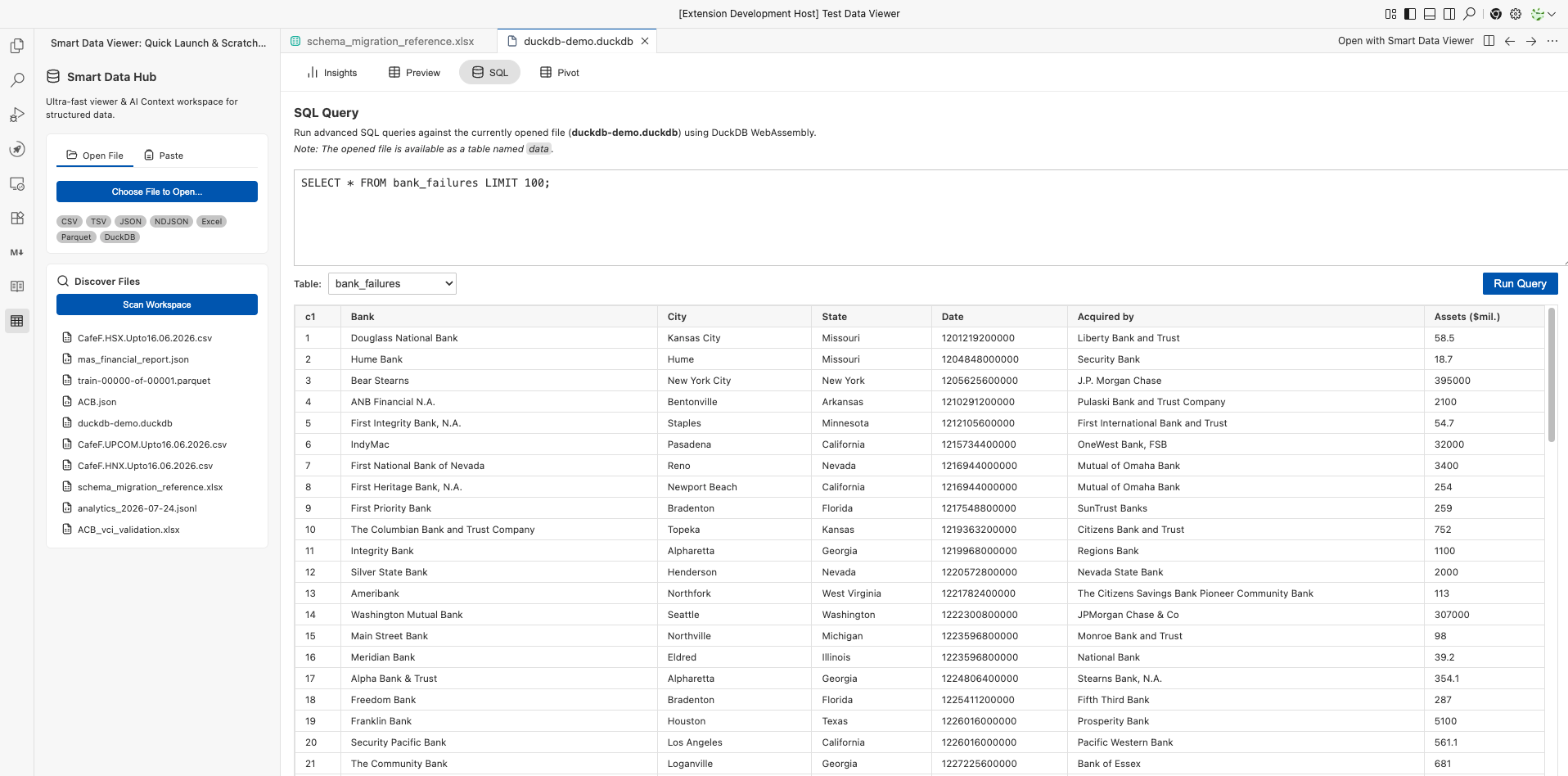
Query data without leaving the editorFor CSV and DuckDB workflows, DuckDB WebAssembly adds an analytical layer directly inside the webview:
No external database server is required. View the SQL query screenshot
Keep analysis beside the data, not inside itAdd notes to a selected range or maintain a longer Markdown annotation for the file. Workspace annotations are stored under This is useful for:
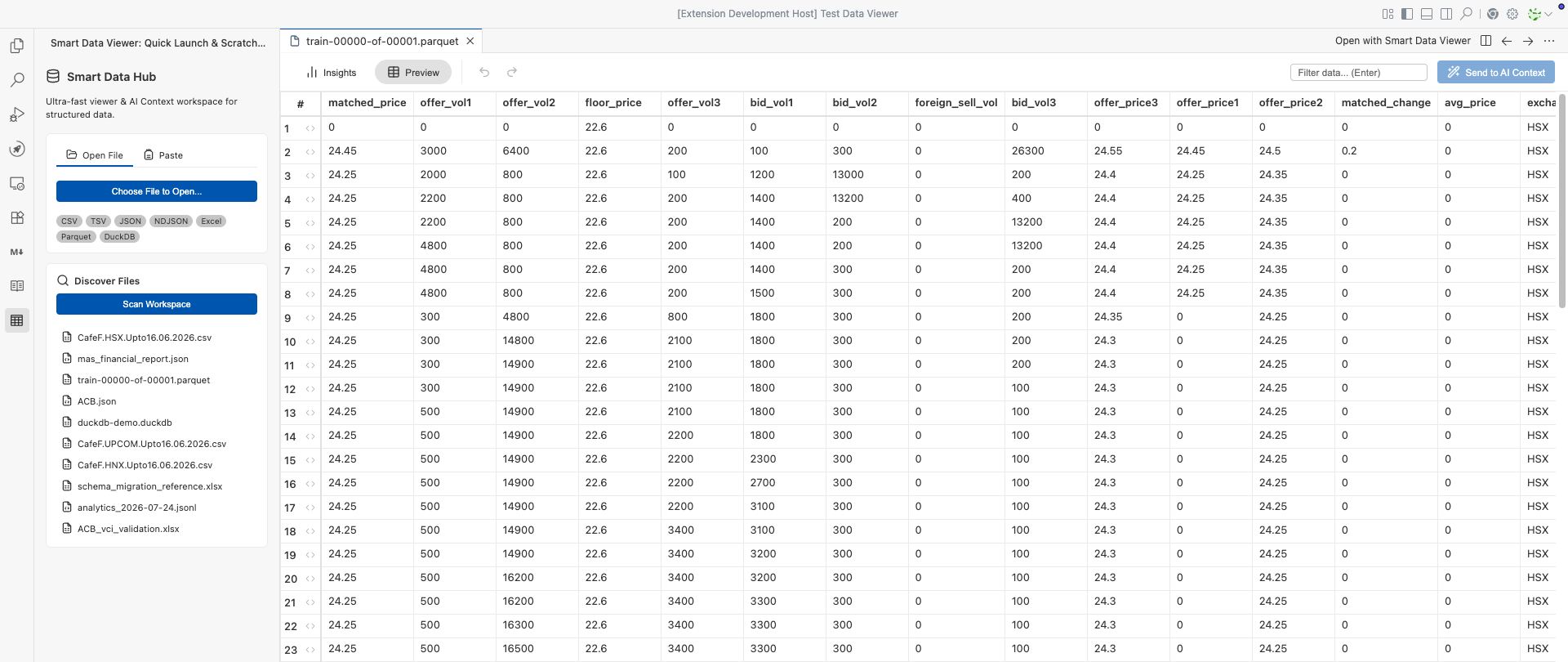
Stay responsive on large delimited filesCSV and TSV files are indexed by byte offset in the extension host, then loaded lazily in 100-row pages. The webview parses only the current page instead of loading the whole delimited file into the UI. CSV profiling runs separately in background chunks, keeping navigation responsive while Insights are prepared. One viewer, many artifacts
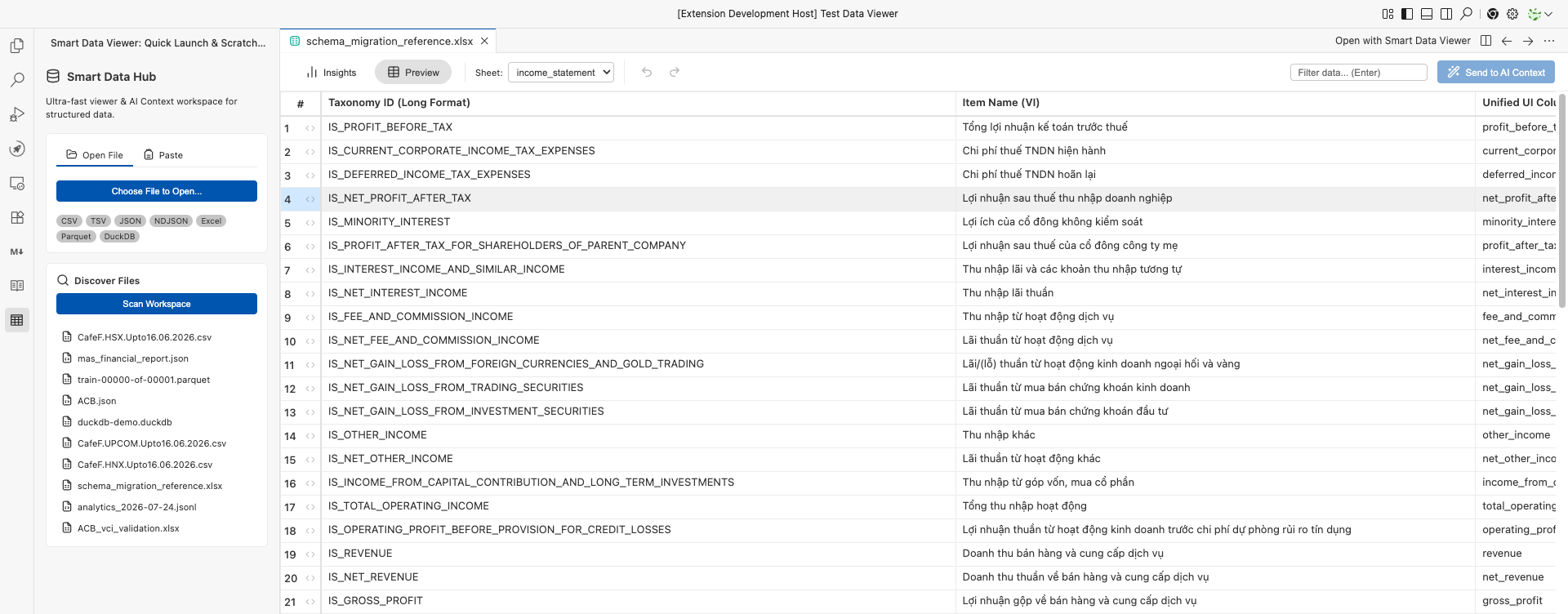
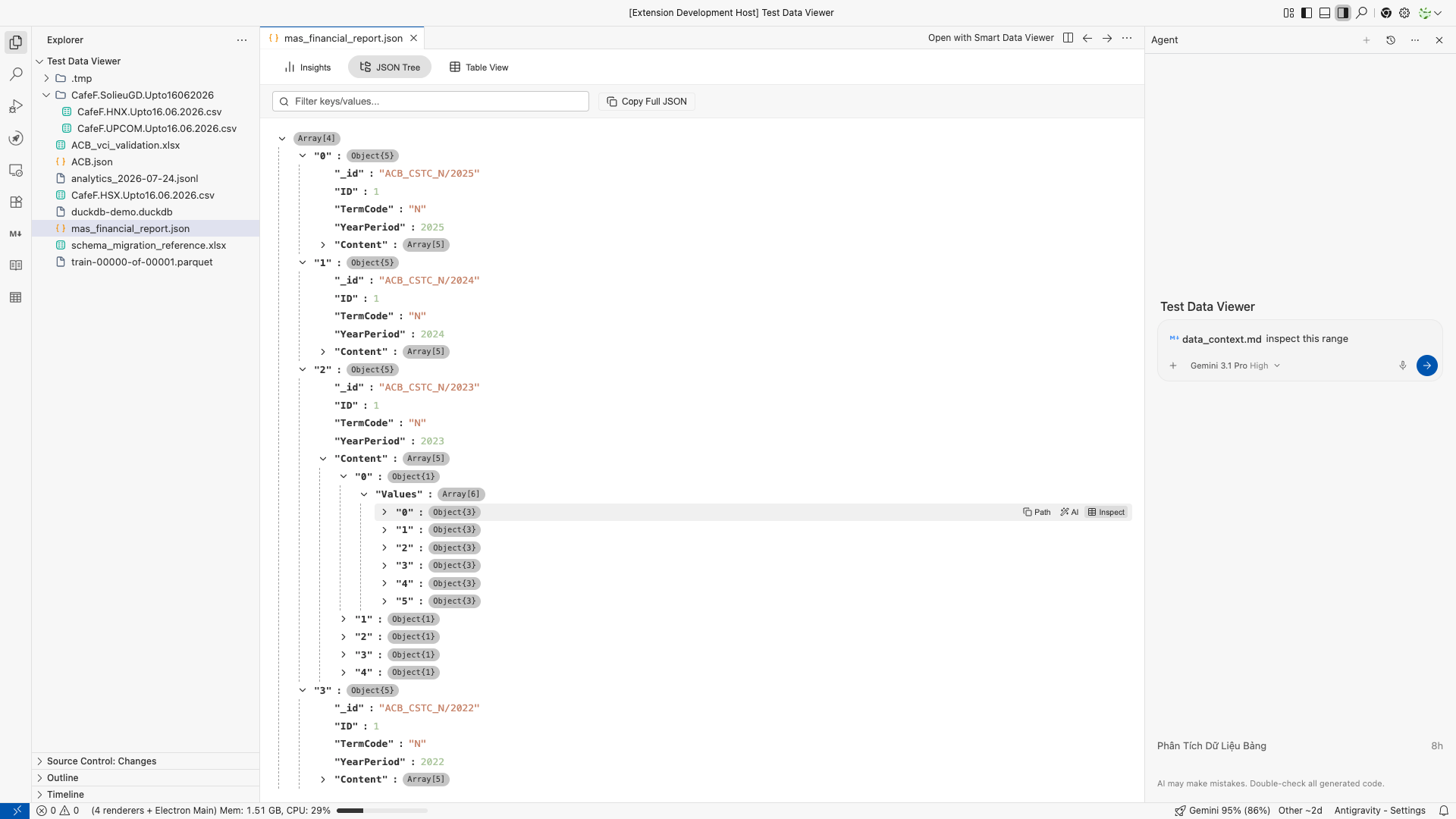
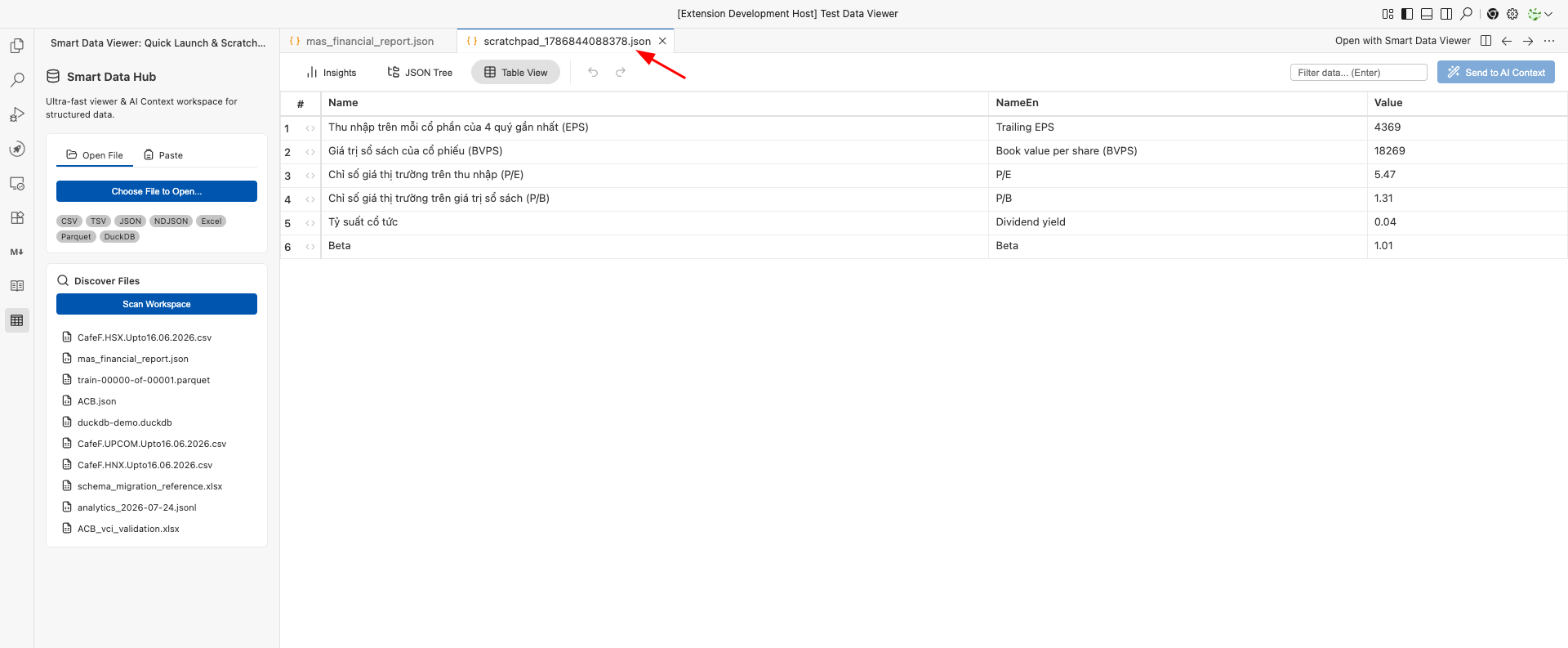
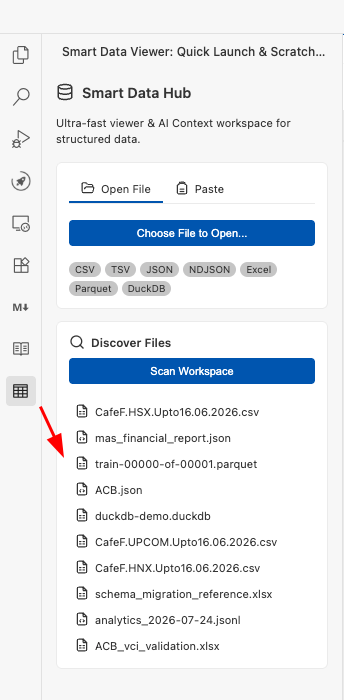
View Excel, JSON, and launcher screenshots
Built for AI-first workSmart Data Viewer is especially useful for:
The interface follows VS Code theme variables throughout, so grids, panels, controls, and document views feel native in light and dark themes. Getting started
When a text-based format is open in Smart Data Viewer, use the file-code button in the editor title bar to reopen it immediately in VS Code's default text editor. This is available for CSV, TSV, JSON, JSONL, NDJSON, HTML, and HTM files. For raw output that is not yet a file, open the Command Palette and run: The Activity Bar hub can also open a file, paste JSON data, or scan the workspace for supported artifacts. Current behavior and data safety
Settings
Design principles
Project and support
Ecosystema href="https://vnstocks.com/" img src="https://vnstocks.com/img/vnstock_logo_trans_rec_hoz.png" width="200" alt="Vnstock Ecosystem" Vnstock provides both open-source tools for the community and premium memberships featuring advanced libraries and features, serving a vibe coding experience for quantitative stock market analysis and trading with a focus on the Vietnam market. Smart Data Viewer is free and open source under the GNU General Public License v3.0. |