Mac Dark ProA beautifully balanced dark theme for Visual Studio Code. Inspired by Xcode Dark. Two variants: Mac Dark Pro (original) and Mac Dark Pro Max (XCode-inspired syntax). Installation Launch VS Code Quick Open ( Ctrl+P), paste the following command, and press enter.Copied to clipboard |

Mac Dark ProThe feel of Xcode. The power of VS Code.
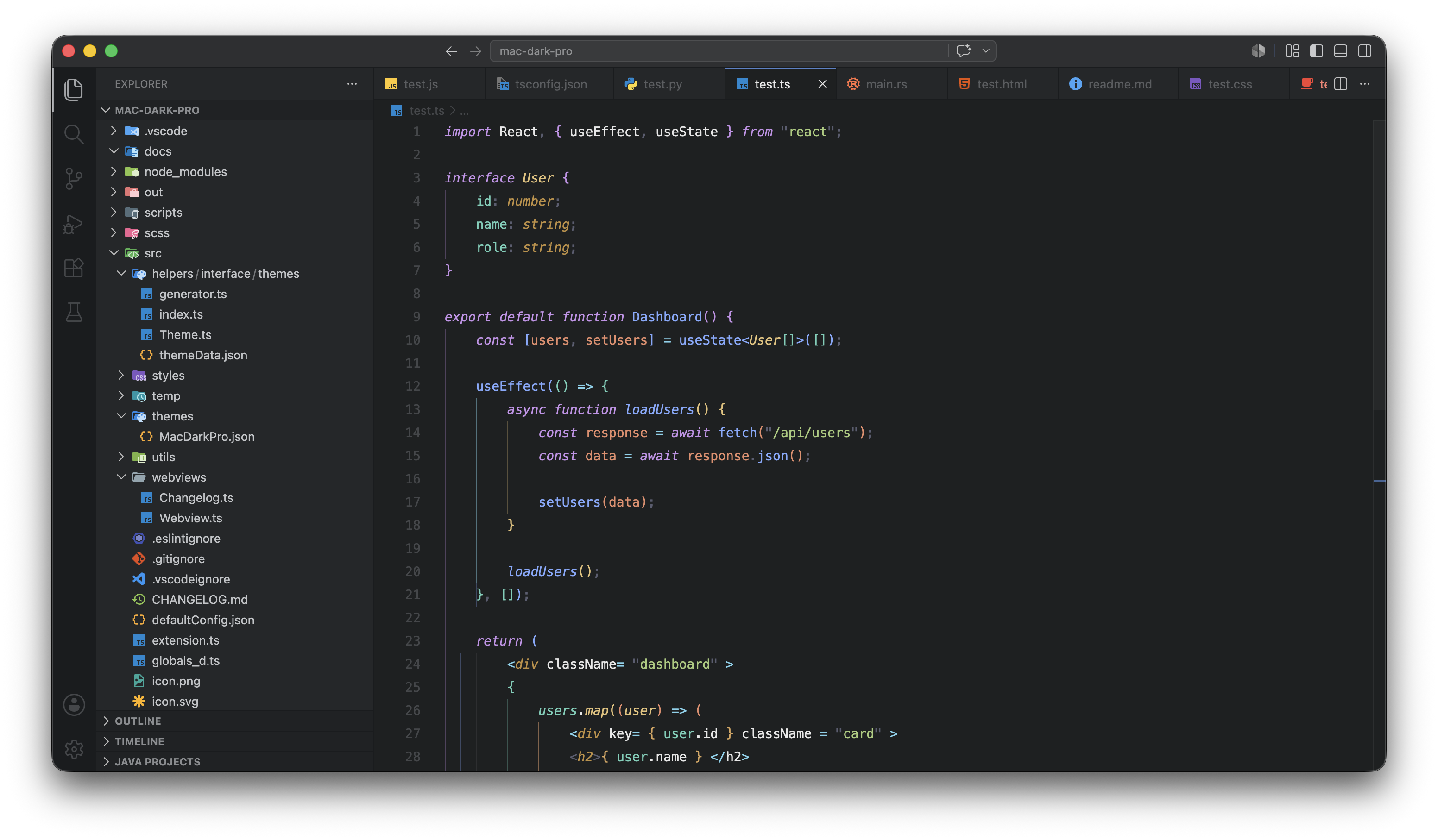
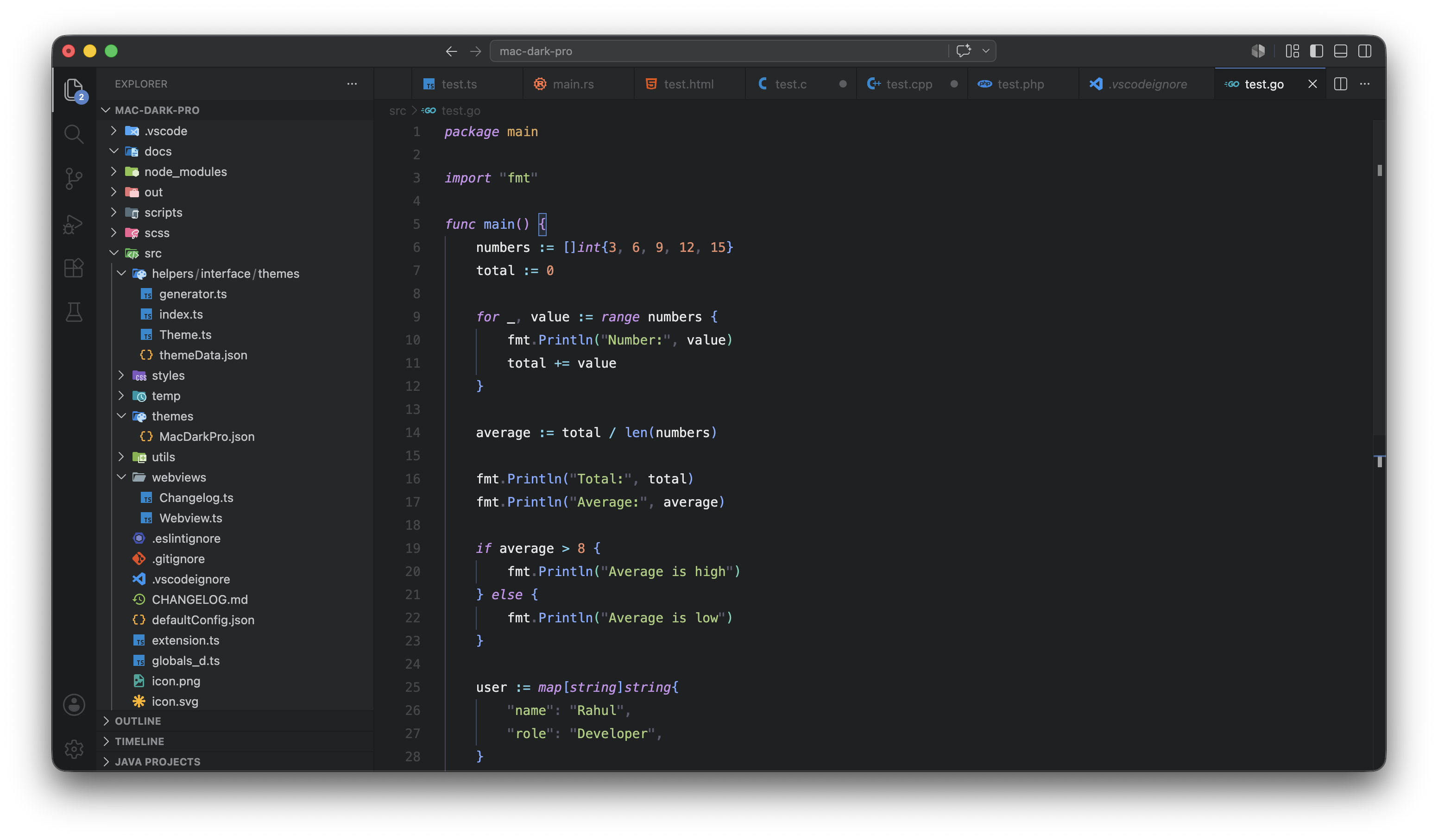
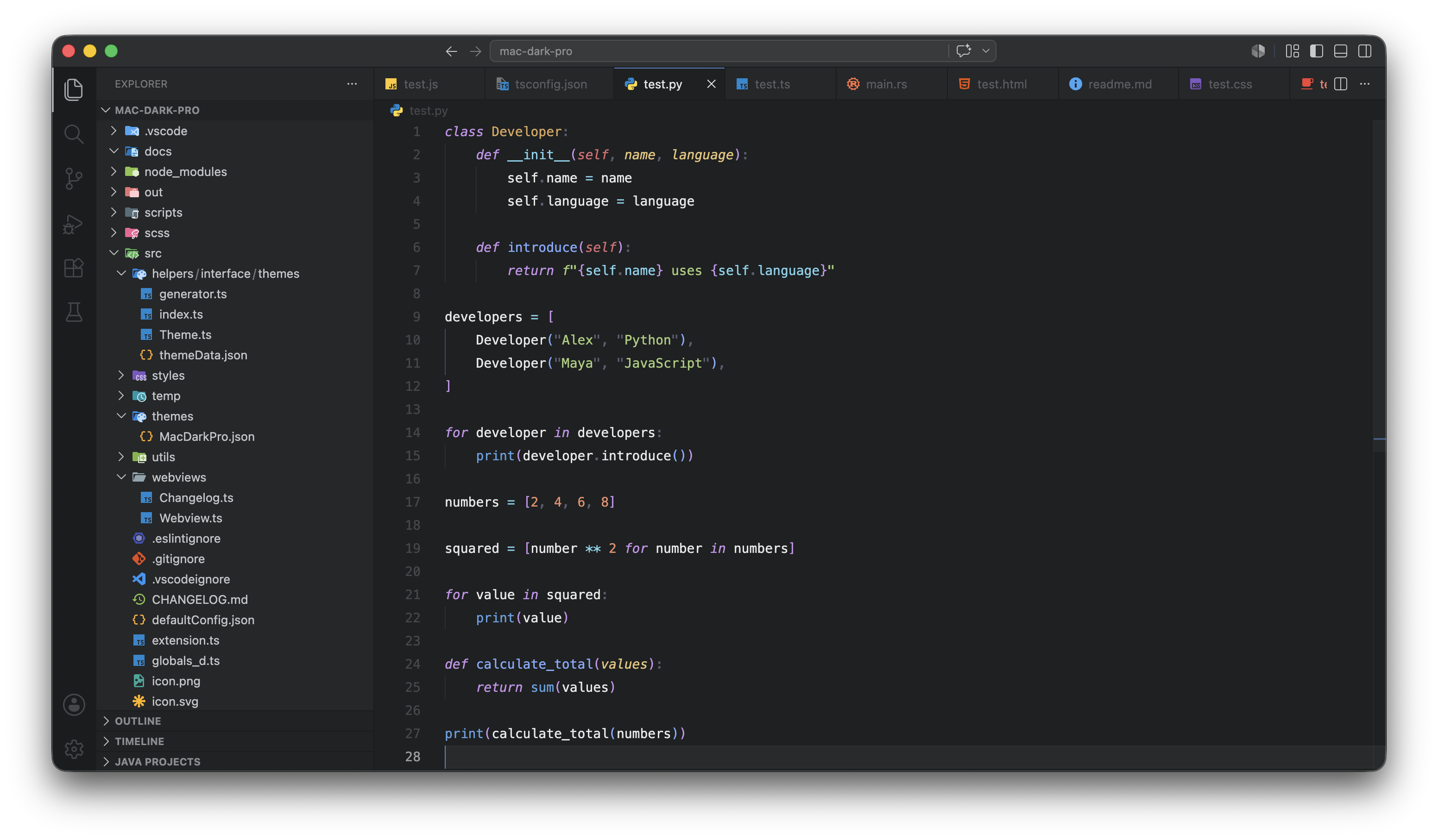
ScreenshotsTypeScript & React
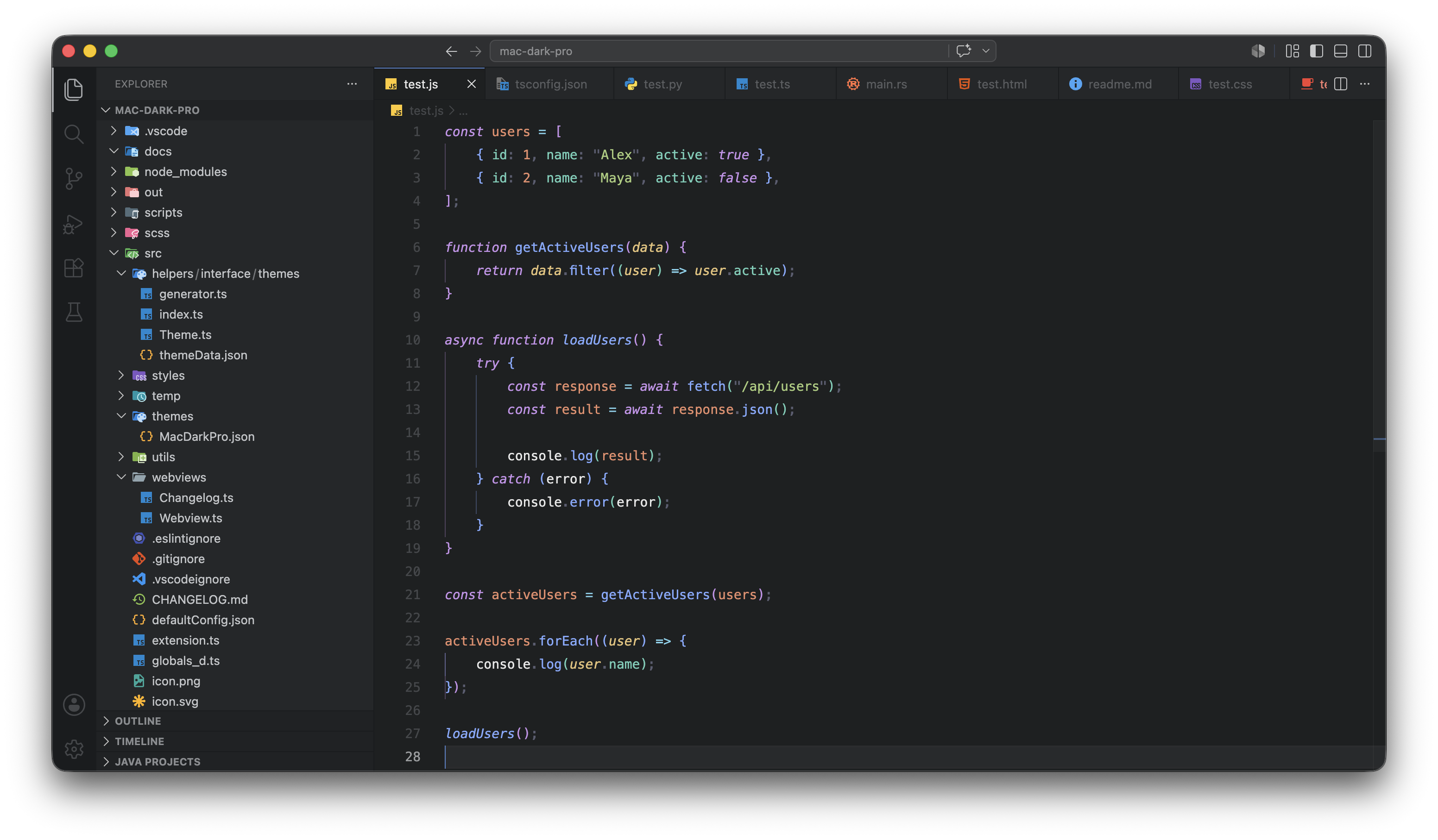
JavaScript
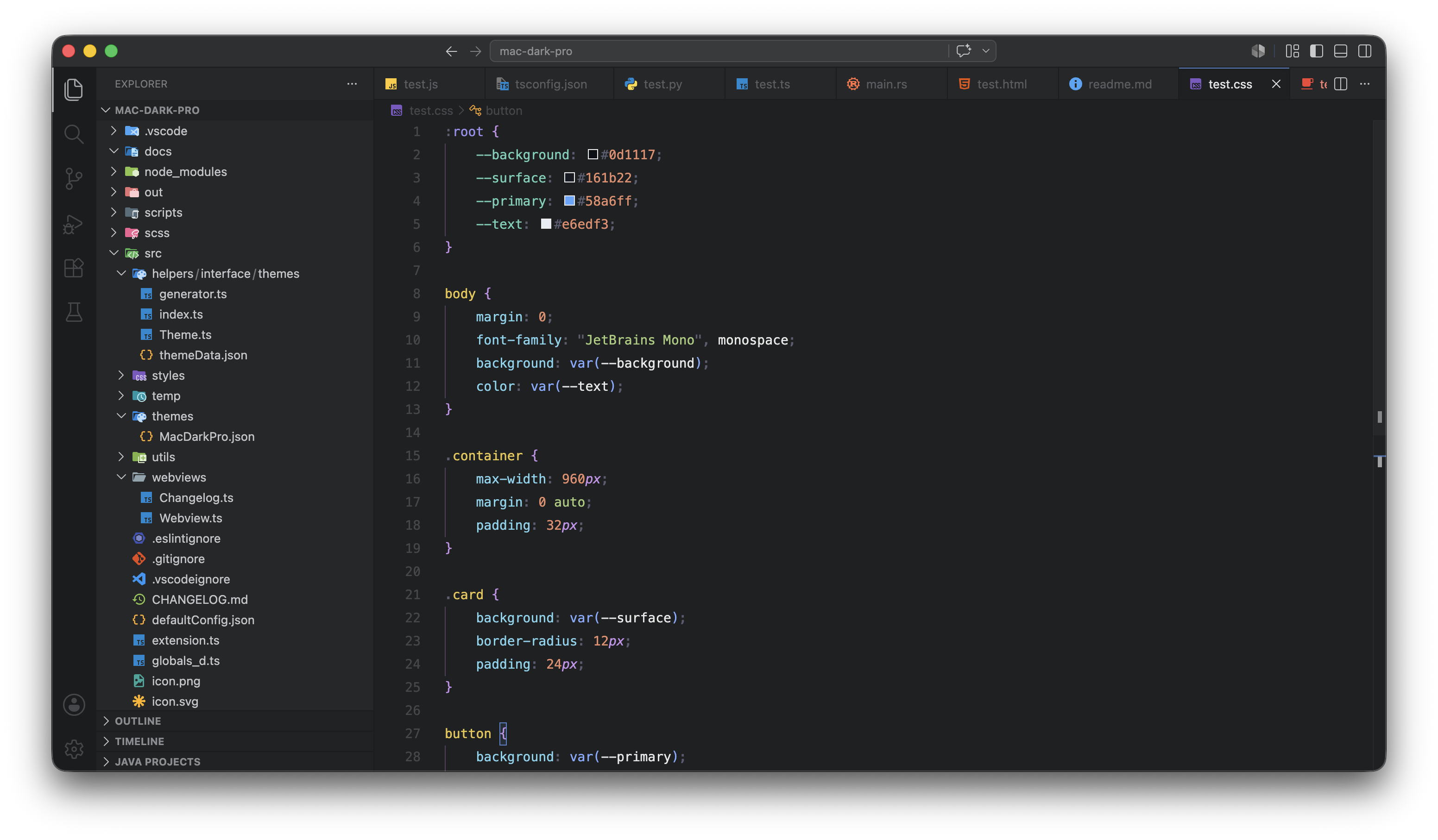
CSS
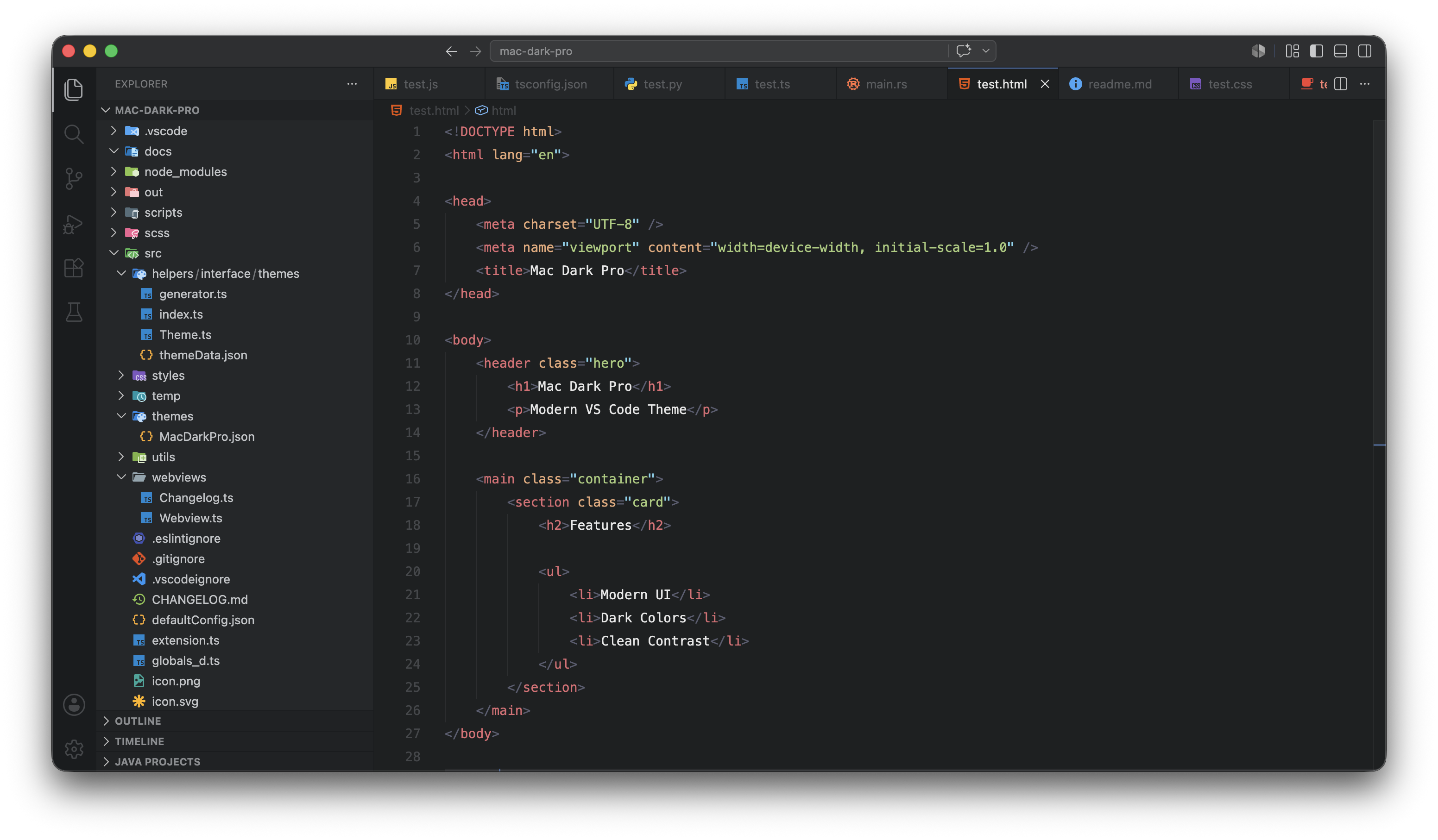
HTML
GoLang
Python
LanguagesFrontendTypeScript · JavaScript · React JSX/TSX · HTML · CSS · SCSS · Vue · Svelte · GraphQL · MDX · Astro BackendPython · Java · Go · Rust · PHP · C# · Kotlin · Swift · Ruby · Dart · Scala · R · Zig · Lua · C/C++ Database & ORMSQL · Prisma · GraphQL DevOps & ConfigDocker · Shell/Bash · Terraform · YAML · JSON · TOML · .env · Nginx Systems & DocsSolidity · GLSL · WGSL · Regex · Markdown · Git Diff Recommended Settings
Semantic HighlightingFor the best TypeScript and JavaScript experience, enable semantic highlighting: This activates 71 additional token rules that give functions, classes, interfaces, parameters, and more their own distinct colors based on what they actually are — not just their syntax position. Installation
FeedbackFound a language that looks off? Open an issue — every report gets a response. MIT License · Built for developers who live on a Mac. |