Skip to content
| Marketplace
Sign in
Visual Studio Code>Themes>Aura DarkNew to Visual Studio Code? Get it now.
Aura Dark

Aura Dark

Vinay

|
8 installs
| (1) | Free
A deep purple dark theme for VS Code. Warm background, rich colors, Built for long coding sessions. 35+ languages covered.
Installation
Launch VS Code Quick Open (Ctrl+P), paste the following command, and press enter.
Copied to clipboard
More Info

Aura Dark

Deep purple. Warm. Built for developers who live in their editor.

Version Installs Rating

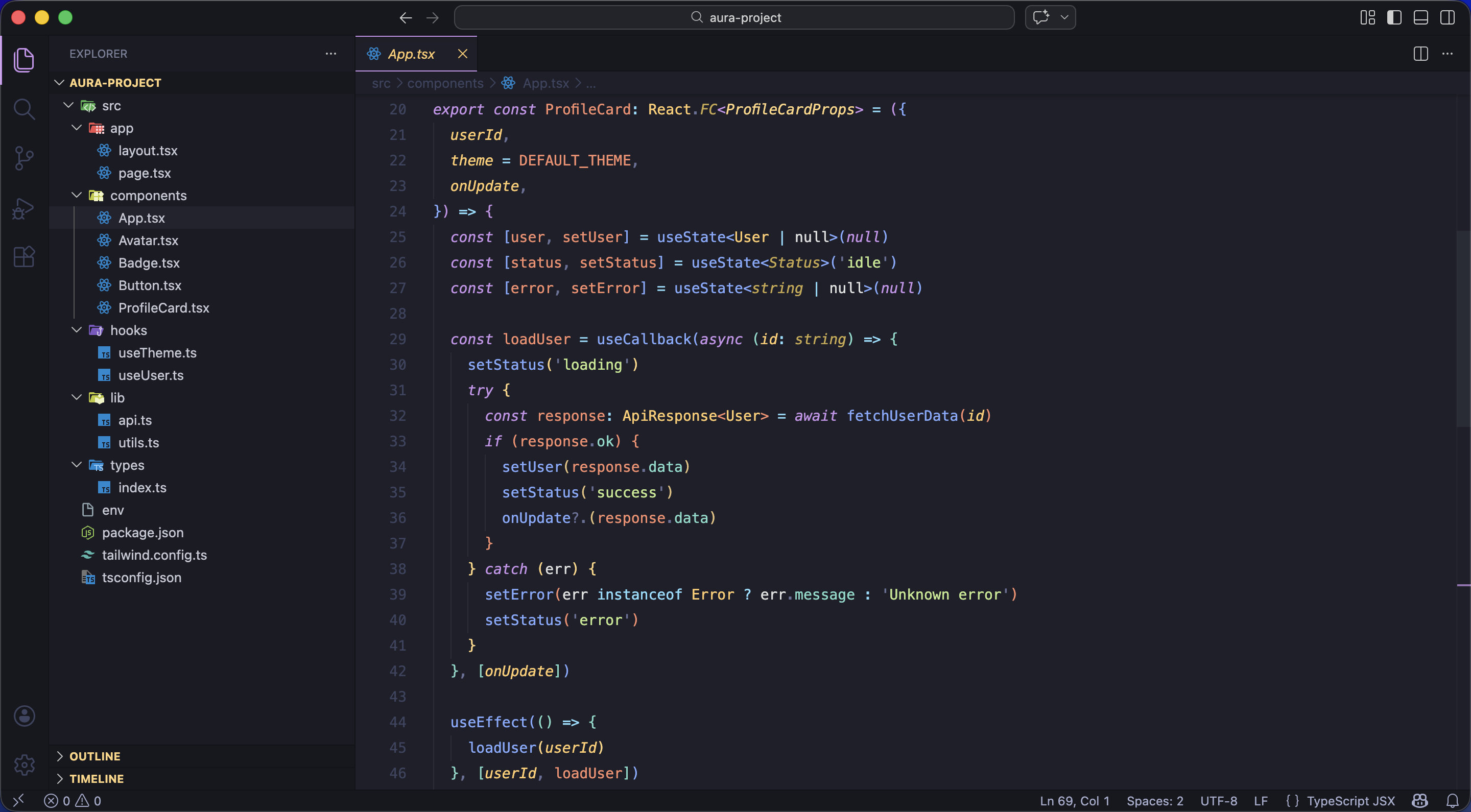
Full UI Preview


About

Aura Dark is a deep purple dark theme built for developers who spend long hours in their editor.

Every color means something specific — keywords, functions, strings, properties all have their own distinct color so your eye finds what it needs without thinking. The background #1E1F29 is warm enough to feel comfortable after hour four, without being so dark it strains your eyes.

Covers 35+ languages with dedicated rules for each one — TypeScript, Python, Rust, Go, HTML, CSS, Docker, SQL, and many more.


Screenshots

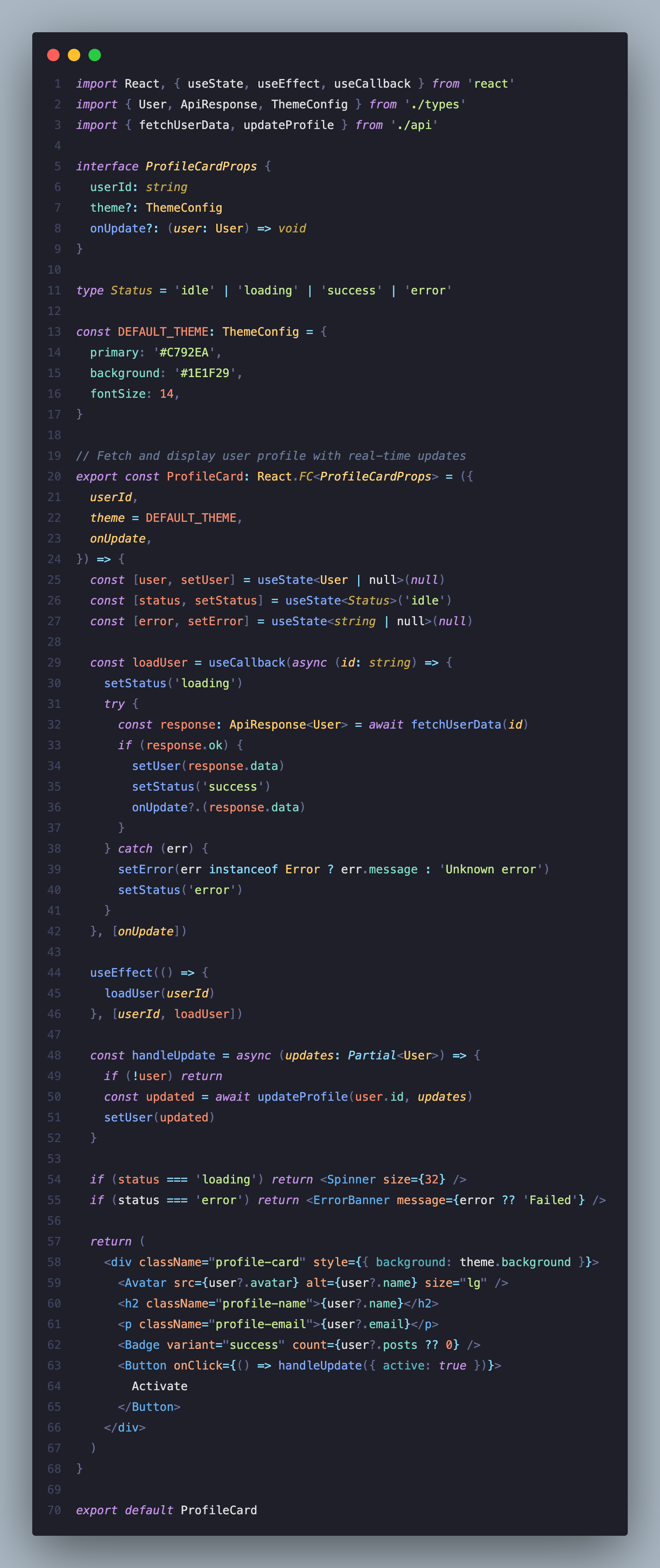
TypeScript & React

TypeScript Preview

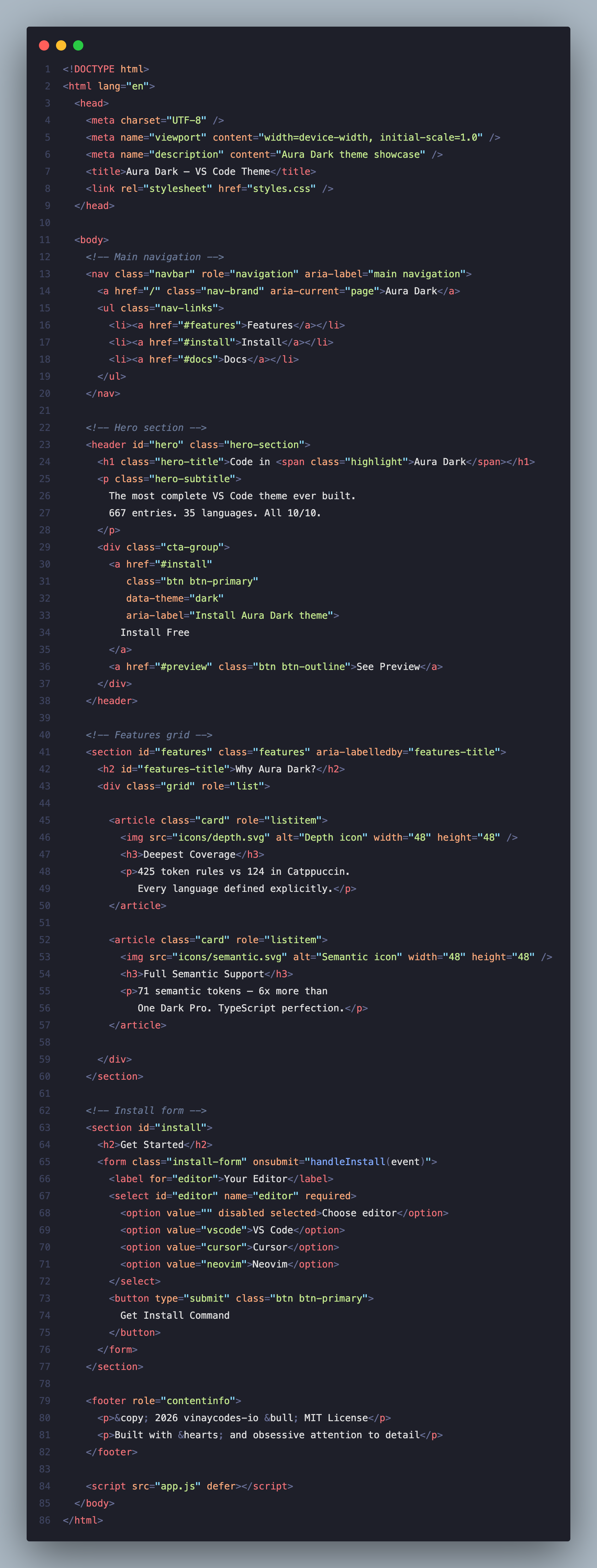
HTML

HTML Preview

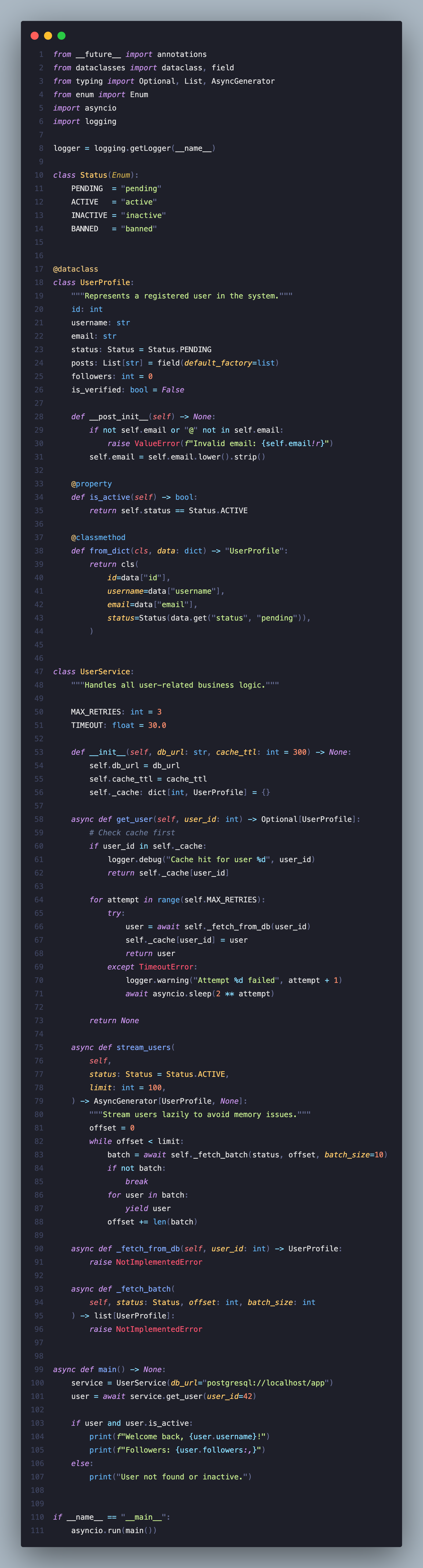
Python

Python Preview


Color System

Color Hex Role
🟣 Purple #C792EA Keywords · Cursor · Active UI
🔵 Periwinkle #82AAFF Functions · Methods
🔵 Blue #61AFEF Built-ins · Support
🟢 Sage Green #C3E88D Strings · Template literals
🟡 Warm Gold #FFCB6B Classes · Types
🟡 Amber #FFD580 Interfaces · Decorators
🩵 Mint Teal #7FDBCA Properties · Object keys
🩵 Cyan #89DDFF Operators · Punctuation
🟠 Peach #F78C6C Numbers · Constants
🔴 Rose #F07178 HTML tags · Errors
💜 Violet #9B8FEF CSS pseudo · Regex
⬛ Slate #6B7A99 Comments

Languages

Frontend

TypeScript · JavaScript · React JSX/TSX · HTML · CSS · SCSS · Vue · Svelte · GraphQL · MDX · Astro

Backend

Python · Java · Go · Rust · PHP · C# · Kotlin · Swift · Ruby · Dart · Scala · R · Zig · Lua · C/C++

Database & ORM

SQL · Prisma · GraphQL

DevOps & Config

Docker · Shell/Bash · Terraform · YAML · JSON · TOML · .env · Nginx · Kubernetes · GitHub Actions

Systems & Docs

Solidity · GLSL · WGSL · Regex · Markdown · Git Diff


Recommended Settings

{
  "editor.fontFamily": "JetBrains Mono, Fira Code, monospace",
  "editor.fontSize": 14,
  "editor.lineHeight": 1.75,
  "editor.fontLigatures": true,
  "editor.cursorStyle": "line-thin",
  "editor.cursorBlinking": "expand",
  "editor.smoothScrolling": true,
  "editor.bracketPairColorization.enabled": true,
  "editor.guides.bracketPairs": true,
  "editor.minimap.enabled": false,
  "editor.formatOnSave": true,
  "workbench.iconTheme": "material-icon-theme",
  "editor.semanticHighlighting.enabled": true
}

Font tip: JetBrains Mono is free and pairs perfectly with Aura Dark.


Semantic Highlighting

For the best TypeScript and JavaScript experience:

"editor.semanticHighlighting.enabled": true

Installation

  1. Open Extensions Cmd+Shift+X / Ctrl+Shift+X
  2. Search Aura Dark
  3. Click Install
  4. Press Cmd+K Cmd+T / Ctrl+K Ctrl+T → select Aura Dark

Feedback

Found a language that looks off? Open an issue — every report gets a response.


MIT License · Every color is intentional. Every language is covered.

  • Contact us
  • Jobs
  • Privacy
  • Manage cookies
  • Terms of use
  • Trademarks
© 2026 Microsoft