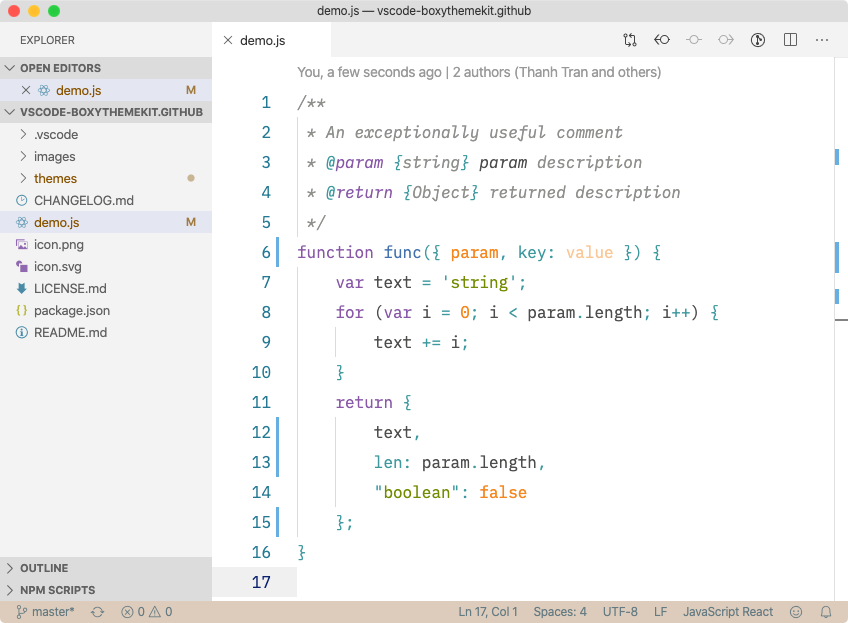
Boxy Theme KitTomorrow Night, Monokai, Nova, Ocean, Solarized Dark, Solarized Light, and Yesterday color schemes in Sublime Boxy Theme kit. Installation Launch VS Code Quick Open ( Ctrl+P), paste the following command, and press enter.Copied to clipboard |

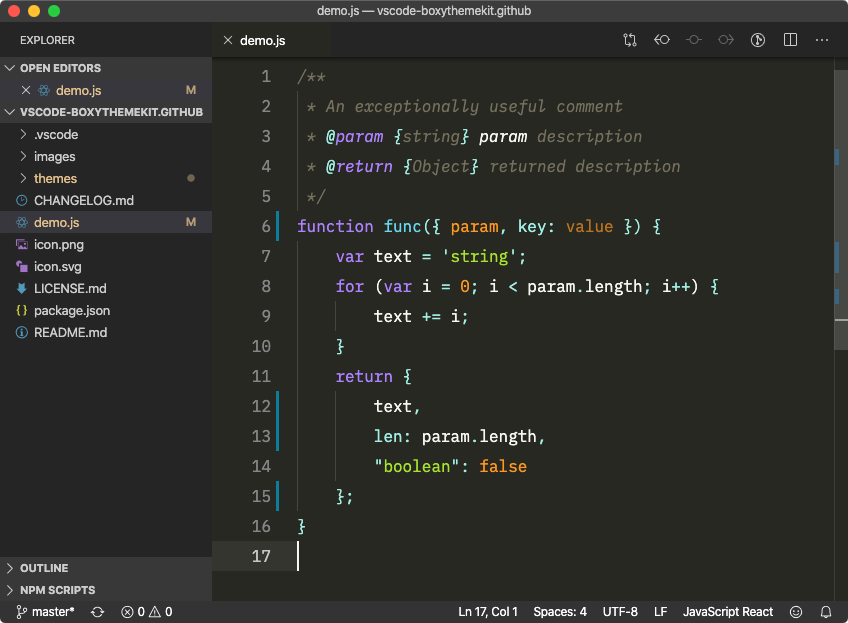
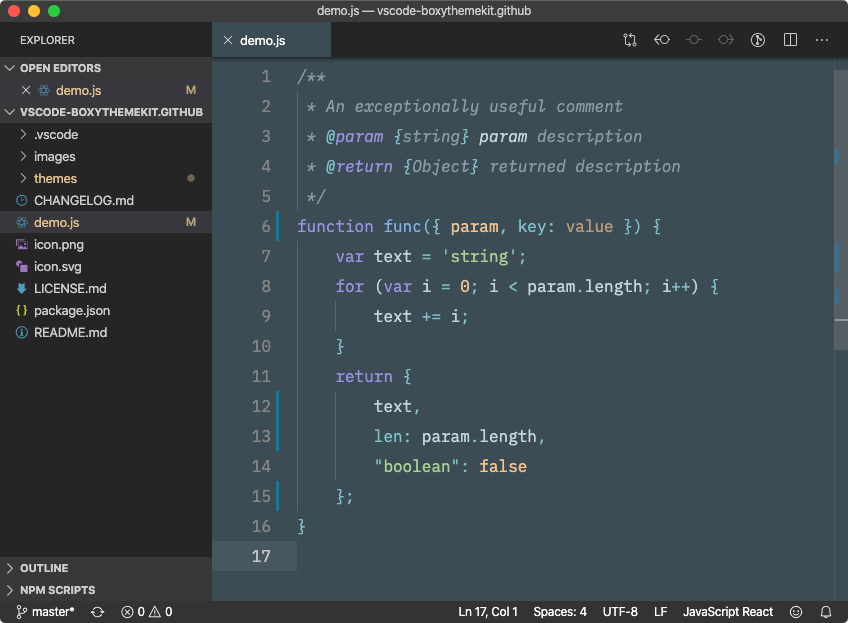
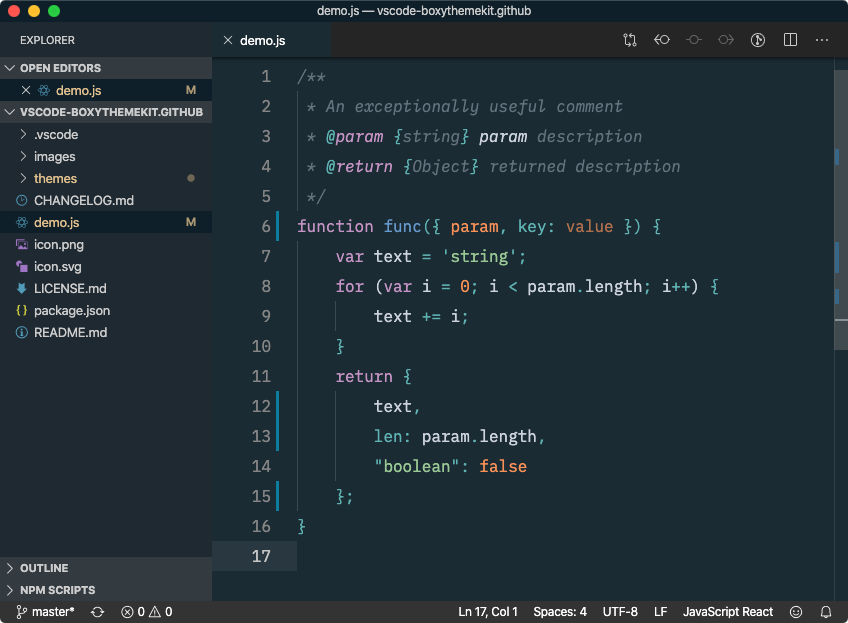
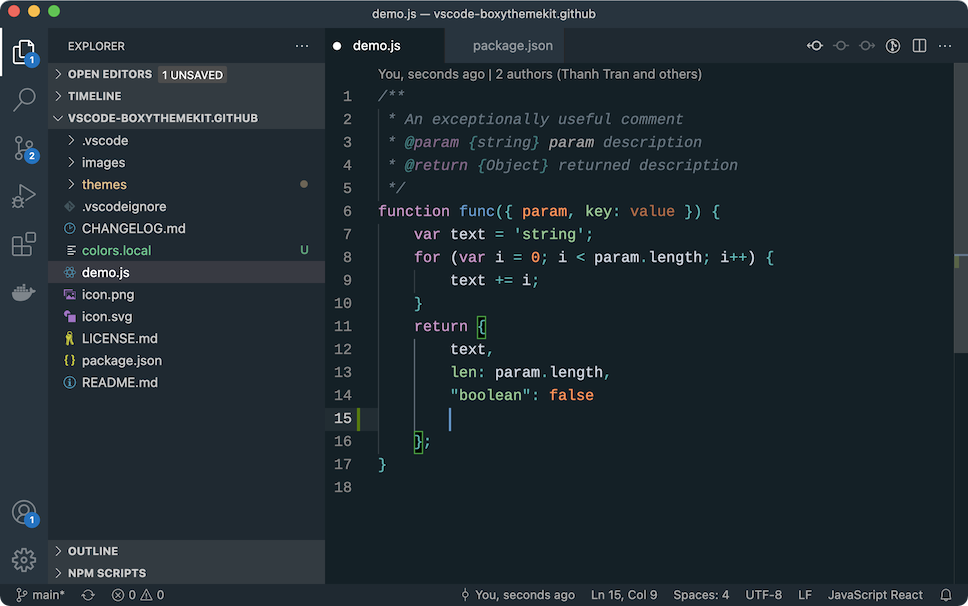
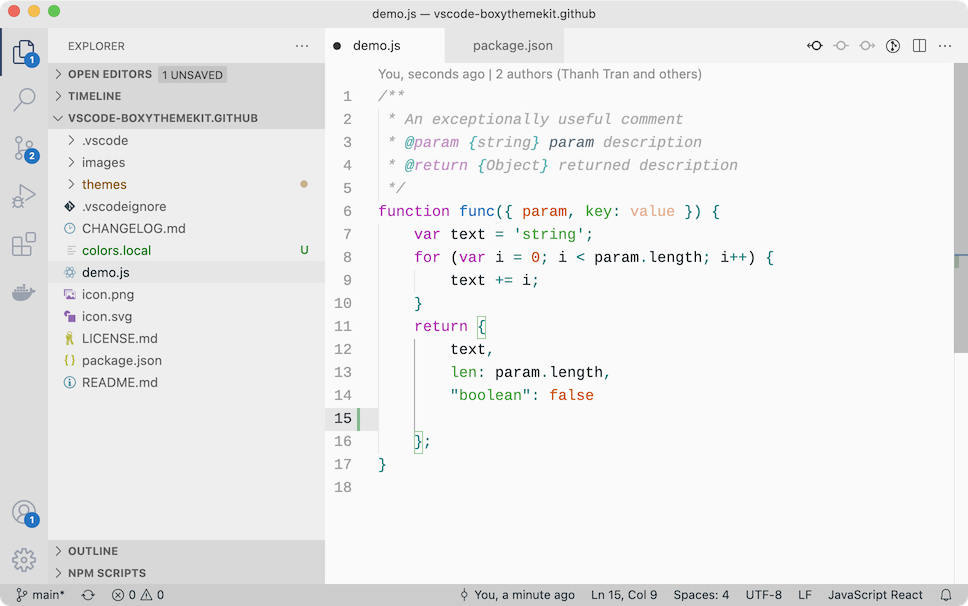
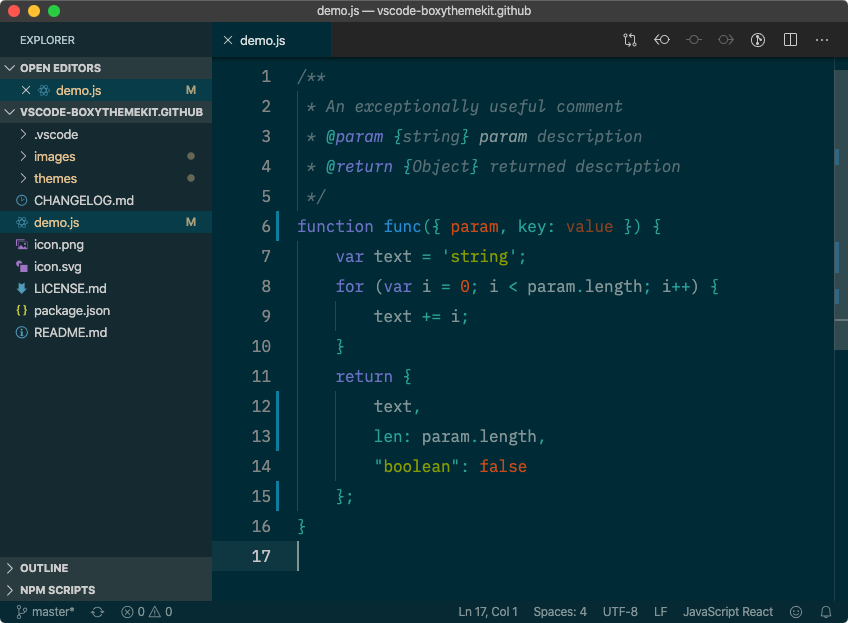
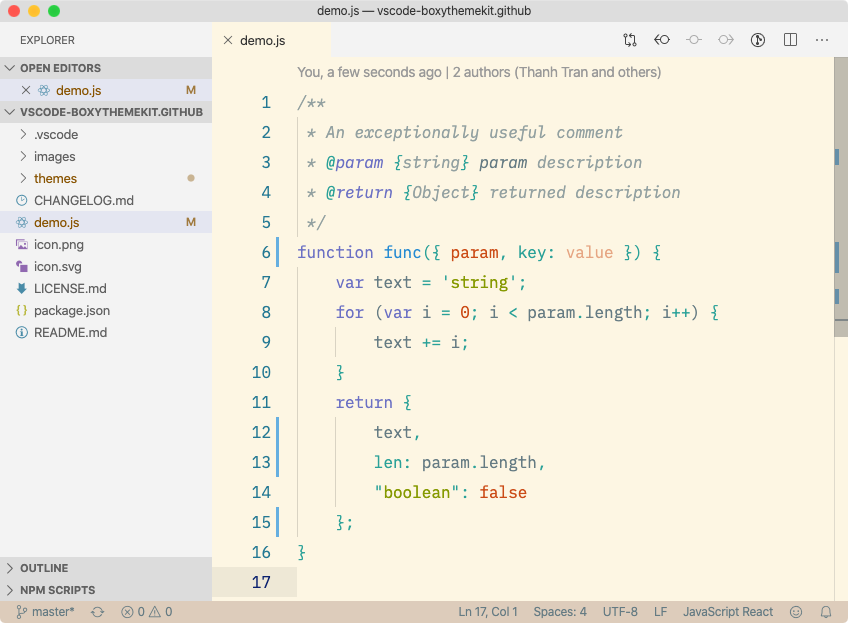
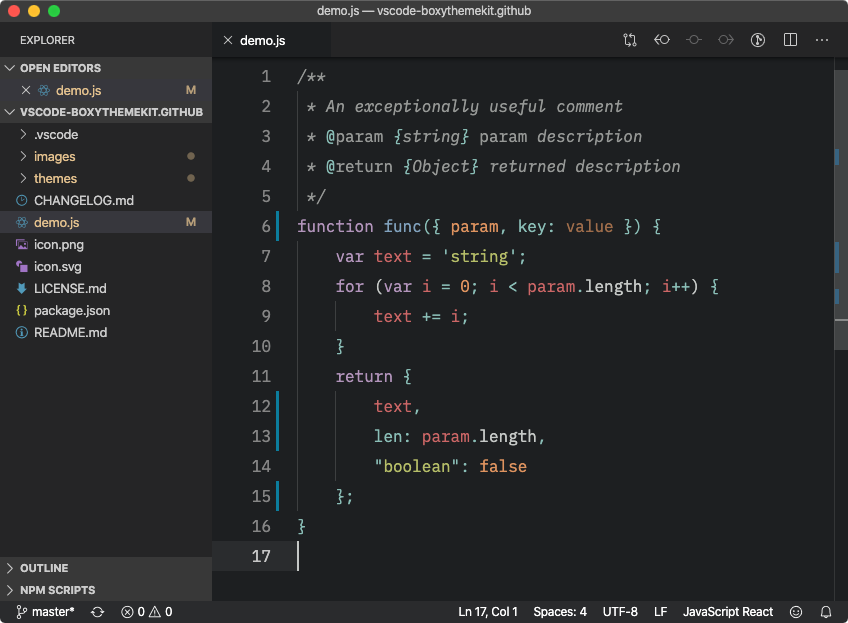
Boxy Theme Kit for Visual Studio CodeA set of color themes based on Sublime's Boxy Theme by Ihor Oleksandrov. I have ported these theme files to VSCode's theme format and published to VSCode Marketplace. The Boxy Ocean Light was created by me (@trongthanh) by tweaking the colors from Boxy Ocean. My current themes, Boxy Ocean dimmed (for dark mode) and Boxy Ocean Light (light mode) are getting extra work bench customizations and syntax color tweaks. For other themes, please feel free to send PR (please respect the original theme, just fix the coloring issues), I'll publish changes as soon as possible. Additional customizations:Here are my recommendations to set in the user's settings. Since these are personal preferences, I won't set this permanently in theme files. Smaller workbench font sizeThis will make workbench text smaller to make it less distracted, more room to display contents and easier to distinguish between workbench's and editor's texts. Override theme's workbench customizationThere are workbench customizations mostly based on contributors' preferences. Some may not like it. Luckily, VSCode allows us to override the workbench theme with user's settings. Here's the default workbench theme re-defined as user settings to reset the theme's workbench customization. Boxy Monokai
Boxy Nova
Boxy Ocean
Boxy Ocean (dimmed bg)
Boxy Ocean Light [NEW]
Boxy Solarized Dark
Boxy Solarized Light
Boxy Tomorrow
Boxy Yesterday
MIT License |