
Flatland ToolsPreviewVisual editors for game and multimedia assets, right in your editor — ideal for Three.js and React Three Fiber (R3F) projects. Sprite atlas packing, GPU image encoding, normal-map baking, and inline audio playback. Built by the three-flatland team; every tool works standalone. Installation Launch VS Code Quick Open ( Ctrl+P), paste the following command, and press enter.Copied to clipboard |

A tools suite for game and multimedia assets that never leaves your editor. Sprite atlas packing · GPU Image encoding · Normal-map baking · Inline audio previews Built by the team behind three-flatland, a WebGPU + TSL 2D sprite/tilemap library for Three.js. Every tool here works standalone; three-flatland isn't required. If you're building 2D games, interactive graphics, or creative-coding projects on the web, these editors are for you. Already have a pipeline? FL Sprite Atlas reads and writes TexturePacker and Aseprite JSON natively, so switching in is a drop-in, not a rewrite. Tools
|


 FL Sprite Atlas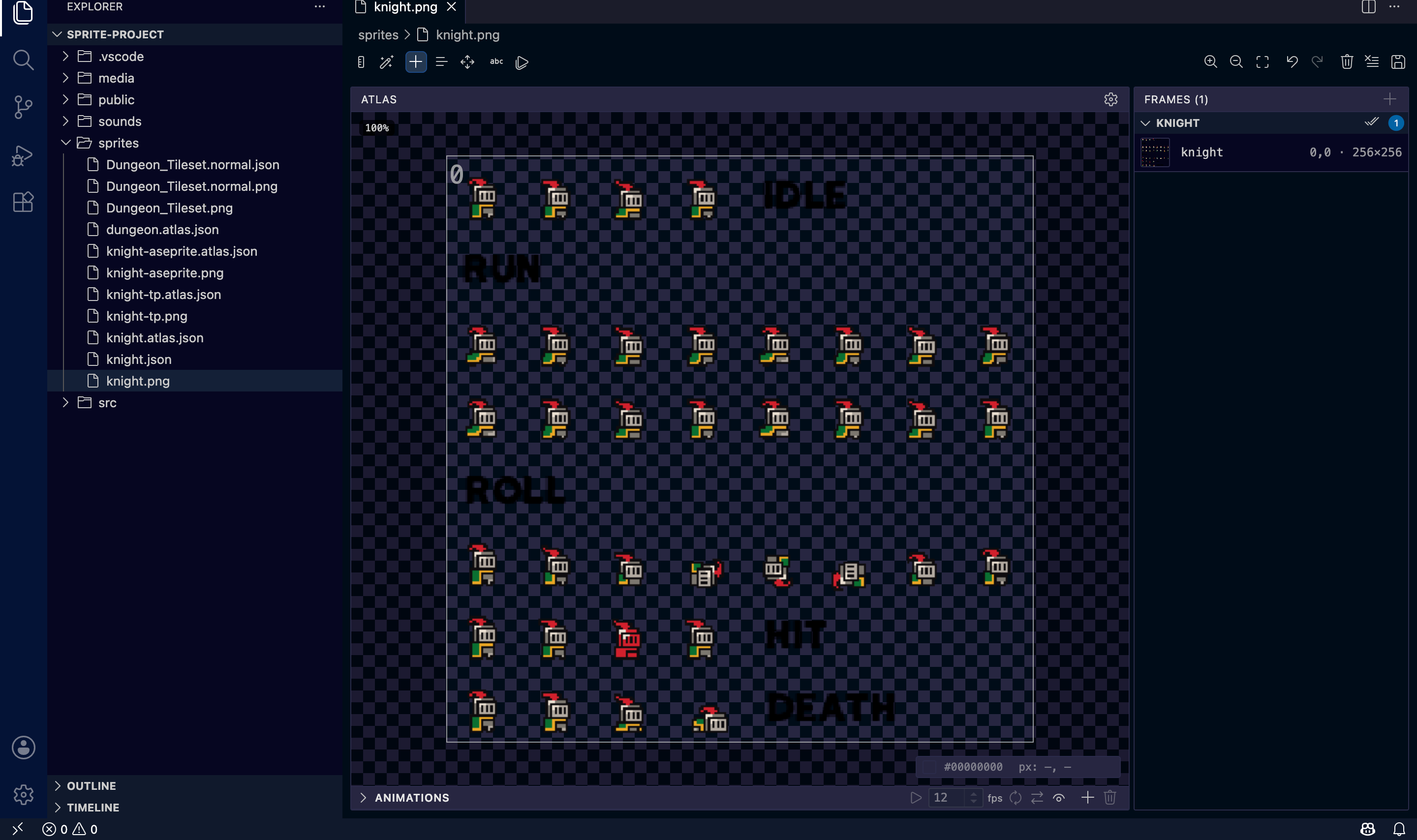
 FL Image Encoder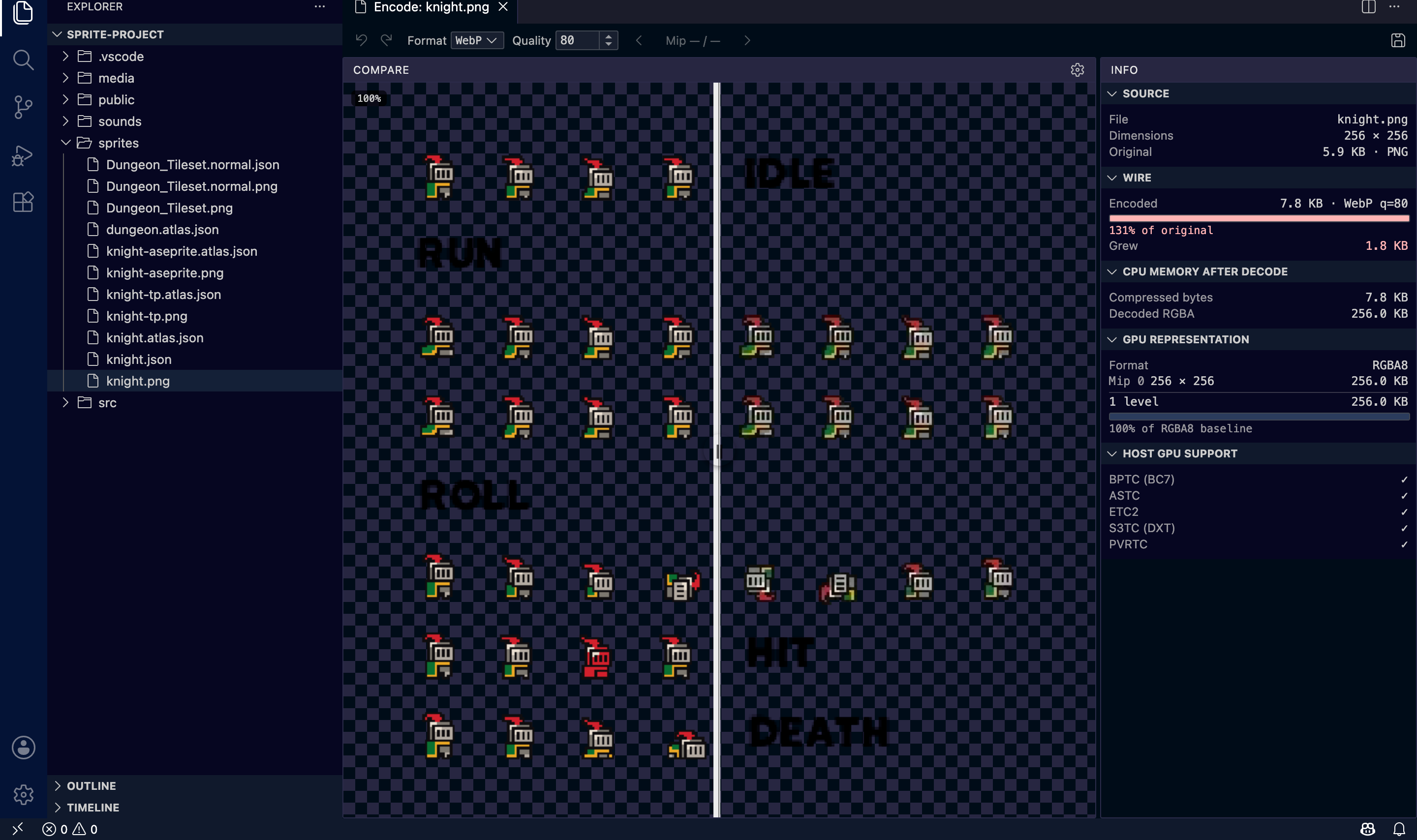
 FL Normal Baker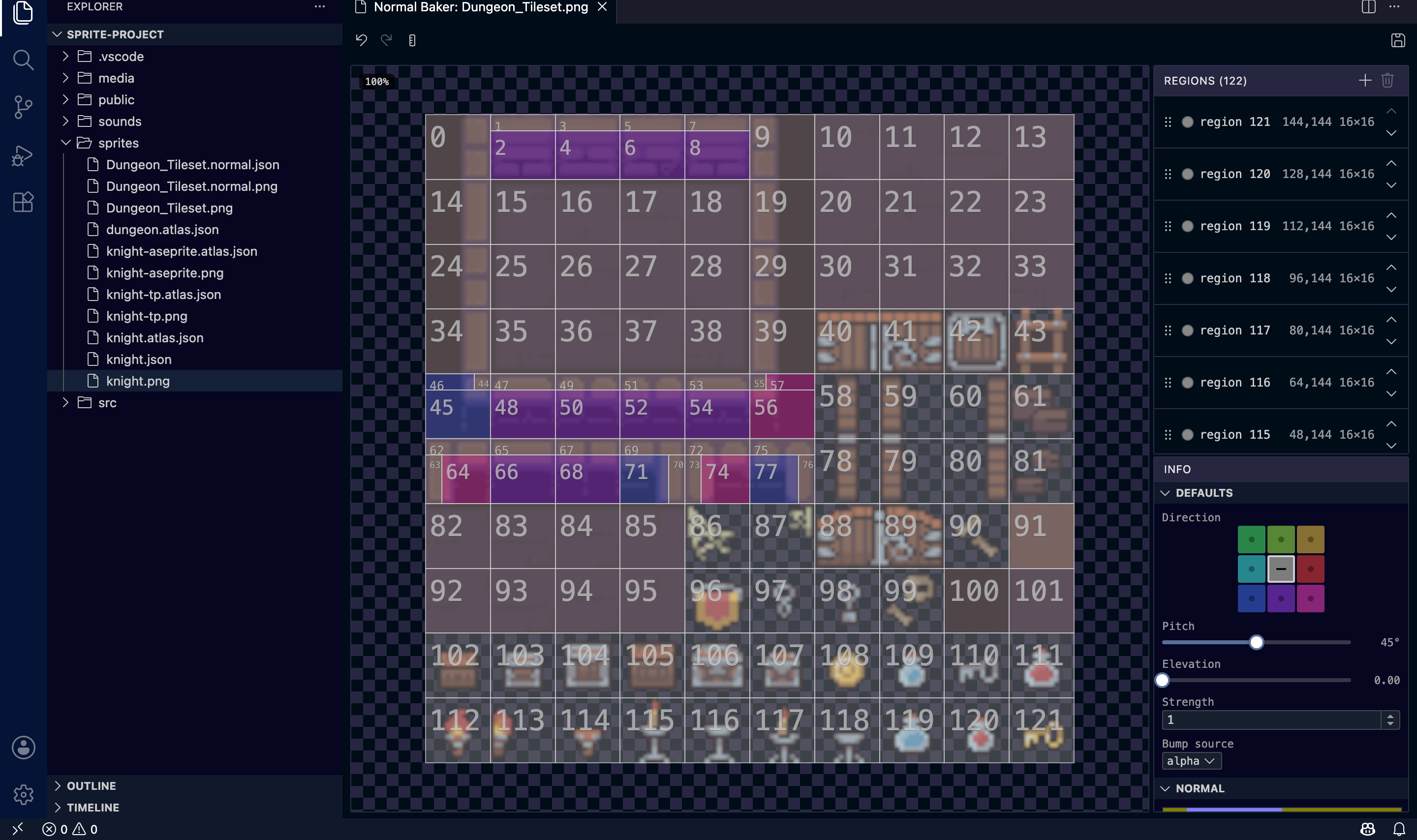
 FL Atlas Merge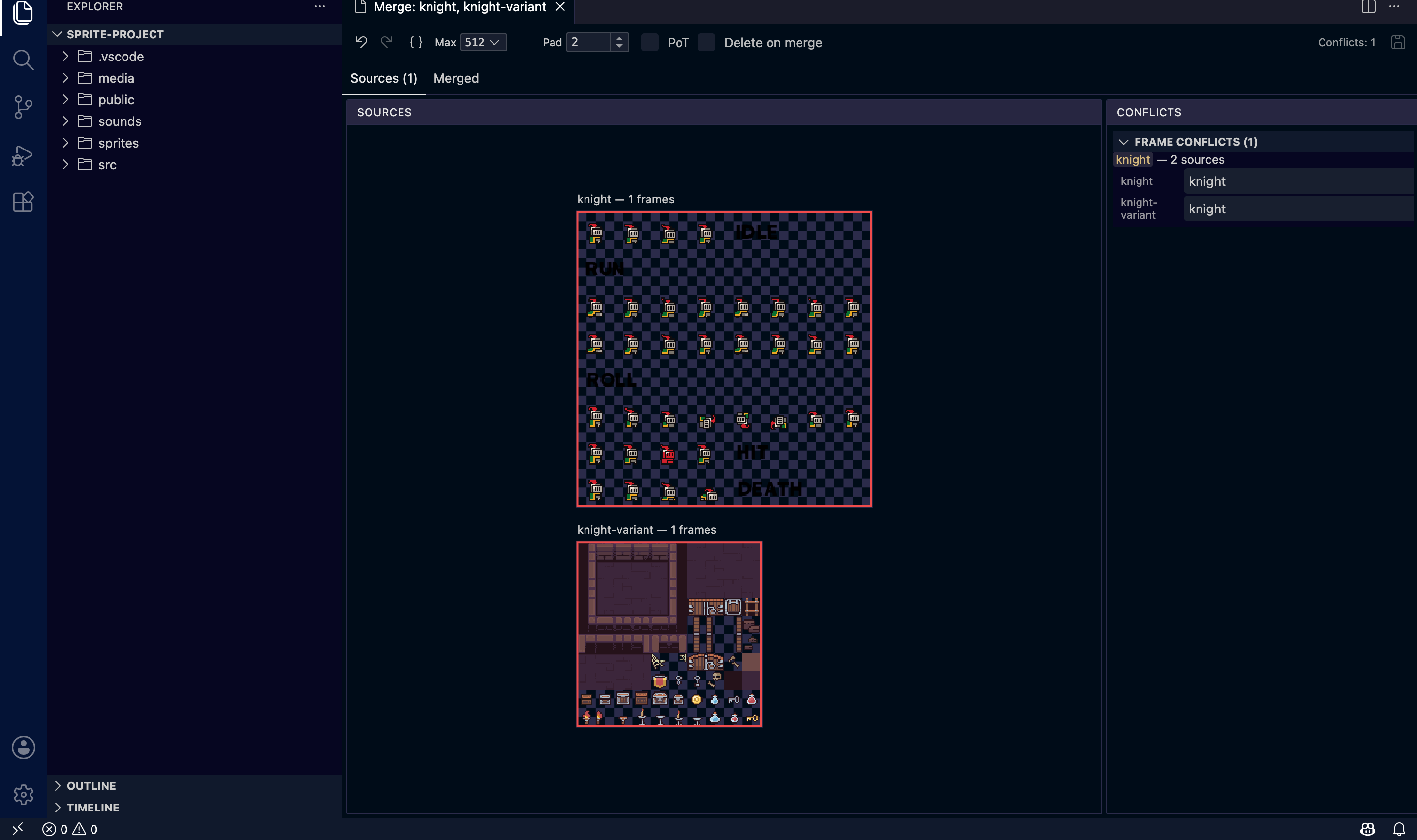
 FL Audio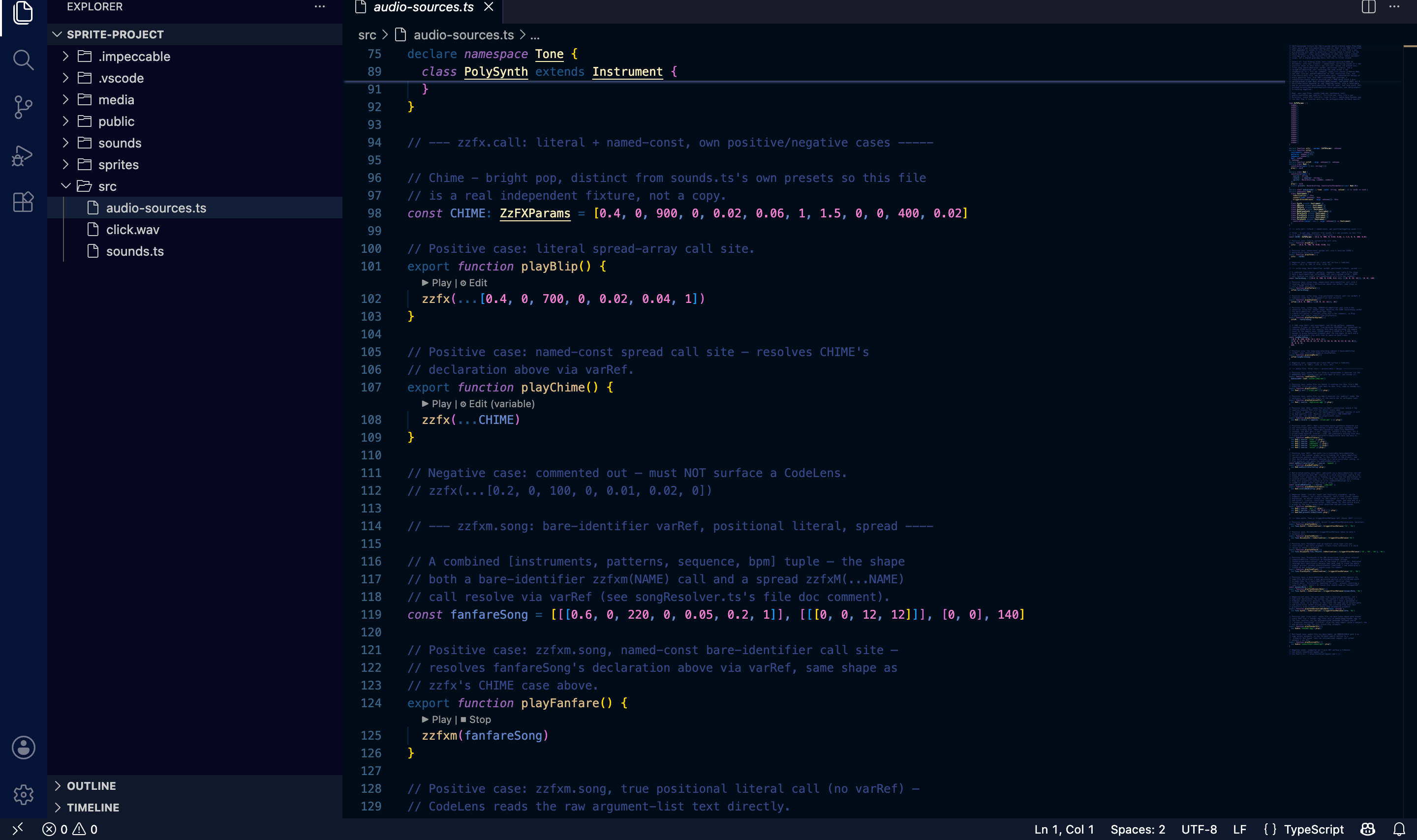
 ZzFX Studio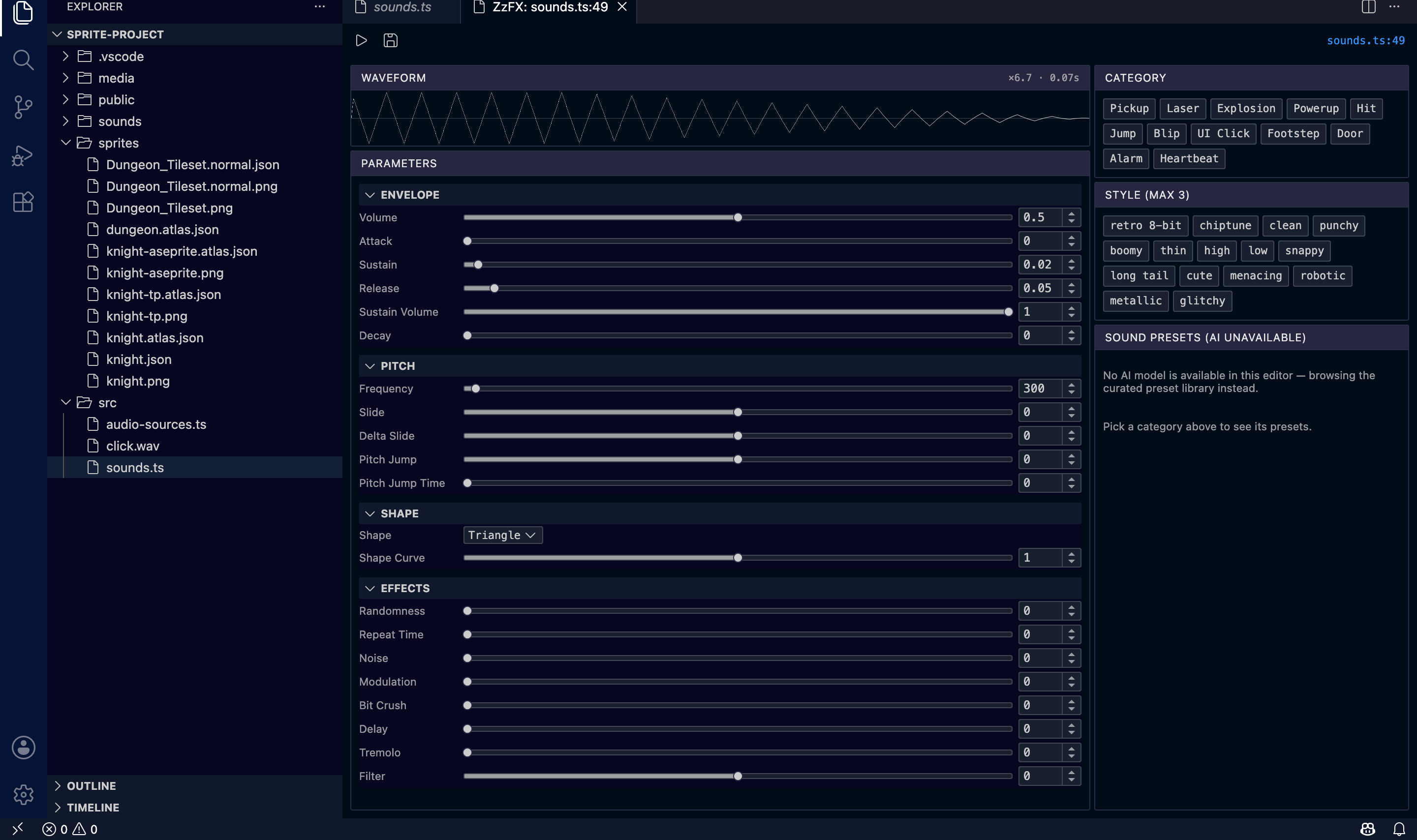
| Command | What it does |
|---|---|
Open in Sprite Atlas |
Pack/slice/animate a sprite sheet |
Open in Image Encoder |
Compare + encode PNG/WebP/AVIF/KTX2 |
Open in Normal Baker |
Bake a normal map from source art |
Merge Atlases… |
Combine multiple .atlas.json sidecars |
Open ZzFX Editor |
Full ZzFX Studio tuner panel for a zzfx() call |
FL Audio doesn't have a command to look up: that's the point. Open any file with a zzfx(),
zzfxm(), new Tone.*, or new Wad(...) call and ▶ Play / ⏹ Stop CodeLenses appear directly
above it. Click to hear it.
Each tool can be individually enabled or disabled under Settings → Extensions → Flatland Tools.
Requirements
No external dependencies. The codelens-service (Rust) and audio-play sidecars ship prebuilt inside the extension for macOS, Linux, and Windows (x64 and arm64).
Contributing / Feedback
Issues and feature requests: GitHub Issues.
This extension is developed in the open as part of the
three-flatland monorepo. See
tools/vscode for
source.
License
MIT © Justin Walsh