Bloom Syntax Highlighter
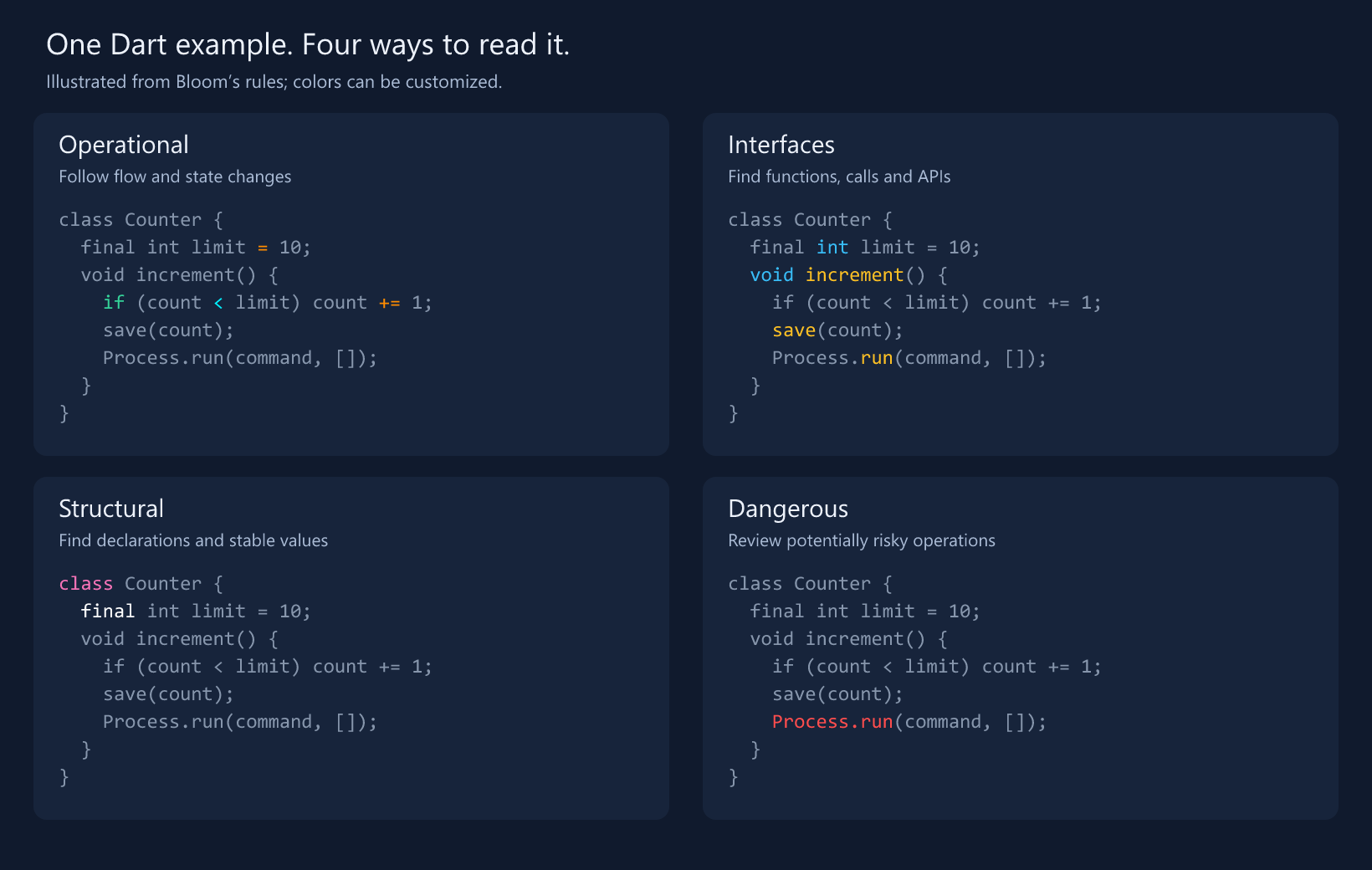
Make code easier to read. Bloom brings flow, functions and structure into focus while you code in VS Code. Install from VS Code Marketplace · Open in VS Code · Releases · Installation guide Marketplace links activate after the listing is published. Pick your view
Open the Bloom flower in the Activity Bar. Expand a category to toggle it or choose its color. Your choices apply across files of that language. Get startedDownload the build artifact (GitHub sign-in may be required), unzip it, and run Extensions: Install from VSIX… in VS Code. Select the Supports Dart/Flutter, JavaScript/TypeScript, Python, Rust, Go and many more. Includes React, Vue and Svelte recognition. Requires desktop VS Code 1.95+. Bloom is a reading aid: lexical rules can be approximate, and Dangerous highlights are review cues. Tags: syntax highlighting, code reading, functions, Dart, Flutter, JavaScript, TypeScript, React, Vue, Svelte. |