VSCode Blame Github's Pull Request




Features
Open Github's associated PR by guessing the PR's ID from the commit message or asking GitHub via your VS Code GitHub sign-in.
To activate, enter these commands in the Command Palette:
blame-pr.open: Open and view Github Pull Request on your browser on the selected line.
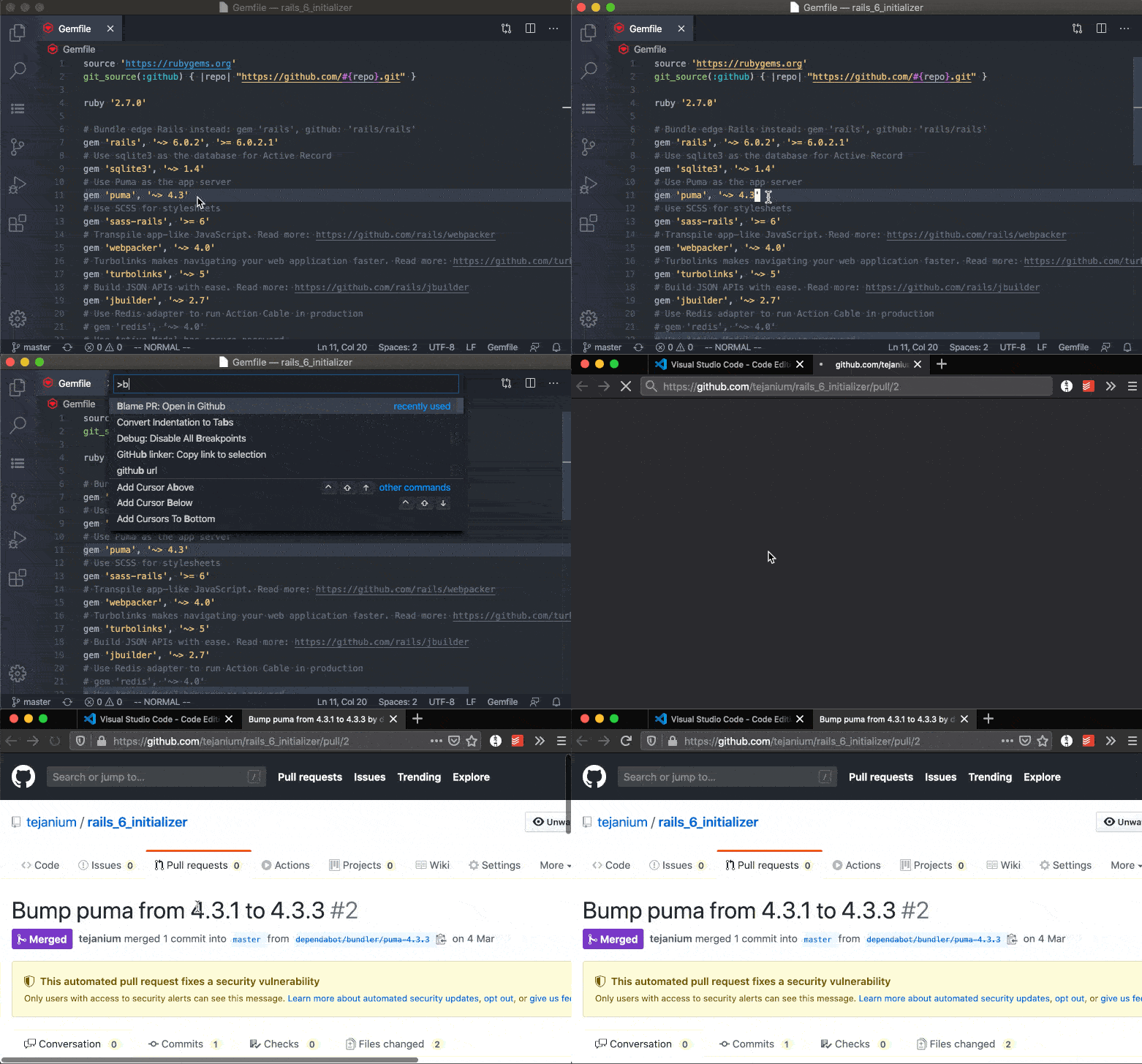
blame-pr.toggleStatusbar: Display commit message info in the status bar, click to activate blame-pr.open.

Extension Settings
blame-pr.useOAuth: Use GitHub OAuth (via VS Code auth). If false, only public data is used.blame-pr.enablePrefetch: Enable cursor-based prefetching for instant toolbar responses. Prefetches PR data when you dwell on a line.
Development
Requires Bun and Node 24 (see .node-version).
bun install
bun run check      # typecheck, lint, format check, tests
bun run compile    # bundle to dist/
bun run package    # build the .vsix
Releasing
Push a v* tag. The release workflow builds the .vsix, attaches it to a GitHub release, and publishes to the VS Code Marketplace when VSCE_PAT is set and to Open VSX when OVSX_PAT is set. Both are repository secrets.
Open VSX needs the tejanium namespace created once, with a token from your Open VSX profile:
bunx ovsx create-namespace tejanium -p <token>
Press F5 in VS Code to launch the extension in a development host.



