Furry TypeScript ErrorsMake TypeScript errors prettier and more human-readable in VSCode, with furry illustrations to brighten up your coding experience. Installation Launch VS Code Quick Open ( Ctrl+P), paste the following command, and press enter.Copied to clipboard |

furry-ts-errorsShowing different furry illusions according to the error type, bringing more fun to the programming. You can customize your own illustrations now!
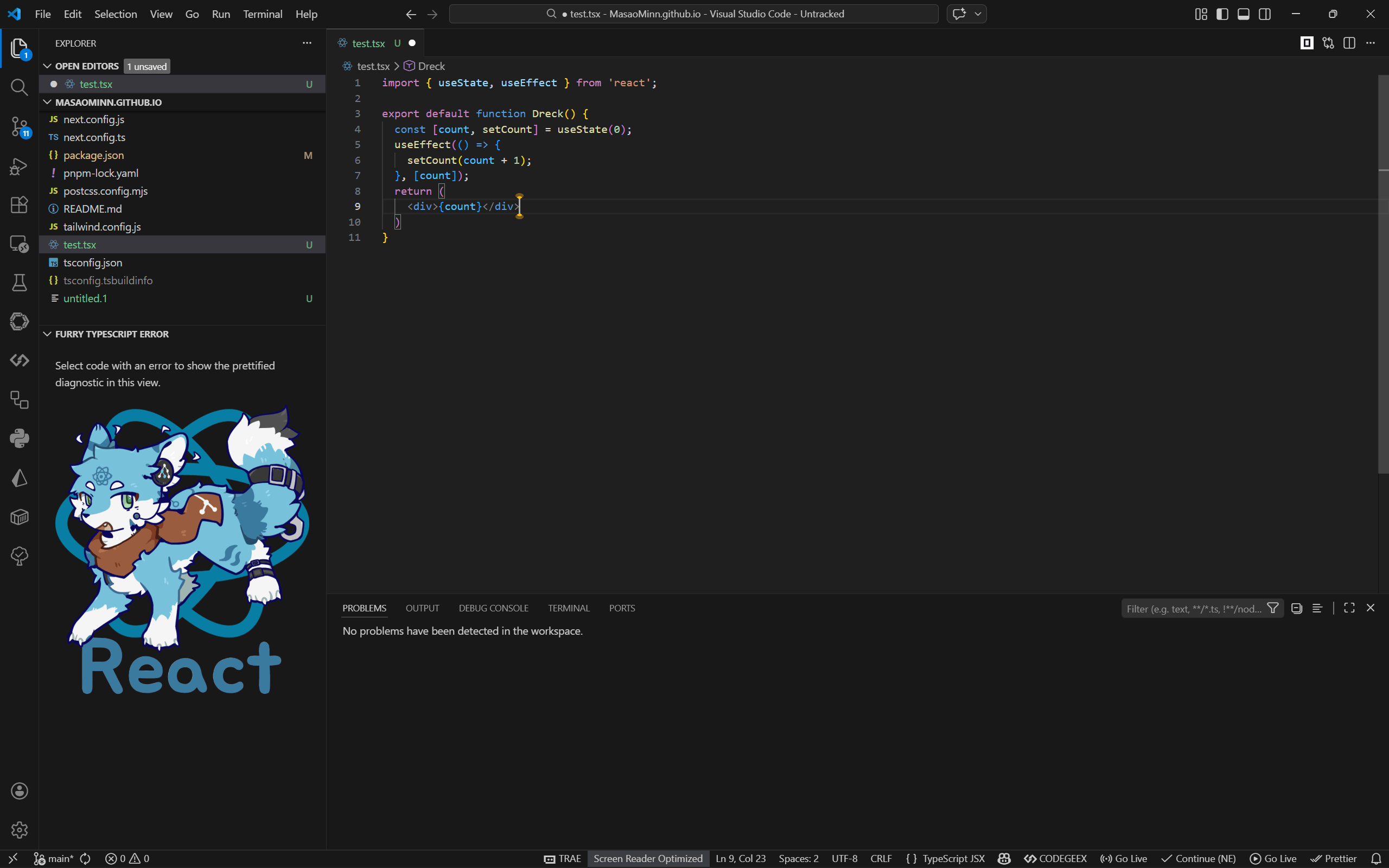
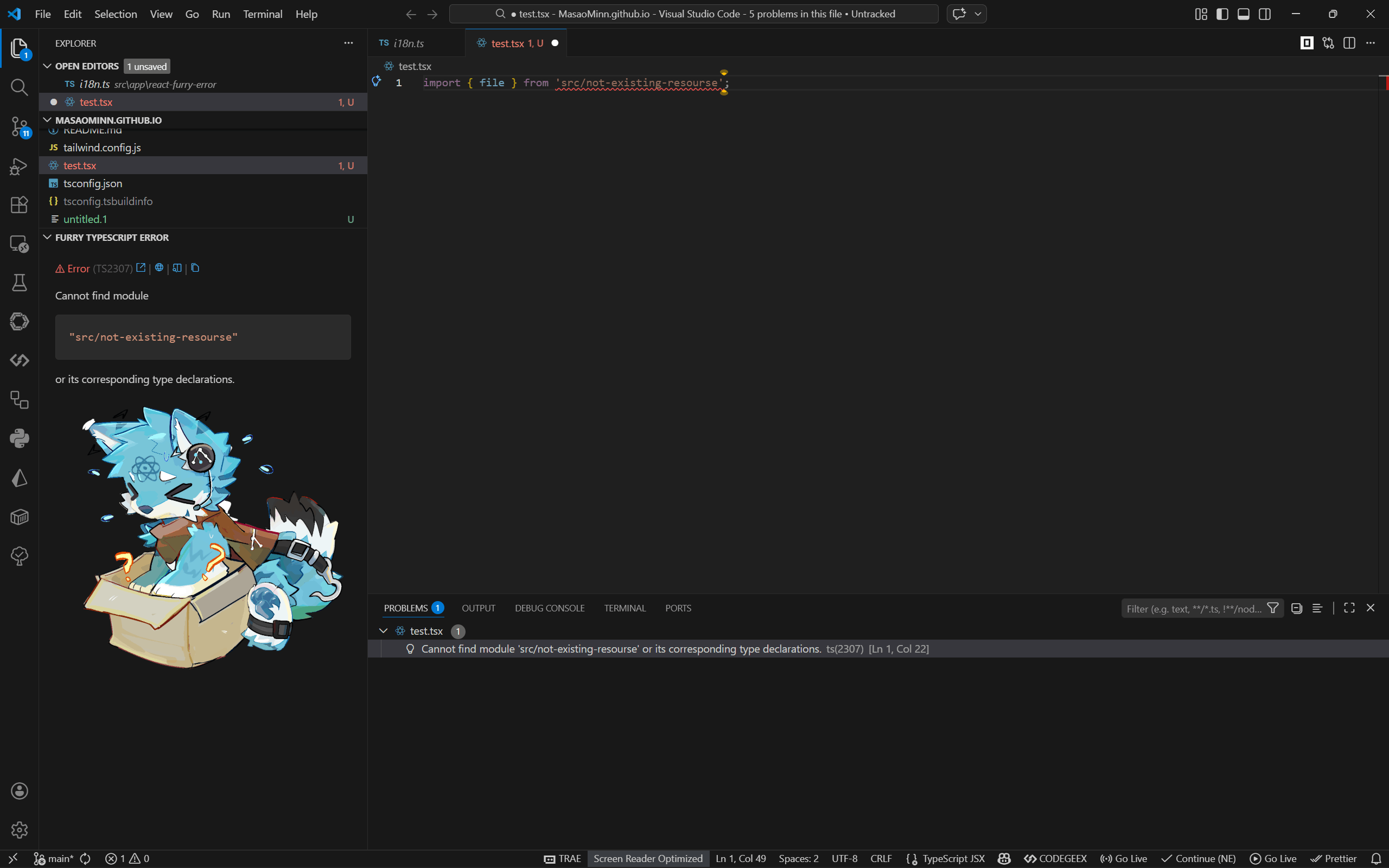
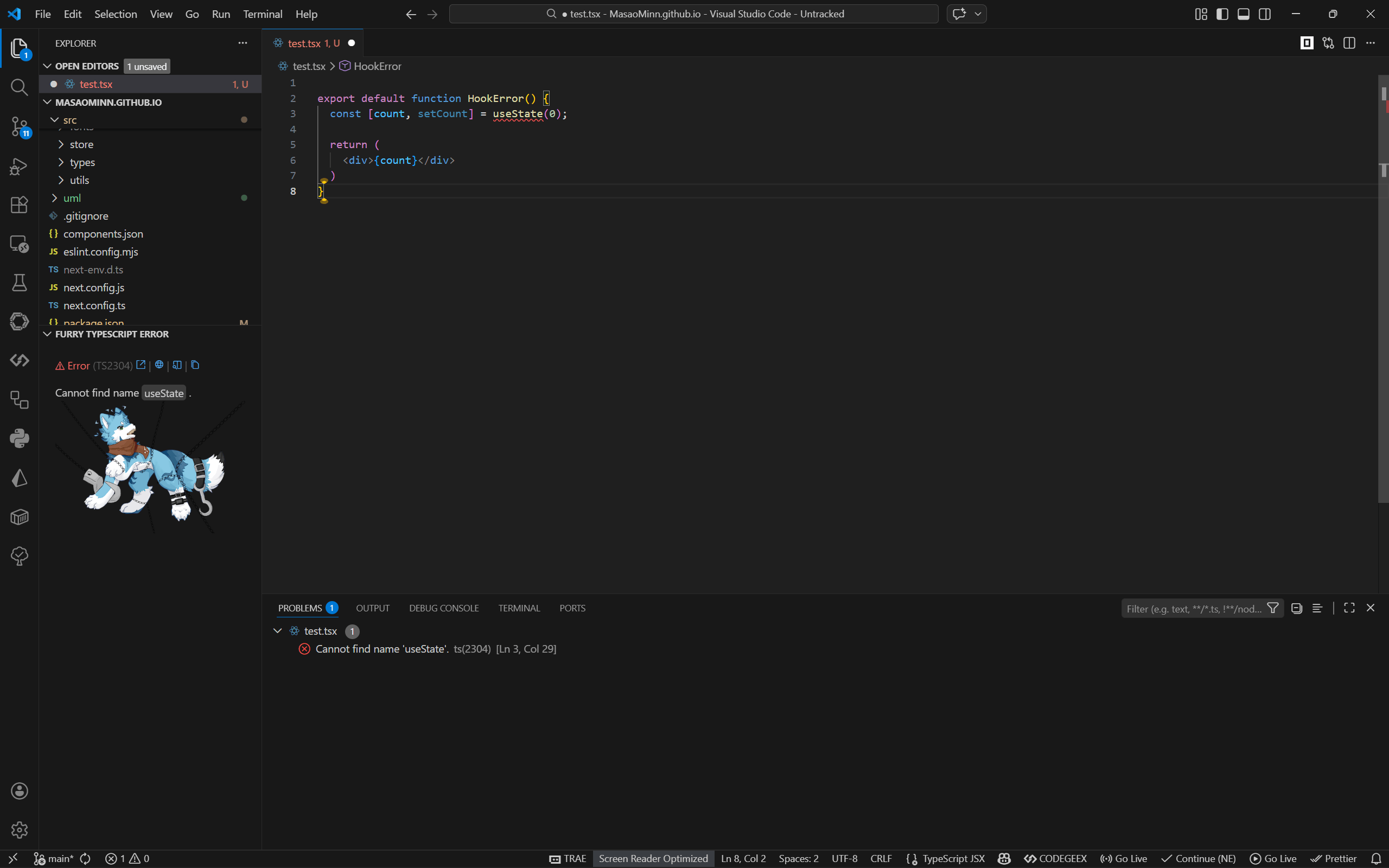
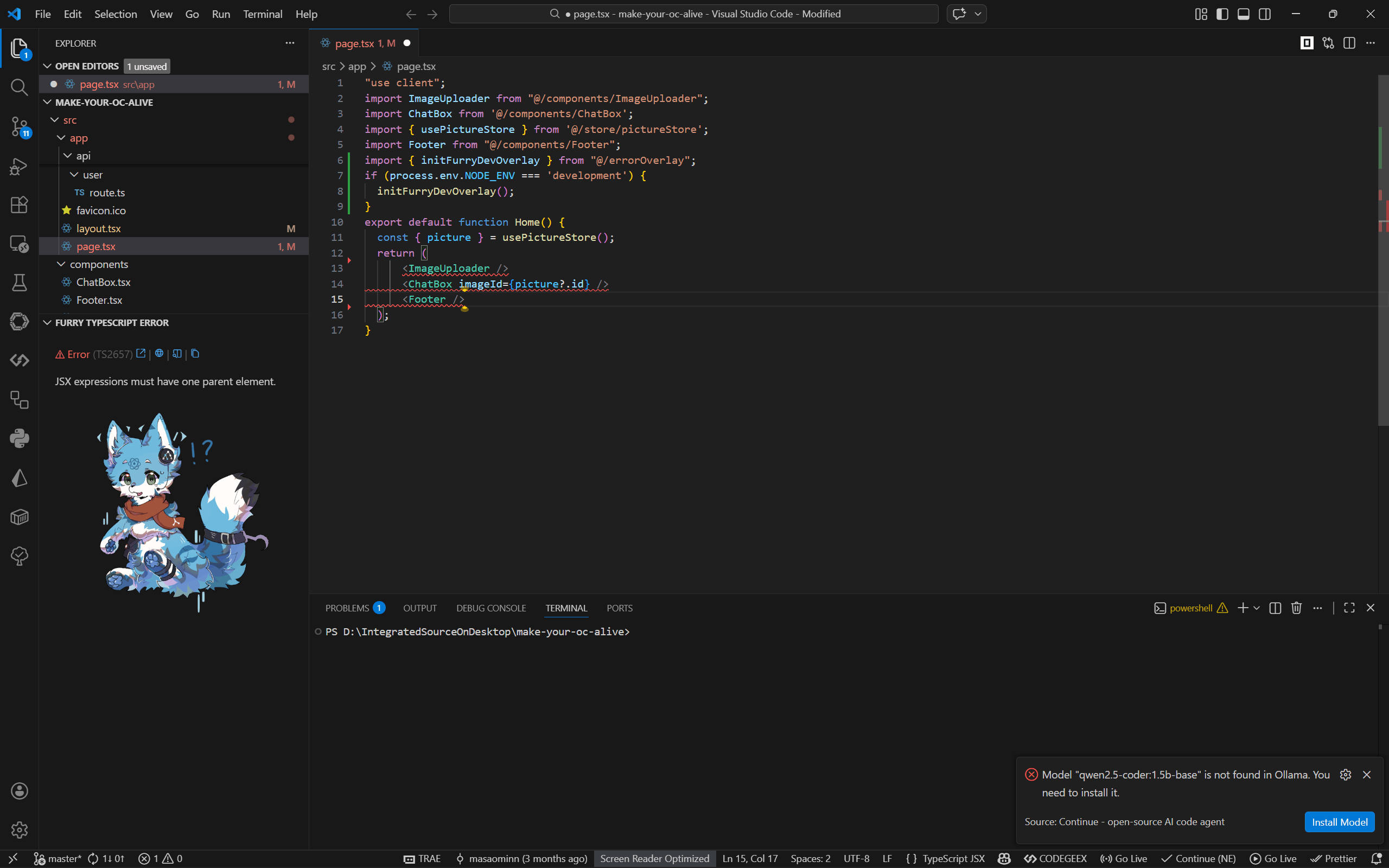
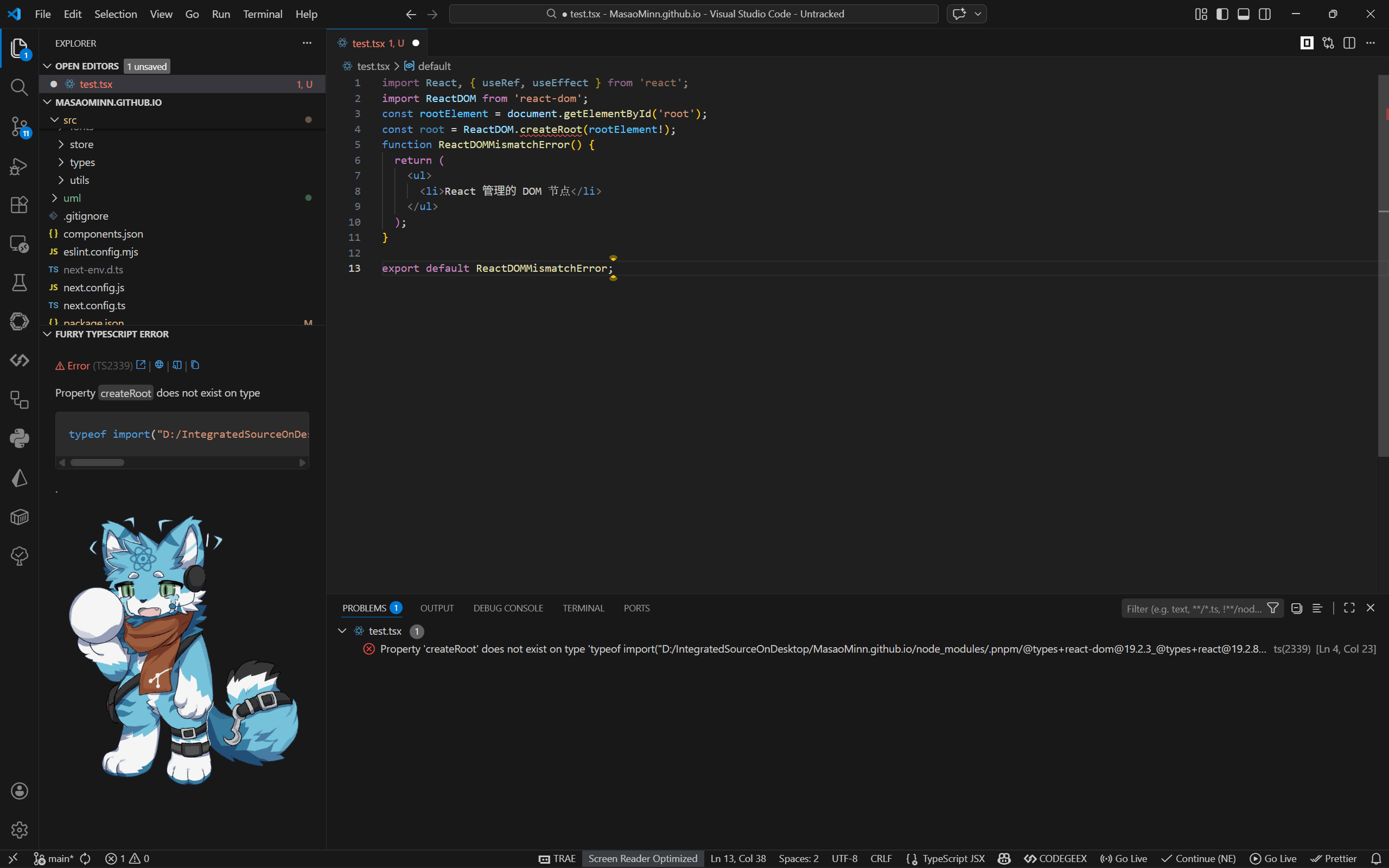
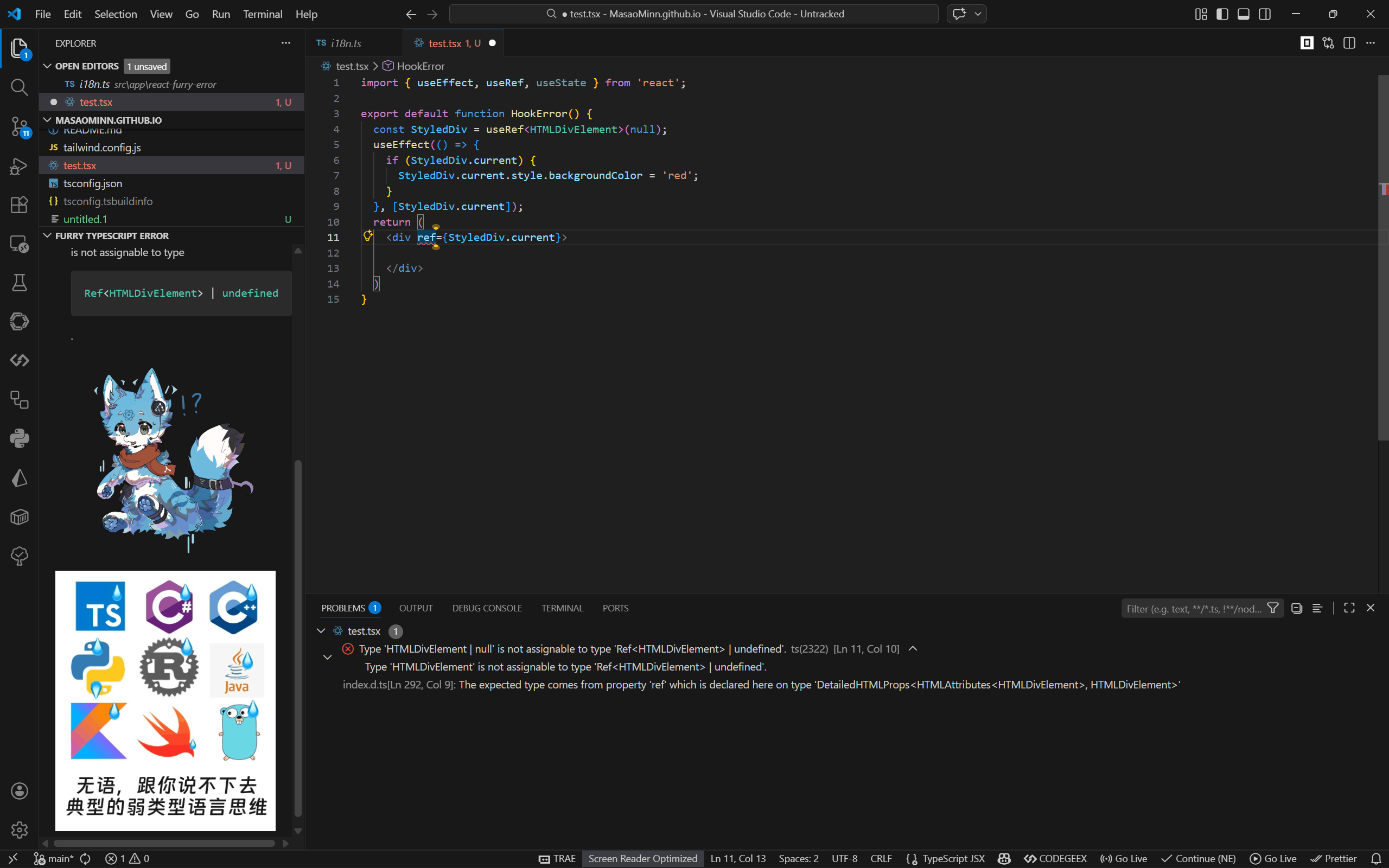
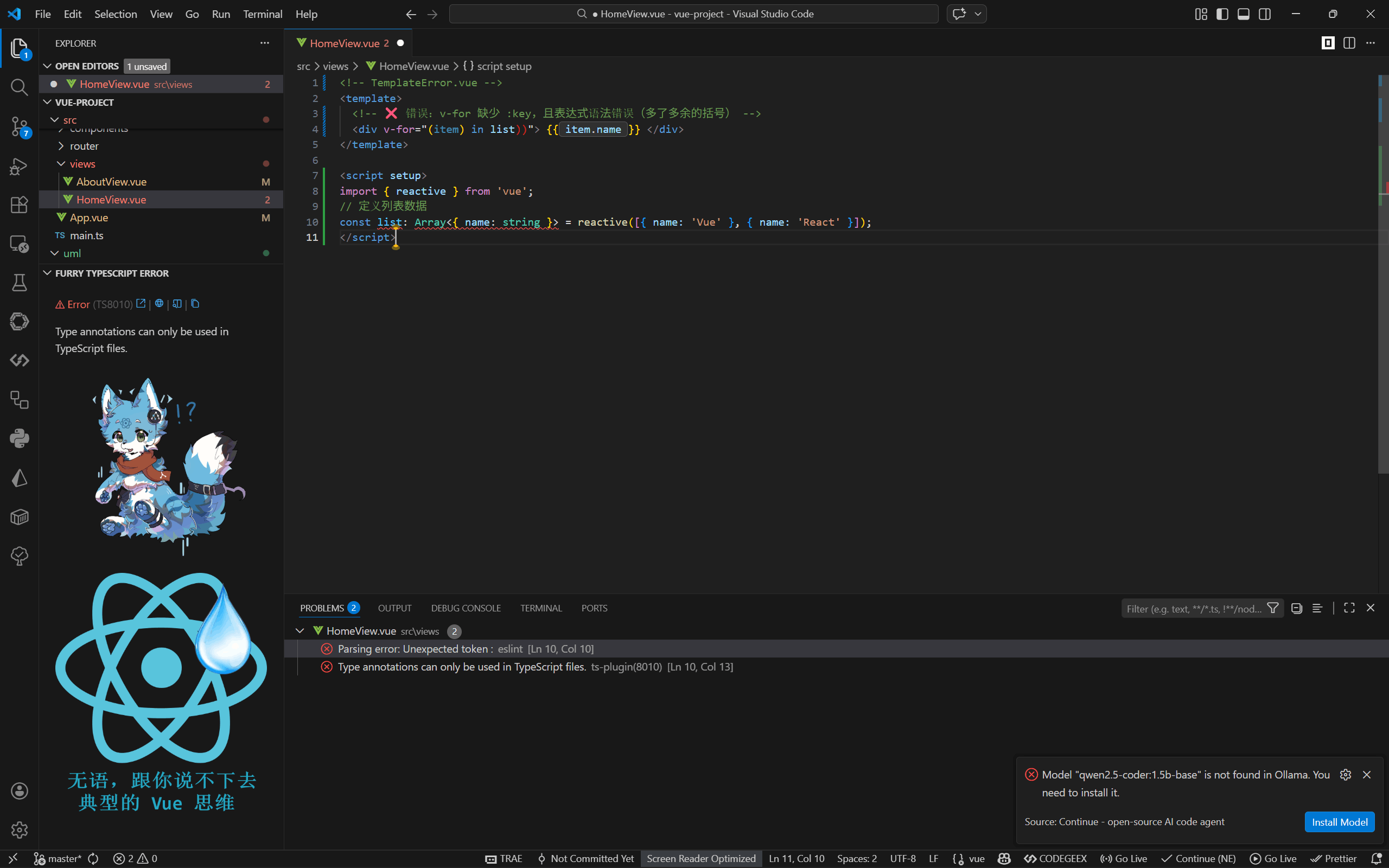
Github Repository: furry-ts-errors VSCode Extension forked from yoavbls/pretty-ts-errors See details: react-furry-error See details in Feishu(faster): Feishu Document Install Extension: Search for Custom configuration guide: docs/customization.md Errors Previewno error
cannot find
hooks error
other error
dom error
type error
vue error
Coming Soon:
If you have more creative ideas or want to support my development on the ideals above, create a pull request! |