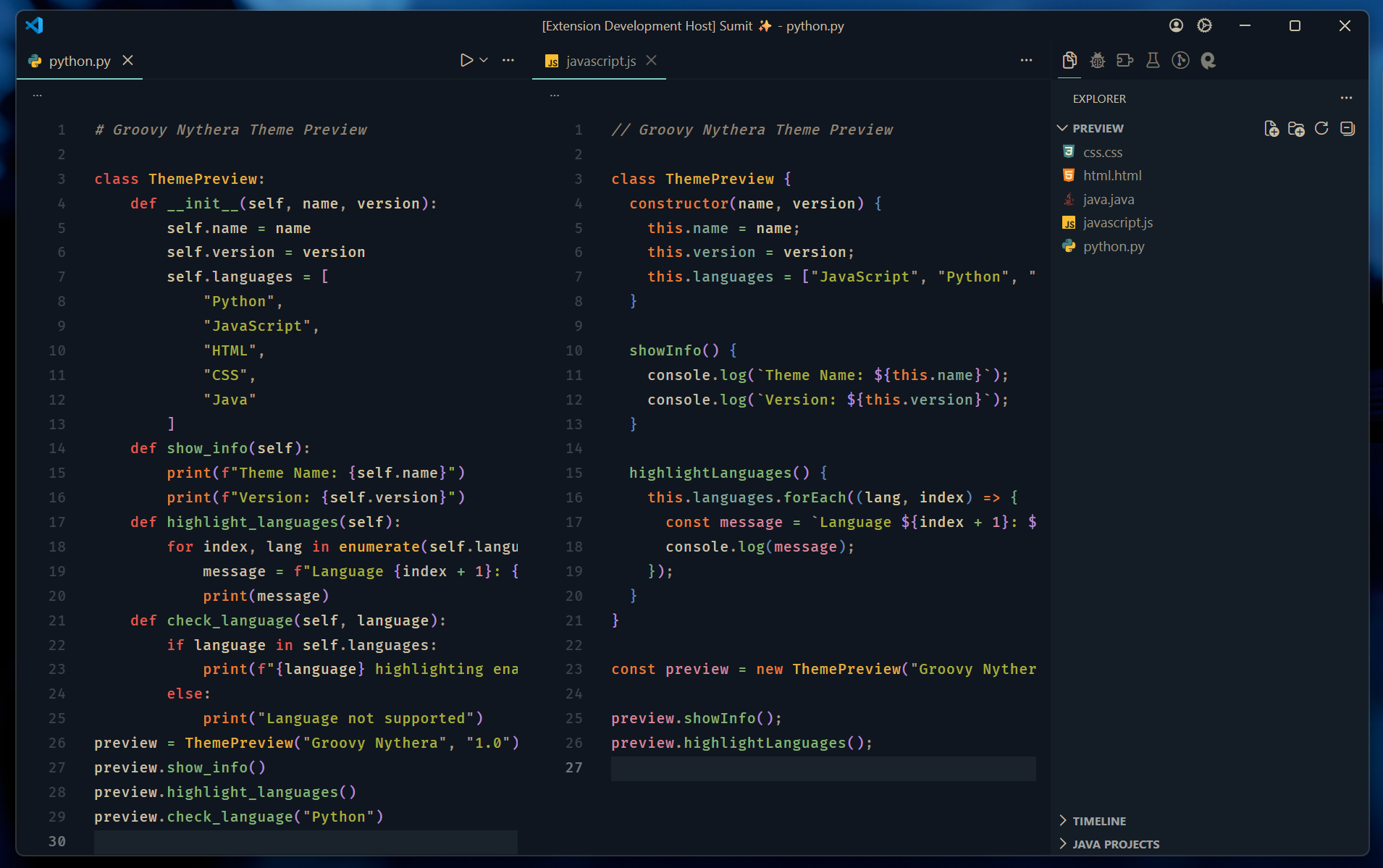
Groovy NytheraGroovy Nythera is a dark Visual Studio Code theme that combines the Nythera UI with Gruvbox-inspired syntax colors for a warm and readable coding experience. Installation Launch VS Code Quick Open ( Ctrl+P), paste the following command, and press enter.Copied to clipboard |

Groovy NytheraA warm Gruvbox-inspired syntax palette combined with the calm Nythera interface.
✨ OverviewGroovy Nythera is a dark Visual Studio Code theme that blends the deep navy UI of Nythera with a warm syntax palette inspired by Gruvbox. The result is a comfortable developer environment designed to keep focus on the code while maintaining strong syntax readability. This theme emphasizes: • balanced contrast • warm color harmony • minimal UI distraction • clear syntax distinction 🎨 Features
💻 Supported LanguagesGroovy Nythera has been tested with several common programming languages.
The color palette is designed to remain consistent across different syntax styles. 🖼 Preview
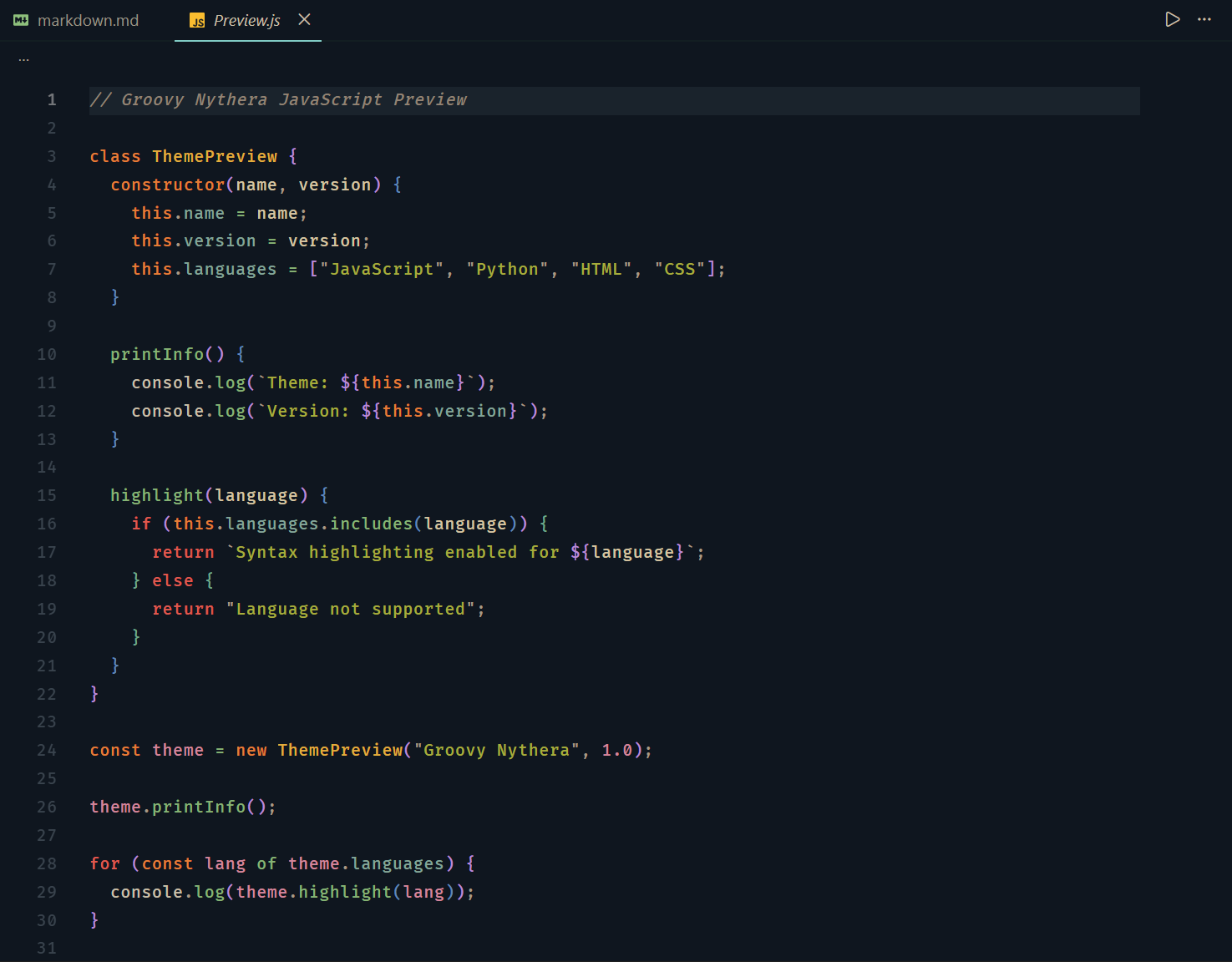
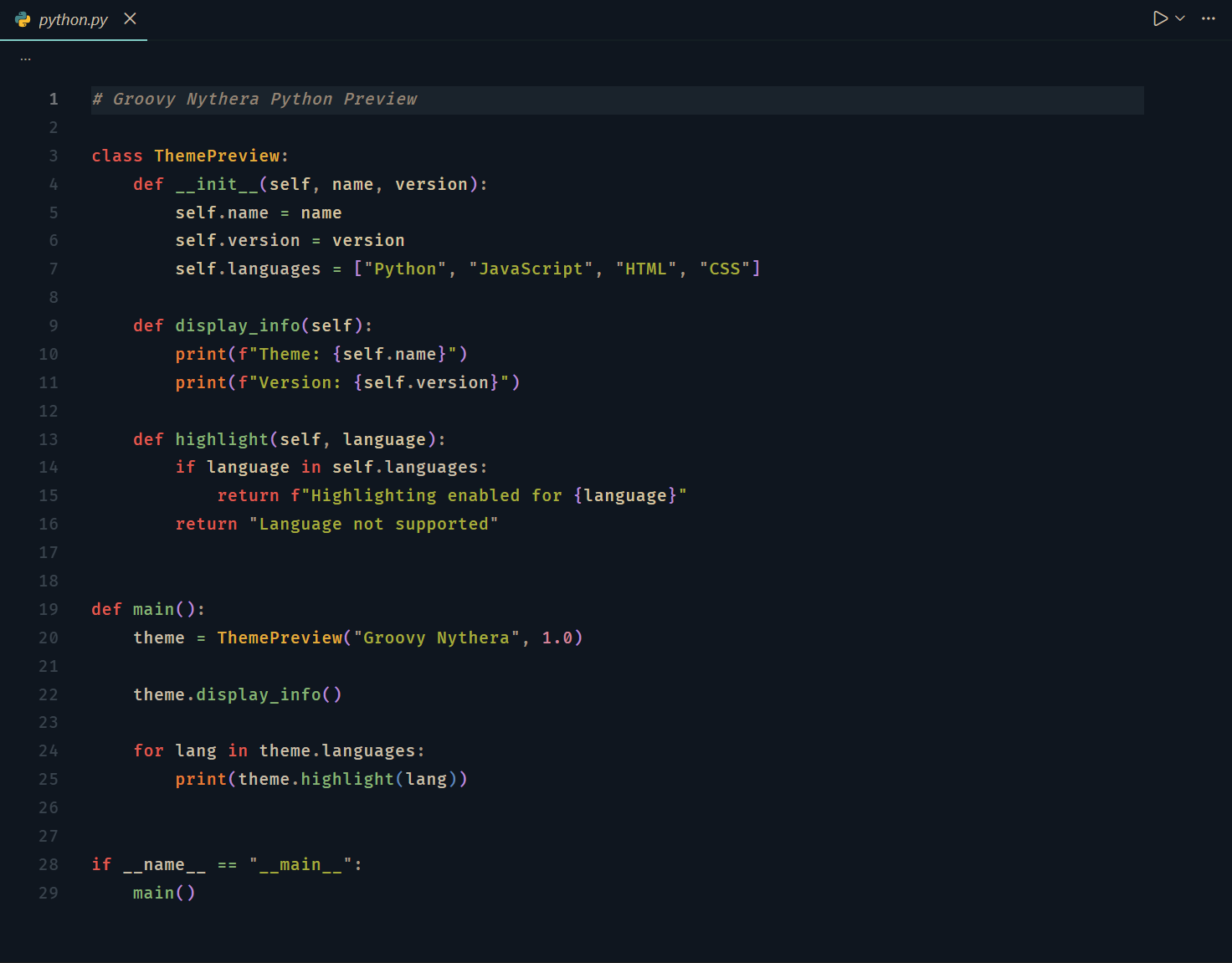
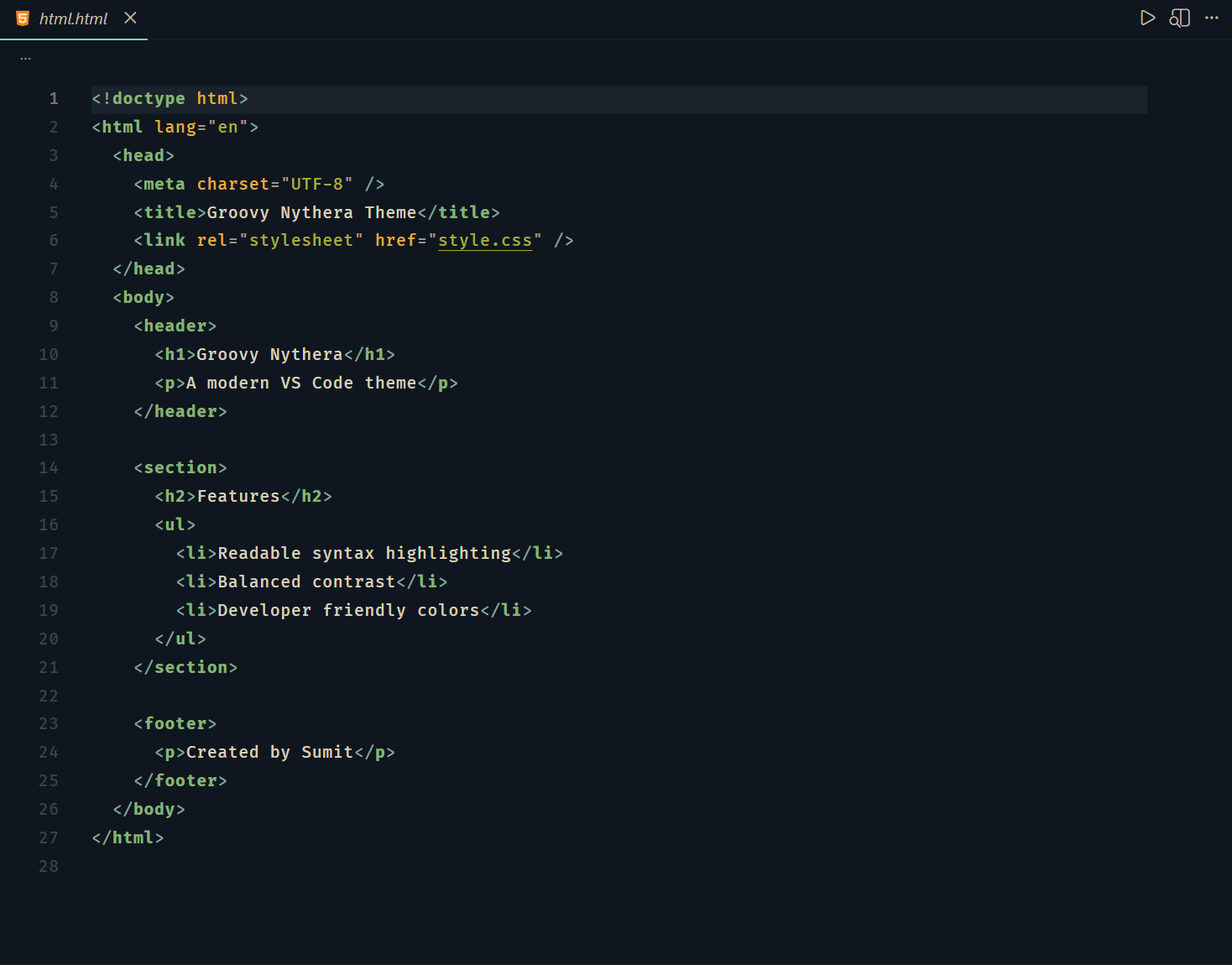
View language previewsJavaScript
Python
HTML
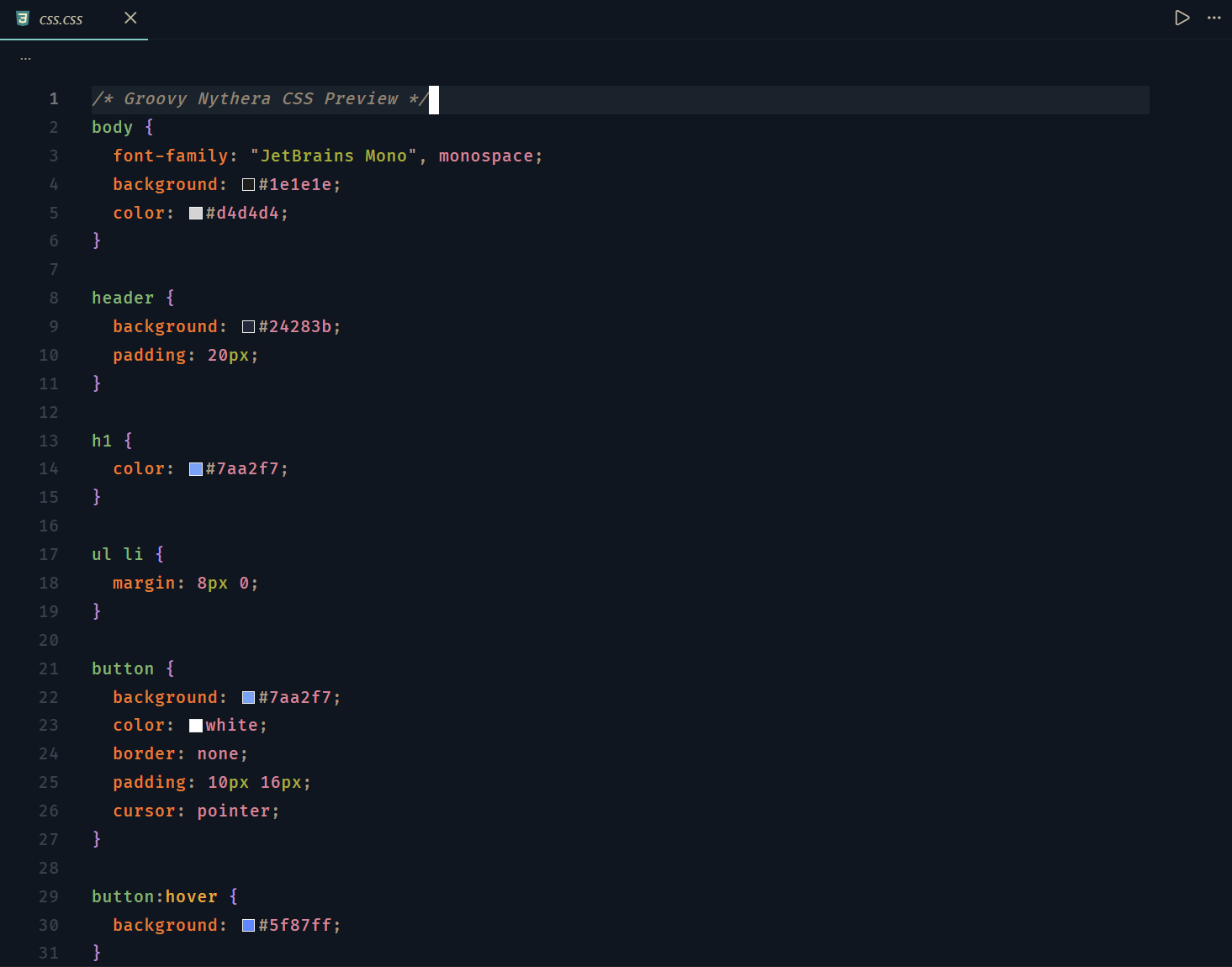
CSS
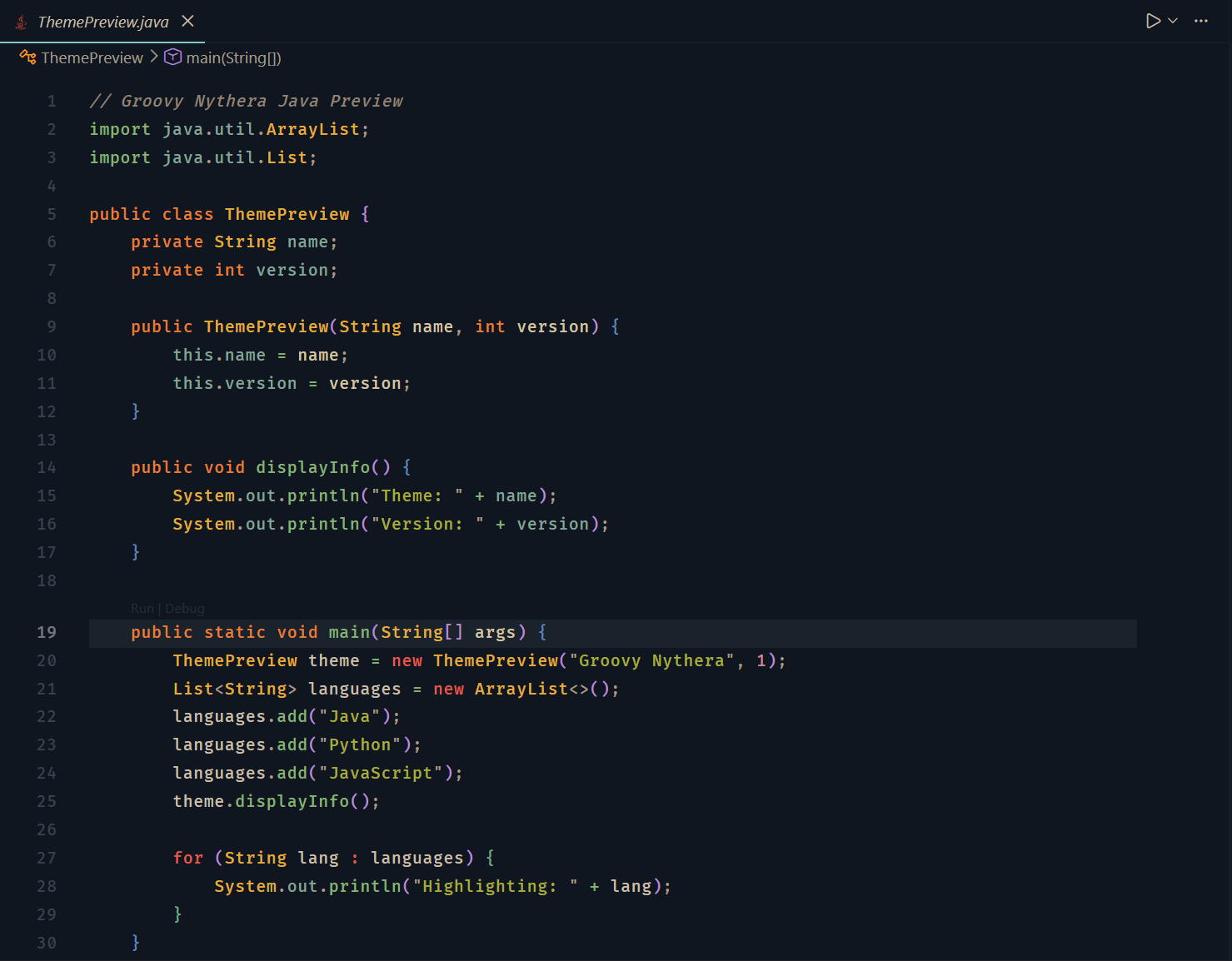
Java
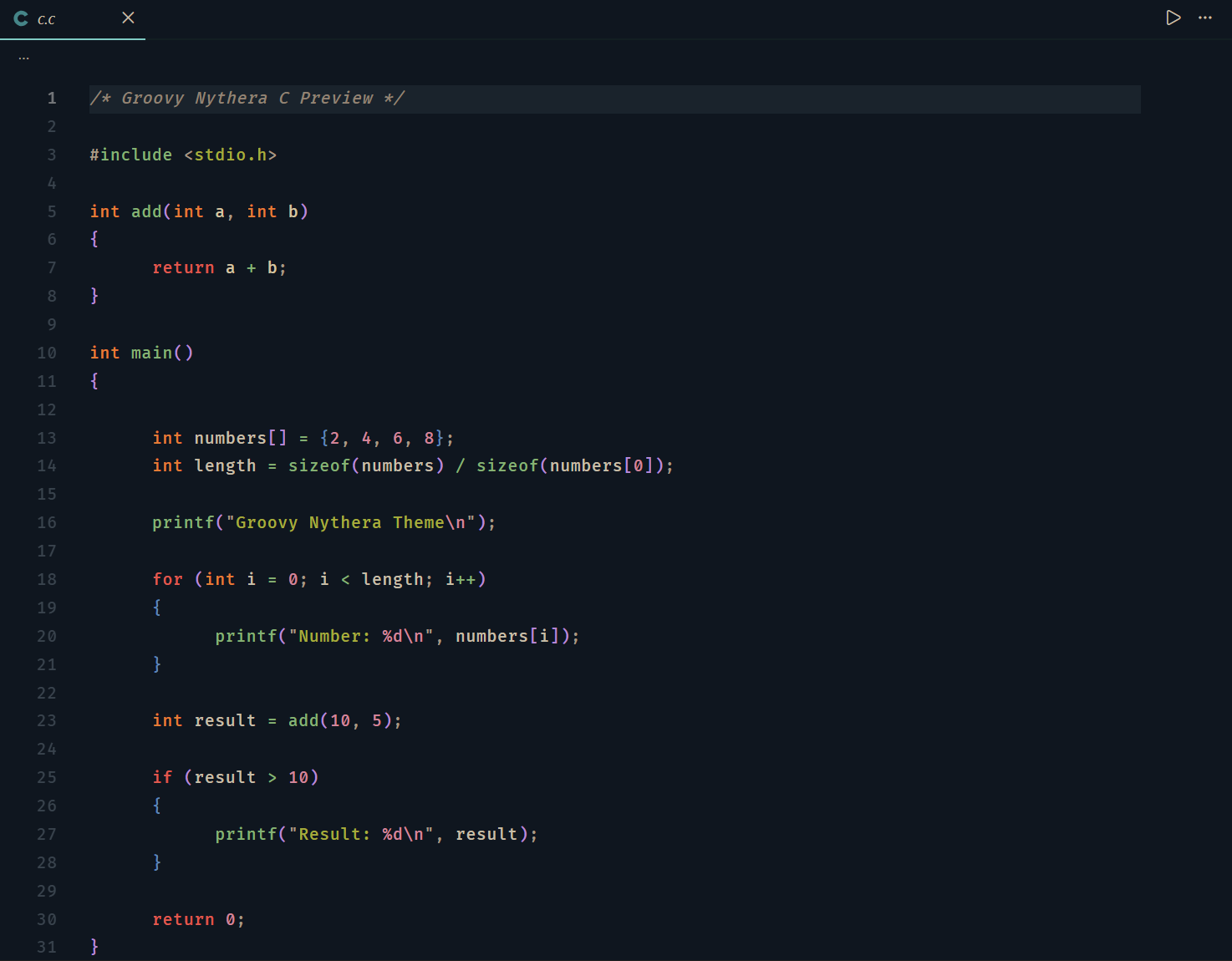
C
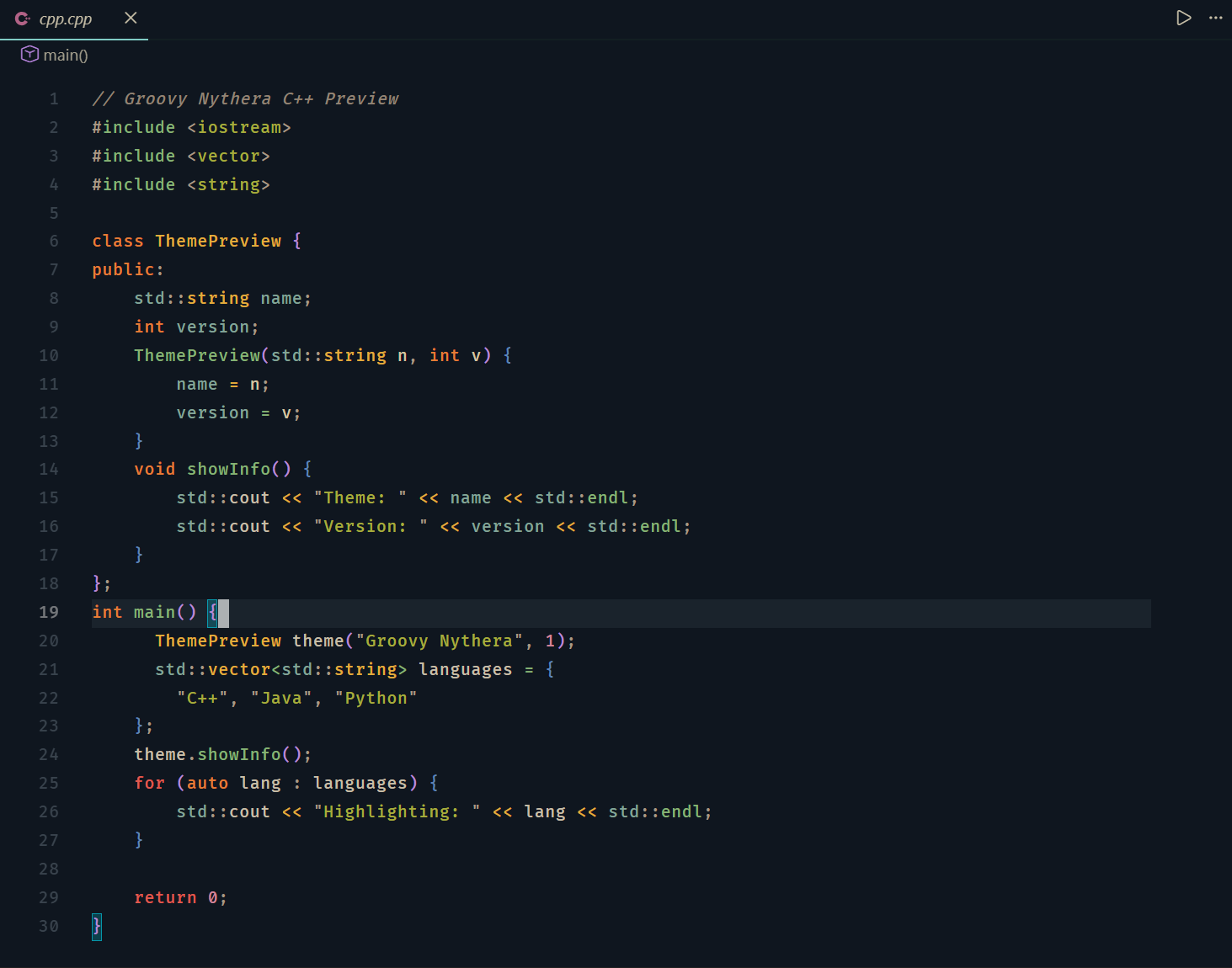
C++
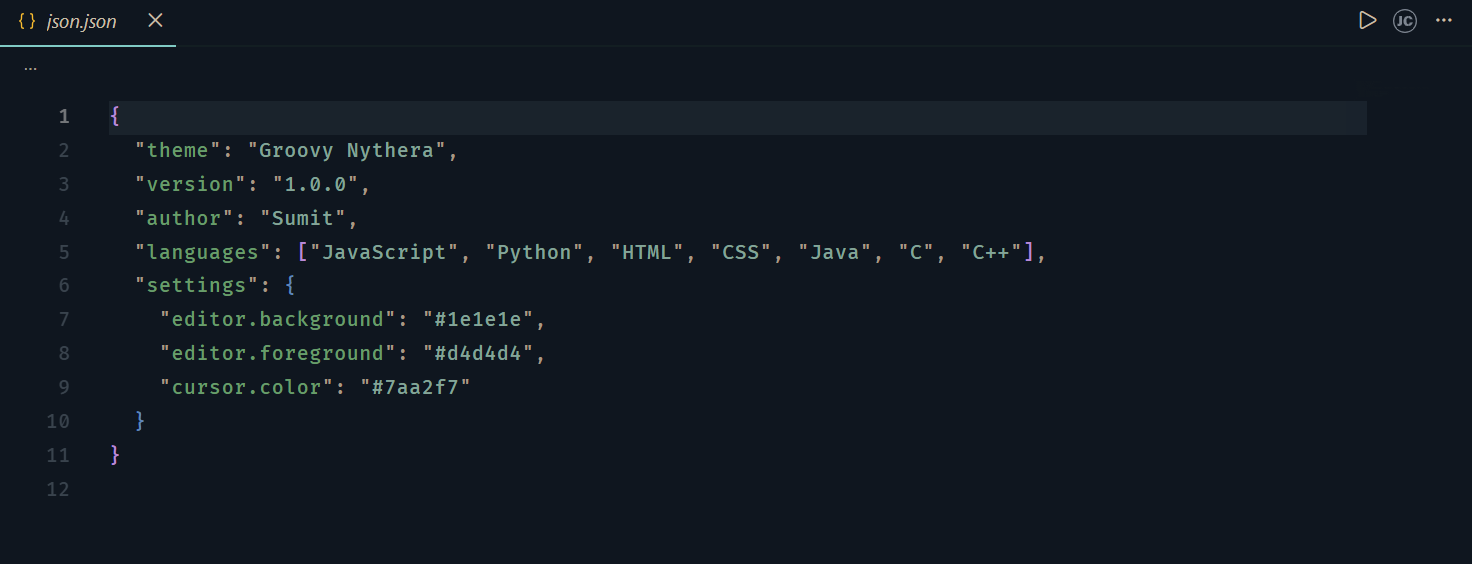
JSON
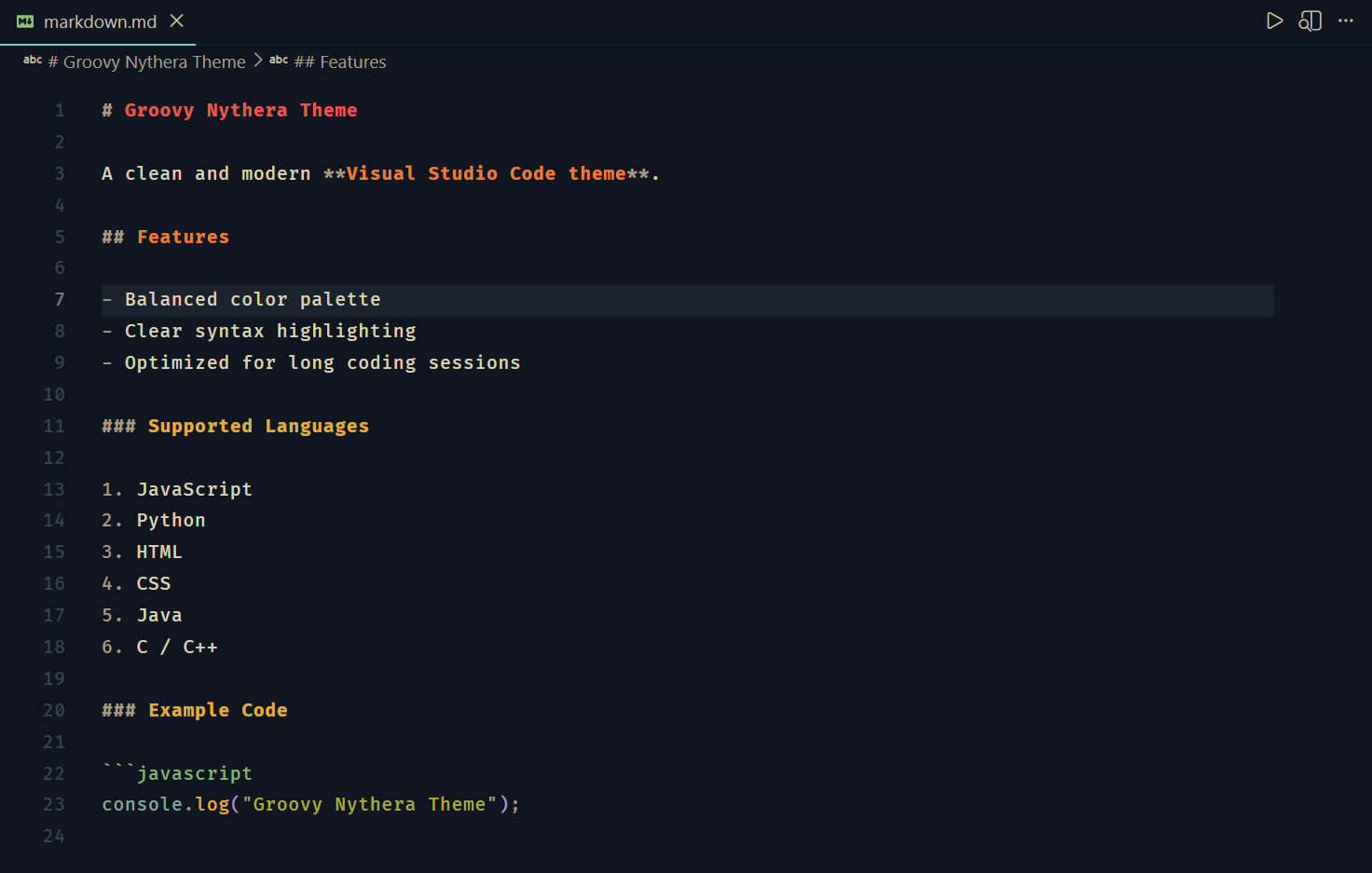
Markdown
⚙ Recommended Editor SetupThese settings were used during the development of the theme. VS Code Configuration🧠 Design PhilosophyGroovy Nythera follows two main design principles. Minimal InterfaceThe UI stays subtle and calm so that the focus remains on the code. Warm ReadabilityThe syntax palette is inspired by Gruvbox, known for its warm tones and clear visual hierarchy. 🔗 Related ThemeIf you enjoy Groovy Nythera, you might also like Nythera, the original theme that inspired the interface design used here. 🙌 CreditsThe Nythera theme served as the foundation for the interface design. The syntax palette in Groovy Nythera draws inspiration from the Gruvbox color philosophy, adapted specifically for Visual Studio Code. All colors were refined independently for this theme. 📝 LicenseReleased under the MIT License.
Enjoy coding with Groovy Nythera ✨ |