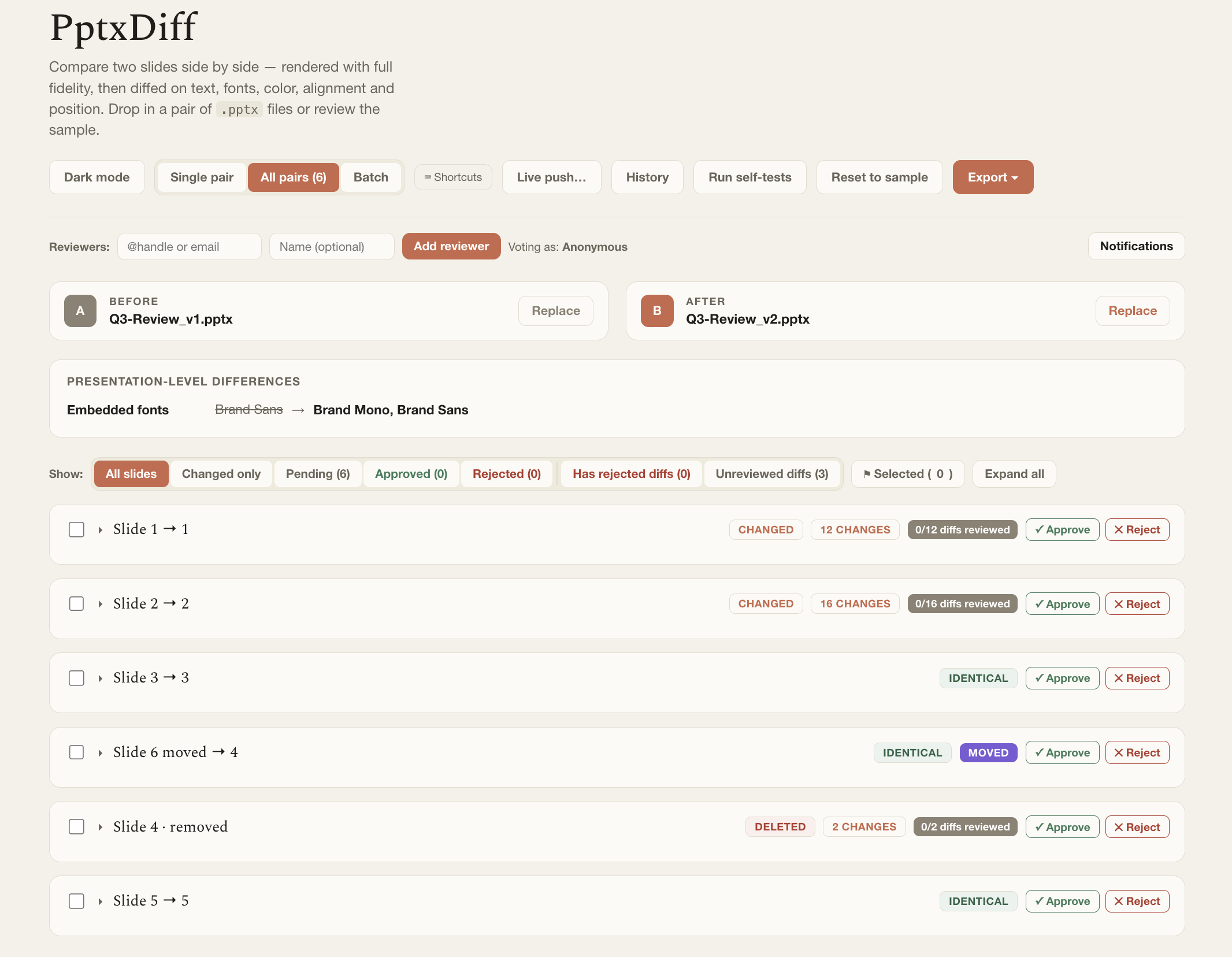
PptxDiffCompare two PowerPoint decks with real fidelity rendering, deep diffing, and a full reviewer workflow — right from VS Code. Installation Launch VS Code Quick Open ( Ctrl+P), paste the following command, and press enter.Copied to clipboard |

PptxDiff for VS Code
Opens the pptxdiff PowerPoint diff tool in your browser, bundled locally for offline-first use. The bundled app includes review-state share links, parser-independent SHA-256 content checksums, and Diff Screenshots exports as ZIP or a self-contained HTML viewer. UsageRun
|