Codegraph Studio
Explore your TypeScript codebase as an interactive call graph — and edit files
right on the canvas, without leaving the map.






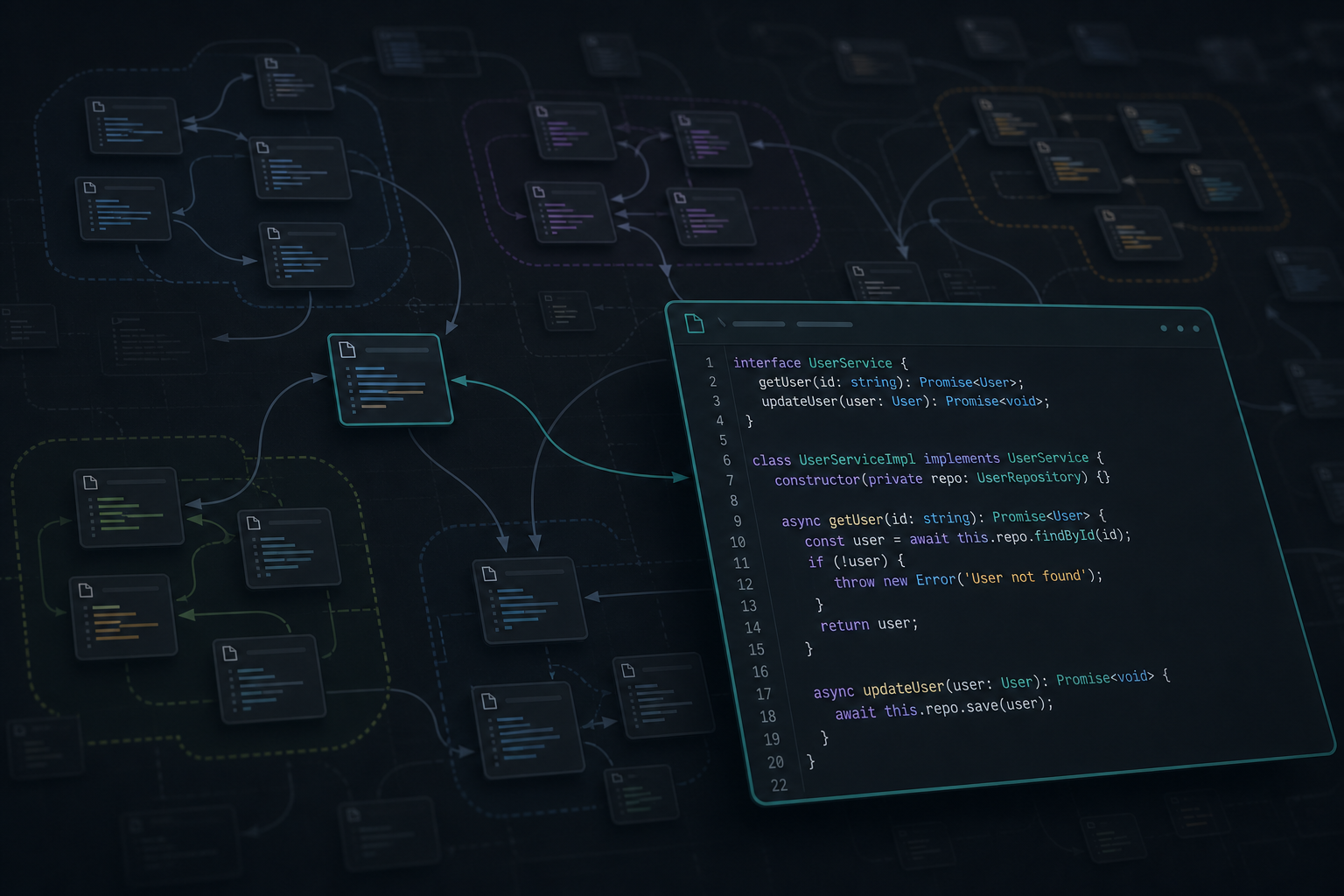
Codegraph Studio parses a TypeScript/TSX project with the TypeScript AST, builds
a call graph between functions, and renders it on a fast, zoomable canvas. Cards
are files, curved arrows are calls. Inside VS Code you can open a file on the
canvas in an embedded editor (syntax highlighting, save via the workspace),
while the graph, links, zoom, and pan stay live around it.
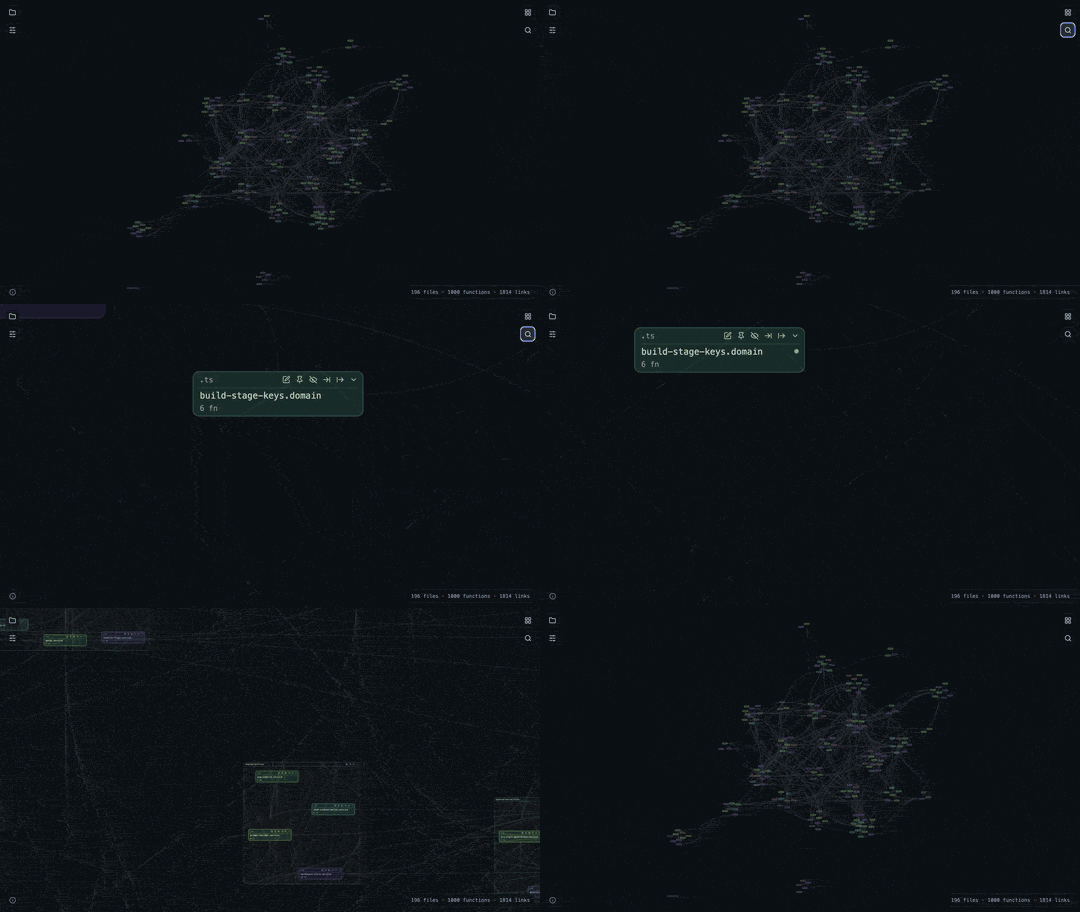
▶ Watch the full-quality MP4
Screenshots
Cards are files, curved arrows are calls. Hover a card to light its neighbors;
open several editors on the canvas and keep the map around them.
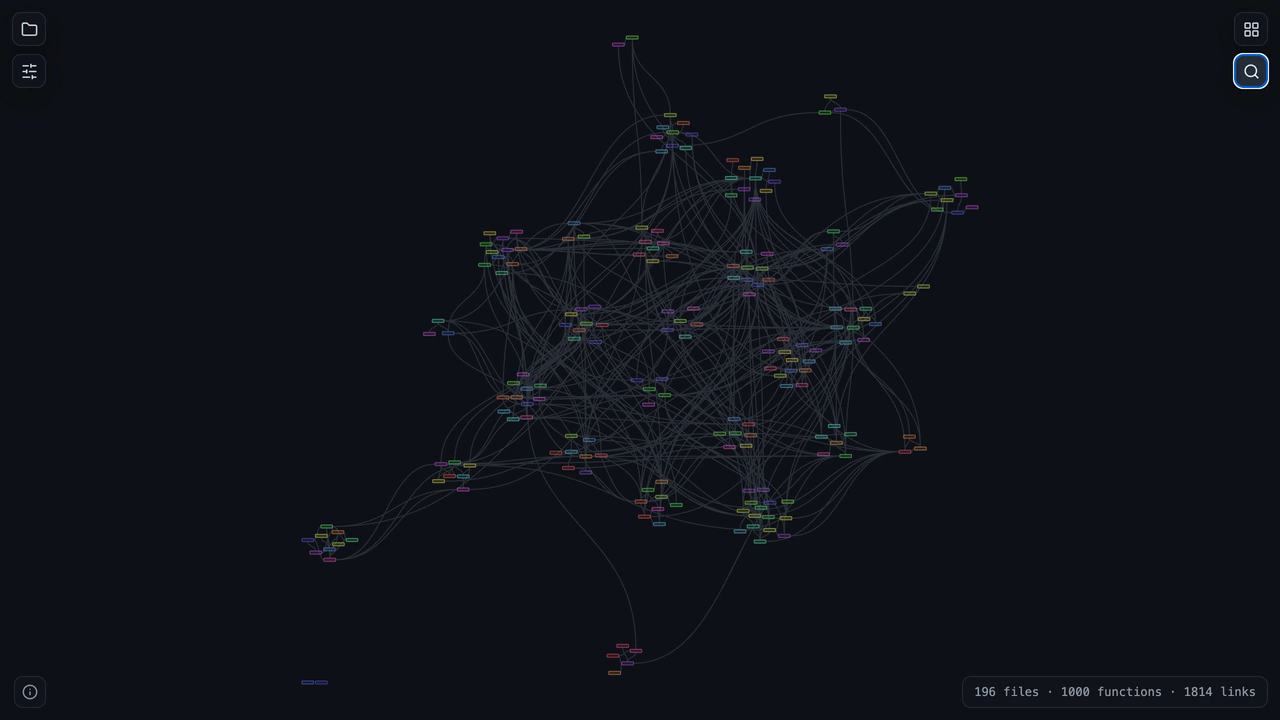
Call graph — 196 files, ~1000 functions, ~1800 links
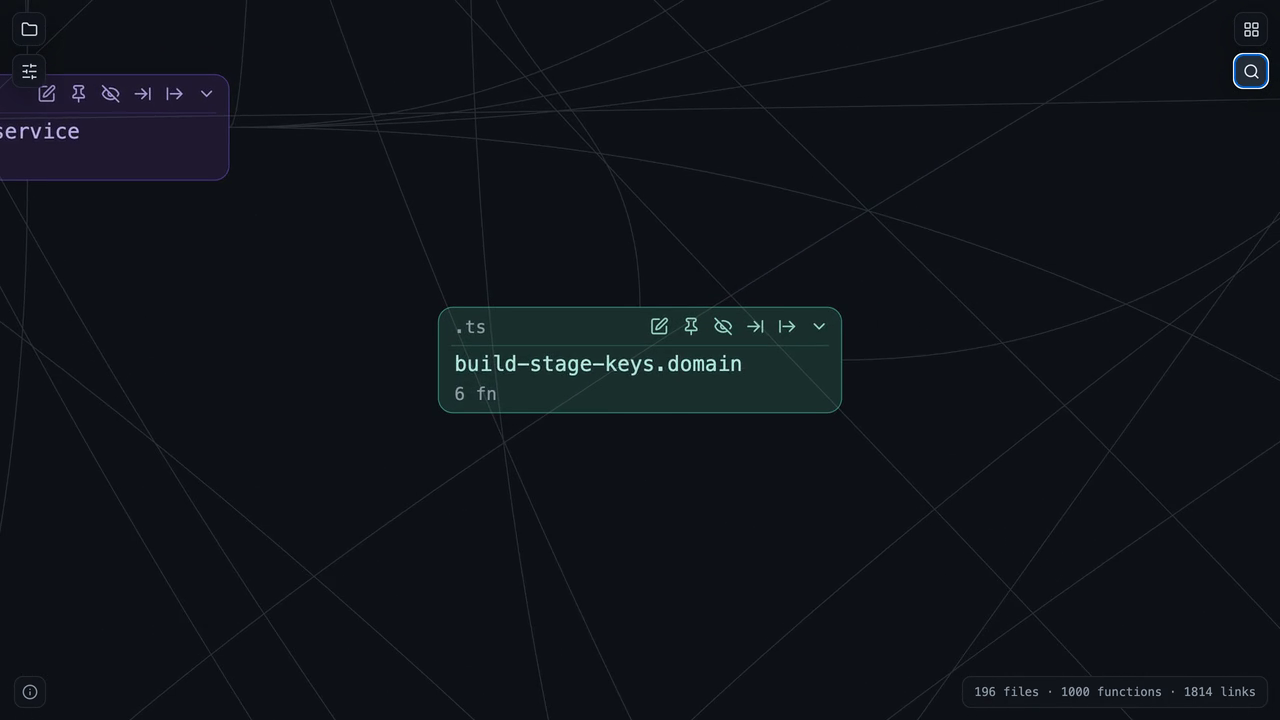
Hover — the focused card and its links stay bright
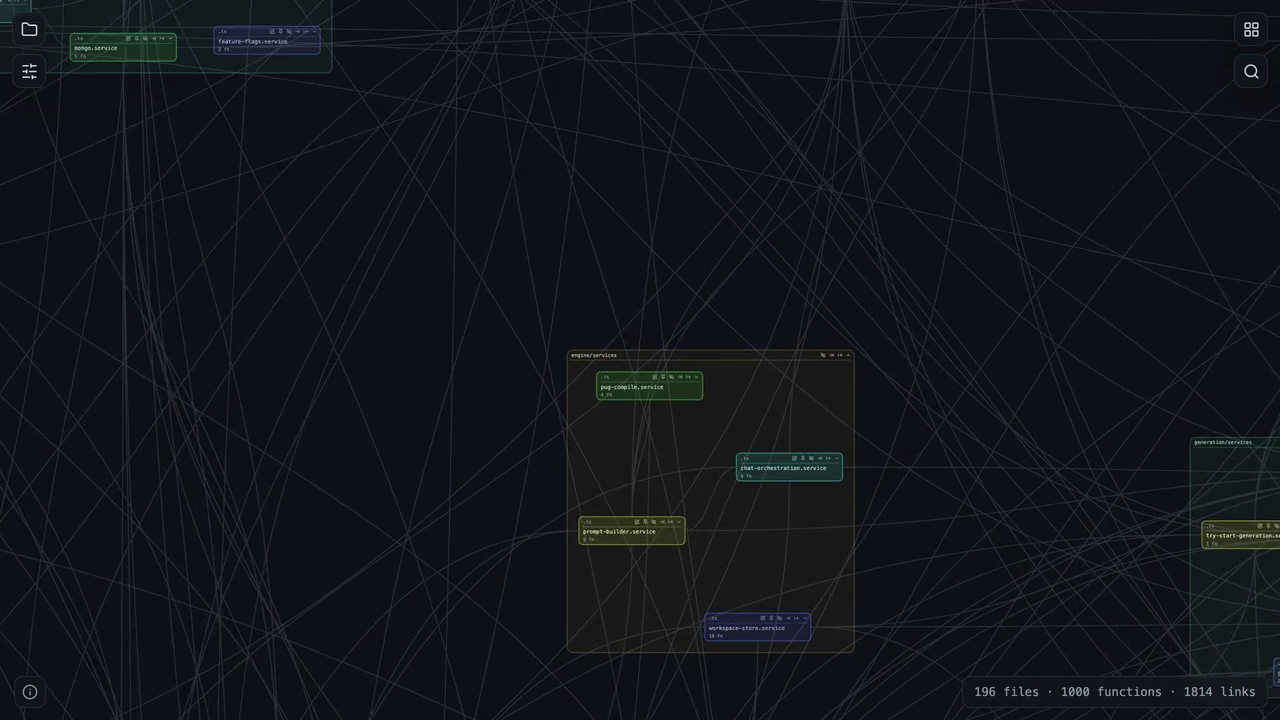
Folder islands — directory clusters with their own chrome
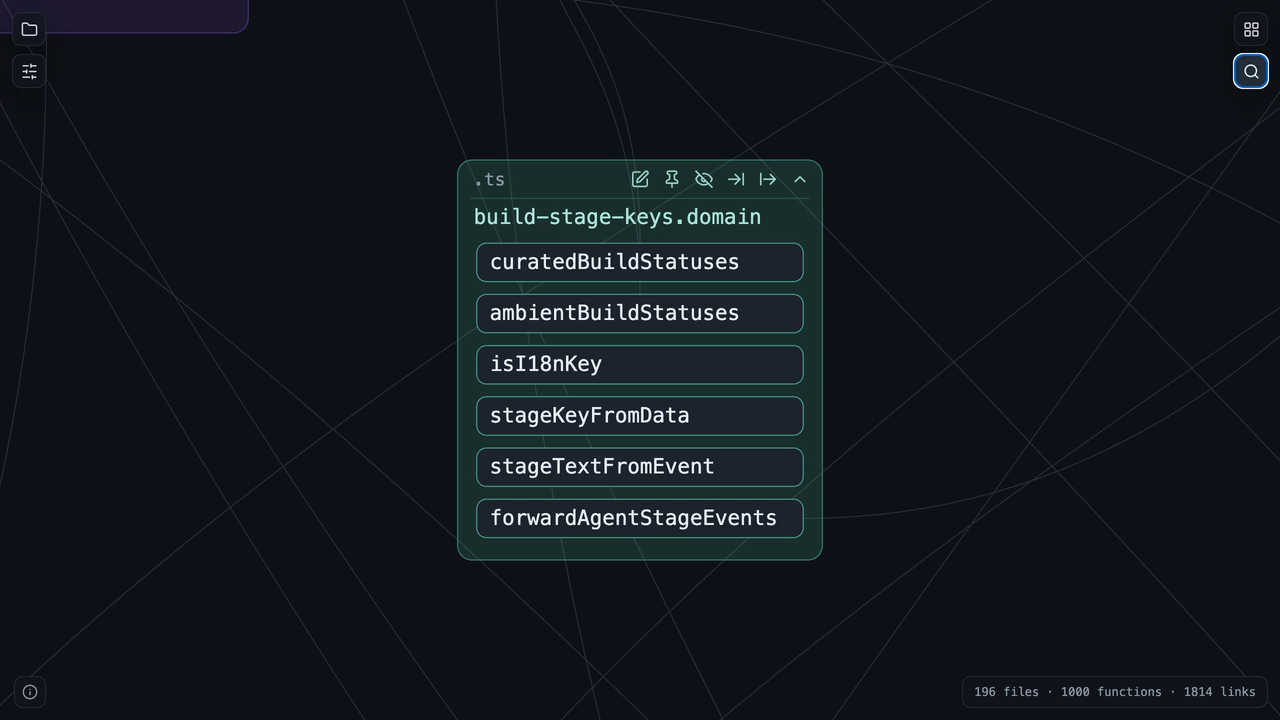
Expanded card — functions in the file, still on the map
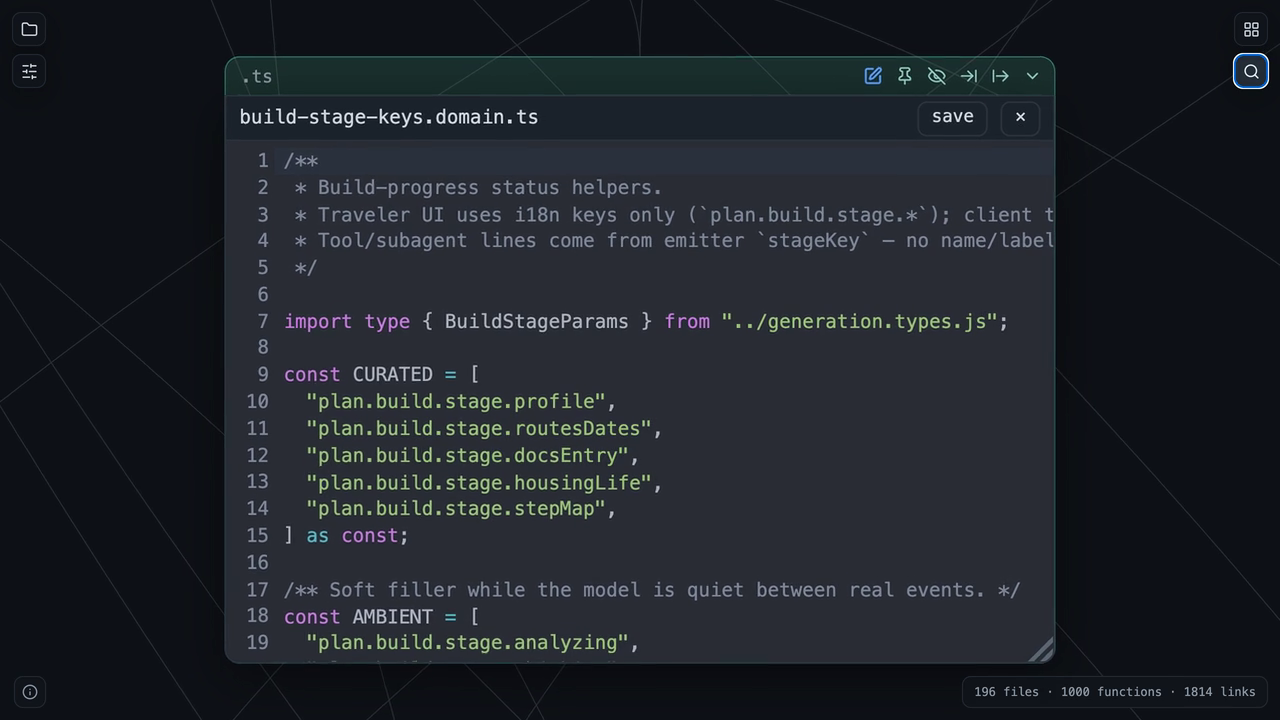
On-canvas editor — syntax highlighting, save via the workspace; open more than one card at a time
Why
Reading a large TypeScript codebase file-by-file hides the shape of the system.
Codegraph Studio shows that shape:
- See the architecture at a glance — clusters, hubs, and islands of related
code emerge from an automatic force layout.
- Follow a dependency, not a hunch — focus a file to see exactly what it
calls and what calls it.
- Fix in place — spot something on the map and edit the file on the same
canvas, keeping your spatial context.
It works on real-world code: ESM .js-specifier imports, new Foo(), barrel
re-exports (including import X; export { X }), namespace (import * as),
aliased, and dynamic import() imports, Node # subpaths via package.json
"imports" (including targets under build/dist/out remapped to source),
tsconfig-path and workspace-package aliases, value-import dependency edges on
the canvas, top-level module calls, instance methods, and dependency injection
through constructors and fields.
Features
- Call graph on canvas — files as cards, calls as curved arrows; smooth zoom,
pan, and drag with viewport culling for large graphs.
- On-canvas editing (VS Code) — a per-file CodeMirror 6 editor scaled with the
camera; save with ⌘/Ctrl+S through the workspace.
- Two layouts — gravity between files, or gravity within a folder then between
folders (folder “islands”).
- Focus modes — Follow (show a file and its direct links) and Lazy
observation (all files visible, links revealed on click). Open editors hide
with their card.
- Per-card controls — edit, pin, hide file, hide incoming/outgoing links,
collapse/expand. Folders get their own header controls.
- Glob filter, search, isolated-node hiding.
- Persistent layout — positions and states saved per project in
localStorage.
- Live rebuild — re-parse a folder and refresh the graph in place.
- Responsive parsing — parsing runs in a background worker with a
cancellable progress spinner, so the editor never blocks on large projects.
Requirements
- VS Code
^1.85.0
- A workspace folder open (the first workspace folder is parsed)
Install
From the Marketplace (recommended):


In VS Code, open the Extensions view (⇧⌘X / Ctrl+Shift+X), search for
Codegraph Studio, and click Install — or run
ext install stovberpv.codegraph-studio from the Command Palette.
From VSIX (offline / pre-release):
npm install
npm run package        # produces codegraph-studio-<version>.vsix
Then in VS Code: Extensions: Install from VSIX… and pick the file.
Usage
- Open your project folder in VS Code.
- Open the graph from the Codegraph Studio icon in the Activity Bar (opens
the canvas directly; no side menu) or by running Codegraph Studio: Open Call
Graph from the Command Palette.
- On the canvas start screen, click Analyze current project (workspace
folder) or Choose folder (folder picker). Parsing starts only after that.
- Explore: scroll to zoom, drag the background to pan, drag a card to move it.
- Click the ✎ control on a card to edit that file on the canvas; save with
⌘/Ctrl+S.
Troubleshooting
- A parse is slow or seems stuck. Parsing runs in a background worker with a
cancellable Notification and a live "parsing K/N files…" label on both the
Notification and the canvas overlay — if the counts keep moving, it is working,
not frozen. You can cancel from the Notification.
- A parse hangs or macOS asks for permission to other apps' data. Turn on
Settings → Codegraph Studio →
codegraph.debugParsePaths, reparse, and
open the "Codegraph Studio" output channel (View → Output → "Codegraph
Studio"). Each parse logs its root/selfDir and traces every directory and
file it reads; the last path logged before the prompt/hang is the culprit.
Limitations
- No type-checker: calls on values of arbitrary type, untyped injections, and
external npm packages are intentionally not resolved. tsconfig-path and
workspace-package aliases within the project are.
- At strong zoom-out, editor text is scaled (a deliberate trade-off).
- No IntelliSense in the on-canvas editor — syntax highlighting only.
License
MIT © 2026 Paul Stovber

