
StewBeetEditor support for the beet ecosystem: the Bolt language, plus highlighting, completion, diagnostics and build navigation for the mcfunction strings inside your beet, mecha and StewBeet Python. Installation Launch VS Code Quick Open ( Ctrl+P), paste the following command, and press enter.Copied to clipboard |

StewBeet
Watch this as a video, in better quality
Every example below comes from Quick start
Or leave BoltWatch this as a video, in better quality
Bolt inside a
|
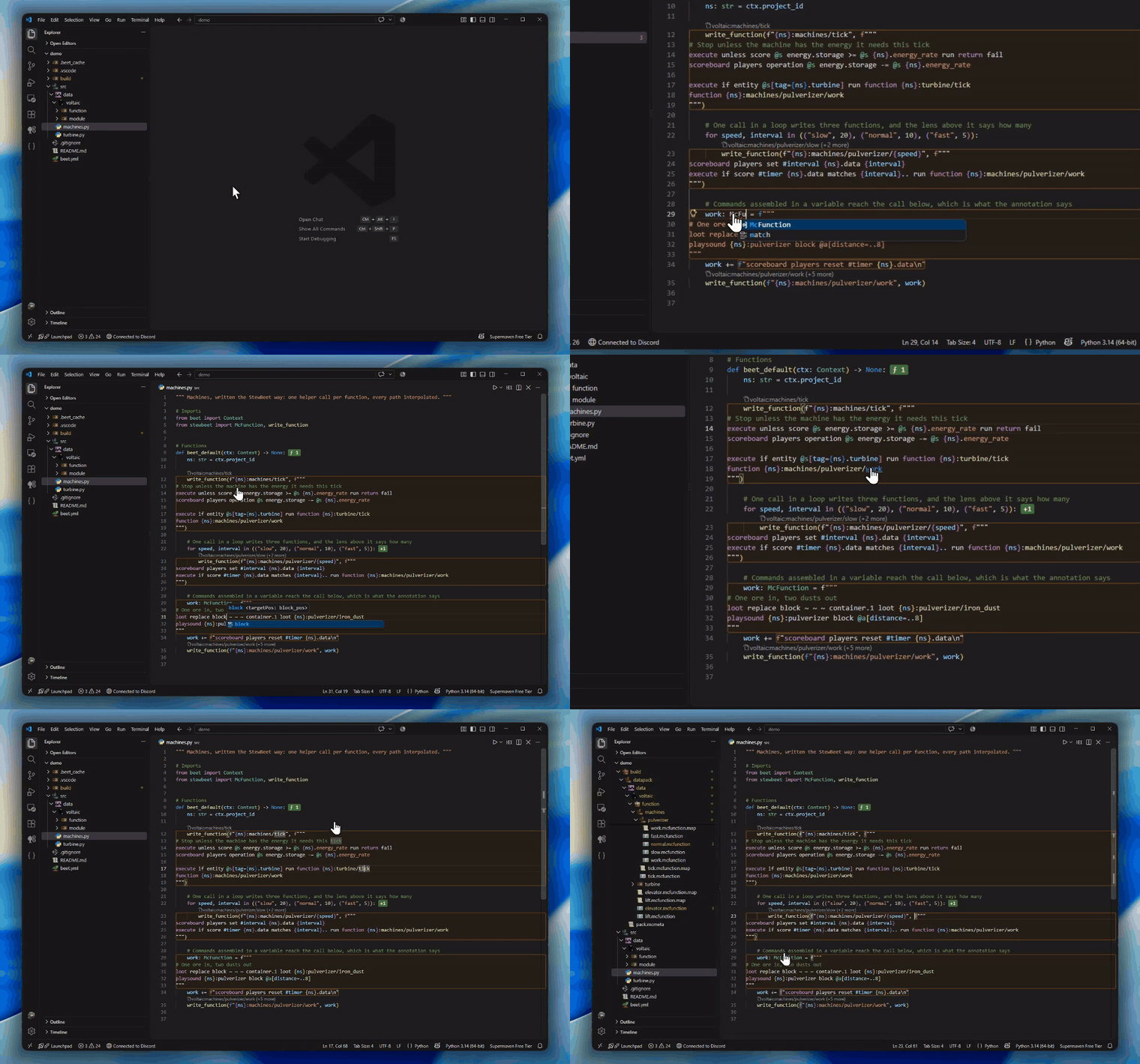
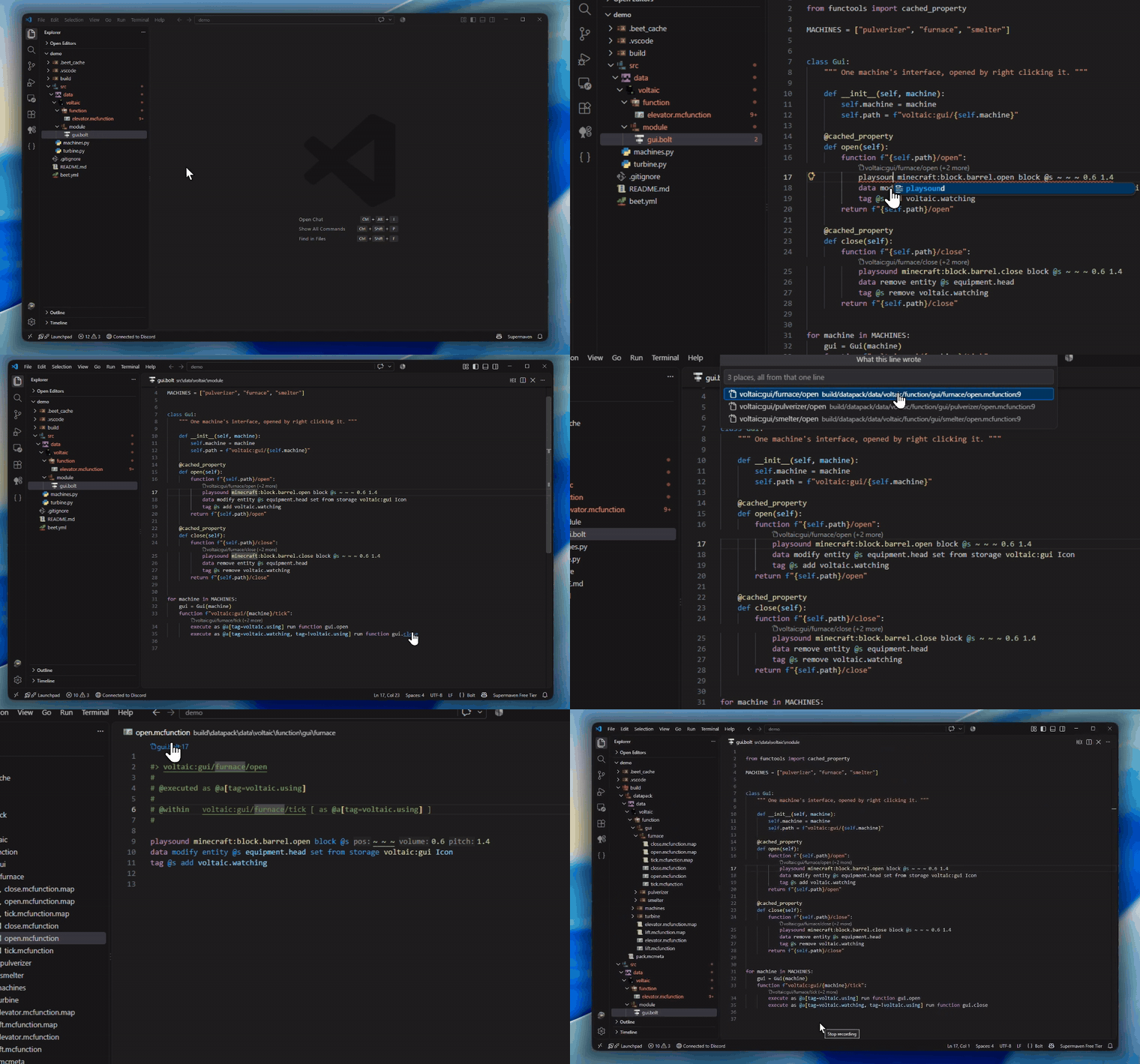
| Written as | Example |
|---|---|
write_* helpers |
write_function, write_versioned_function, write_load_file, ... |
| A variable | content = f"""...""" and every += up to the call that consumes it |
| A list | .append, += [...], literals, comprehensions, "\n".join(lines) |
| Your own function | Any parameter annotated McFunction, by position or by keyword |
| Your own class | A field annotated McFunction, ex: Bonus(name="speed", commands="""...""") |
| An expression | Both branches of "..." if cond else "...", and "..." + "\n".join(lines) |
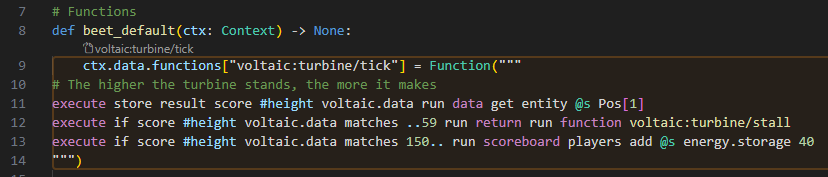
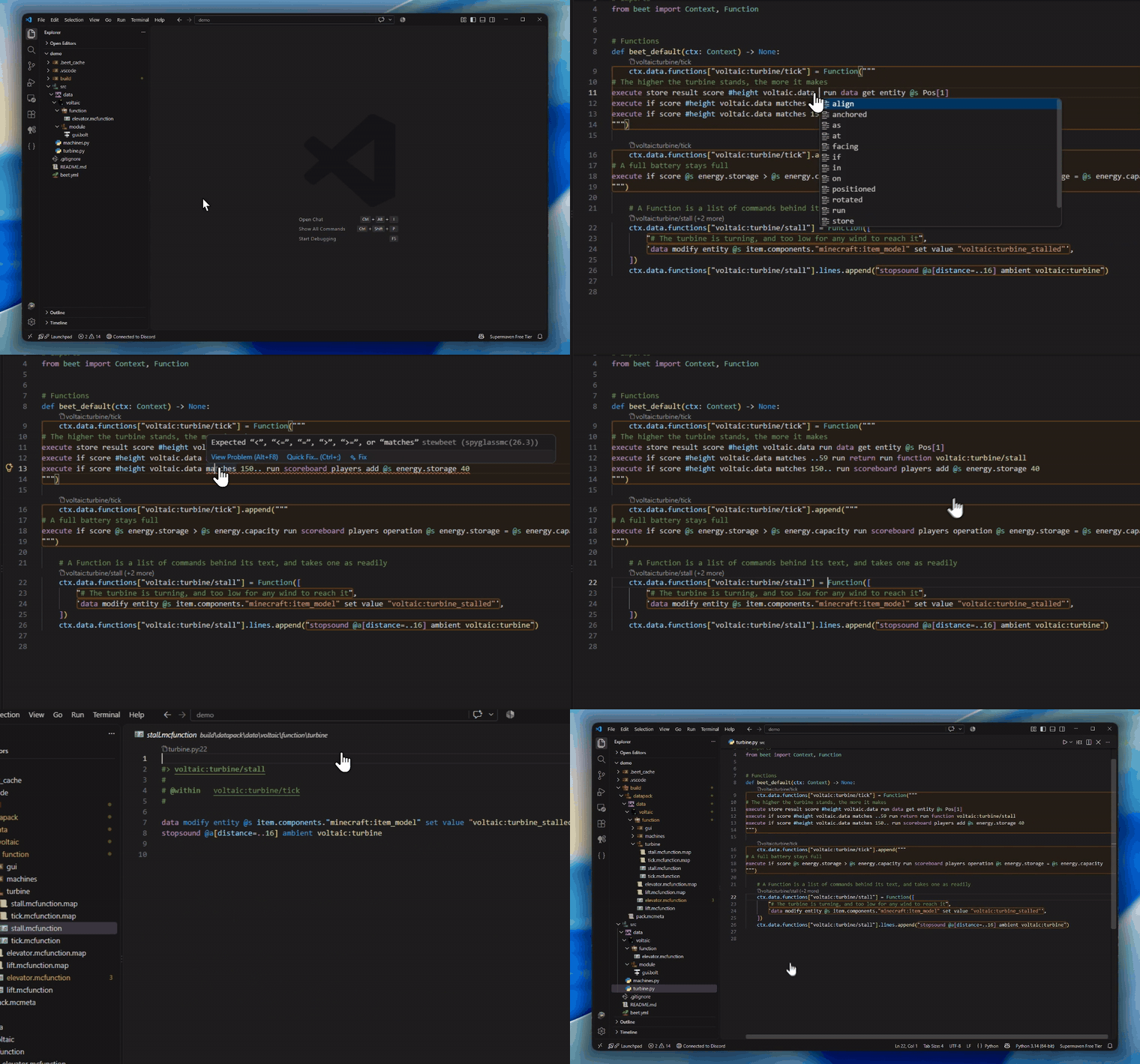
| beet's own API | Function(...) from a string or a list[str], plus .append, .prepend and .lines |
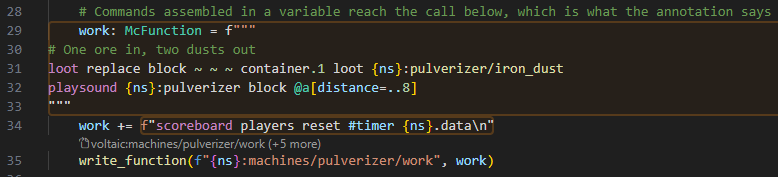
Every block is coloured. The grammar colours what it sees from the line a block opens on, such as a write_* call or a variable annotated McFunction (a plain str alias from stewbeet), and a block only the whole file reveals, such as a dataclass field or a variable with no annotation, is painted in the same colours, read from your theme and your editor.tokenColorCustomizations:
Coming from Aegis
Compared to Aegis, StewBeet is lighter and easier to install, but it does not provide Python symbols in completion (yet).
| Aegis | StewBeet | |
|---|---|---|
.bolt highlighting |
None, read as mcfunction |
Bolt grammar |
| Commands in Python strings | No | Yes |
| Source to build navigation | No | Both directions |
| Needs | ms-python.python and your environment |
Nothing |
.bolt completion |
Full compiler, Python symbols included | Commands only, through Spyglass |
Keep Aegis if you need that last row.
Does it need my venv?
No. The extension only reads your sources and the .mcfunction.map files your build writes thanks to the stewbeet.plugins.sniffer plugin.
Settings
All under StewBeet.*:
| Setting | Default | |
|---|---|---|
languageFeatures |
true |
Completion, hover, signature help and go to definition inside the blocks |
suggestSpyglass |
true |
Offer the Spyglass install once, when it is missing |
buildOutput |
"" |
Where the generated pack is, absolute or relative to the workspace. Empty searches the workspace |
sourceMapDiagnostics |
true |
Relay build errors onto the Python that wrote the command |
resolveInterpolations |
true |
Fill each {...} with what the last build resolved it to |
diagnosticRuleDenylist |
["undeclaredSymbol"] |
Rules never relayed onto Python |
codeLens |
true |
The link above a block that produced a function |
headerLinks |
true |
Resource locations in a generated file's #> header |
boltInMcfunction |
true |
Give a .mcfunction holding bolt the bolt language id |
enableBlockDecorations |
true |
The coloured box around a block |
backgroundColor |
rgba(80,40,0,0.15) |
Any CSS colour |
borderColor |
rgba(200,120,30,0.30) |
Any CSS colour |
borderWidth |
"2px" |
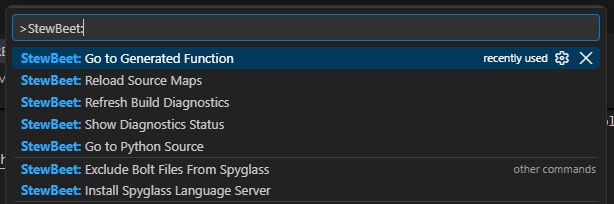
Commands, from the palette: Go to Generated Function, Go to Python Source, Reload Source Maps, Refresh Build Diagnostics, Show Diagnostics Status, Install Spyglass Language Server.
Installation
From the marketplace: search StewBeet in the Extensions panel.
From a .vsix: code --install-extension StewBeet.vsix, or Extensions -> ... -> Install from VSIX...
mcfunction grammar taken from MinecraftCommands/syntax-mcfunction and adapted to our needs.