HTML Preview
Preview local HTML files in VS Code.

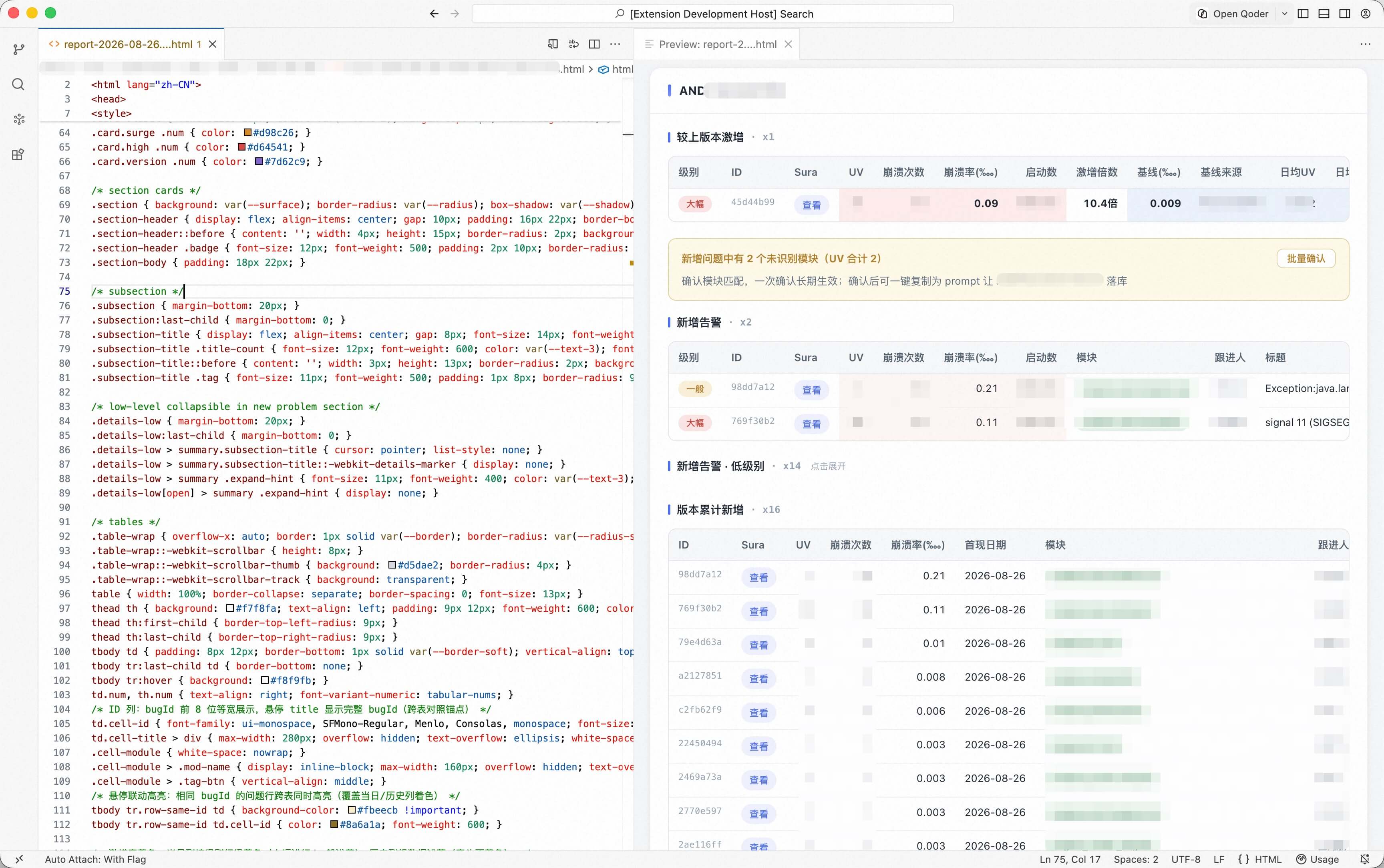
Features
- Preview button appears in the editor title area when opening
.html files
- Click the button to open a preview tab alongside the editor
- Loads local CSS, JavaScript, images and other resources from the same directory
- Click
http/https links in the preview to open them in your default browser
- Auto-refresh the preview when the HTML file or its resources change (external edits included) — debounced, and only while the preview is visible
- Open any HTML file in your default browser via the browser button on the editor tab or the preview tab
Usage
- Open any
.html file
- Click the preview button (eye icon) in the top-right corner of the editor
- The preview panel opens on the right side
- Click the refresh button (circular arrow icon) on the preview tab's title bar to reload it manually
Installation
Search "HTML Preview" in the VS Code extension marketplace, or open it directly.
To run locally:
git clone <repo-url>
cd html-preview
npm install
Then press F5 in VS Code to launch the extension development host.
Requirements
- VS Code 1.85+
- Node.js 20+
License
MIT
| |

