Skip to content
| Marketplace
Sign in
Visual Studio Code>Themes>SenerDark ThemeNew to Visual Studio Code? Get it now.
SenerDark Theme

SenerDark Theme

seneryty

|
4 installs
| (0) | Free
A sleek dark VS Code theme with clear syntax highlighting.
Installation
Launch VS Code Quick Open (Ctrl+P), paste the following command, and press enter.
Copied to clipboard
More Info

SenerDark Theme

Marketplace version Rating

A sleek, dark VS Code theme with clear syntax highlighting.

Included Themes

  • SenerDark – The classic dark theme.
  • SenerDeepGray – Darker, deep gray theme.
  • SenerBlueGray – Dark theme with blue-gray accents.

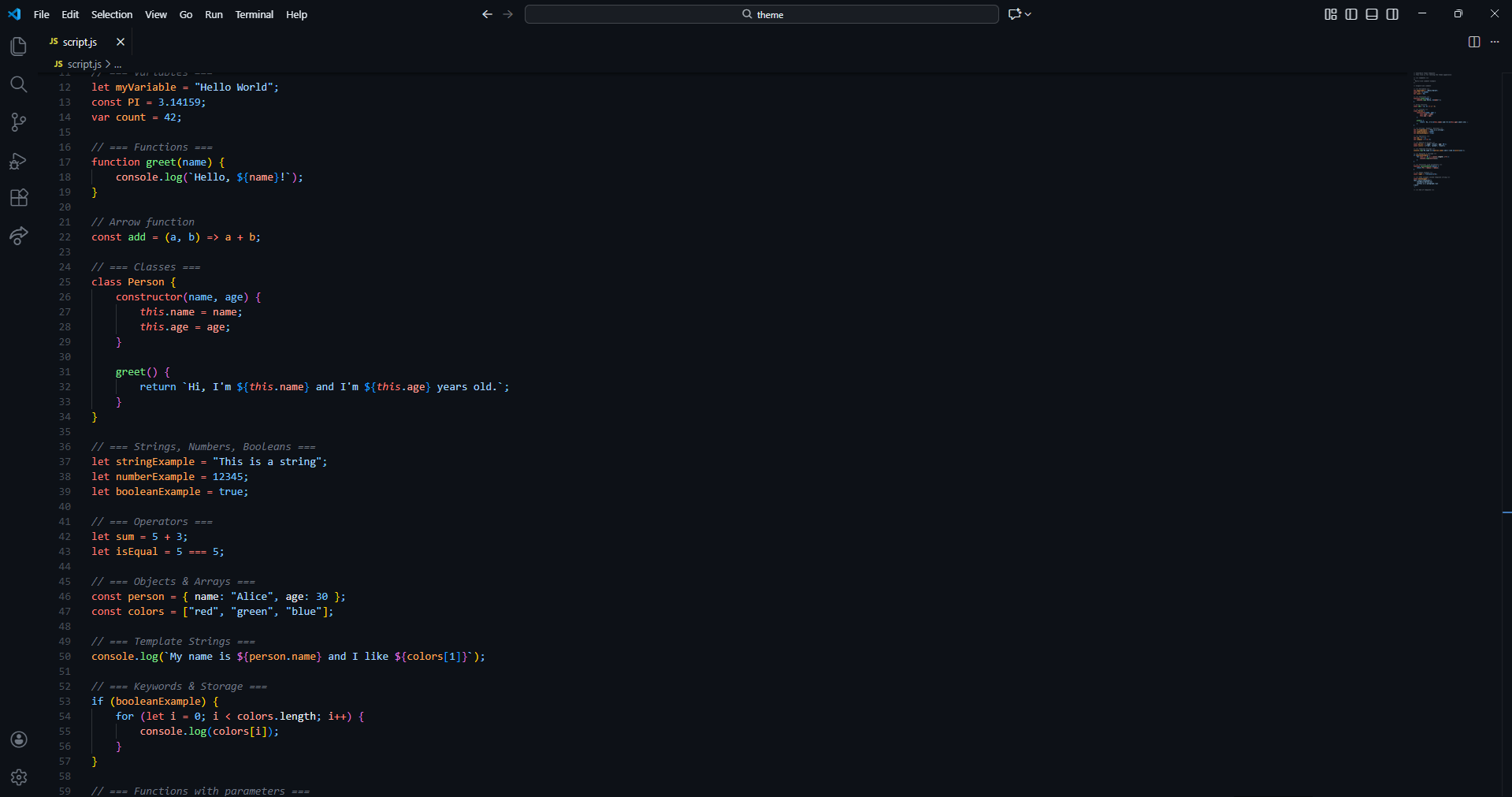
Preview

SenerDark preview

Screenshots

SenerDark

SenerDark

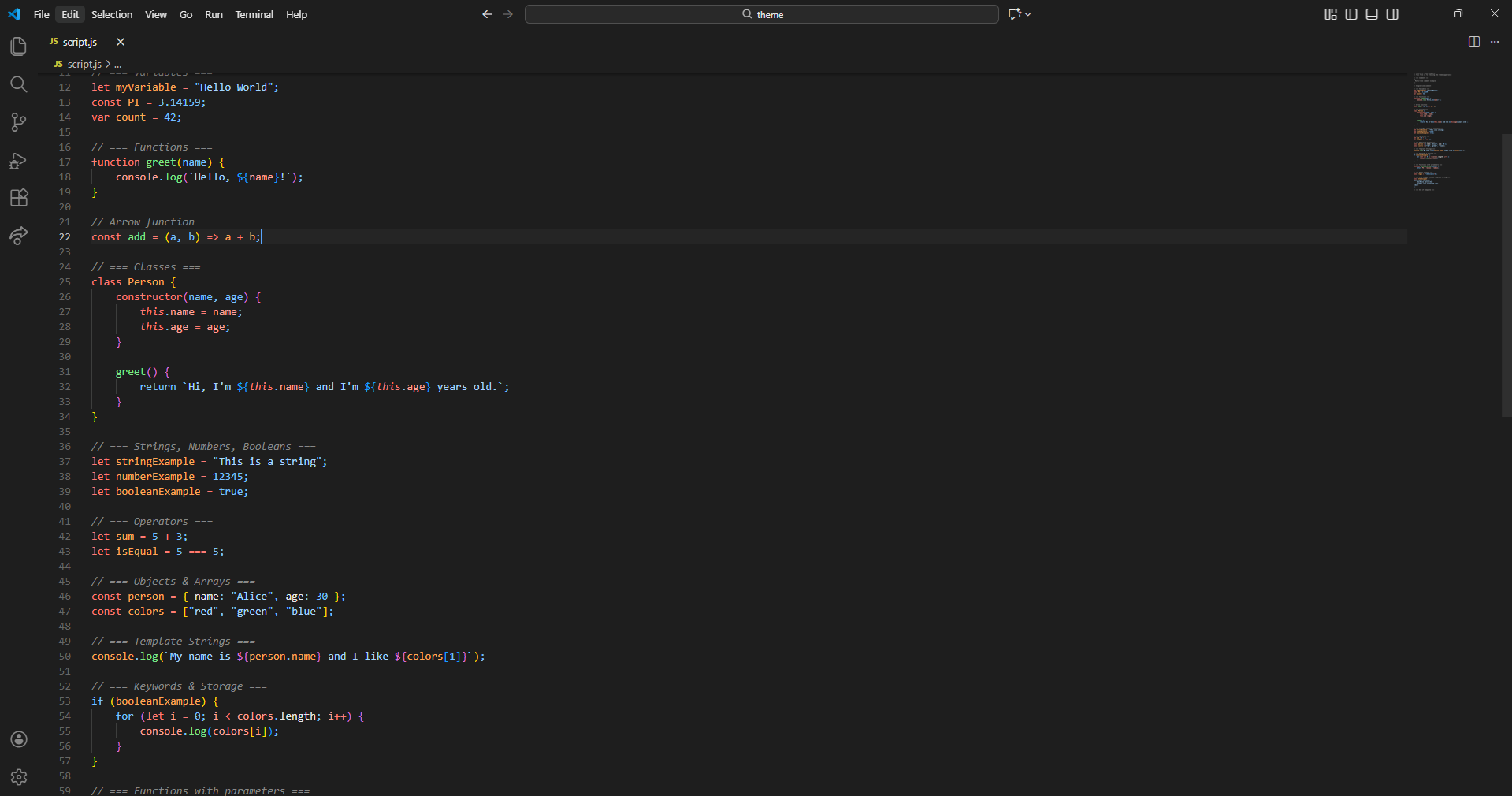
SenerDeepGray

SenerDeepGray

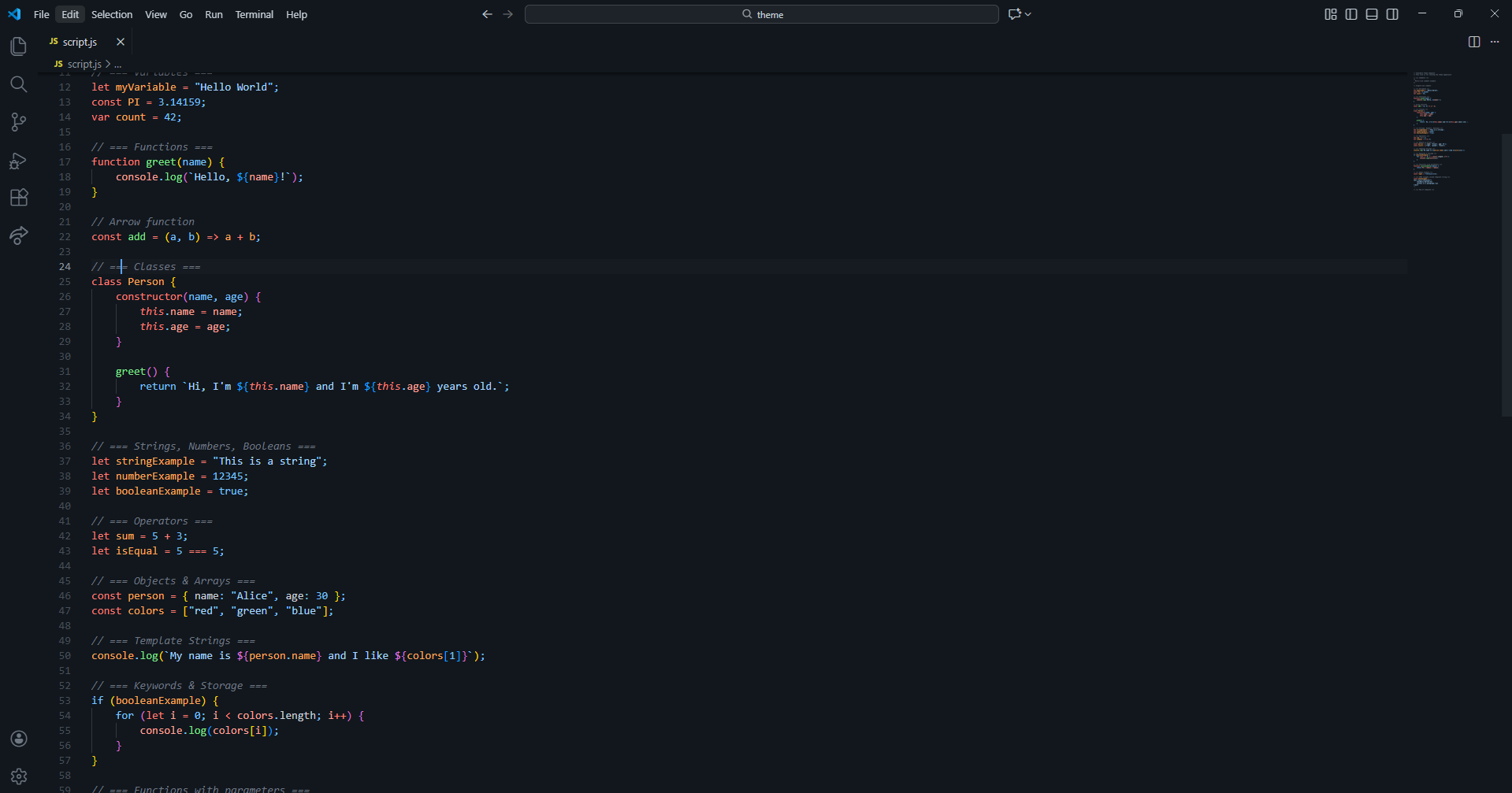
SenerBlueGray

SenerBlueGray

Installation

Install from the VS Code Marketplace or use the generated .vsix:

# copy screenshots (optional)
node ./scripts/copy-screenshots.js
# package
npx vsce package
# install resulting vsix
code --install-extension senerdark-*.vsix

License

MIT

  • Contact us
  • Jobs
  • Privacy
  • Manage cookies
  • Terms of use
  • Trademarks
© 2025 Microsoft