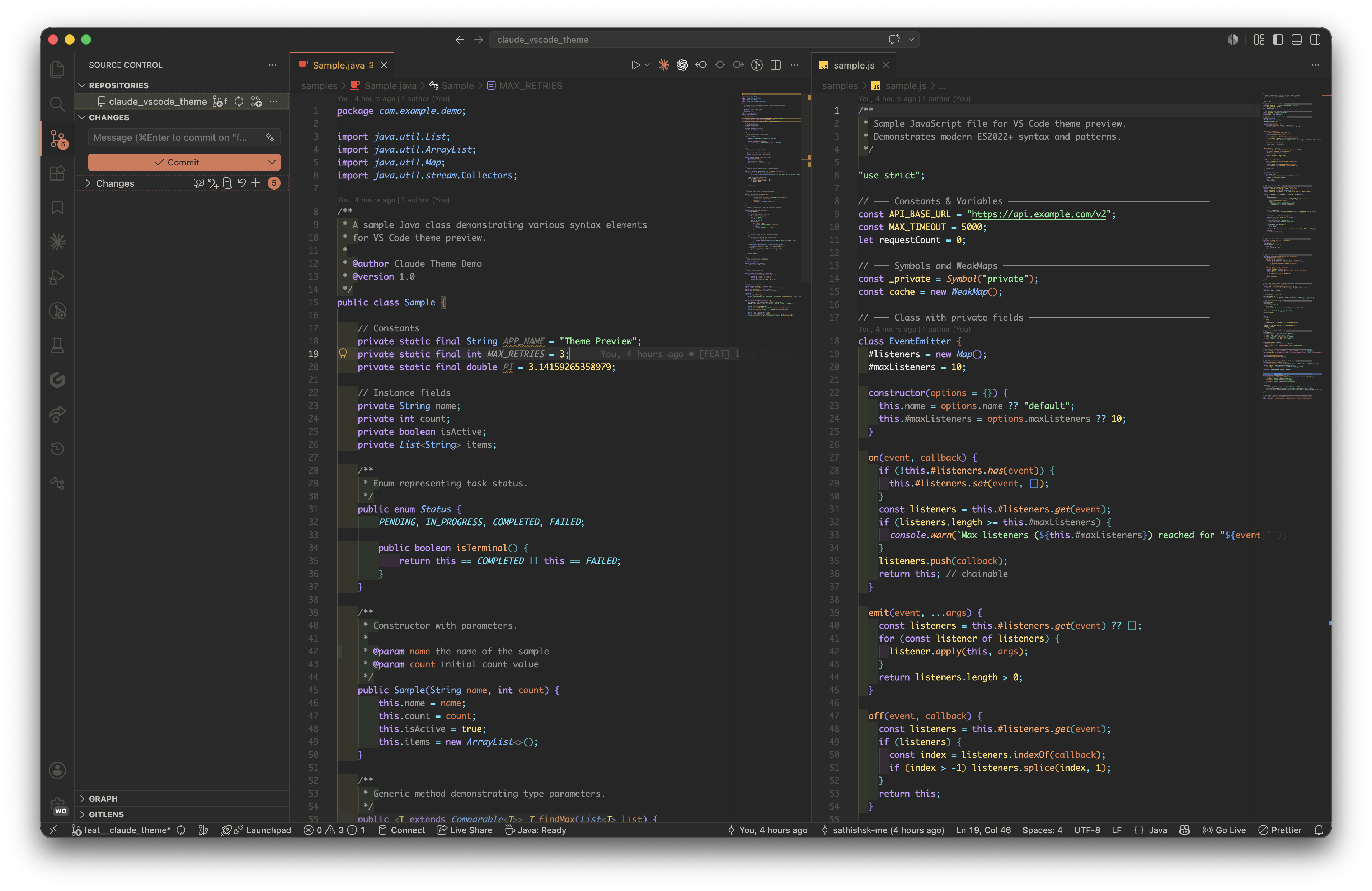
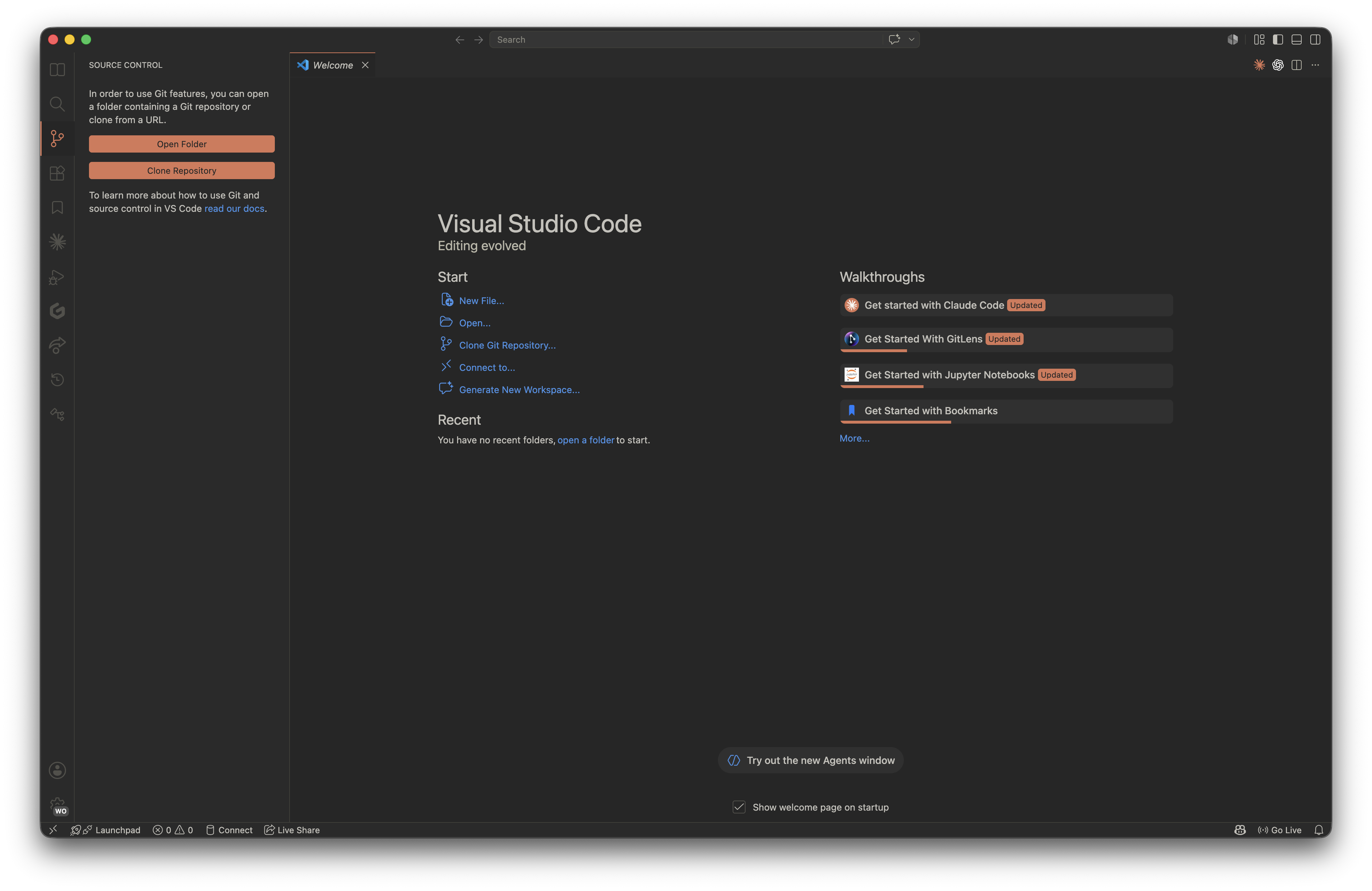
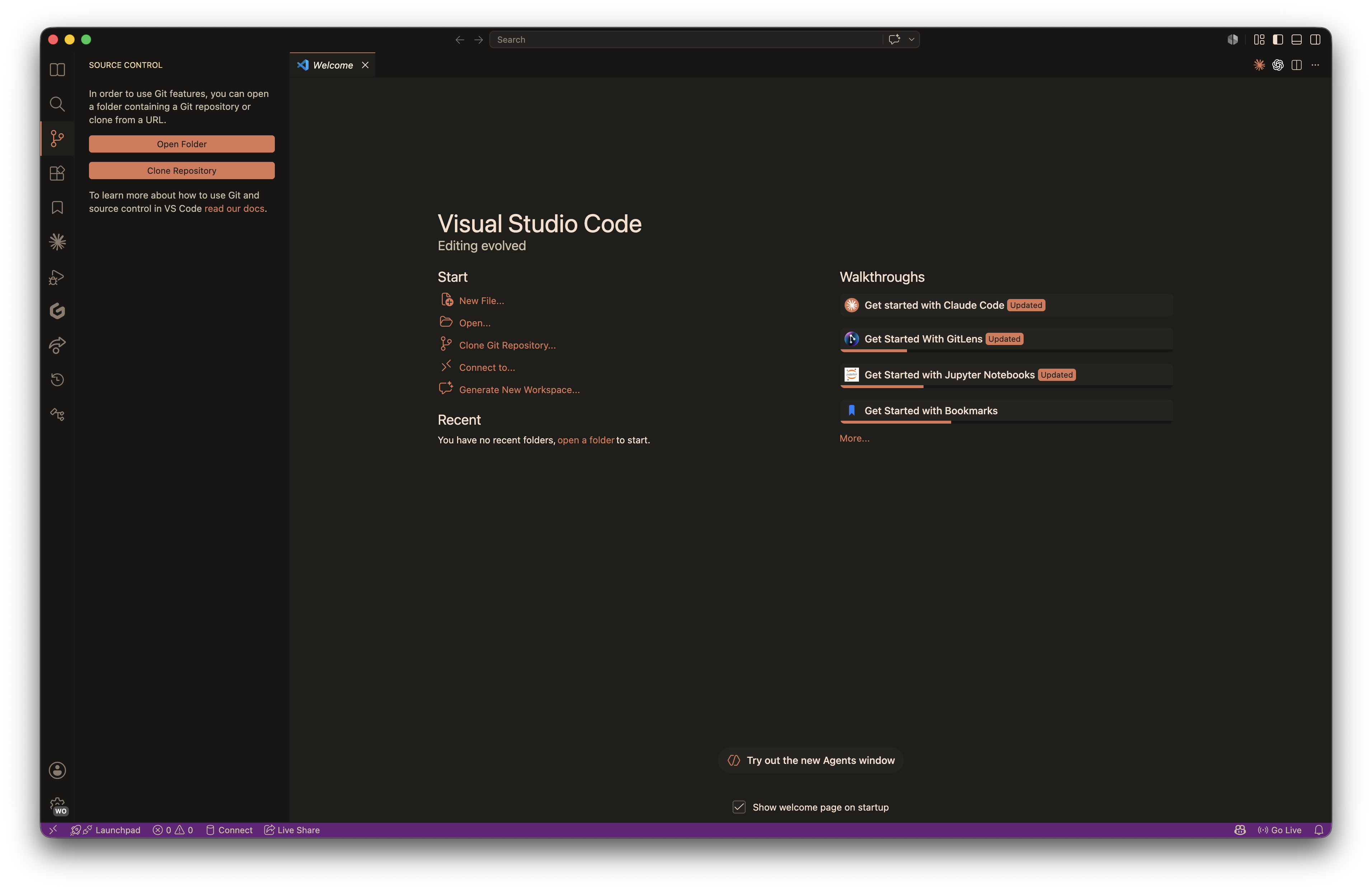
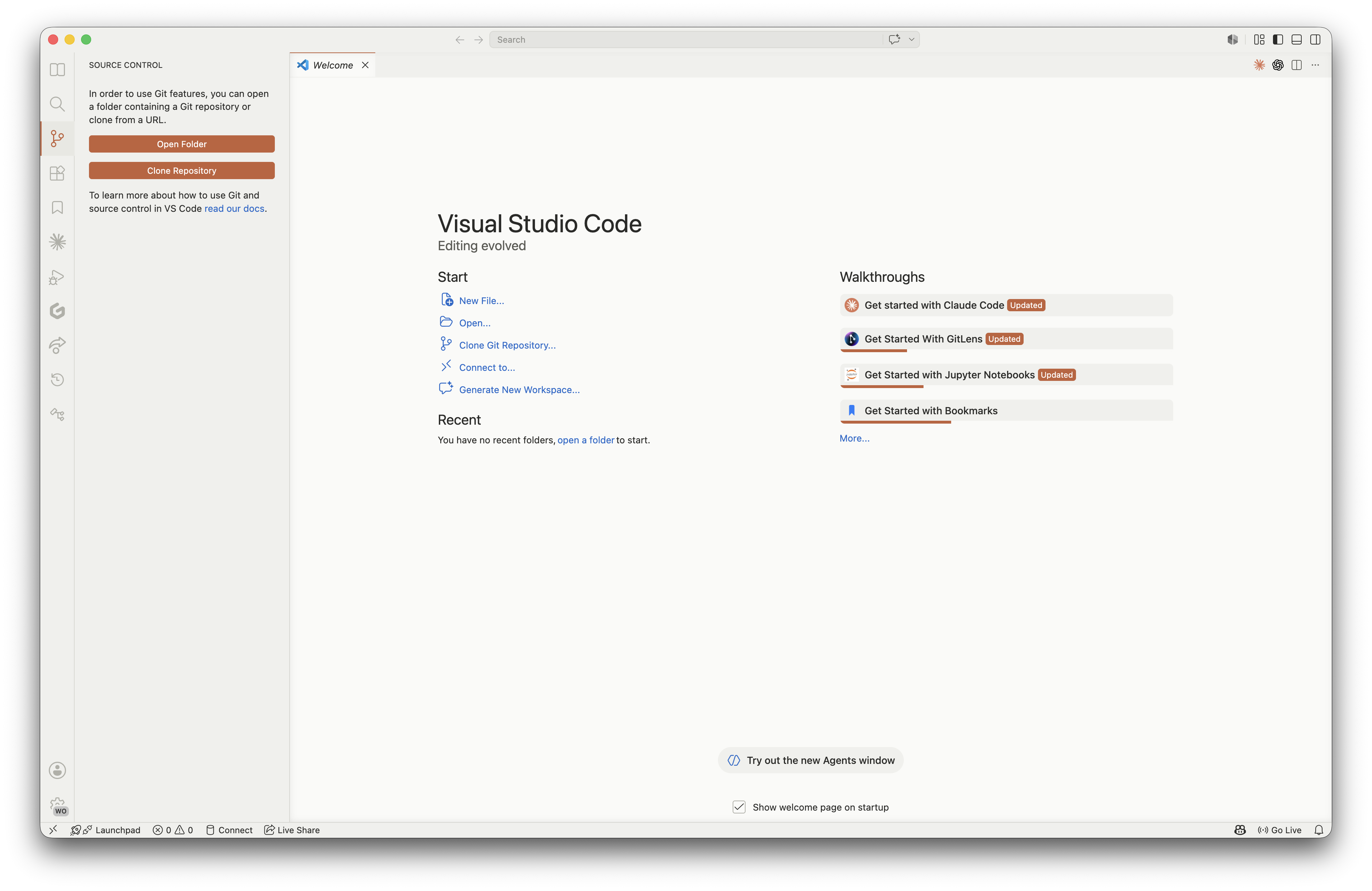
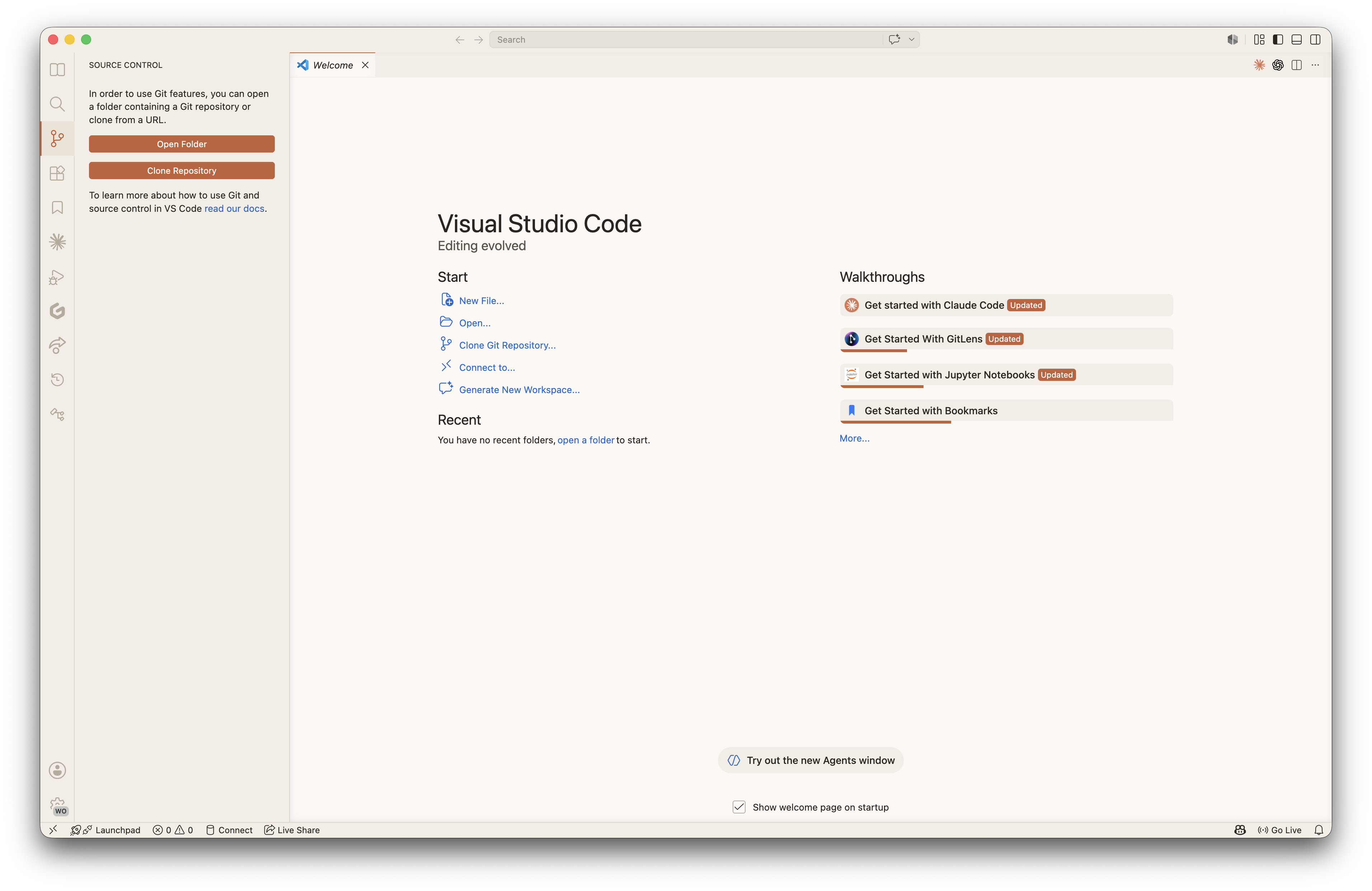
Claude Theme for VS Code by SKTheme inspired by the Claude Code interface - warm oranges, deep darks, and cream accents. Includes dark and light variants: Claude Code, Claude Code Warm, Claude Code Light, and Claude Code Light Warm. Installation Launch VS Code Quick Open ( Ctrl+P), paste the following command, and press enter.Copied to clipboard |

Claude Code Theme
A theme collection for Visual Studio Code inspired by the Claude Code interface - featuring warm oranges, deep darks, and cream accents for a comfortable and focused coding experience. Includes both dark and light variants.
Theme VariantsThis extension includes four carefully crafted theme variants - two dark and two light: 🌑 Dark ThemesClaude CodeThe primary theme with a deep, dark background and balanced contrast. Ideal for long coding sessions with carefully selected colors that reduce eye strain.
Claude Code WarmA warmer variation with amber and orange tones that creates a cozy, inviting atmosphere. Perfect for evening coding or if you prefer warmer color temperatures.
☀️ Light ThemesClaude Code LightA clean, bright light theme with a warm parchment-toned background. Offers excellent readability with rich, high-contrast syntax colors - perfect for daytime coding or well-lit environments.
Claude Code Light WarmA softer, warmer light theme with creamy peach undertones and earthy syntax colors. Creates a gentle, paper-like feel that's easy on the eyes while maintaining clarity.
InstallationFrom VS Code Marketplace
From Command LineColor PalettesClaude Code (Dark)
Claude Code Light
Claude Code Light Warm
Supported LanguagesThe theme has been tested and optimized for syntax highlighting in:
CustomizationYou can override specific colors in your ContributingContributions, issues, and feature requests are welcome.
Local DevelopmentTheme files are in the
Sample files for testing syntax highlighting are in Feedback
LicenseThis project is licensed under the MIT License. Enjoy coding with Claude Code Theme. |