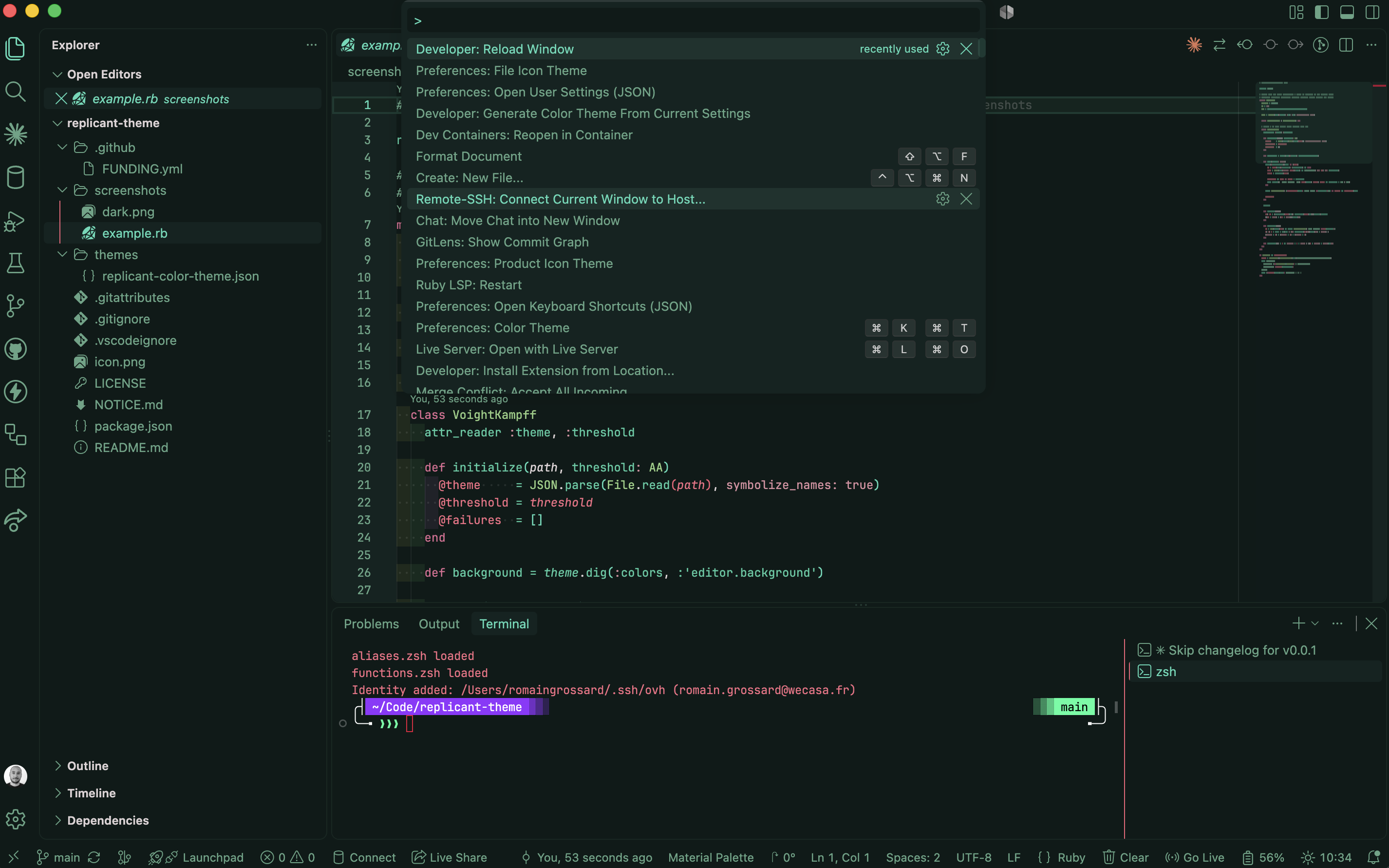
Replicant Runner ThemeReplicant Runner is a retune of punk-runner by TheEdgesofBen for WCAG AA readability. Green-and-red cyberpunk theme, dark and light, with softened contrast and non-colliding editor state colors. Installation Launch VS Code Quick Open ( Ctrl+P), paste the following command, and press enter.Copied to clipboard |

Replicant Runner Theme
A green-and-red cyberpunk theme for VS Code, in dark and light, tuned so you can read it for eight hours straight.
Screenshot
What the retune changes
403 workbench colours, 258 token rules, 3 semantic token rules, two variants. InstallFrom the Marketplace
From sourceLive-editing the themeSymlink the repo into your extensions dir, then reload VS Code: Theme JSON edits apply on save — no reload needed once the extension is loaded. Activate
Creditspunk-runner by TheEdgesofBen — the palette, the green-and-red cyberpunk direction, and most of the 241 token rules are theirs. Go install the original and rate it. Replicant Runner's retune work is MIT licensed — see LICENSE. The upstream theme it builds on ships no licence of its own; attribution and the full retune list live in NOTICE.md. |