Letterpress MarkdownA nicer, opinionated Markdown Preview experience with centered prose, collapsible headings, table of contents, etc. Installation Launch VS Code Quick Open ( Ctrl+P), paste the following command, and press enter.Copied to clipboard |

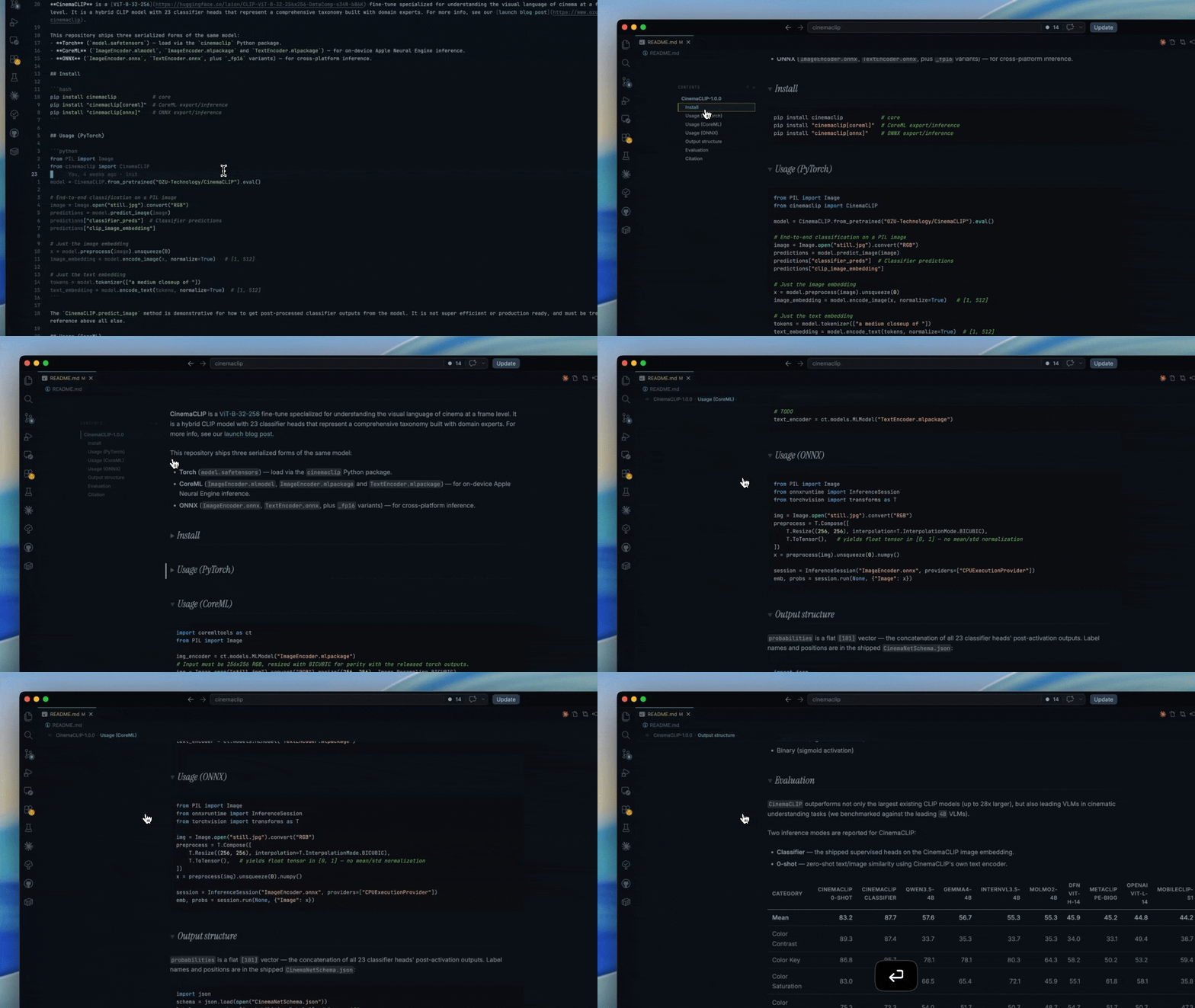
Letterpress MarkdownA VSCode extension for a nicer, opinionated Markdown Preview experience. Quick demo:
Key Features
InstallationThis extension is available via the VSCode Marketplace and then OpenVSX Registry Preview controlsEverything adjustable lives in the preview as a keypress or a small control — there are no VS Code settings to manage. Each choice is saved in the preview's
FontsThe extension bundles all three typefaces it uses — Inter (body), Instrument Serif Italic (headings), and JetBrains Mono (code) — and loads them via If headings fall back to a generic serif (Georgia) instead of Instrument Serif, the bundled font isn't loading — confirm the Additional Docs |