Skip to content
| Marketplace
Sign in
Visual Studio Code>Themes>NOX — GraphiteNew to Visual Studio Code? Get it now.
NOX — Graphite

NOX — Graphite

Jose Romero

|
3 installs
| (0) | Free
Minimal interface. Expressive syntax.
Installation
Launch VS Code Quick Open (Ctrl+P), paste the following command, and press enter.
Copied to clipboard
More Info

NOX Logo

NOX — Graphite

Minimal interface. Expressive syntax.

Version Installs Rating License

A minimalist dark theme for Visual Studio Code, designed for a clean, balanced and focused development experience.

Install from Marketplace · Download VSIX · Report an issue


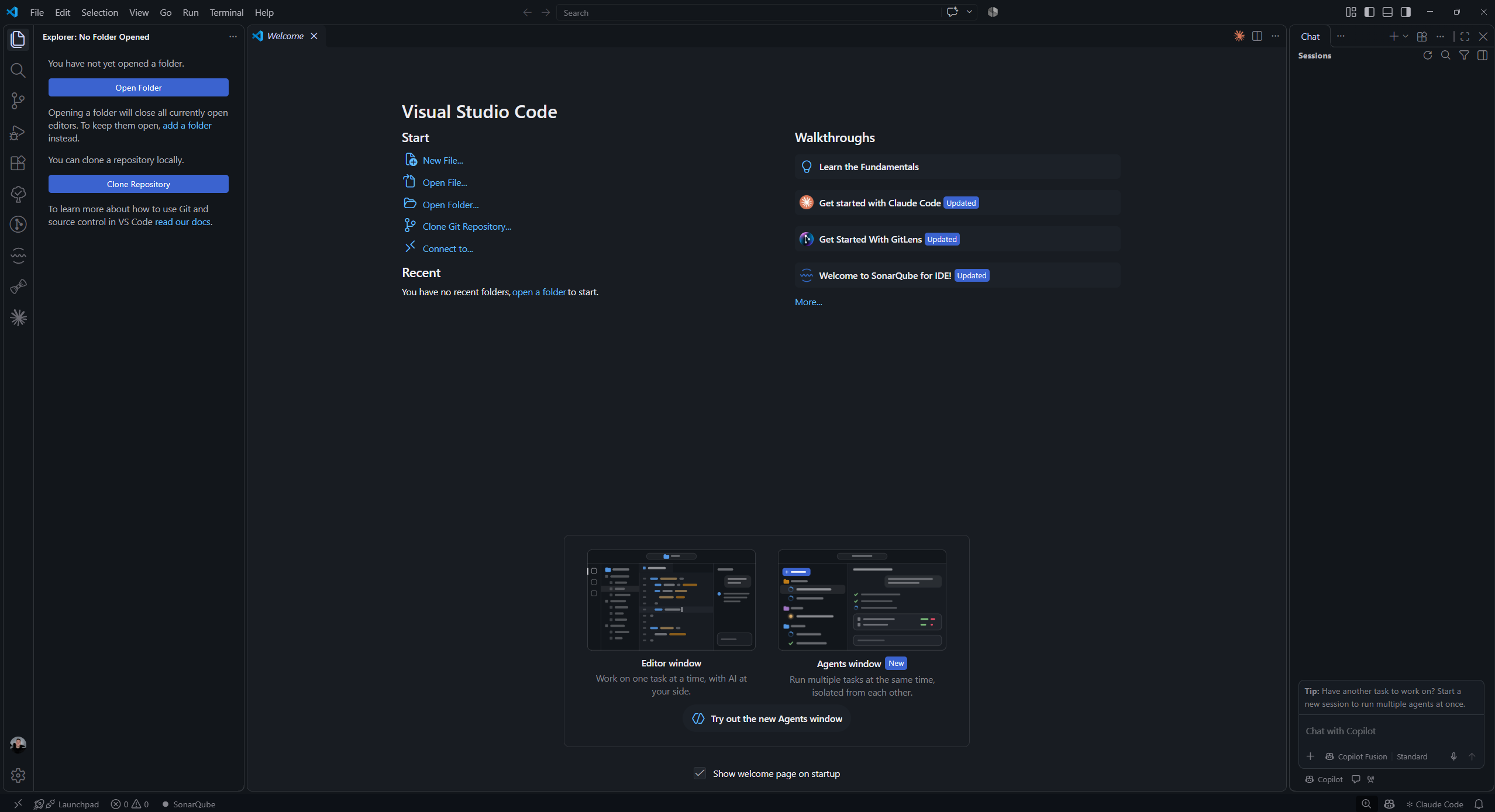
NOX Preview

Philosophy

NOX combines a refined graphite interface with expressive syntax highlighting.

Built around simplicity, visual consistency and balanced contrast, NOX reduces unnecessary visual noise while preserving the personality of your code.

Features

  • Refined graphite interface.
  • Expressive and vibrant syntax highlighting.
  • Neutral interface typography.
  • Subtle borders and visual separation.
  • Minimal editor tabs.
  • Carefully balanced contrast.
  • Italic syntax highlighting.
  • Native VS Code theme support.
  • No additional runtime dependencies.

Color palette

Interface

Element Color
Sidebar #12161B
Editor #181C22
Terminal #14181D
Active line #20252C
Selection #303840
Primary text #ECECF1
Secondary text #B4B4BC
Muted text #85858D

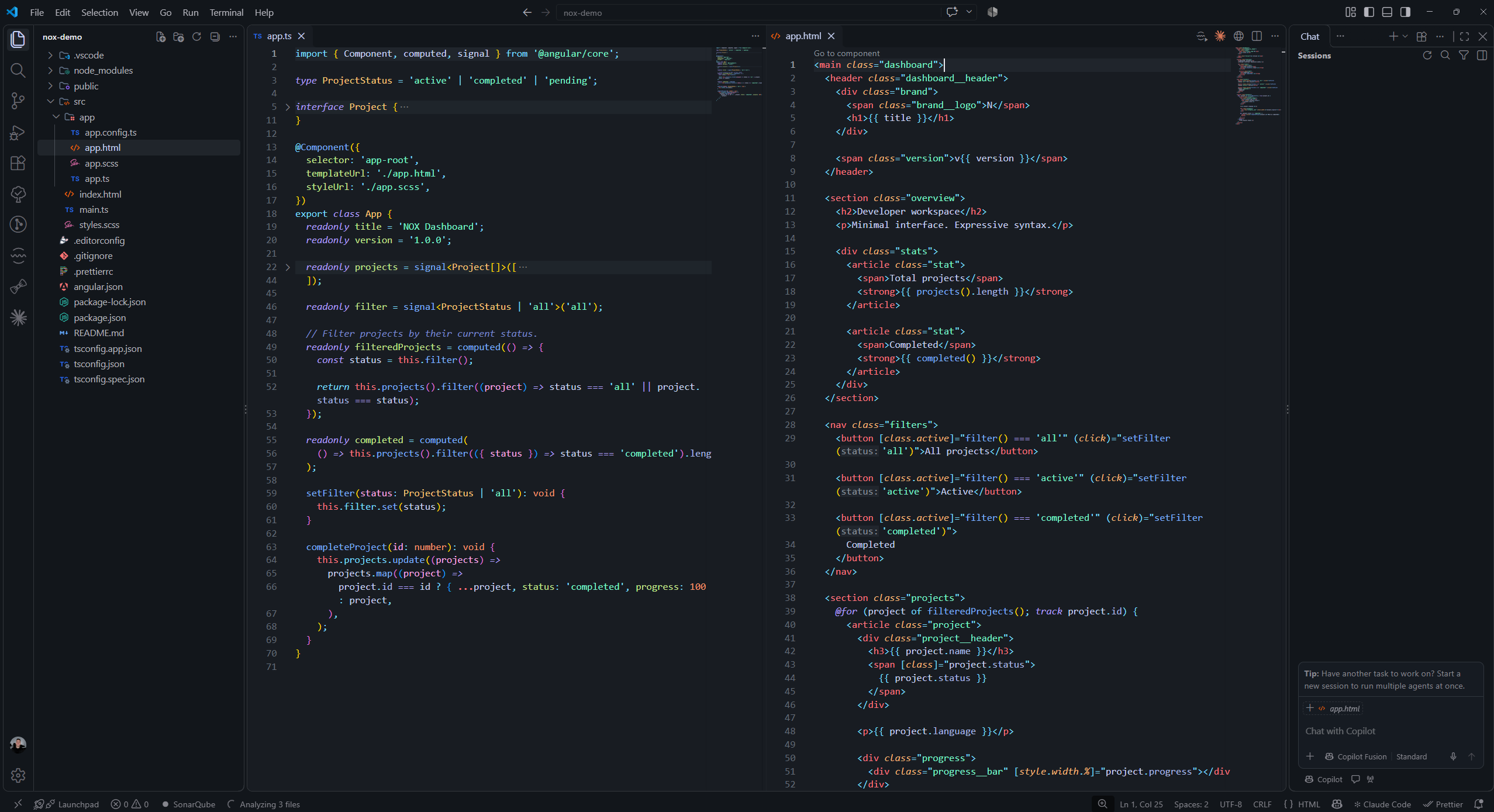
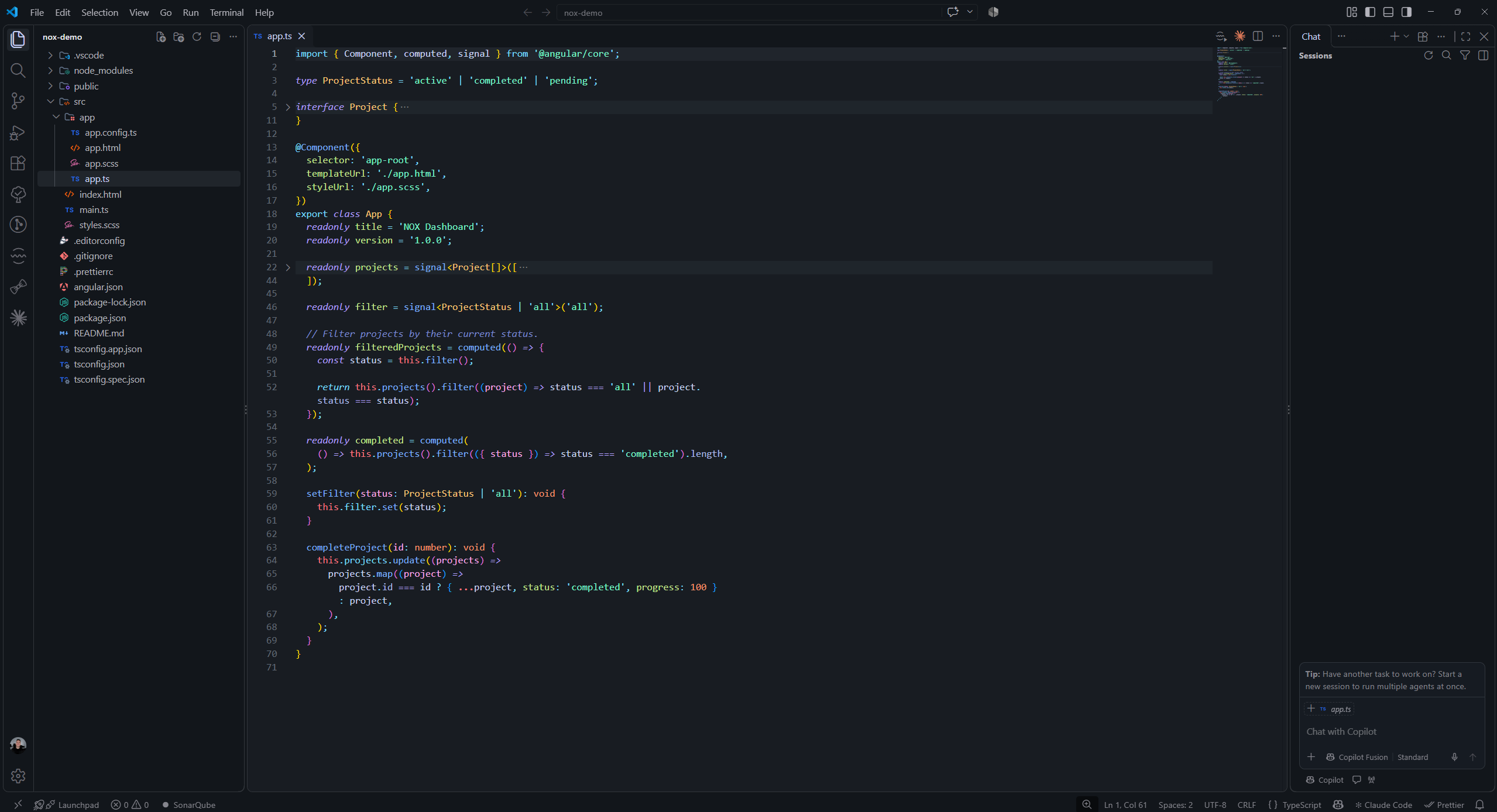
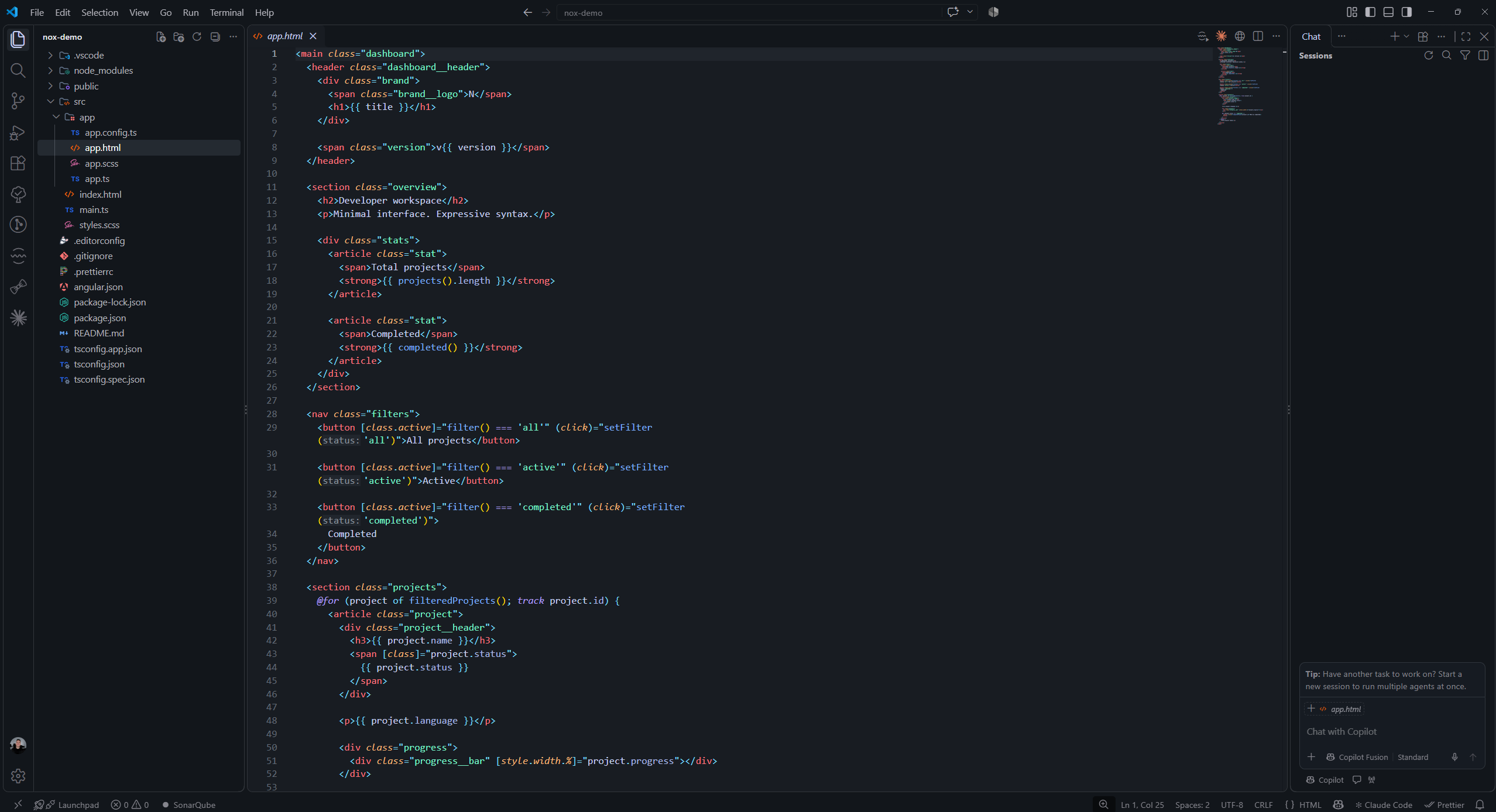
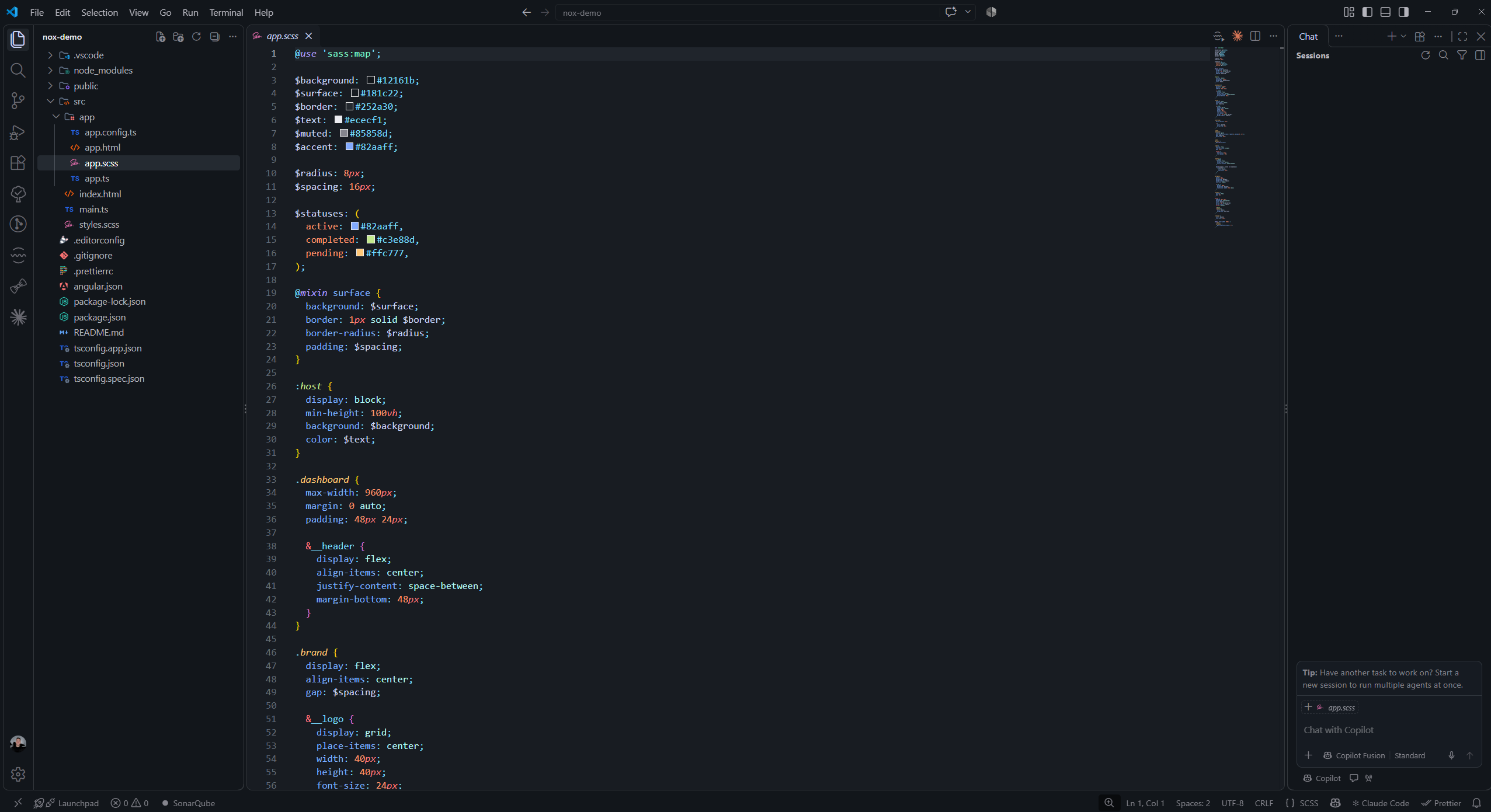
Syntax previews

TypeScript

TypeScript

HTML

HTML

SCSS

SCSS

Workbench

Workbench

Installation

Visual Studio Marketplace

  1. Open Visual Studio Code.
  2. Open the Extensions view (Ctrl + Shift + X).
  3. Search for NOX — Graphite by romezvz.
  4. Click Install.
  5. Select NOX from the Color Theme menu.

View on Visual Studio Marketplace

Command line

code --install-extension romezvz.nox-graphite

Manual installation

  1. Download the latest .vsix package from GitHub Releases.
  2. Open the Command Palette (Ctrl + Shift + P).
  3. Select Extensions: Install from VSIX....
  4. Select the downloaded package.
  5. Activate NOX from the Color Theme menu.

Recommended setup

For the complete NOX experience, we recommend:

  • Symbols file icon theme.
  • A programming font with italic support.
  • The optional visual settings preset.

The theme works independently without these recommendations.

Changelog

See the CHANGELOG for release history and updates.

Feedback

Suggestions, improvements and bug reports are welcome.

Please use GitHub Issues to share your feedback.

If you enjoy using NOX, consider leaving a rating on Visual Studio Marketplace.

Credits

NOX is based on Moonlight Italic by atomiks, preserving its expressive syntax highlighting while introducing a redesigned workbench interface and an independent visual identity.

License

Released under the MIT License.


NOX
Less noise. More focus.

  • Contact us
  • Jobs
  • Privacy
  • Manage cookies
  • Terms of use
  • Trademarks
  • Your Privacy Choices
  • Consumer Health Privacy
© 2026 Microsoft