RAgentsProgrammable AI workspaces in VS Code with agents, TypeScript workflows, mini-apps, and local workspace tools. Installation Launch VS Code Quick Open ( Ctrl+P), paste the following command, and press enter.Copied to clipboard |

RAgents for VS CodeBuild and run programmable AI workspaces without leaving your editor. RAgents combines AI agents, deterministic TypeScript workflows, and interactive mini-apps in a shared workspace. Agents can work independently or in parallel, hand results to one another, and use the same data and functions as the UI. Every run is recorded in an append-only journal, so its state remains inspectable and can be reconstructed after a restart. Website | Marketplace | Guide | Plugin guide
Highlights
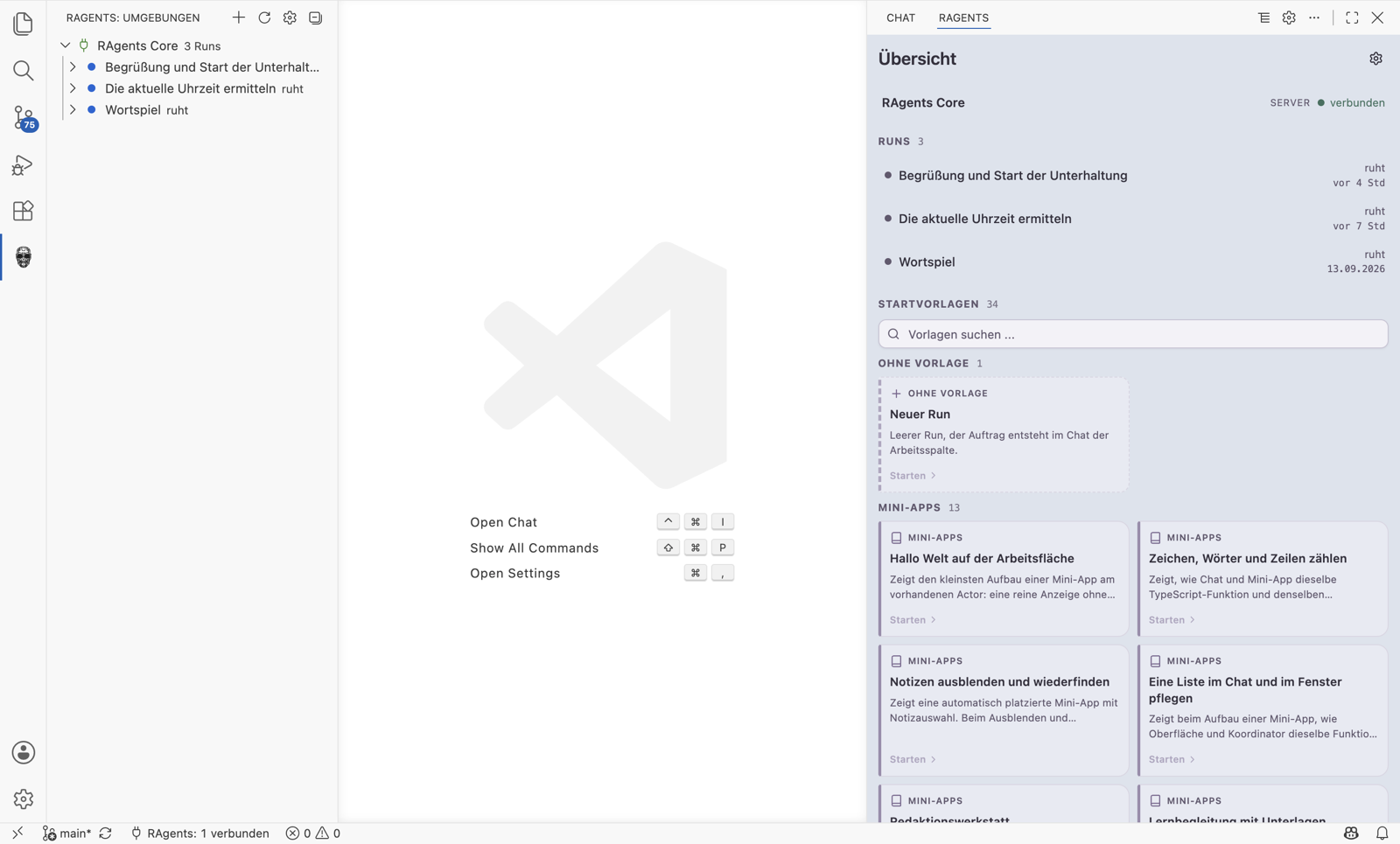
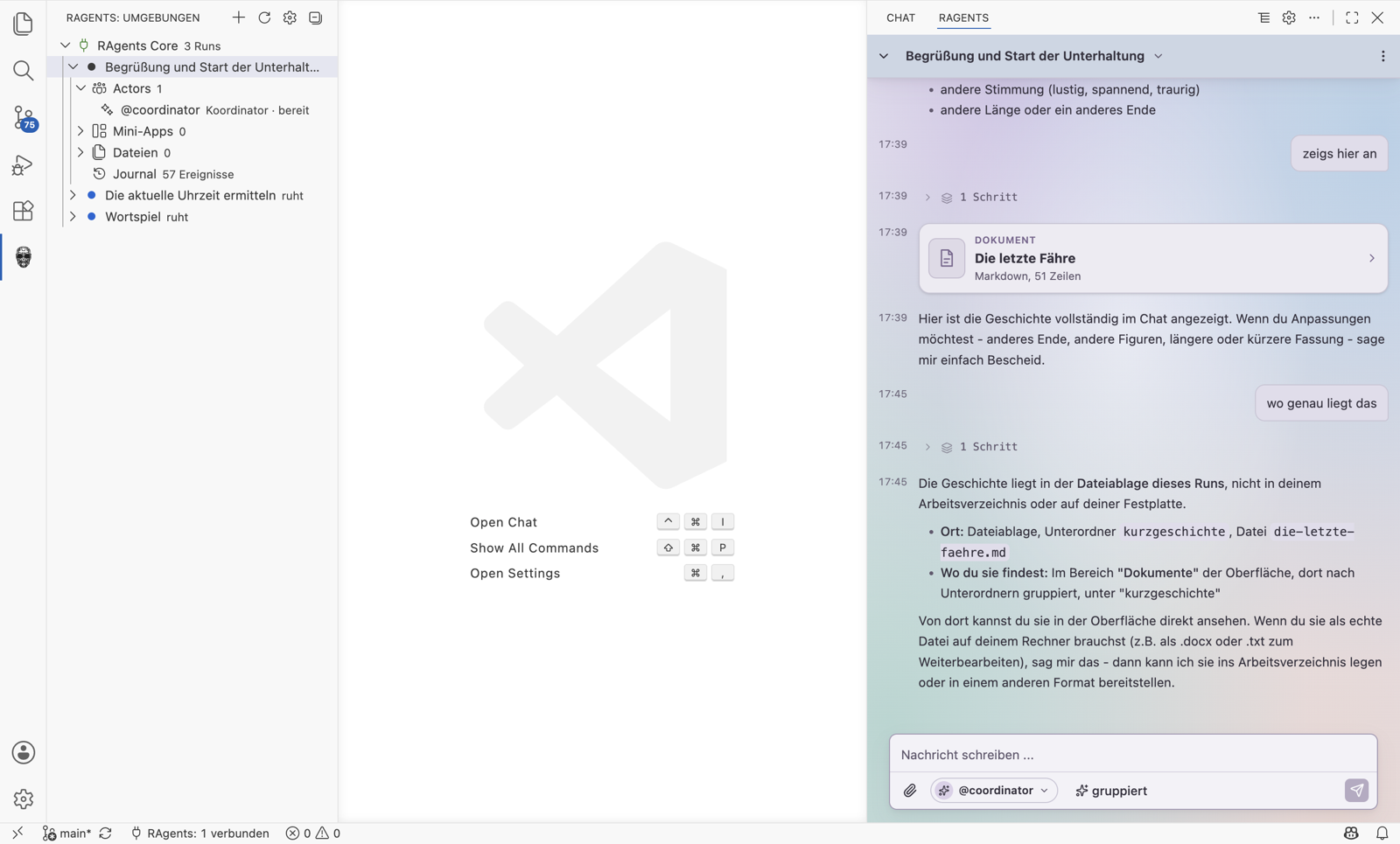
Getting startedOpen the RAgents panel in the secondary sidebar. Select Server, then New server, and add a server or local profile. Servers connect automatically. Local profiles are started in the background. Credentials are stored in VS Code's SecretStorage. One unavailable server does not block the others. Inside the extensionStart shows your servers, recent runs, and every available template. Runs adds search, filtering, and batch deletion. Server manages connections, profiles, and sign-in. The run panel keeps the chat visible and opens tabs in the tab bar beside it for files, documents, functions, executions, and diagnostics. The open tab and its height are remembered per run.
Local workspacesWhen a folder is open, the extension registers the current VS Code window as a RAgents workspace. Runs can use its file, shell, and language-server tools, restricted to the folders offered by the window. Node.js 22 and npm are required. A source checkout also requires Git, pnpm, and installed
dependencies. The extension builds for Windows, macOS, and Linux bring ripgrep ( Source, documentation, and issue tracking are in this repository. The host is also published as
Other editors can start Standalone hostGitHub Releases offers Windows, macOS, and Linux archives with Node.js included, for x64 and ARM64. The installer installs for the current user by default, without administrator access, or for all users of the machine. macOS or Linux, for the current user in For all users in Windows PowerShell, for the current user in For all users in
First start: set License: PolyForm Shield 1.0.0. |