Skip to content
| Marketplace
Sign in
Visual Studio Code>Education>Roast BuddyNew to Visual Studio Code? Get it now.
Roast Buddy

Roast Buddy

Prashant Saxena

|
5 installs
| (0) | Free
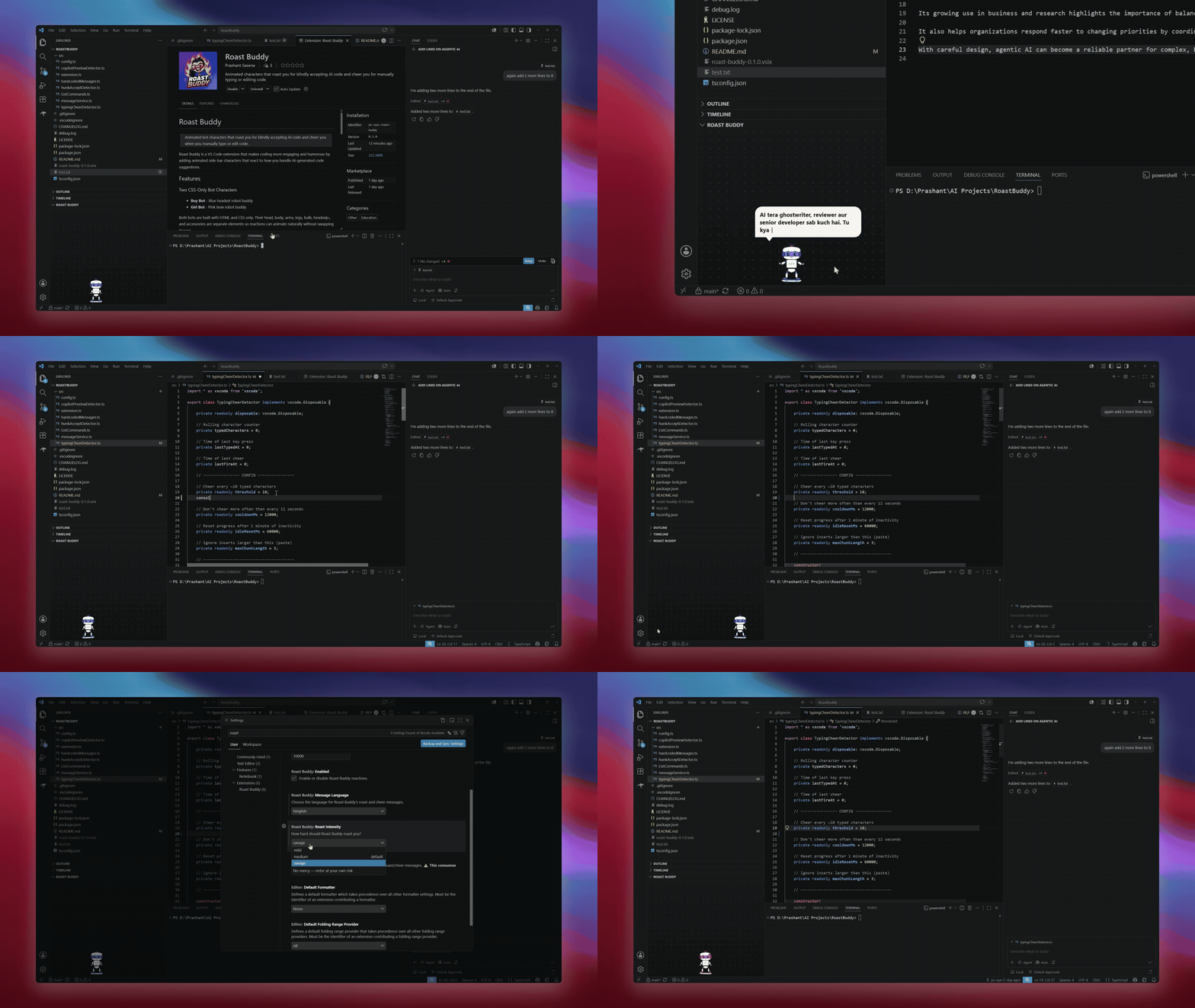
Animated characters that roast you for blindly accepting AI code and cheer you for manually typing or editing code.
Installation
Launch VS Code Quick Open (Ctrl+P), paste the following command, and press enter.
Copied to clipboard
More Info

Roast Buddy

Roast Buddy Icon

Roast Buddy is a VS Code extension that adds humor to your workflow with animated sidebar characters. It roasts you when you accept AI‑generated code (Github Copilot Chat), and cheers you when you write or edit code manually — making every coding session sarcastically delightful.


🎬 Demo

Demo


Installation

From VS Code Marketplace:
👉 Install PS Oye Roast Buddy

Or via CLI:

code --install-extension ps-oye.roast-buddy

Features

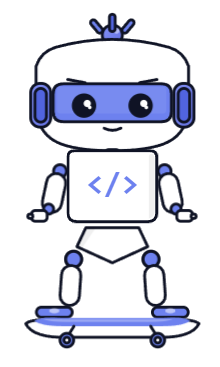
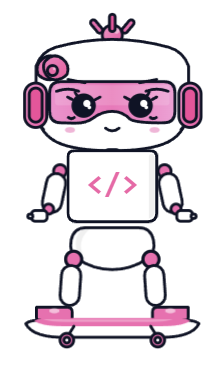
Two CSS-Only Bot Characters

Roast Buddy Icon Boy Bot Demo Girl Bot

Languages

  • English & Hinglish - Message language is configurable in settings; dynamic messages respect the chosen language.

Smart Roasts

When you accept a large block of AI-generated code without reviewing it, your bot:

  • Stops walking and shifts into an angry stance
  • Points forward in a scolding gesture
  • Stomps one leg repeatedly
  • Switches the bulb to a strong red glow
  • Shows a witty roast in a comic-style speech bubble

Encouraging Cheers

When you manually type or edit code instead of accepting AI-generated suggestions, your bot:

  • Pauses walking and jumps with excitement
  • Spreads arms and legs.
  • Switches the bulb to a bright green flash
  • Shows an encouraging cheer in a comic-style speech bubble

Dynamic AI Messages (Optional)

Enable dynamic mode to get uniquely generated roasts and cheers powered by your IDE's language model.

Note: Dynamic mode consumes your Copilot plan tokens. It is disabled by default.

Roast Intensity Levels

  • Mild - Gentle teasing, safe for sensitive souls
  • Medium - Balanced wit, the sweet spot
  • Savage - No mercy, enter at your own risk

Configuration

Setting Default Description
roastBuddy.enabled true Enable/disable reactions
roastBuddy.characterType robot Choose character: robot, girlBot
roastBuddy.roastIntensity medium Roast level: mild, medium, savage
roastBuddy.useDynamicMessages false Use AI-generated messages (consumes tokens)
roastBuddy.cooldownMs 10000 Cooldown between reactions (ms)

Commands

  • Roast Buddy: Show Character - Opens the side-bar character view
  • Roast Buddy: Hide Character - Returns focus to the active editor
  • Roast Buddy: Toggle Dynamic AI Messages - Switches between AI-generated and hardcoded messages

Privacy & Safety

  • All humor is witty and lighthearted
  • Dynamic mode clearly discloses token consumption before activation
  • Works fully offline with curated fallback messages
  • Uses original CSS-only character art, no image replacement for reactions

🌟 Why Star This Repo

Every ⭐ helps roast more developers worldwide. Show your support — it’s free, funny, and fuels creativity.

🤝 Contribute

Got a new roast line or animation idea? Fork it and make it sassier. PRs welcome — humor encouraged.

🔗 Links

  • Marketplace: https://marketplace.visualstudio.com/publishers/ps-oye
  • Follow me on Instagram: @ps_oye

License

MIT

  • Contact us
  • Jobs
  • Privacy
  • Manage cookies
  • Terms of use
  • Trademarks
© 2026 Microsoft