PARA SDKDevelopment tools for building Adaptive AUTOSAR systems with PARA SDK Installation Launch VS Code Quick Open ( Ctrl+P), paste the following command, and press enter.Copied to clipboard |

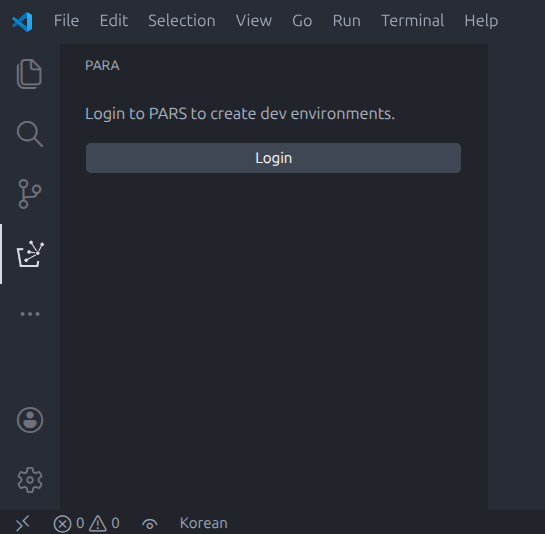
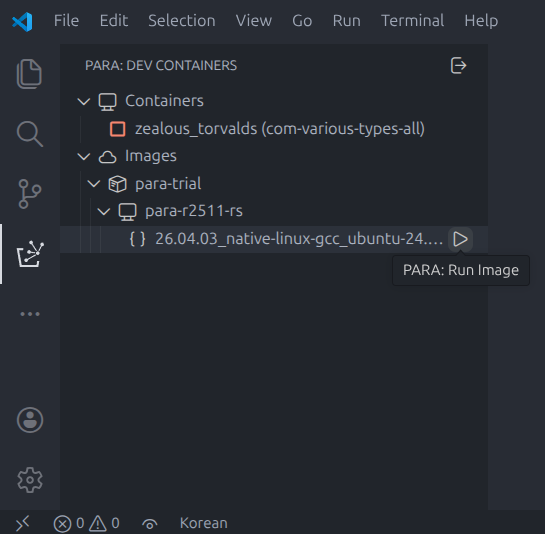
PARA SDKVS Code extension for PARA SDK development — create Dev Container environments and build Adaptive AUTOSAR applications. Getting StartedHost ModeHost Mode runs on your local machine to manage PARA Dev Container environments.
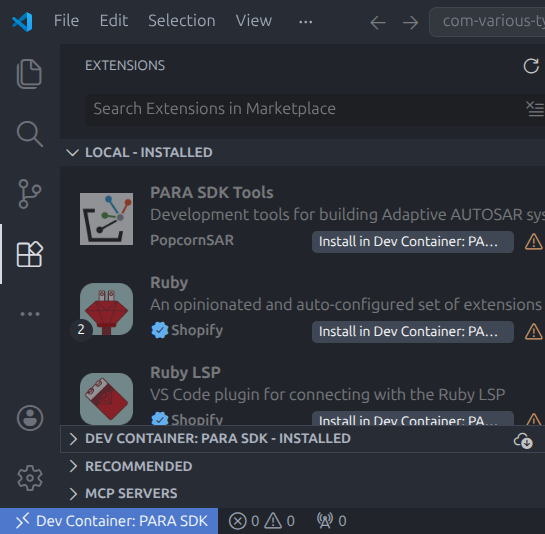
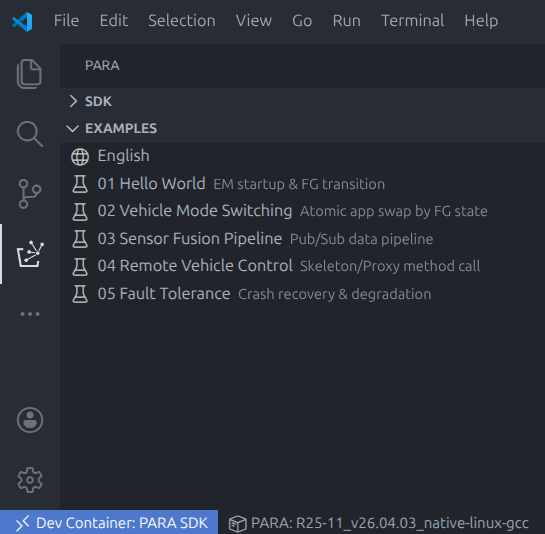
Container ModeContainer Mode runs inside a Dev Container for SDK development.
Requirements
LicenseCopyright (c) 2026 POPCORNSAR Co.,Ltd. All Rights Reserved. See LICENSE for details. |