A lightweight and fast SQLite database viewer and editor for Visual Studio Code.
Features
View & Browse
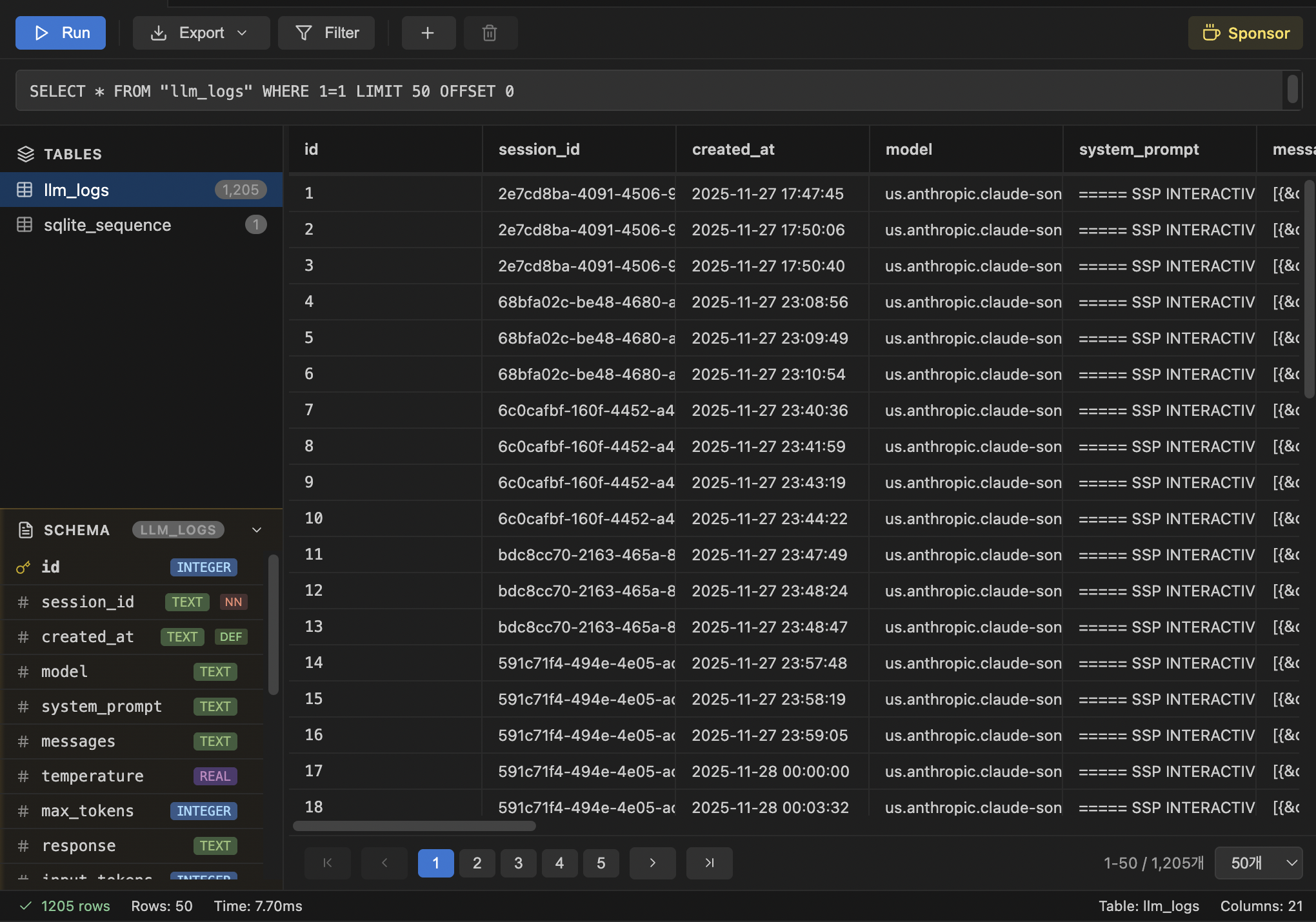
Table & View List - Browse all tables and views with row counts
Schema Panel - View column names, types, and constraints
Virtual Scrolling - Smooth scrolling for large datasets (100k+ rows)
Column Resizing - Drag column borders to adjust width
Filter & Sort
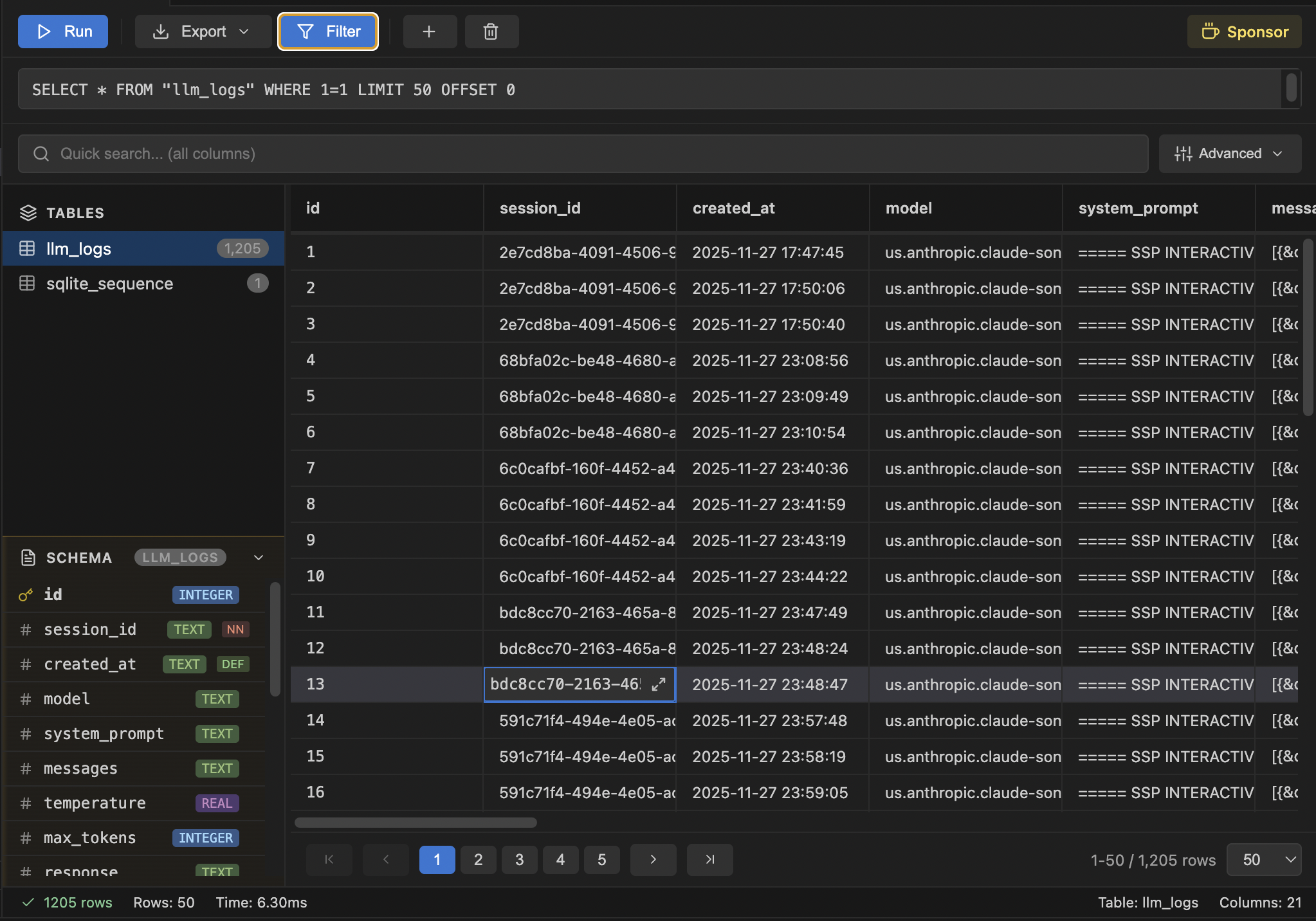
Quick Search - Search across all columns instantly
Advanced Filters - Multiple conditions with AND/OR logic
Filter Operators - Equals, contains, starts with, greater than, NULL checks, and more
Column Sorting - Click headers to sort ascending/descending
Edit Data
Inline Editing - Double-click cells to edit values
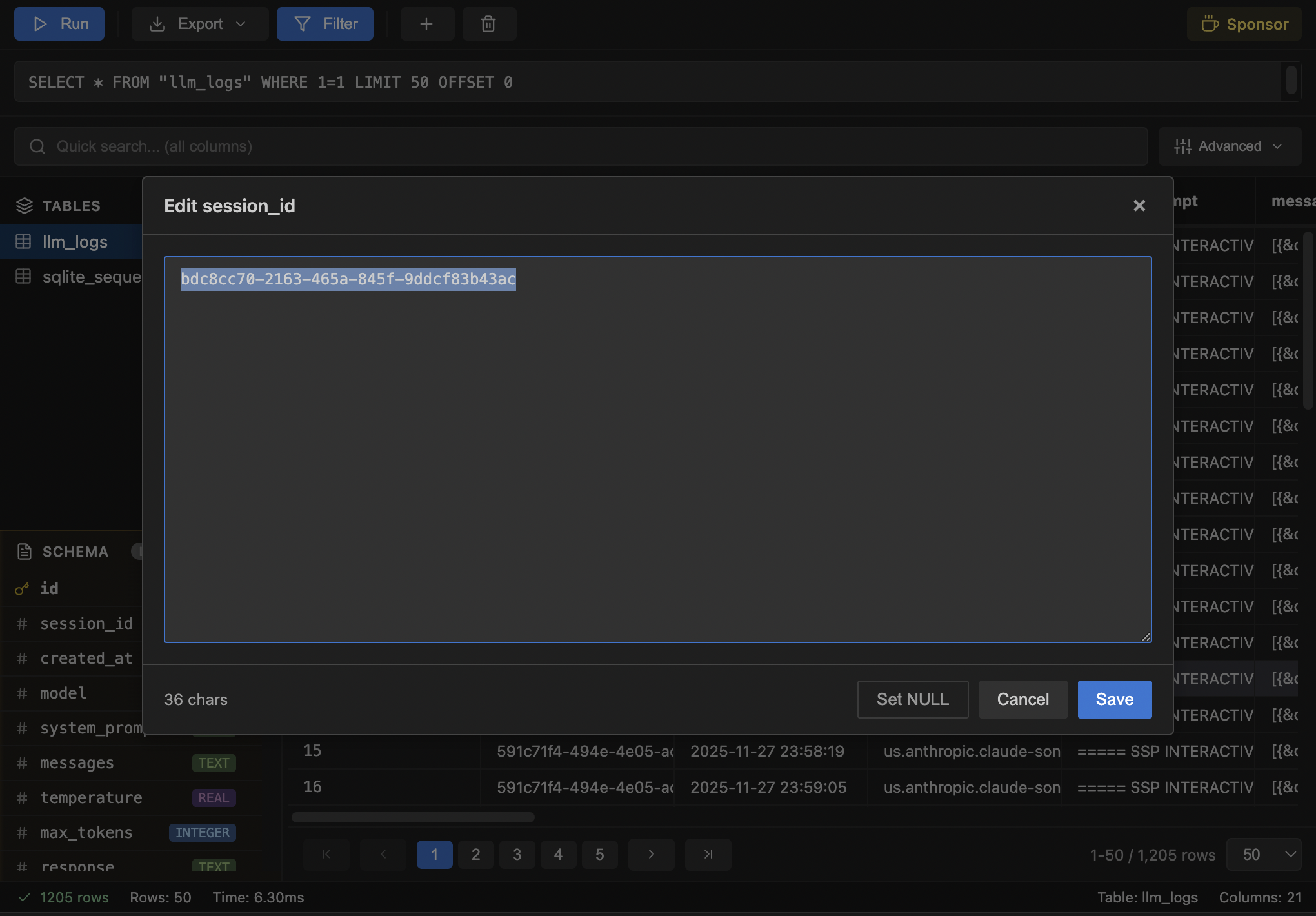
Text Editor Modal - Edit long text in a larger modal window
Add/Delete Rows - Insert new rows or delete selected rows
Undo/Redo - Revert or reapply changes (Ctrl+Z / Ctrl+Y)
NULL Support - Set cell values to NULL via context menu
Export
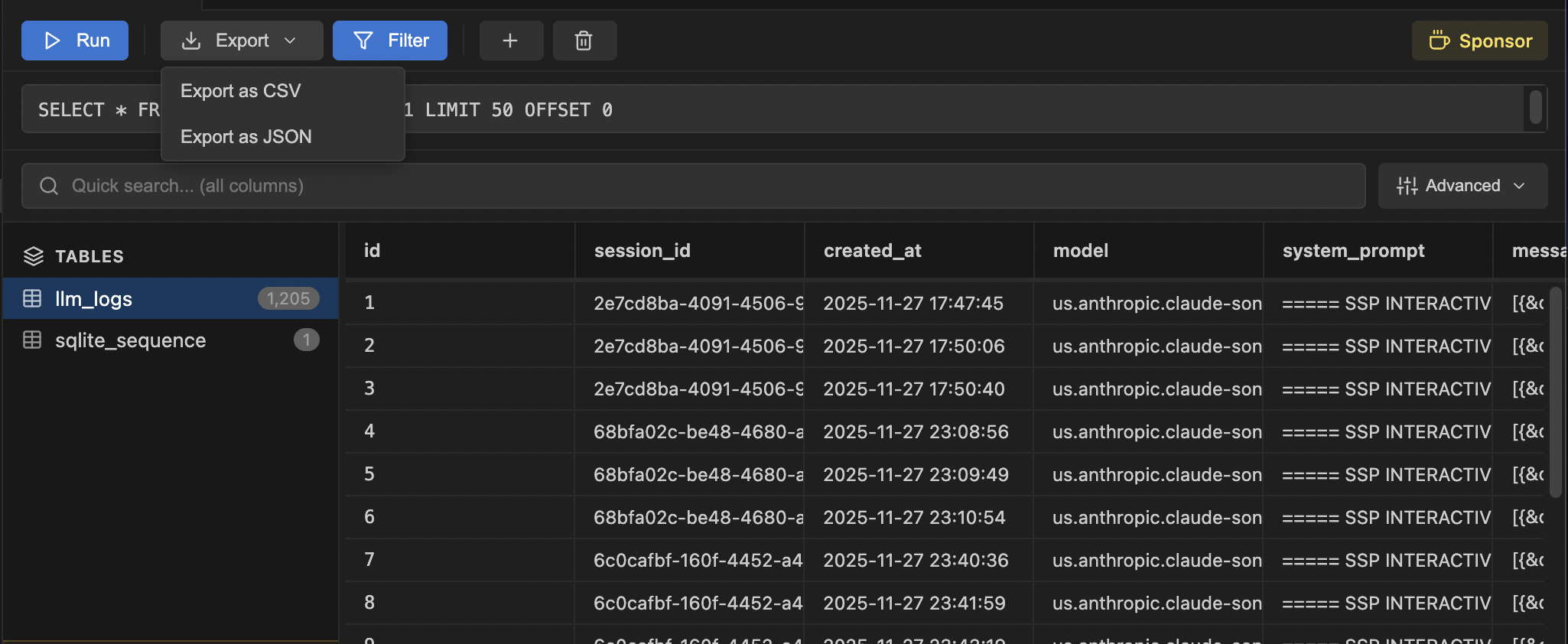
CSV Export - Stream export to CSV format
JSON Export - Stream export to JSON format
Memory Efficient - Handles large tables without memory issues
Custom SQL
Query Editor - Write and execute any SQL query
Keyboard Shortcut - Run queries with Ctrl+Enter (Cmd+Enter on Mac)
Supported Files
.db
.sqlite
.sqlite3
Screenshots
Usage
Open any SQLite file (.db, .sqlite, .sqlite3)
Click on a table name in the sidebar to view its data
Use the filter panel for quick search or advanced filtering
Double-click a cell to edit, or right-click for more options
Write custom SQL in the query input and press Ctrl+Enter to execute
Export data using the Export dropdown in the toolbar
Keyboard Shortcuts
Shortcut
Action
Ctrl+Enter
Run SQL query
Ctrl+Z
Undo
Ctrl+Y / Ctrl+Shift+Z
Redo
F2 / Enter
Edit selected cell
Escape
Cancel editing
Tab
Move to next cell (while editing)
Arrow Keys
Navigate between cells
Ctrl+C
Copy cell value
How It Works
This extension uses sql.js (SQLite compiled to WebAssembly) to run SQLite entirely in the browser. No external database connections or native dependencies required.
Requirements
Visual Studio Code 1.85.0 or higher
Known Issues
Large databases (500MB+) may take longer to load initially
All data is loaded into memory, so very large files may consume significant RAM
Release Notes
See CHANGELOG for details.
My Other Extensions
Peku Kanban - A Kanban board extension with multiple views (Kanban, List, Table, Calendar), various card types, cloud sync, and statistics dashboard.