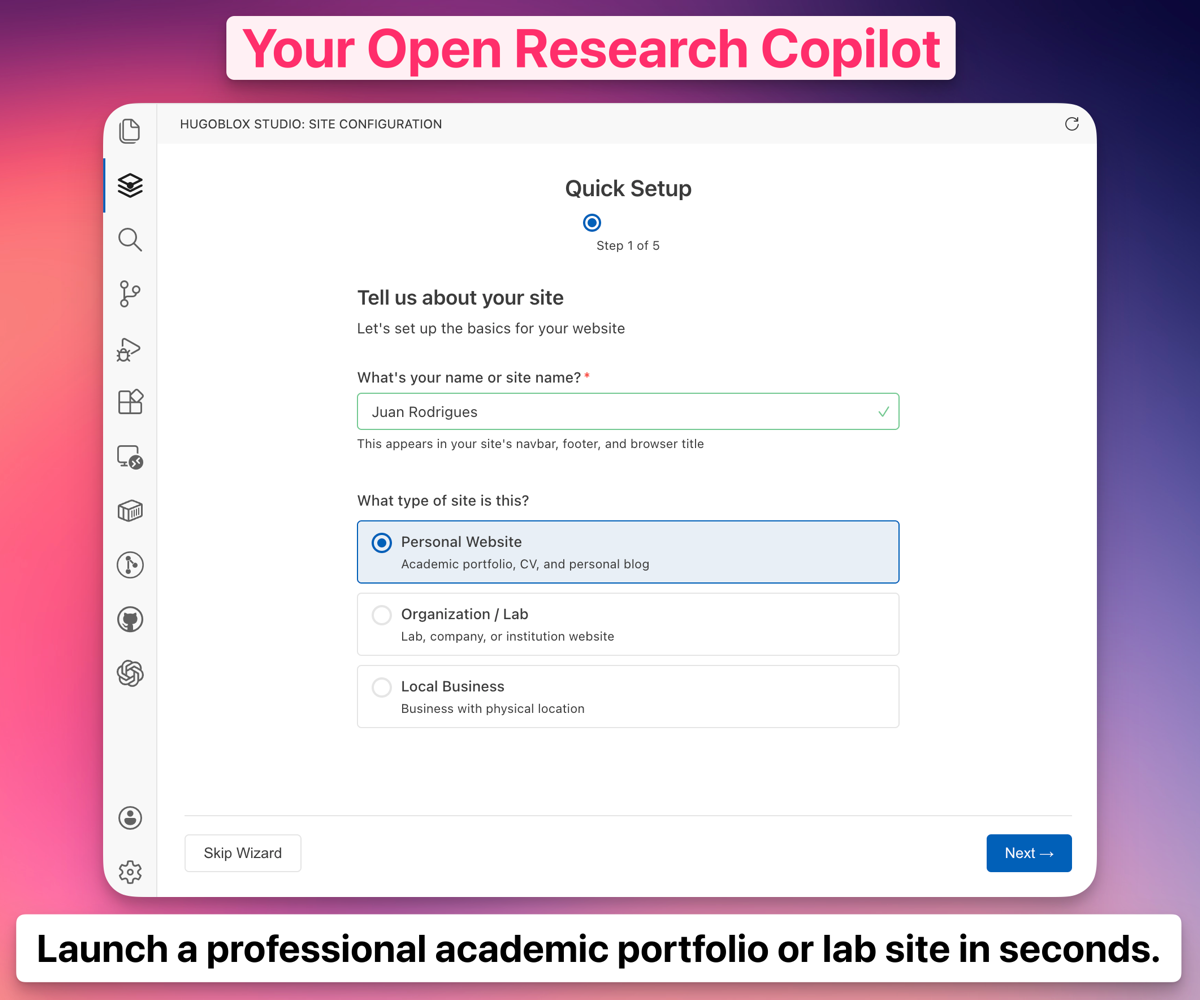
Ownable — Markdown & Quarto CMS for Technical AuthorsPublish-ready Markdown sites — written by you, indexed by AI. Block editor with live preview · AI authoring · smart imports (DOI, ORCID, BibTeX, arXiv) · Paper → Outputs Agent · citation graph · SEO for ChatGPT, Perplexity, and Claude · one-click publish to GitHub Pages or custom domains. Works with Installation Launch VS Code Quick Open ( Ctrl+P), paste the following command, and press enter.Copied to clipboard |

Ownable™ — Markdown & Quarto CMS for Technical AuthorsManage your Markdown or Quarto notes and static sites with a full CMS right in VS Code. AI-powered writing, smart imports, one-click deploy, and content management for sites exported from Ownable or any static site generator project such as Hugo or Astro.
Don't rent a website. Own one.
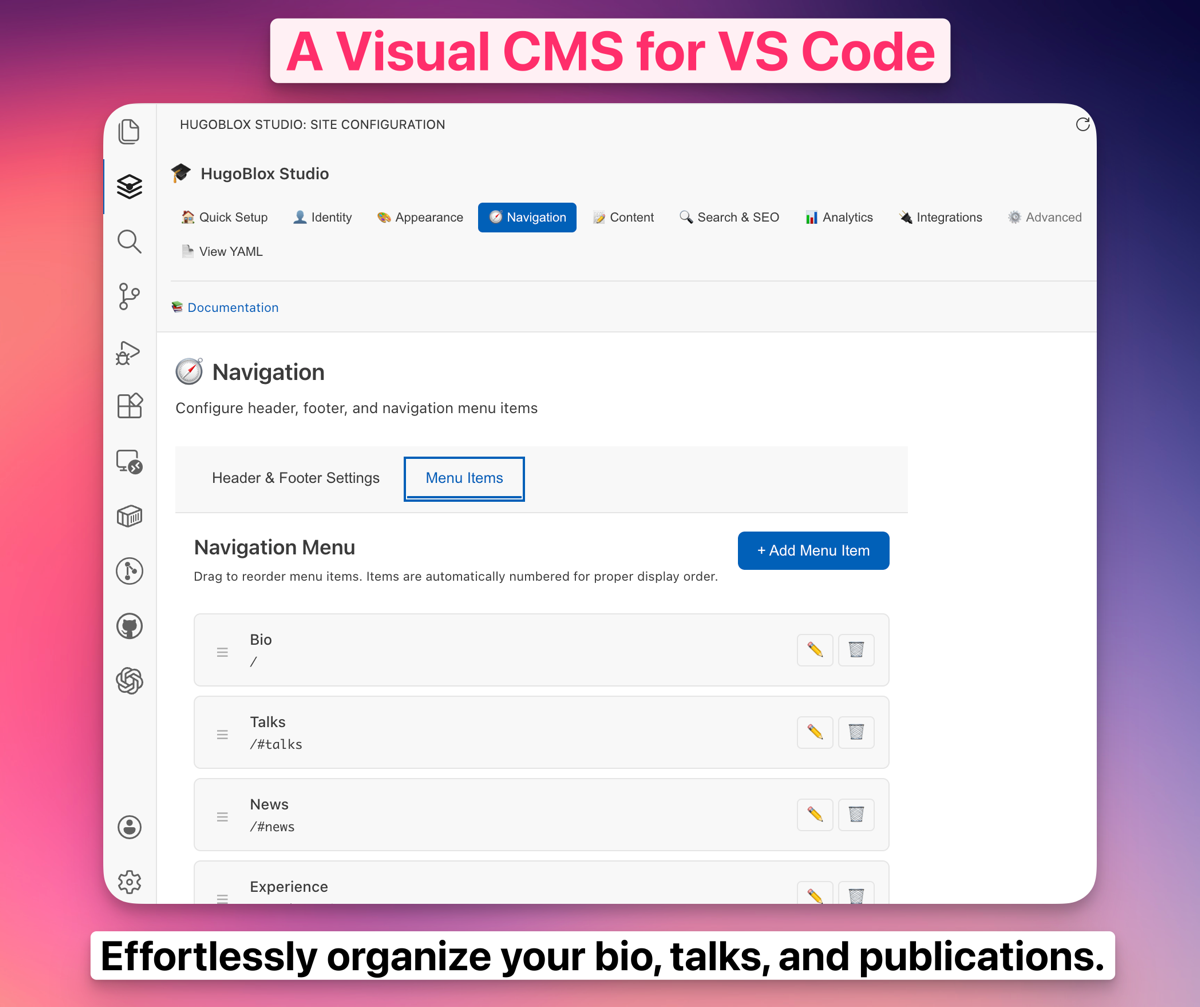
Build a site → • Docs • Pricing What is Ownable?Ownable is a visual website builder that exports to multiple static site generators. You design with drag-and-drop blocks, then export a real project you own forever. No lock-in. Ownable CMS is the VS Code extension for managing your exported site — or any static site generator project. Content editing, media management, AI writing, and one-click deploys without leaving your editor. They work together, but you don't need one to use the other. This extension works with any static site generator project. Features📝 Content ManagerA full CMS dashboard inside VS Code. Create, edit, search, and filter all your content without touching raw frontmatter.
🖼️ Media LibraryBrowse, upload, and manage all your site's images and assets visually.
🚀 Automatic Sync & DeployPush to GitHub without leaving VS Code. For sites on Netlify, Vercel, or GitHub Pages, this IS your deploy button.
🔍 Hugo & Astro Dev ServerStart your local dev server and preview your site from within VS Code.
💡 Content IntellisenseSmart autocomplete and validation for your content files.
📥 Smart ImportPull your professional data directly into your site's content.
Get Started
Requirements
PricingThe CMS is free forever. AI features require an Ownable subscription. One Pro subscription works across ownable.dev, this extension, and the CLI. Coming from HugoBlox Studio?Ownable CMS is the evolution of HugoBlox Studio — same team, broader vision. Your existing Hugo site works out of the box. Links
Your site. Your code. Your rules. © 2025-Present Lore Labs. |