AI Commit


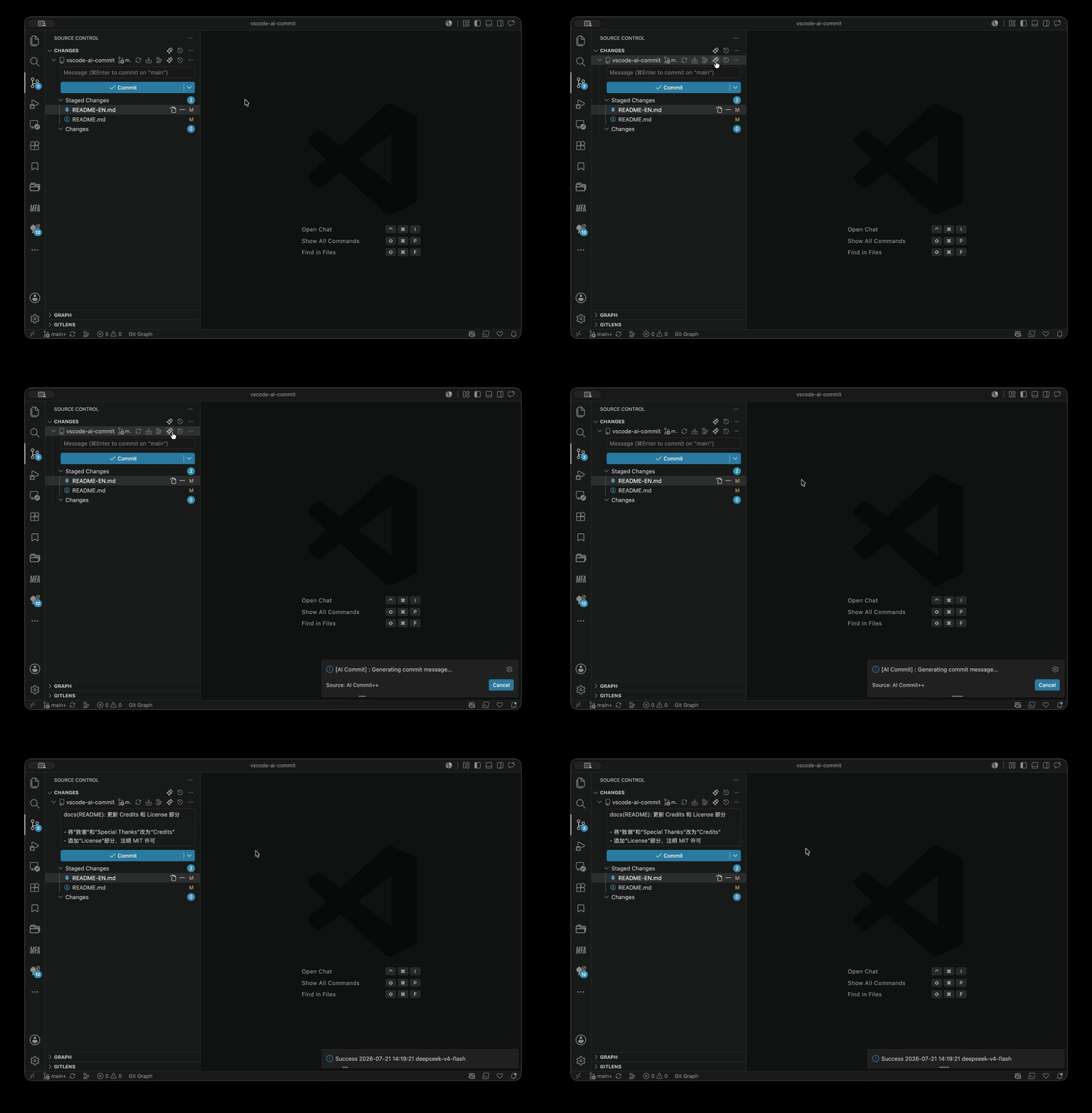
English
遵循 约定式提交规范。
支持的 Provider
- [x]
openai-compatible
- [x]
openai
- [x]
openrouter
- [x]
gemini
- [x]
azure-openai
- [x]
ollama
配置示例
{
  "ai-commit.providers": [
    {
      "id": "deepseek-v4-flash",
      "type": "openai-compatible",
      "baseUrl": "https://api.deepseek.com",
      "apiKey": "${env:DEEPSEEK_API_KEY}",
      "model": "deepseek-v4-flash",
      "params": {
        "temperature": 0.4
      }
    },
    {
      "id": "deepseek-ai/DeepSeek-V4-Flash",
      "type": "openai-compatible",
      "baseUrl": "https://api.siliconflow.cn/v1",
      "apiKey": "${env:SILICONFLOW_DEEPSEEK_API_KEY}",
      "model": "deepseek-ai/DeepSeek-V4-Flash",
      "params": {
        "temperature": 0.4
      }
    },
    {
      "id": "compatible-default",
      "type": "openai-compatible",
      "baseUrl": "<OPENAI_COMPATIBLE_BASE_URL>",
      "apiKey": "${env:OPENAI_COMPATIBLE_API_KEY}",
      "model": "<MODEL_NAME>",
      "params": { "temperature": 0.4 }
    },
    {
      "id": "openai-default",
      "type": "openai",
      "apiKey": "${env:OPENAI_API_KEY}",
      "model": "<OPENAI_MODEL>",
      "params": { "temperature": 0.3 }
    },
    {
      "id": "gemini-default",
      "type": "gemini",
      "apiKey": "${env:GEMINI_API_KEY}",
      "model": "<GEMINI_MODEL>",
      "params": { "temperature": 0.4 }
    },
    {
      "id": "azure-openai-default",
      "type": "azure-openai",
      "endpoint": "<AZURE_OPENAI_ENDPOINT>",
      "apiKey": "${env:AZURE_OPENAI_API_KEY}",
      "apiVersion": "<AZURE_OPENAI_API_VERSION>",
      "deployment": "<DEPLOYMENT_NAME>",
      "model": "<MODEL_NAME>",
      "params": { "temperature": 0.3 }
    },
    {
      "id": "ollama-local",
      "type": "ollama",
      "model": "<OLLAMA_MODEL>",
      "timeoutMs": 120000,
      "params": { "temperature": 0.3 }
    }
  ],
  "ai-commit.activeProviderId": "deepseek-v4-flash",
  "ai-commit.commitLanguage": "Simplified Chinese"
}
ai-commit.commitLanguage 设为 "Auto" 时,扩展会读取目标仓库最近最多 5 条非合并提交,排除依赖机器人后按主要语言生成。检测结论按仓库缓存,后续生成无需重复执行;多根工作区按实际执行命令的仓库分别检测。历史为空、无法识别或结果不明确时回退到 English;显式语言值的行为不变。
建议将 temperature 设置为较低值(0.2 至 0.5),以获得更稳定、更简洁的提交消息。
apiKey 可直接填写明文 Key/Token,也可使用 ${env:VARIABLE_NAME} [^1] 语法引用环境变量。环境变量必须存在于 VS Code Extension Host 的运行环境中;修改后请完全退出并重新启动 VS Code。
自定义请求头
headers 用于为 Provider 请求附加自定义 HTTP 请求头,值按字面量处理,不支持 ${env:...} 插值。若某个请求头的值需要稳定的会话 ID,可将该值完整写为 {{SESSION_ID}}:
"headers": {
  "<HEADER_NAME>": "{{SESSION_ID}}"
}
扩展会在每个 VS Code 窗口的 Extension Host 中生成一次 UUID,并在该窗口内复用;重新加载窗口或重启 VS Code 后会生成新的值。占位符必须作为请求头值的完整内容,{{session_id}}、prefix-{{SESSION_ID}} 或前后带空白的写法都会按原样发送。
Credits
License
MIT。
[^1]: VS Code 不会为普通设置项自动对 ${env:VARIABLE_NAME} 做插值。launch.json 和 tasks.json 等调试或任务配置支持该语法;本扩展在内部解析它。

