Skip to content
| Marketplace
Sign in
Visual Studio Code
>
Themes
>
Swirla
New to Visual Studio Code?
Get it now.
Swirla
nallto
|
30 installs
|
(
1
)
|
Free
Swirla color theme
Installation
Launch VS Code Quick Open (
Ctrl+P
), paste the following command, and press enter.
Copy
Copied to clipboard
More Info
Overview
Version History
Q & A
Rating & Review
Swirla
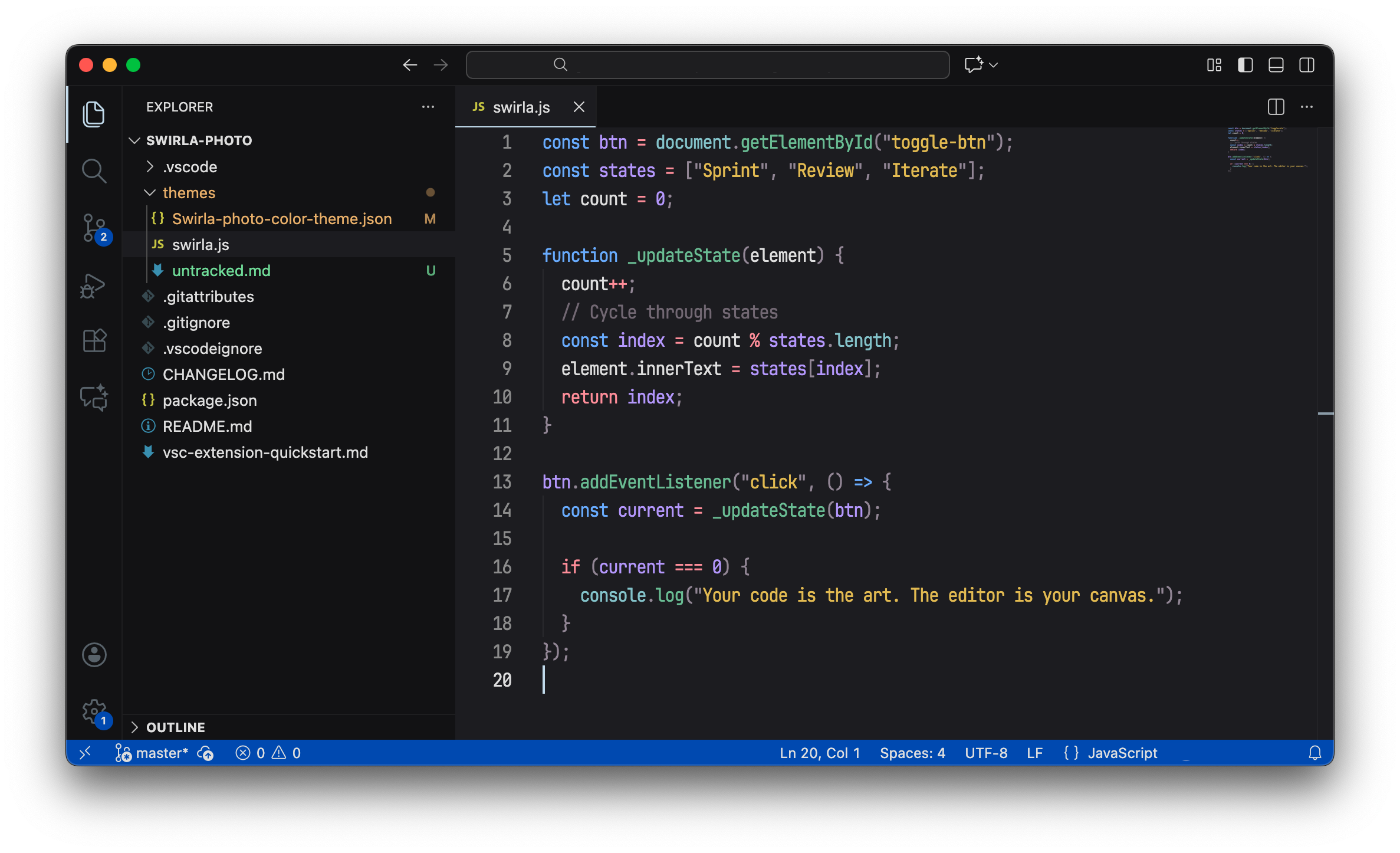
Swirla color theme for Visual Studio Code.
Installation
Open
Extensions
sidebar panel in VS Code.
View → Extensions
Search for
Swirla
Click
Install
to install it.
Click
Reload
to reload your editor
Code > Preferences > Color Theme >
Swirla