Aureon ThemeA refined theme family for focused development: Dark, Dusk and Light, with semantic highlighting and a fully themed UI. Installation Launch VS Code Quick Open ( Ctrl+P), paste the following command, and press enter.Copied to clipboard |

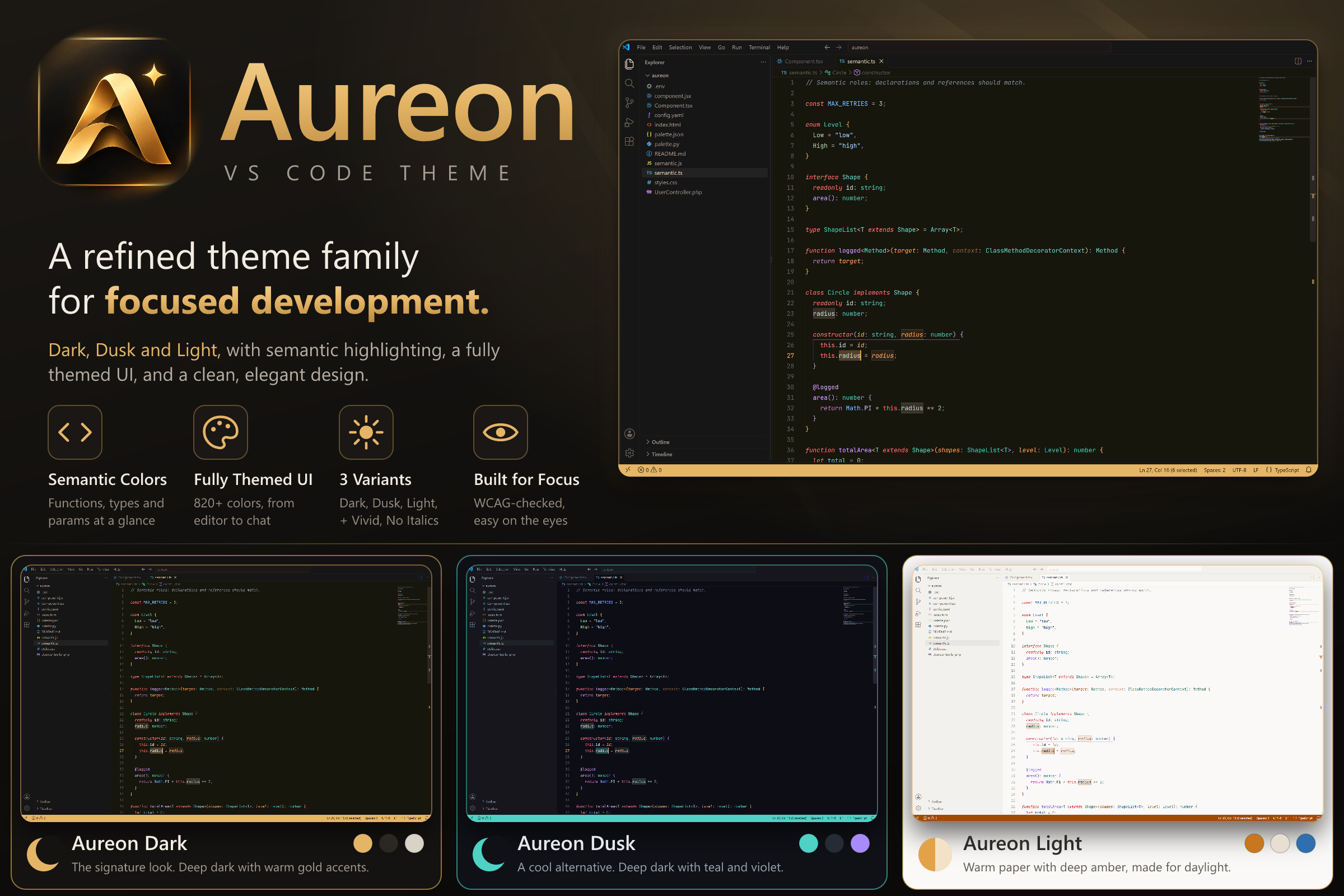
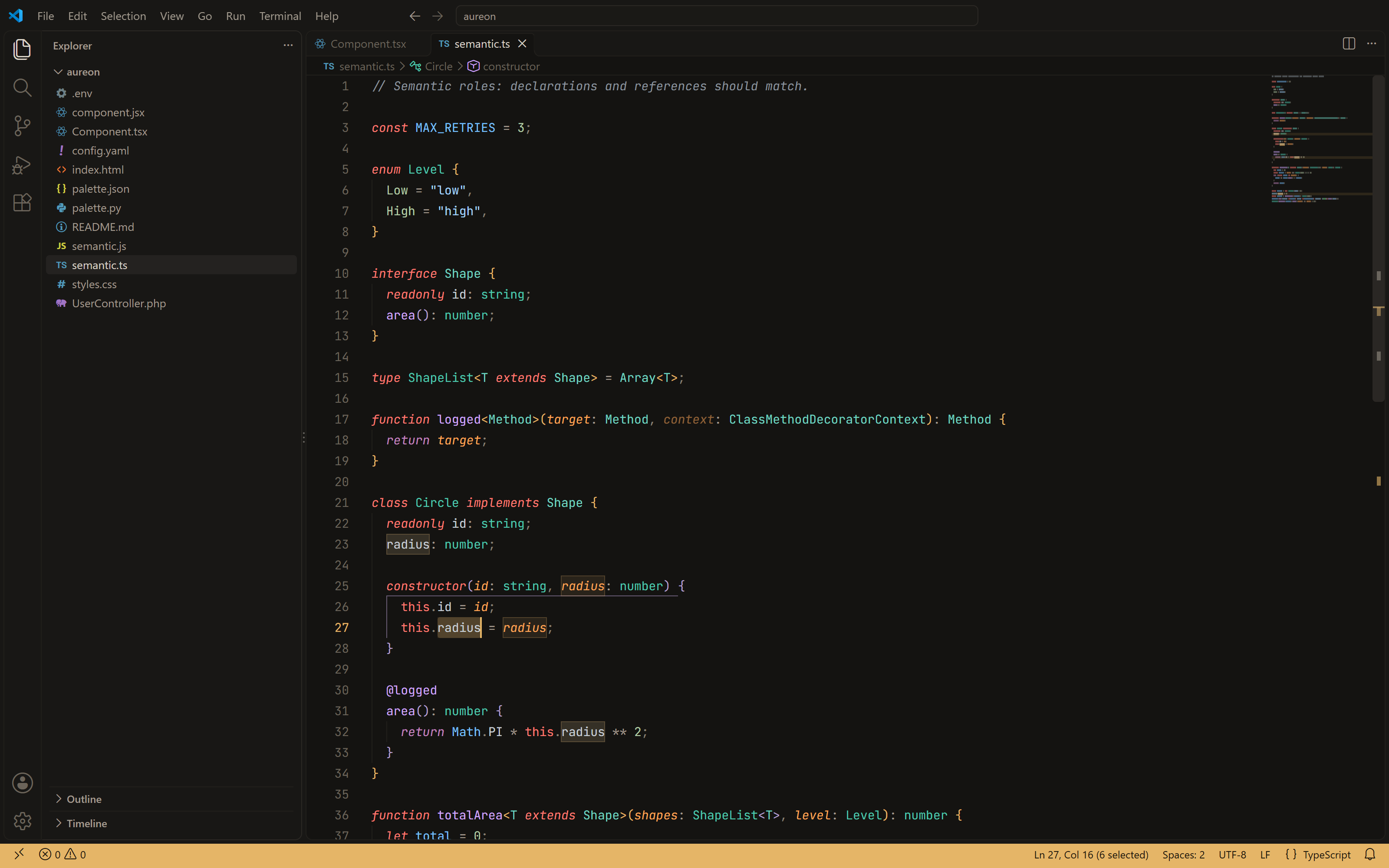
AureonA refined, modern theme family for focused development. Calm surfaces, a gold thread that runs through every variant, and syntax colors that tell you what each symbol is — not just that it's code.
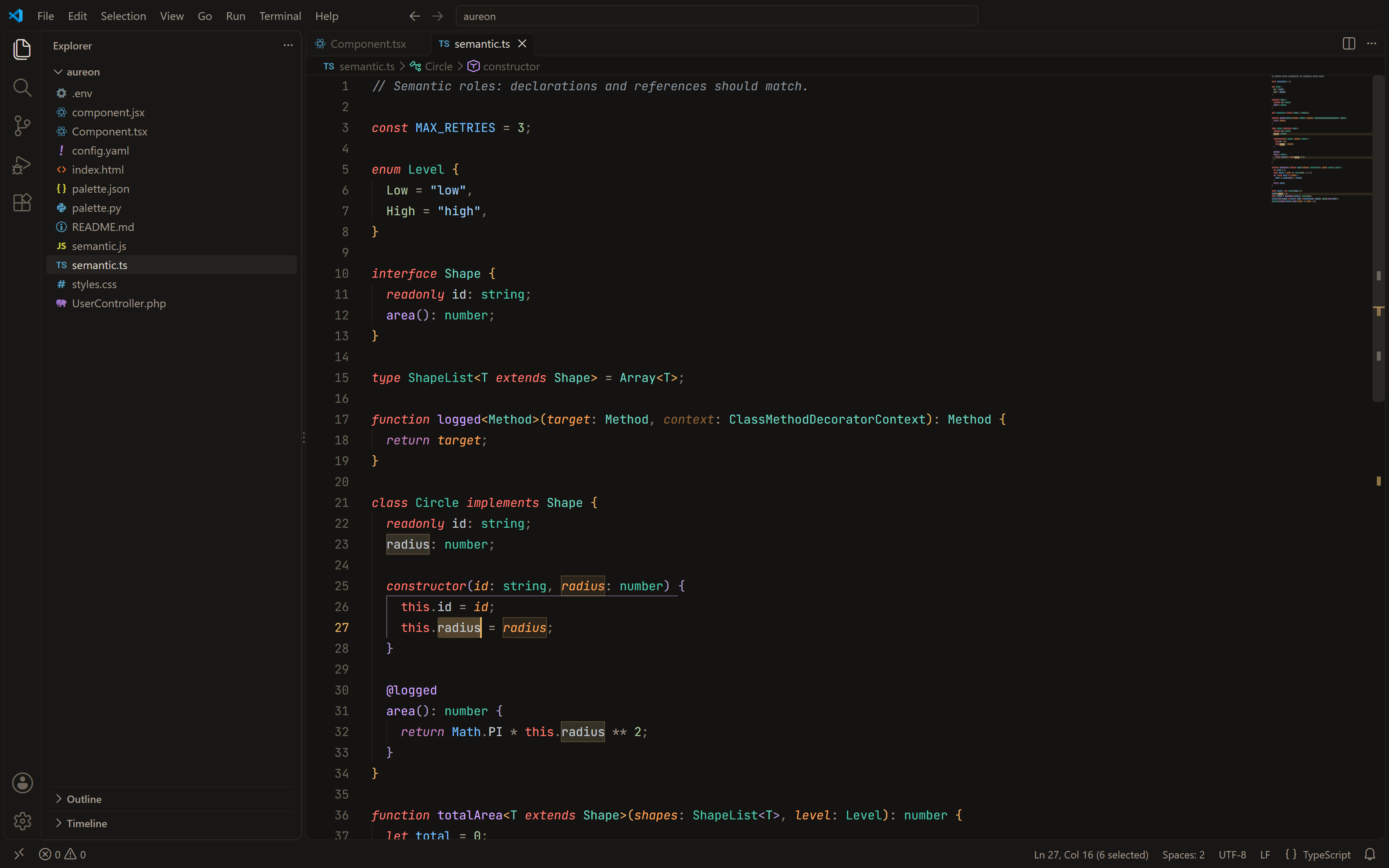
Try every theme live on the website Switch between Dark, Dusk and Light and browse real code before you install. The themesAureon DarkThe signature look: deep umber-black with warm gold accents.
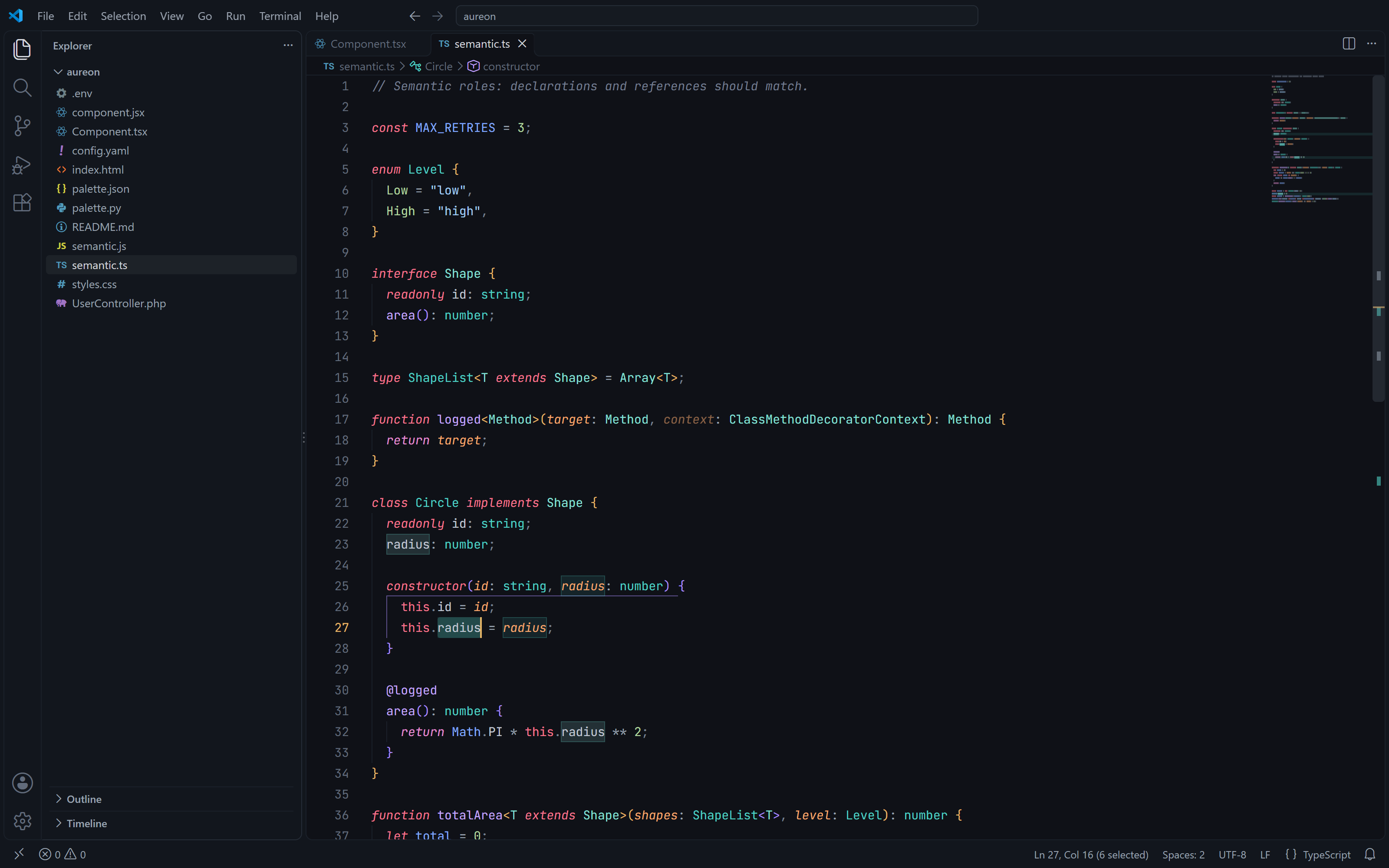
Aureon DuskA cool alternative: blue-black with teal and violet. Gold stays on the cursor, the active line number and badges.
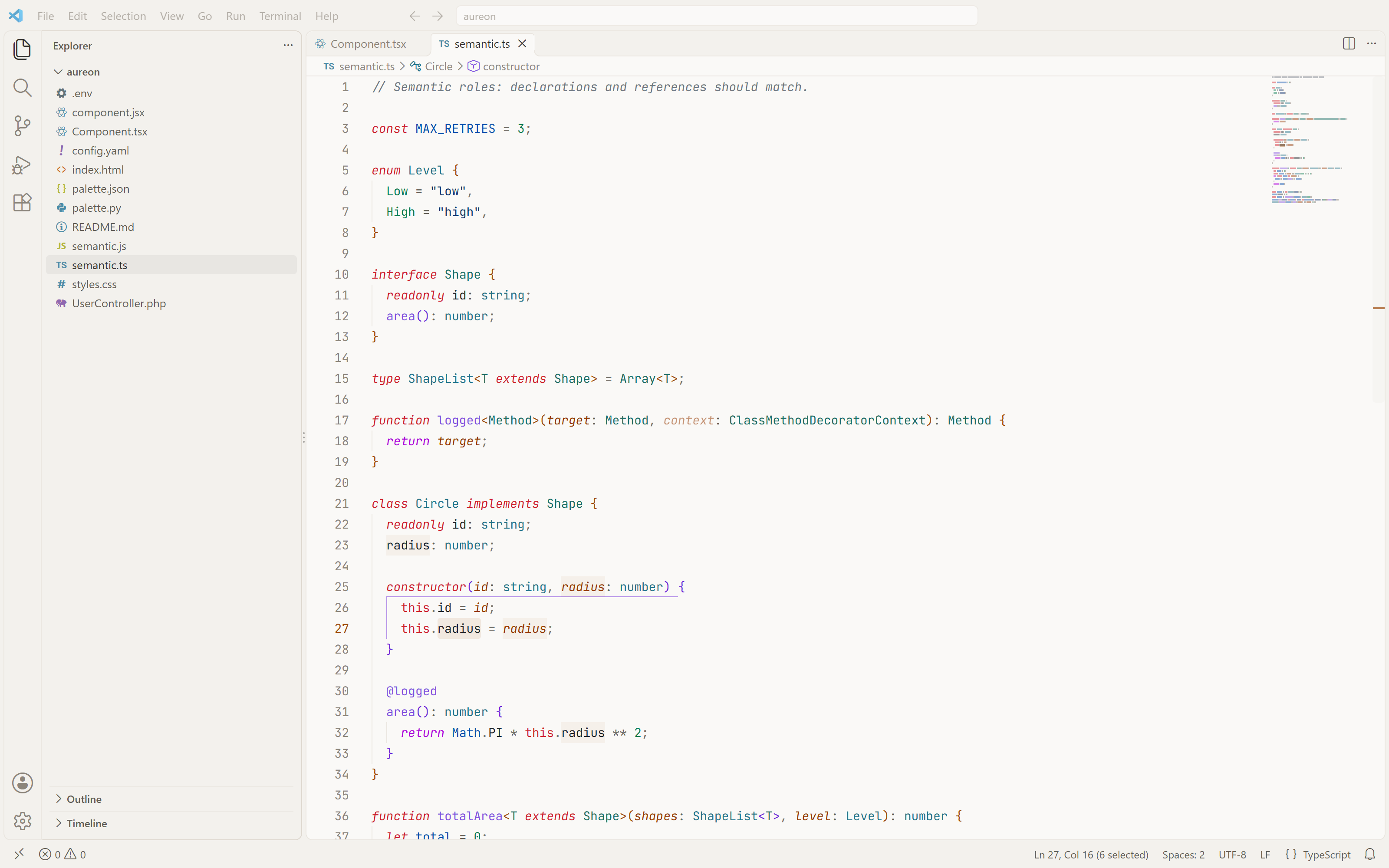
Aureon LightWarm paper with deep amber accents, for daylight. Every accent is dark enough to read as text.
Vivid versionsAureon Dark Vivid, Aureon Dusk Vivid and Aureon Light Vivid swap the quiet status bar for a solid accent bar.
No Italics versionsAureon Dark No Italics, Aureon Dusk No Italics and Aureon Light No Italics keep every color but set comments, keywords and parameters upright. Pick these if your font has no italic, or a weak one. Which one is for me?
Semantic colorsColor means something. Each kind of symbol has its own hue, following the structure of VS Code's 2026 themes, while operators and punctuation stay quiet so names stand out.
A declaration and its uses always share a color. Symbol icons in suggestions and the outline follow the same roles. Language support. TypeScript, JavaScript, TSX and JSX get full semantic colors from VS Code's built-in TypeScript support. CSS, HTML, JSON, YAML, Markdown, InstallVS Code, from the browser: click Install in VS Code. Your browser asks to open VS Code, which then shows Aureon with an Install button. You can also use the Install button on the Marketplace page. VS Code, from the editor: open the Extensions view ( Cursor, Windsurf, VSCodium and other editors that use Open VSX: search for Aureon in the extensions view, or get it from open-vsx.org. Then press Recommended settingsAureon looks its best with a modern coding font and a little breathing room: Comments, keywords and parameters are italic. Fonts with a well-drawn italic, such as JetBrains Mono, Cascadia Code or Monaspace, make that shine. If yours doesn't have one, use a No Italics version. FeedbackFound a color that's hard to read or a spot that still looks stock? Open an issue with a screenshot and the output of Developer: Inspect Editor Tokens and Scopes. License |