Skip to content
| Marketplace
Sign in
Visual Studio Code>Programming Languages>MOOS-IvP EditorNew to Visual Studio Code? Get it now.
MOOS-IvP Editor

MOOS-IvP Editor

moos-ivp

|
5 installs
| (0) | Free
Syntax highlighting for MOOS-IvP configuration files.
Installation
Launch VS Code Quick Open (Ctrl+P), paste the following command, and press enter.
Copied to clipboard
More Info

MOOS-IvP Editor for VS Code

CI/CD

The MOOS-IvP Editor extension for Visual Studio Code adds syntax highlighting for MOOS mission files, IvP behaviors files, and NSPlug files. Syntax highlighting has limited error detection. Semantic highlighting may be added in the future.

Features

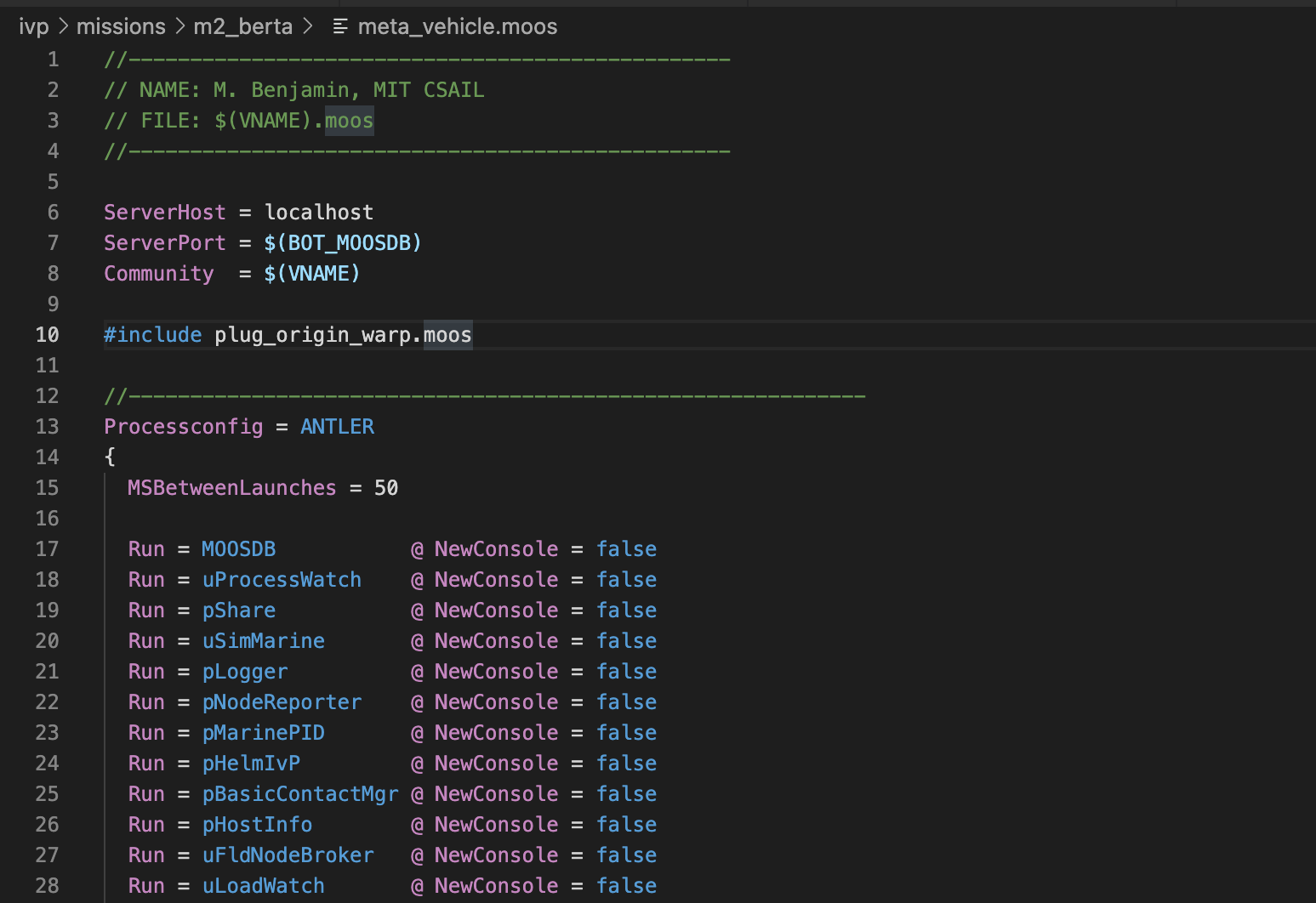
MOOS Mission Files

  • Syntax Highlighting
    • Global variables
    • pAntler block
    • Generalized application block

MOOS Mission File

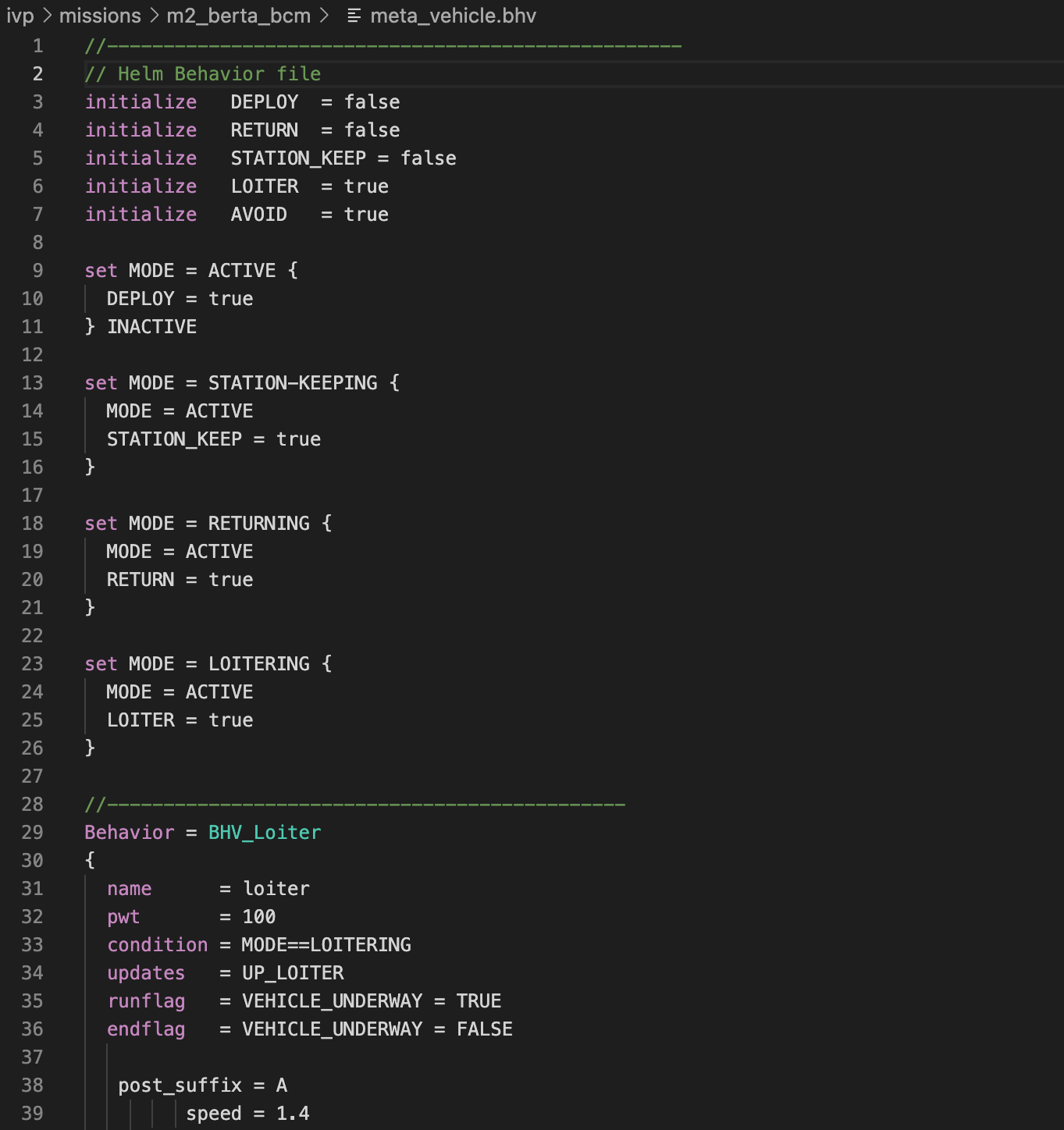
IvP Behavior Files

  • Syntax Highlighting
    • Initialize statements
    • Set statements
    • Behavior blocks - Highlights inherited options

IvP Behavior File

pAntler Options

For more information on the pAntler options, see: https://oceanai.mit.edu/ivpman/pmwiki/pmwiki.php?n=IvPTools.PAntler

Requirements

This extension requires Visual Studio Code 1.32 or later. It is also recommended that MOOS-IvP be installed on the system. The Remote SSH extension by Microsoft is also recommended in order to edit MOOS mission files and IvP behavior files that are located on a remote system such as a vehicle or robot.

Extension Settings

This extension currently doesn't have any settings. However, that is expected to change in the furture. This section will be updated when settings have been added.

Known Issues

  • MOOS Syntax:
    • Need to add the ability to add options specific to individual applications
  • Behavior Syntax:
    • Need to add the ability to add options specific to individual applications

Release Notes

0.0.1

Initial release of the moos-ivp-editor extension for VS Code.

For more information

  • MOOS-IvP Homepage
  • Markdown Syntax Reference
  • Contact us
  • Jobs
  • Privacy
  • Manage cookies
  • Terms of use
  • Trademarks
© 2025 Microsoft