Ant-Dark Theme for VS Code / PositronInspired by Ant-Dark GTK/KDE color scheme Installation Launch VS Code Quick Open ( Ctrl+P), paste the following command, and press enter.Copied to clipboard |

Ant Theme (dark / light variants)A color theme for Visual Code and derivatives, like Positron. This theme was generated using the VS Code template for Themer. Colors are derived from Ant-Dark color palette, with gradients of cyan and turquoise and sensible text contrast. This IDE theme is inspired by the original Ant-Dark GTK and KDE themes and by my own Ant-Dark (green) variant for KDE. InstallationLaunch VS Code Quick Open (Ctrl+P), paste the following command, and press enter. Visit and rate extension on Azure Marketplace. Colors in Palette
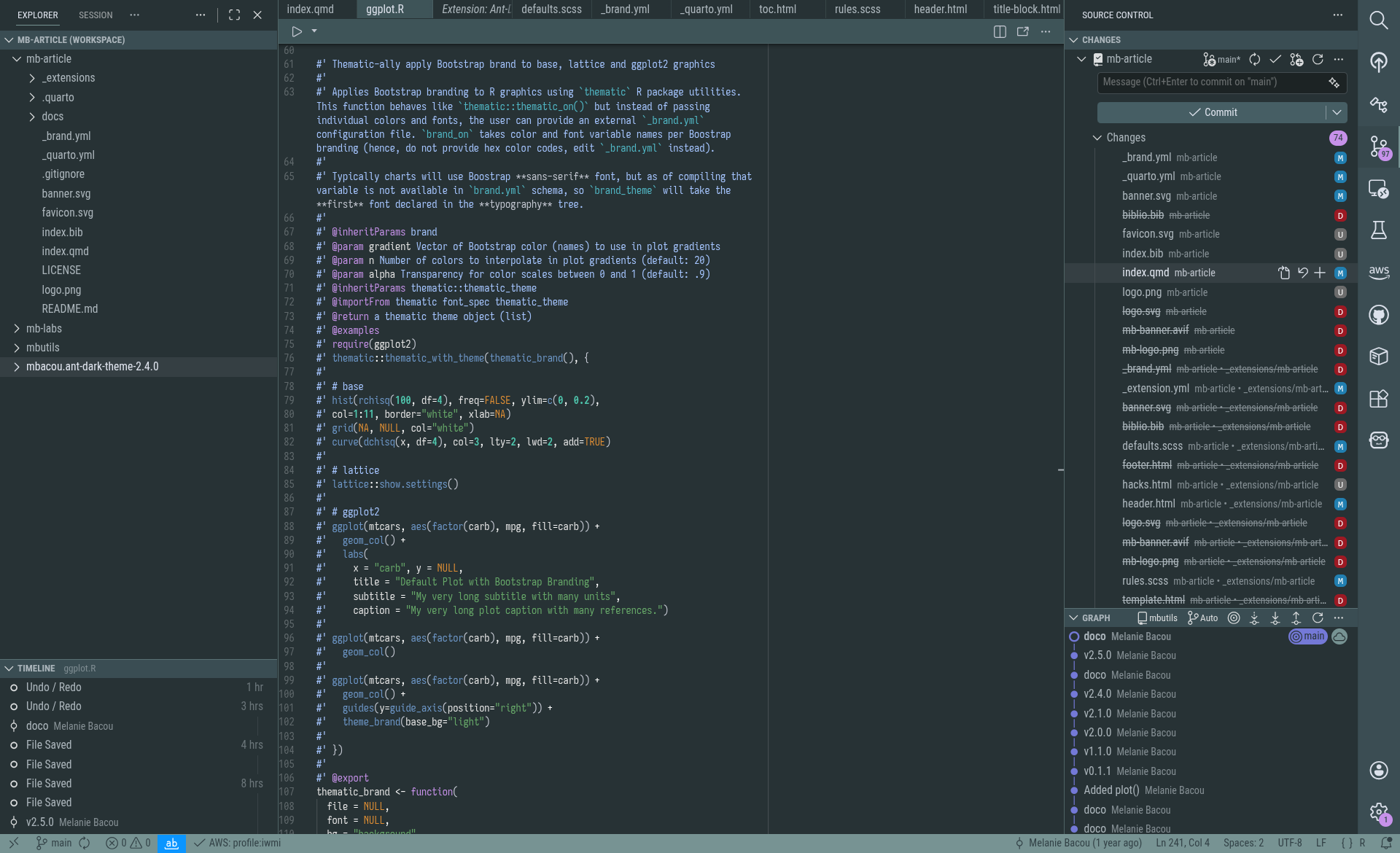
ScreenshotsVS Code dark color theme:
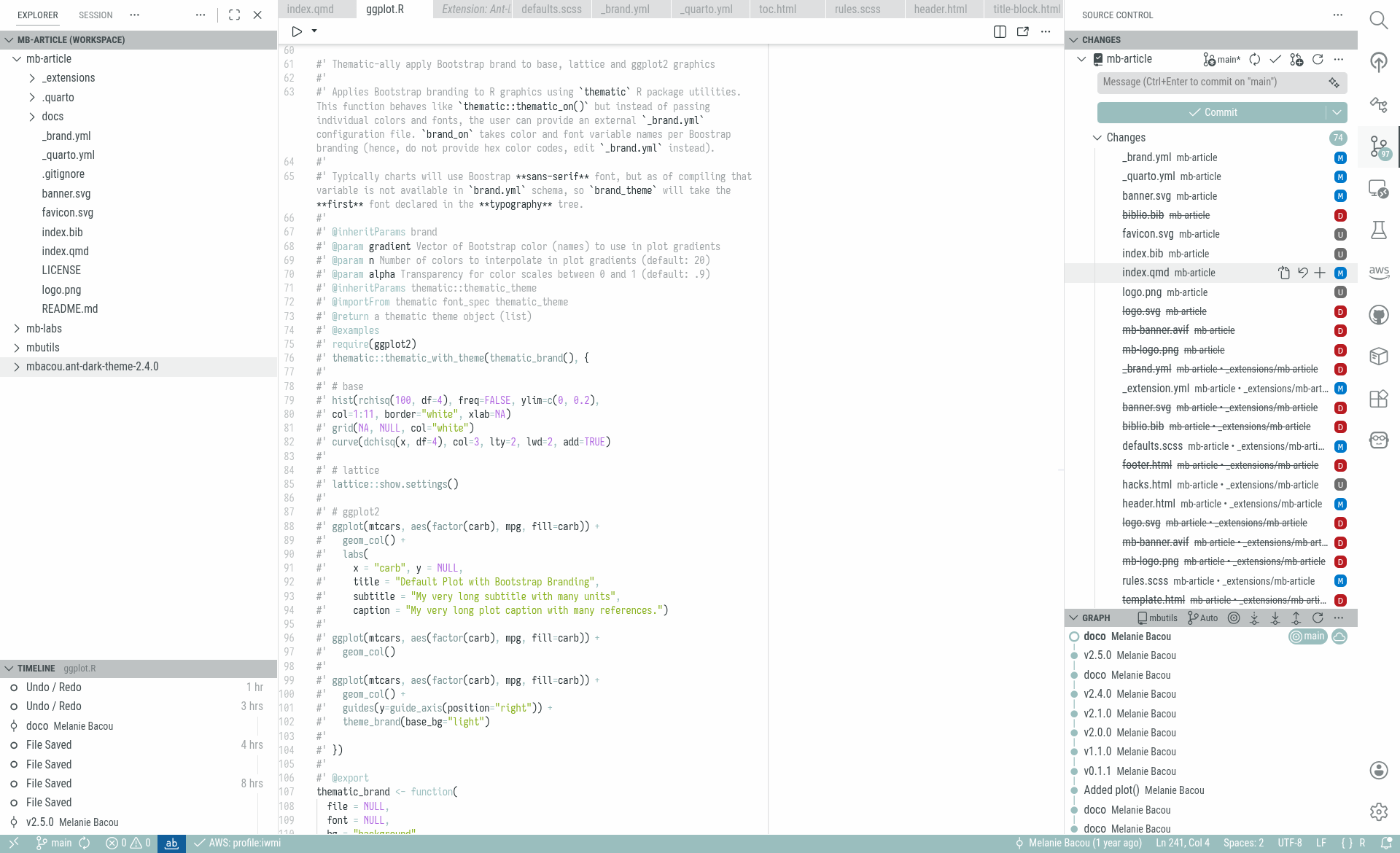
VS Code light color theme:
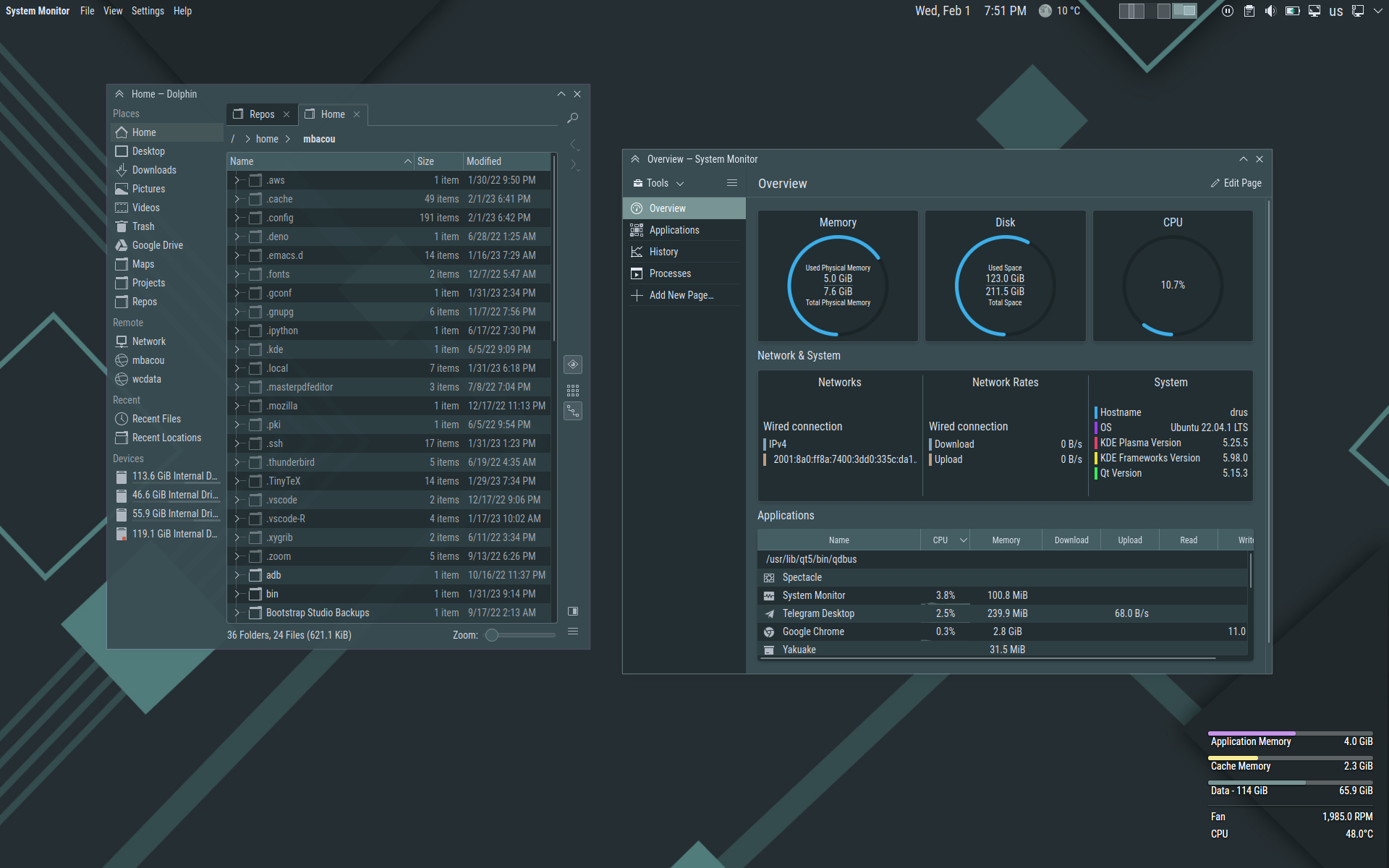
Matching Linux KDE color scheme:
|