Skip to content
| Marketplace
Sign in
Visual Studio Code>Programming Languages>LoxNew to Visual Studio Code? Get it now.
Lox

Lox

Marcus Caisey

|
64 installs
| (0) | Free
Rich Lox language support for Visual Studio Code
Installation
Launch VS Code Quick Open (Ctrl+P), paste the following command, and press enter.
Copied to clipboard
More Info

Lox for Visual Studio Code

The VS Code Lox extension provides rich language support for the Lox programming language as defined by the Crafting Interpreters book.

Features

  • Syntax highlighting
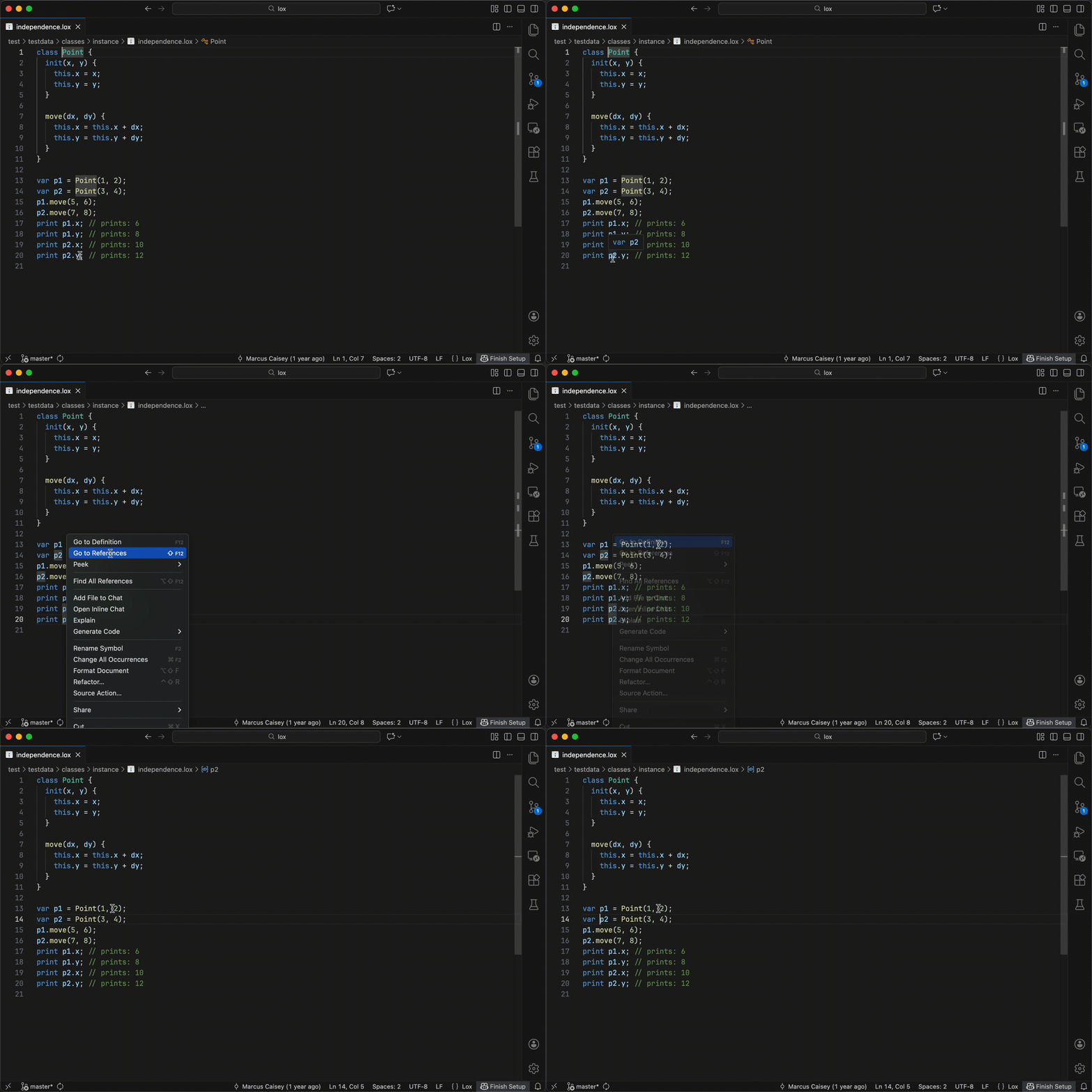
  • Go to definition
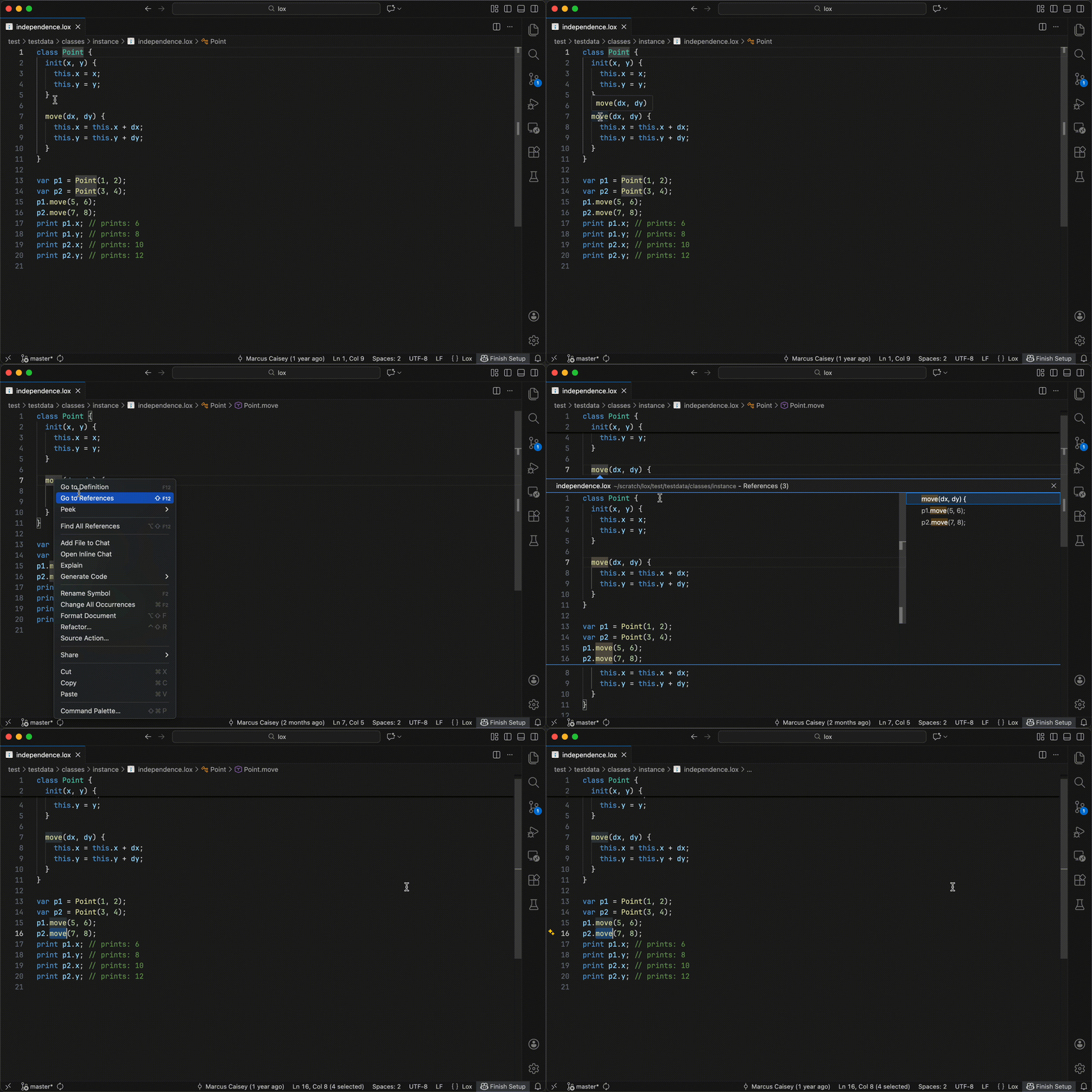
  • Go to references
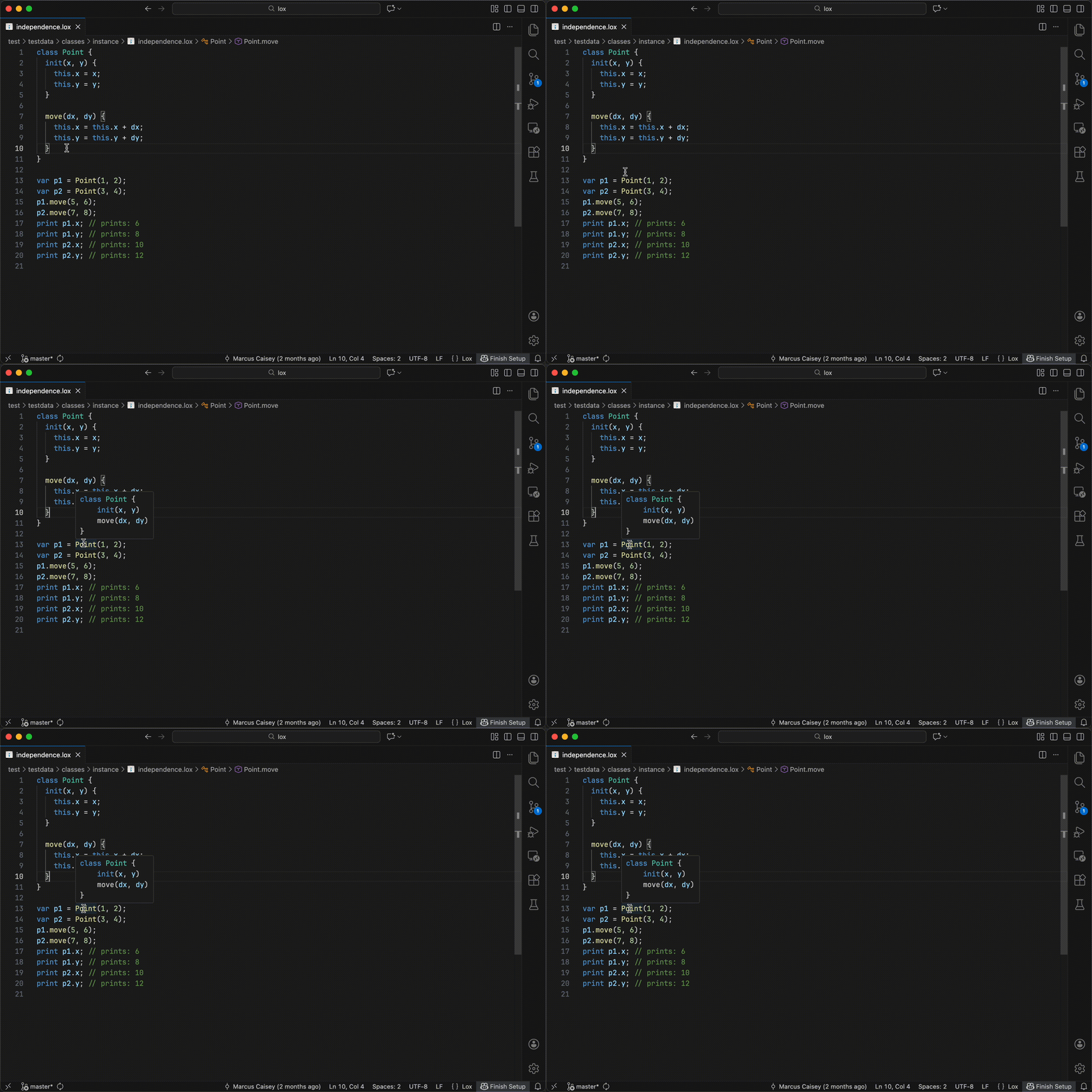
  • Hover information
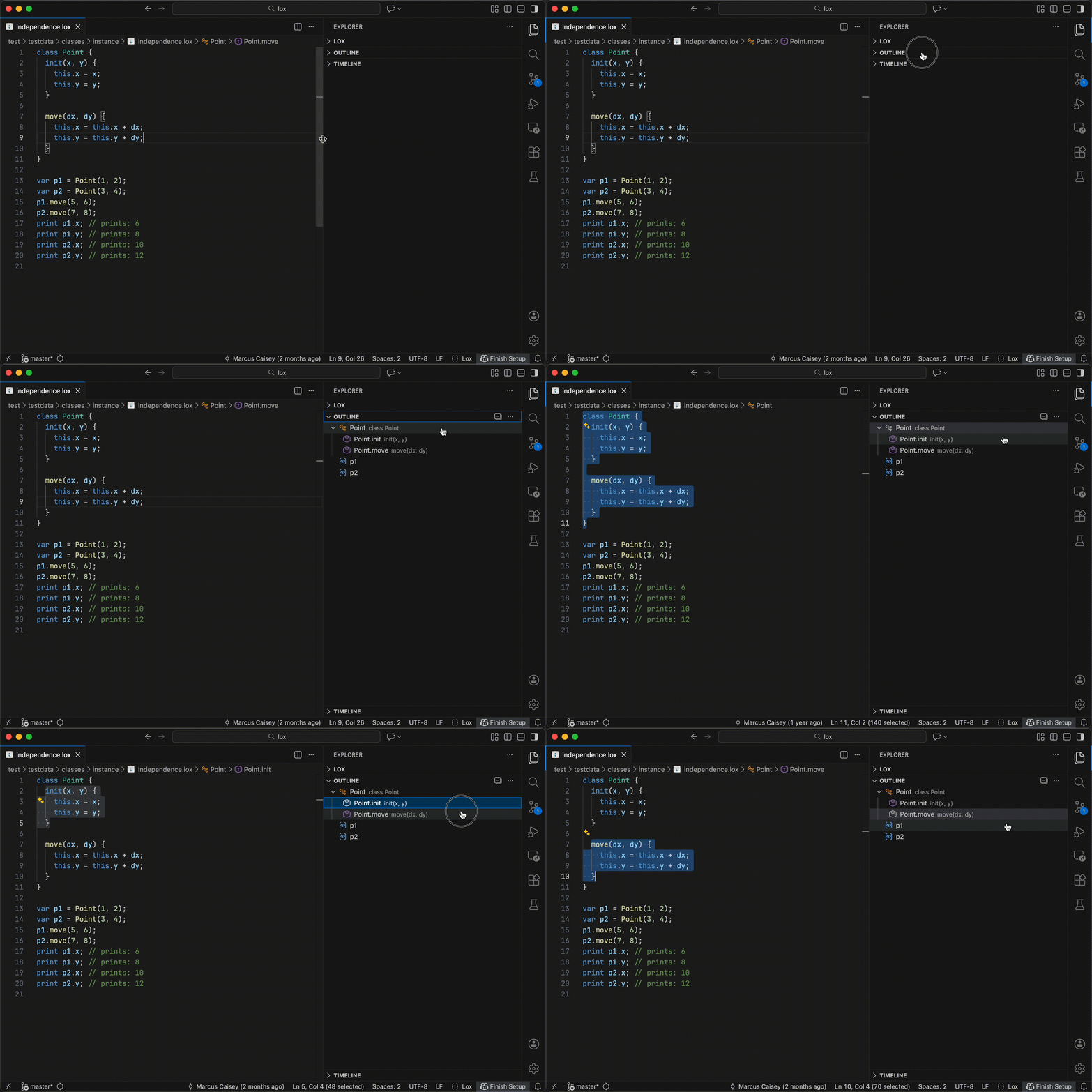
  • Outline view
  • Code completion
  • Diagnostics
  • Signature help
  • Formatting
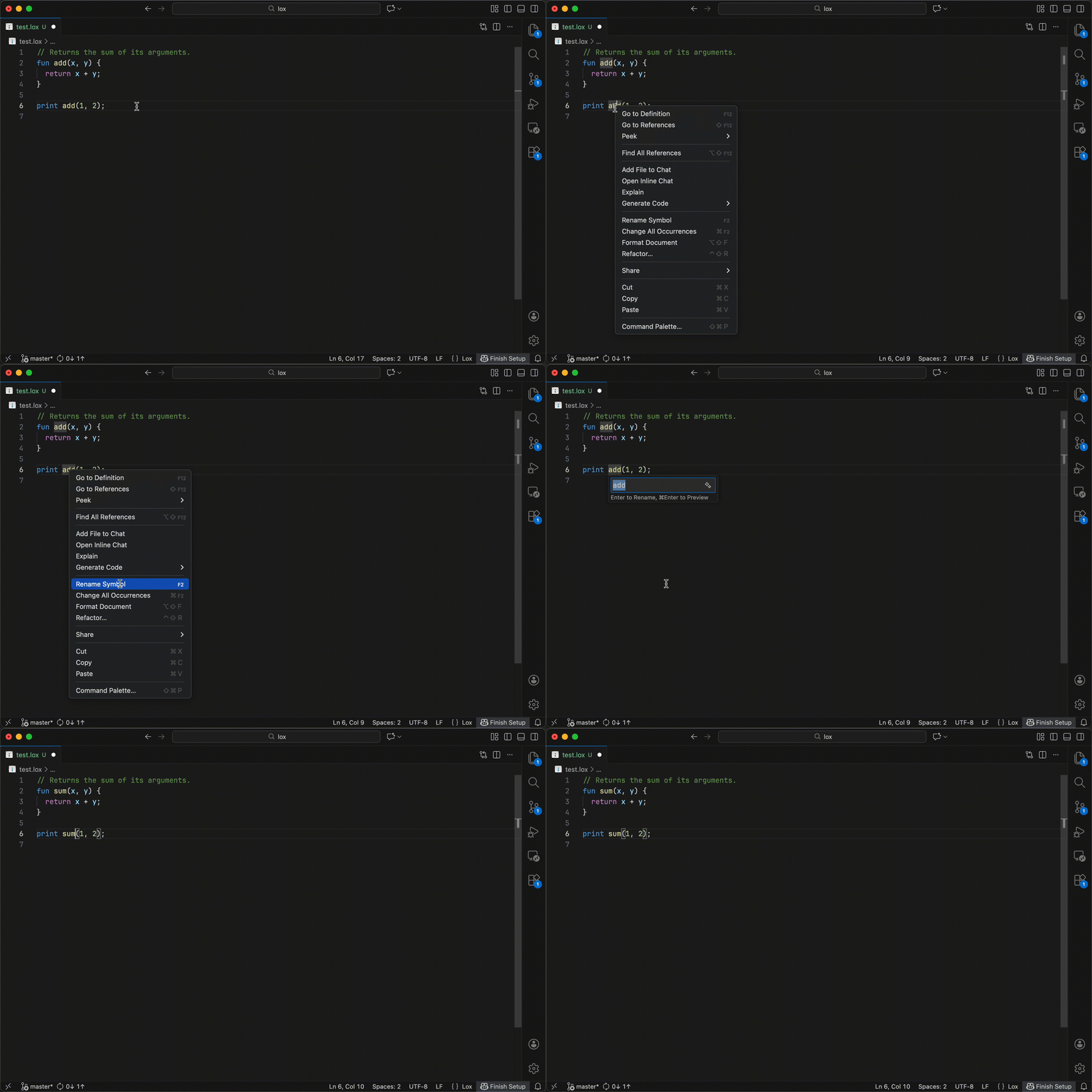
  • Renaming

Requirements

  • Visual Studio Code 1.74 or newer

Quick Start

  1. Install the VS Code Lox extension.

  2. Open any Lox file to automatically activate the extension.

The extension depends on loxls (the Lox language server) to provide language features. loxls is bundled with the extension on most operating systems:

  • Windows ARM
  • macOS Intel
  • Linux ARM64
  • Windows x64
  • macOS Apple Silicon
  • Alpine Linux 64 bit
  • Alpine Linux ARM64
  • Linux ARM32
  • Linux x64

To enable language features on unsupported operating systems, install loxls with

go install github.com/marcuscaisey/lox/loxls@latest

and then set lox.loxlsPath to its path. To disable language features, set lox.useLanguageServer: false.

Feature Demos

Go to Definition

Go to Definition demo

Go to References

Go to References demo

Hover Information

Hover Information demo

Outline View

Outline View demo

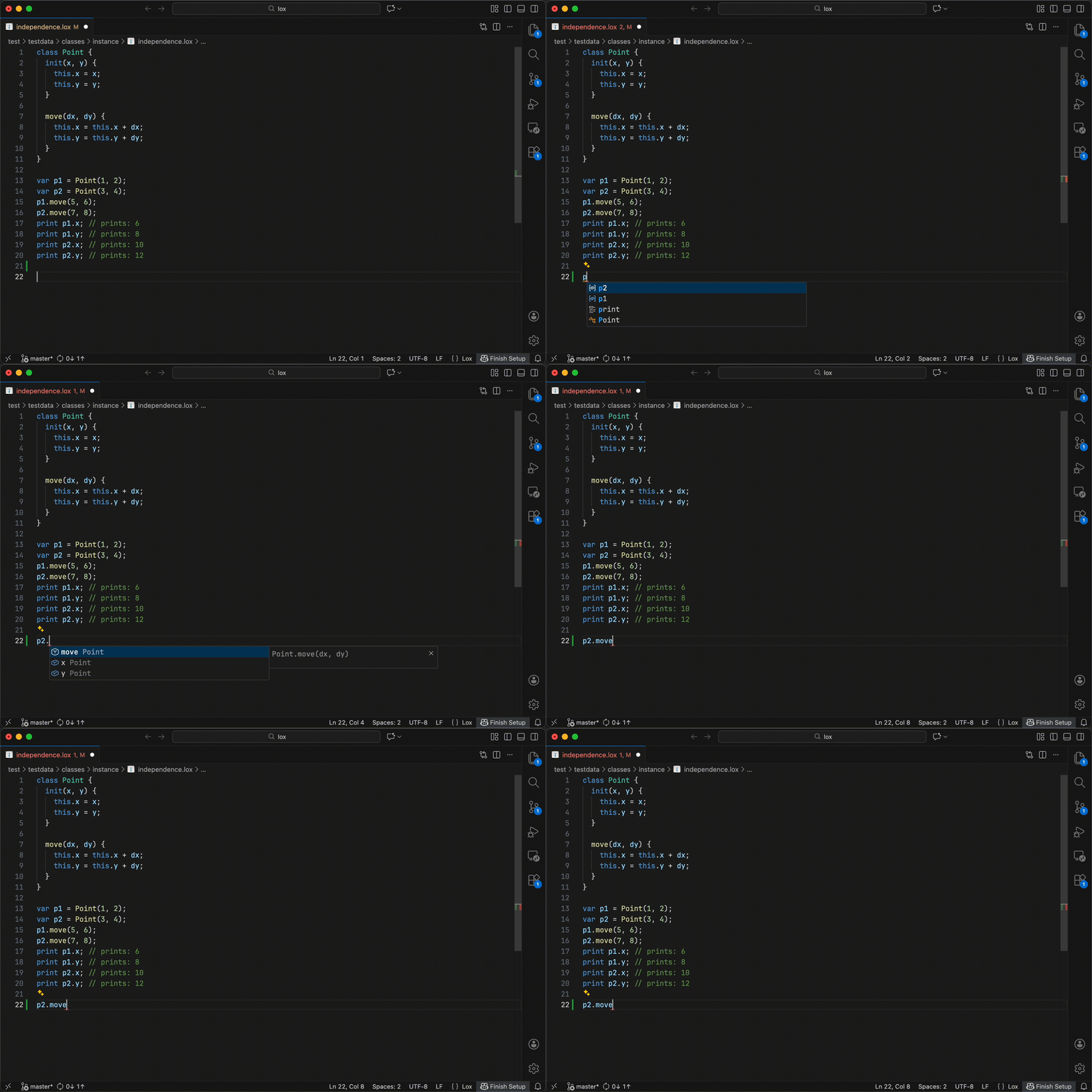
Code Completion

Code Completion demo

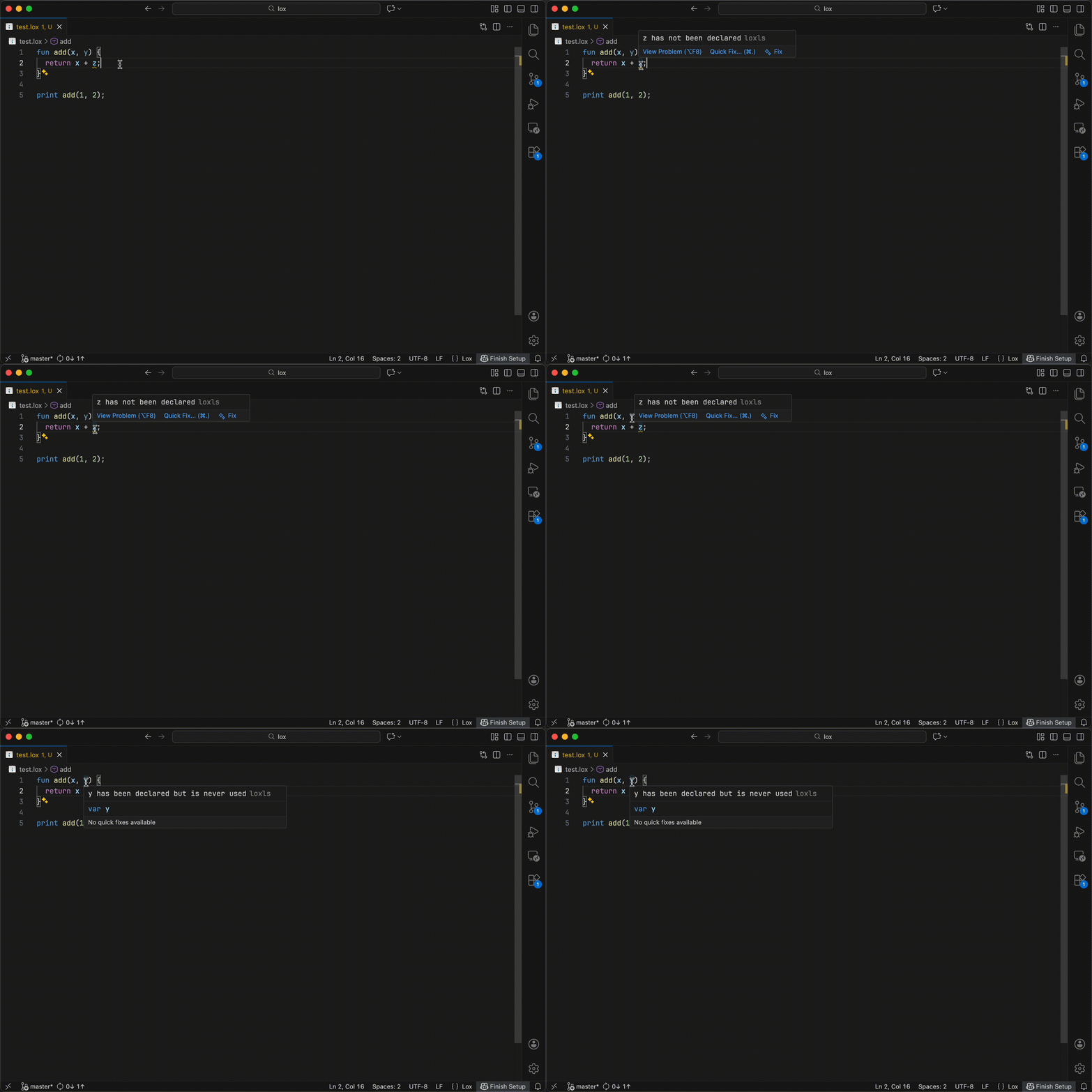
Diagnostics

Diagnostics demo

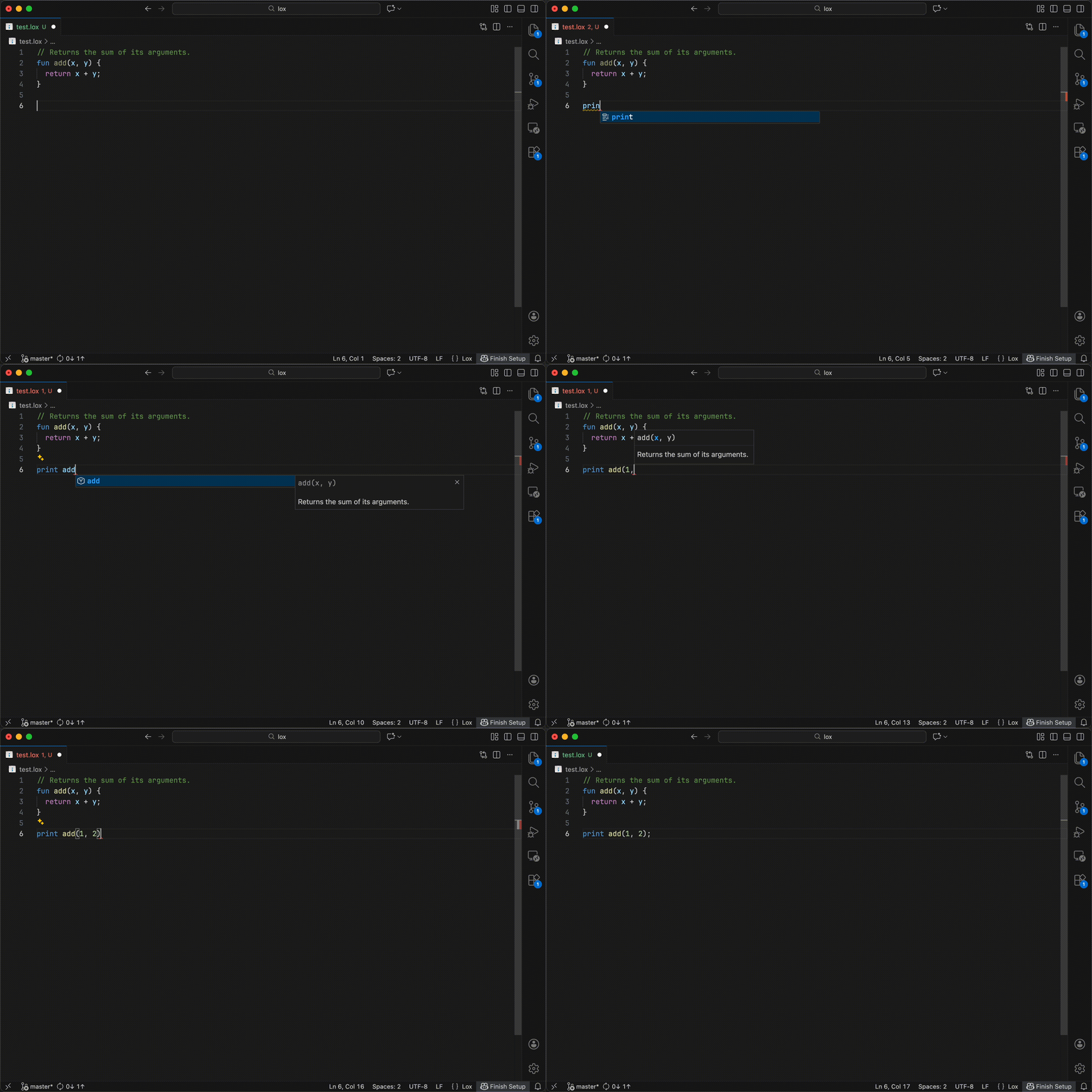
Signature Help

Signature Help demo

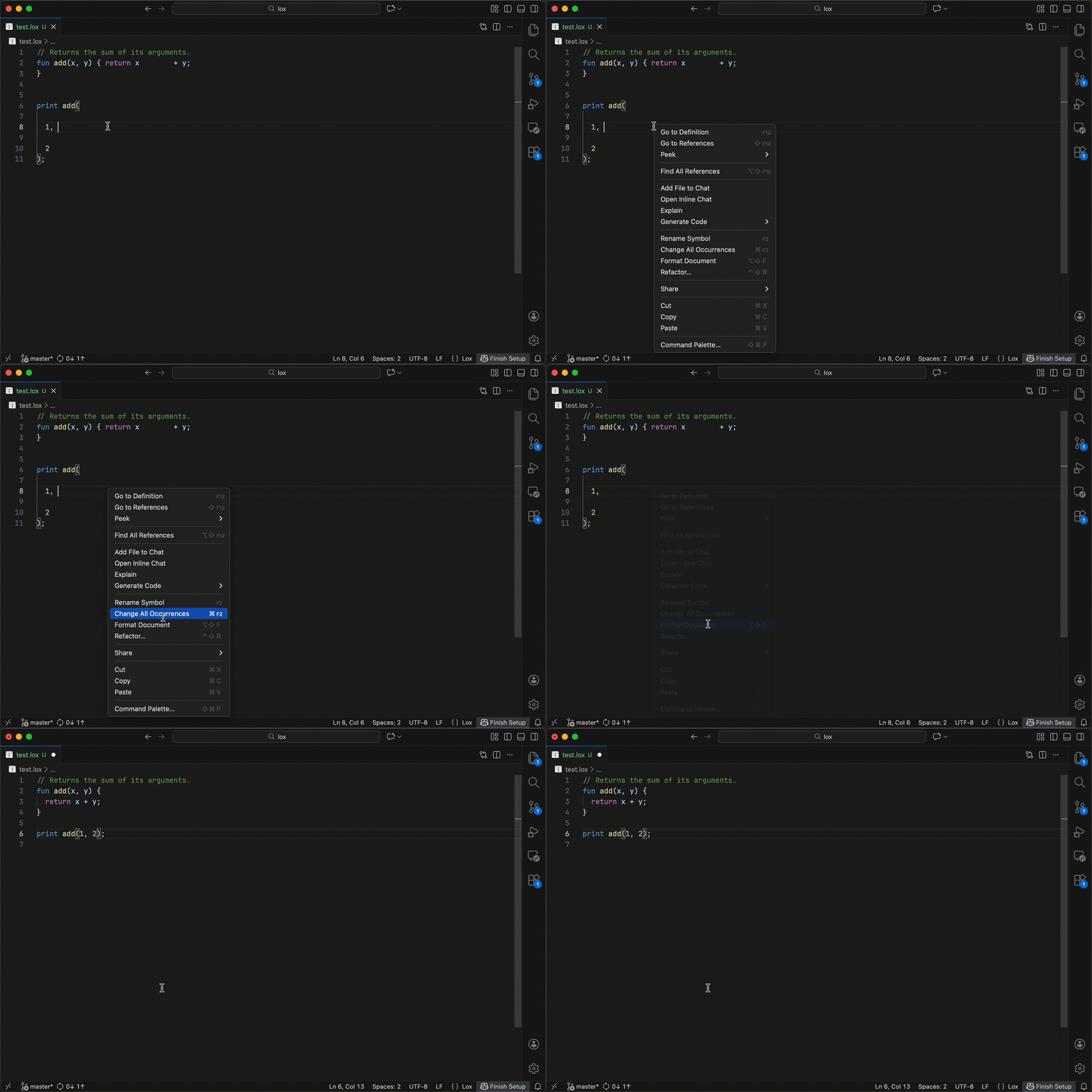
Formatting

Formatting demo

Renaming

Renaming demo

Attribution

The .lox file type icon and icon for this extension are taken from the favicon and header of Crafting Interpreters by Bob Nystrom. Used under the CC BY-NC-ND 4.0 License.

  • Contact us
  • Jobs
  • Privacy
  • Manage cookies
  • Terms of use
  • Trademarks
© 2026 Microsoft