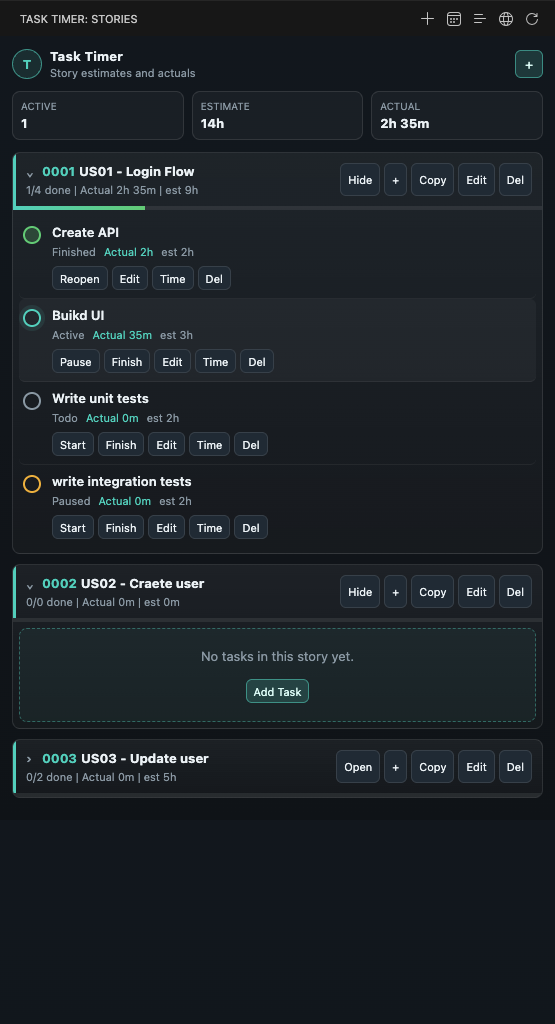
Task TimerTrack User Story task estimates and actual time directly inside Visual Studio Code. Task Timer is a workspace-local time tracking extension for developers who want to compare estimated work with the time actually spent implementing tasks.
Highlights
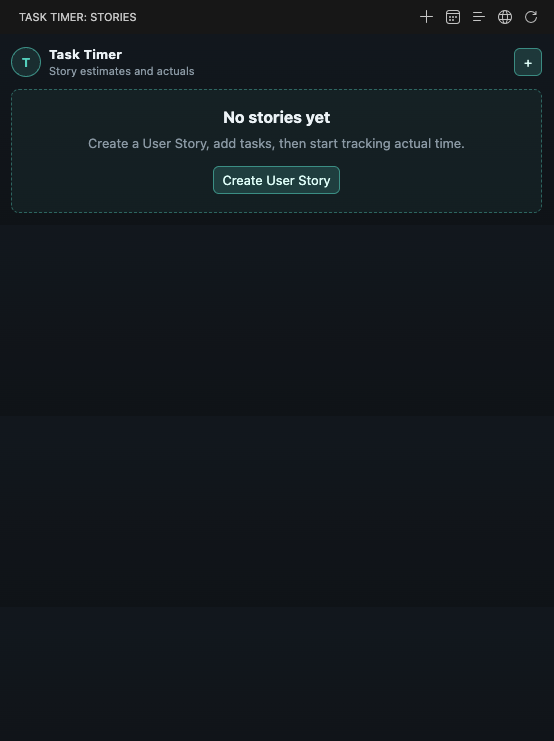
Why Task Timer?Estimates are useful only if you can compare them with real work. Task Timer helps answer questions like: It keeps the workflow inside VS Code, so you do not need a separate timer app while coding. First UseWhen no User Stories exist yet, Task Timer shows a focused empty state.
Start with Create User Story, then add tasks and estimates. Daily Workflow
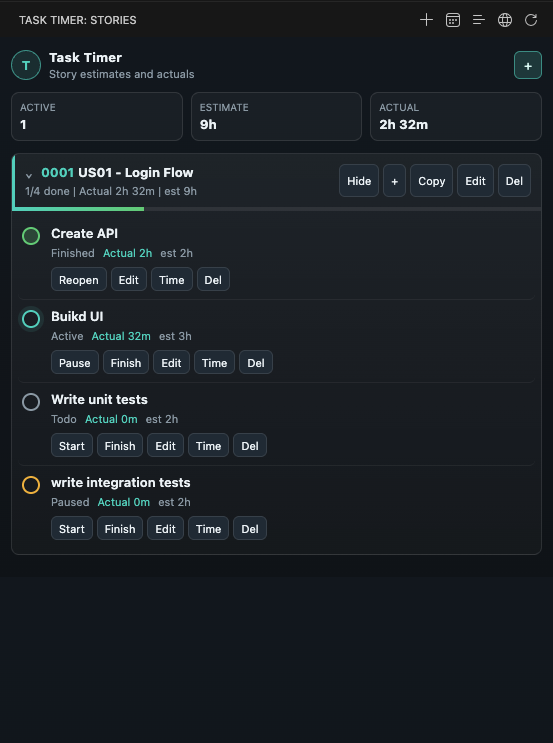
You can also use the status bar or command palette for quick actions. DashboardThe dashboard shows your active work at a glance:
User StoriesEach User Story can include:
The optional ID is generic. You can use it for Jira, Azure DevOps, GitHub Issues, Linear, an internal tracker, or any other system. Examples: TasksEach task can include:
Task statuses: Finished tasks can be reopened without losing previous tracked time. Multiple Active TimersTask Timer allows multiple tasks to be active at the same time. This is useful when related tasks overlap, but it also means tracked task time can be higher than real clock time. Example: Reports include a note about overlapping timers. ReportsTask Timer can copy reports to your clipboard as Markdown. User Story ReportIncludes:
Daily ReportIncludes:
LanguageTask Timer supports:
Use Task Timer: Change Language from the command palette, or update the setting: StorageTask Timer stores data inside the current workspace: This keeps tracking data tied to the project you are working on. By default, the generated If your team wants to share time tracking data, remove that ignore rule. For personal tracking, keeping it ignored is recommended. PrivacyTask Timer does not send your data anywhere. All User Stories, tasks, estimates, sessions, and reports are stored locally in your workspace. CommandsAvailable commands: Estimate FormatSupported estimate and actual-time formats: Plain numbers are treated as minutes. Known IssuesPlease check the GitHub Issues page for known issues and to report new ones. Support
Found a bug or have a feature request? Open an issue. Ready to track User Story estimates and actual time inside VS Code? Install Story Task Timer. Made with ❤️ care by Mahdi Khodabakhshi. Story Task Timer - where estimation meets actual work. LicenseMIT |