GitHub Flavored Markdown PreviewPreview GitHub Flavored Markdown in VS Code with GitHub-compatible rendering and themes. Installation Launch VS Code Quick Open ( Ctrl+P), paste the following command, and press enter.Copied to clipboard |

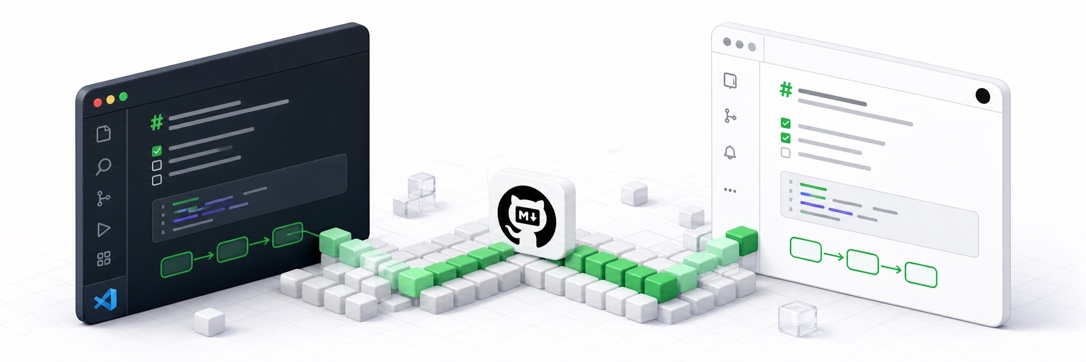
GitHub Flavored Markdown PreviewMake VS Code Markdown Preview match GitHub as closely as possible.
Install from Visual Studio Marketplace Quick StartInstall the extension from the Marketplace link above or from a terminal: Open a Markdown file, then run Markdown: Open Preview to the Side. The built-in VS Code preview gains GitHub-compatible rendering and styling; no separate preview editor is introduced.
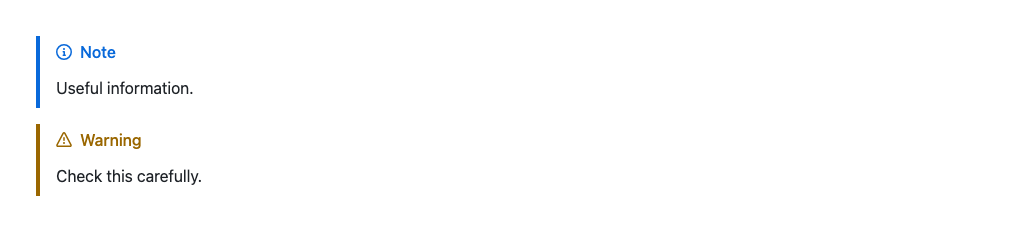
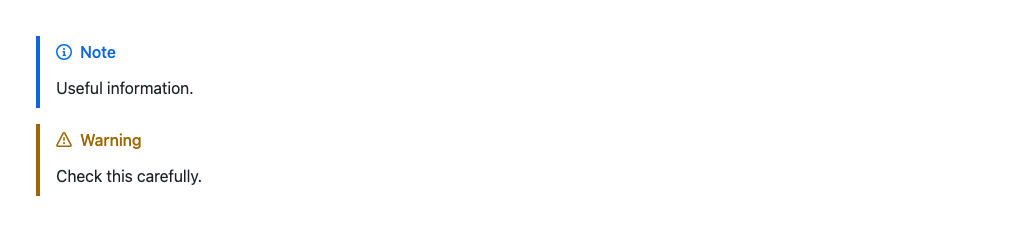
These images come from the automated parity harness, which renders the committed GitHub reference and the extension's Markdown/CSS pipeline under identical Chromium conditions. Real VS Code desktop and web hosts are covered separately by smoke tests of the built-in Markdown renderer contribution.
Why This ProjectVS Code's built-in Markdown Preview is a general-purpose renderer, but what developers actually care about is how their documentation will look once it lands on GitHub. This project is not trying to create a GitHub-like theme. Its goal is to align VS Code preview output with GitHub's Markdown preview behavior and presentation as closely as possible. That makes README writing, docs authoring, and general Markdown editing much more predictable: developers can edit and preview locally while seeing something close to the final result they expect on GitHub, instead of discovering layout or rendering mismatches only after pushing. This project focuses on three practical outcomes:
FeaturesGitHub-Flavored Markdown
Pixel-Verified Preview ParityAutomated Chromium checks compare GitHub reference rendering with the extension preview pixel by pixel. Controllable Markdown fixtures use zero tolerance, so changes to spacing, typography, colors, link decoration, or content dimensions fail the regression check. VS Code syntax highlighting and GitHub client-side renderers for Mermaid, GeoJSON, STL, and math use separate regression budgets because the host applications produce those visuals. These boundaries remain measured and fail when their differences exceed the recorded limits. GitHub Themes9 built-in GitHub themes, covering light, dark, dimmed, high contrast, and colorblind-friendly variants:
Three theme modes:
System mode follows the VS Code color theme applied to the Markdown preview on both desktop and web. Light and high-contrast light previews use the selected GitHub light theme; dark and high-contrast dark previews use the selected GitHub dark theme. Switching the VS Code theme updates the preview, while changing the operating-system appearance only affects it when VS Code is configured to detect that change and switches its active theme. Single mode ignores all of these signals and keeps its selected theme. VS Code mode keeps GitHub's Markdown structure and typography while sourcing the preview's background, text, muted text, links, borders, selection, status, syntax, and focus colors from the active VS Code theme. Theme changes update desktop and web previews without a reload. High-contrast previews use the corresponding VS Code colors for readability. Switch themes anytime via VS Code commands (Quick Pick) — no need to open settings. Mermaid DiagramsOn VS Code 1.121 or later, Mermaid theme sync works with the built-in After an extension host crash or an unclean exit, saved originals remain available. To restore them when sync is disabled, enable Desktop and WebThe runtime is compatible with desktop and web extension hosts. CI smoke-tests the minimum supported and current stable VS Code desktop hosts. It also checks the final Markdown preview against pinned desktop and browser builds so changes in their bundled renderers remain reproducible. AccessibilityText-block links are underlined by default, matching GitHub's default accessibility setting. Set Related InformationContributingSee CONTRIBUTING.md for development setup and guidelines. LicenseThis project is licensed under the terms of the MIT open source license. |