Rundix
English · Русский Work with the official Codex CLI in VS Code. Keep conversations in editor tabs, attach images and project files, and queue follow-ups while a task is running. Rundix is an independent extension, not an official OpenAI product. Features
Rundix can install and update the official CLI, or use an executable you choose in settings. See it in action
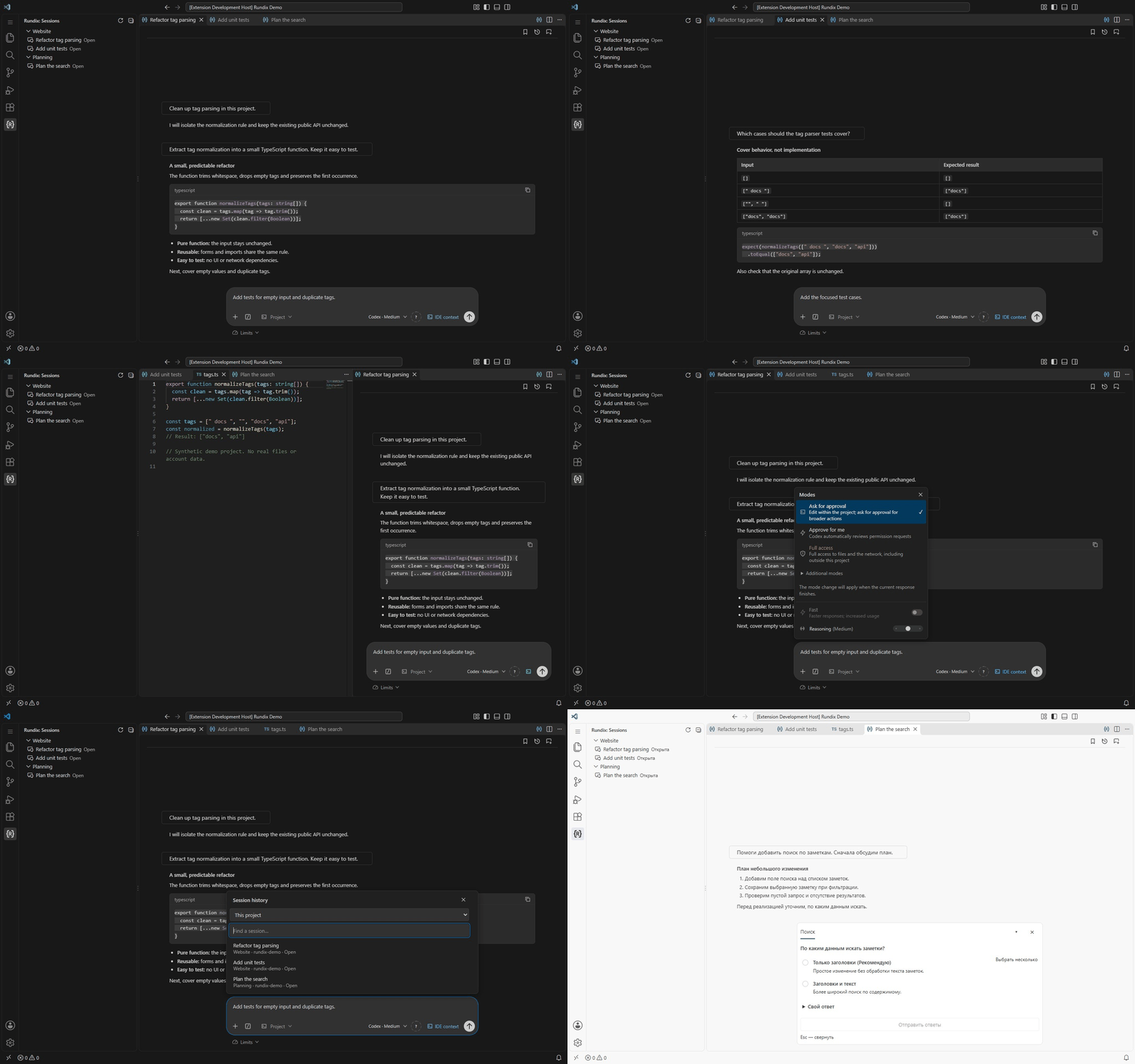
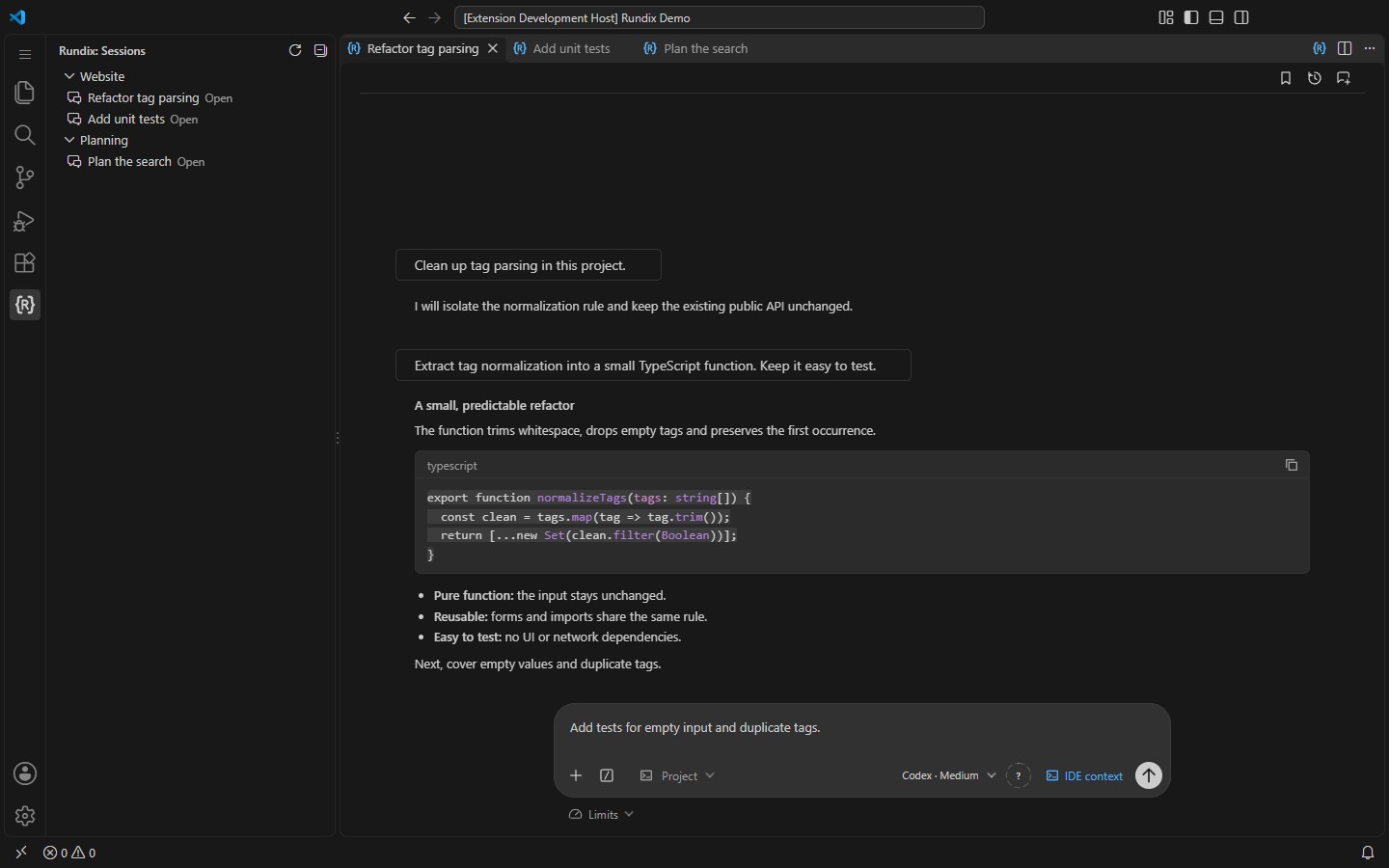
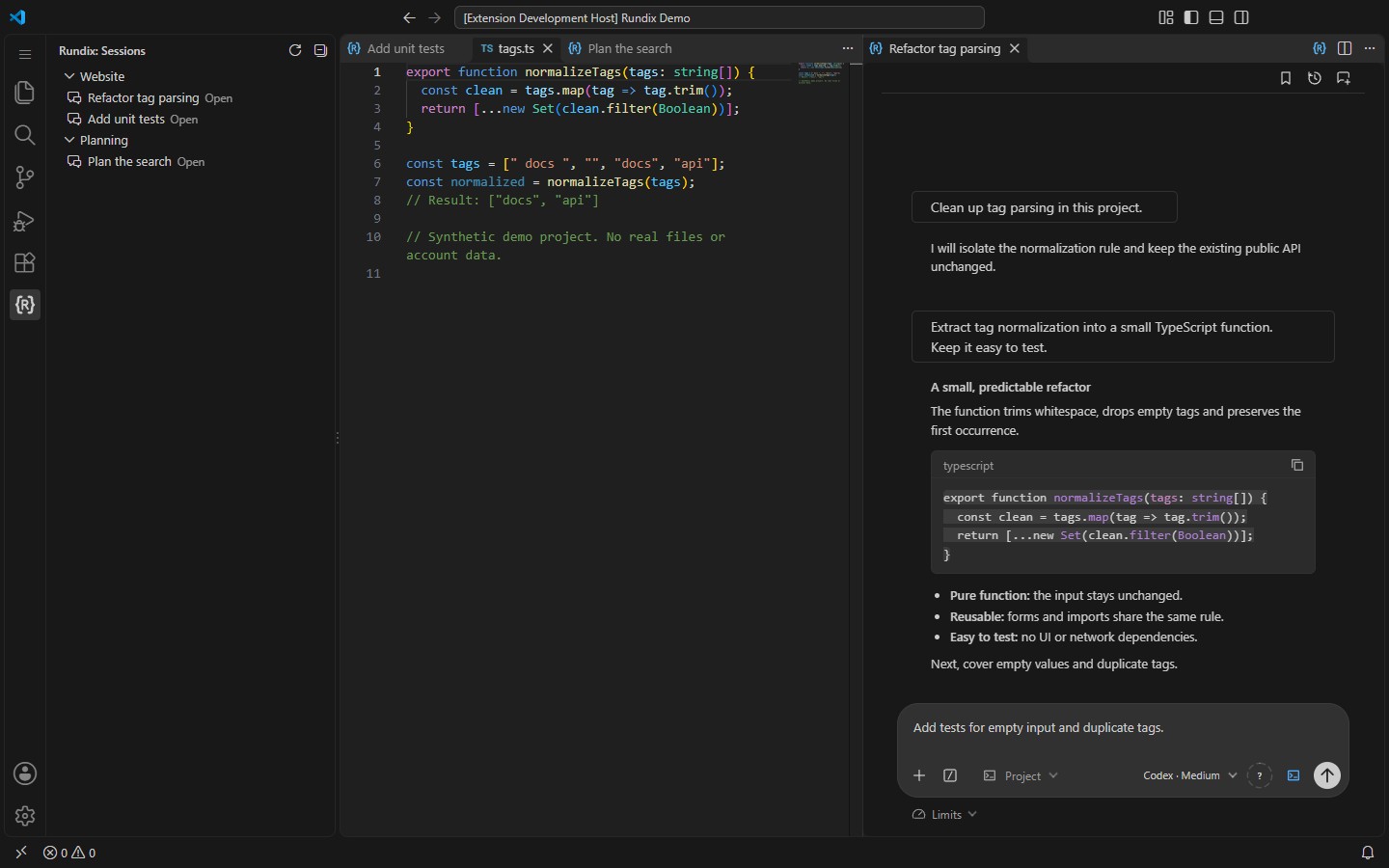
A 29-second tour captured from a real VS Code window: three native chat tabs, grouped session history, code beside the chat, queued follow-ups, access modes, history search and Russian questions in the light theme. The content and transport are synthetic; no model request, real account or personal conversation is used.
Get started
The CLI manages local sign-in and credential storage. Rundix does not read or copy credential files. Available models, Fast tiers and usage limits depend on your account and CLI version. After changing sign-in outside Rundix, use Refresh status in the account menu. Settings and optional featuresFind Rundix in VS Code Settings to change the language, chat width, context indicator, motion, CLI path, update channel and history scope. Completion sounds, Telegram notifications and local Stop scripts are optional. Telegram is off until configured; when enabled, it sends the final answer to the chat you select. Stop scripts run with your user permissions. Experimental task preparation asks for explicit approval before execution. Compatible companion extensions can add another connection. Select one through What's new and feedbackSee the changelog for version notes. Install and update through Microsoft Marketplace. Found a bug or have an idea? Open an issue. If Rundix helps you, a Star on the GitHub repository is welcome. РусскийРаботайте с официальным Codex CLI прямо в VS Code. Открывайте чаты в отдельных вкладках редактора, добавляйте изображения и файлы проекта, ставьте уточнения в очередь во время выполнения задачи. Rundix — независимое расширение, не официальный продукт OpenAI. Возможности
Rundix может установить и обновлять официальный CLI или использовать исполняемый файл, выбранный в настройках. Начало работы
Входом и хранением учётных данных управляет CLI. Rundix не читает и не копирует файлы авторизации. Доступные модели, Fast и лимиты зависят от аккаунта и версии CLI. После внешней смены входа нажмите Обновить статус в меню аккаунта. Настройки и дополнительные возможностиВ настройках VS Code найдите Rundix: там доступны язык, ширина чата, индикатор контекста, анимация, путь к CLI, канал обновлений и область истории. Звуки завершения, Telegram и локальные Stop-скрипты включаются по желанию. Telegram выключен до настройки; после включения он отправляет итоговый ответ в выбранный чат. Stop-скрипты выполняются с вашими правами. Экспериментальная подготовка задачи запрашивает явное согласование перед выполнением. Совместимый дополнительный модуль может предоставить другой способ подключения. Выберите его через Демонстрация и обратная связьНа 29-секундной демонстрации выше показано настоящее окно VS Code: три вкладки чатов, группы истории, код рядом с чатом, очередь уточнений, режимы доступа, поиск истории и вопросы на русском в светлой теме. Содержимое и транспорт синтетические: реальные чаты, аккаунты и модельные запросы не используются. Установка и обновления — через Microsoft Marketplace. Изменения версий описаны в истории изменений. Об ошибках и идеях можно рассказать в Issues; поддержать проект — кнопкой Star в репозитории. License / Лицензия: MIT. Third-party notices / Лицензии библиотек: THIRD_PARTY_NOTICES.txt. |