A warm palette of plum, velvet mauve and dusty rose with coordinated Light and Dark variants — made for calm, focused coding.
Features
Two coordinated variants — Plum Velvet Theme Light and Plum Velvet Theme Dark share the same hue family, so switching between them never feels jarring.
Soft, readable syntax highlighting — keywords, strings, functions and types each get a gentle, readable tint instead of harsh primaries.
Tuned UI — editor, side bar, activity bar, status bar and terminal follow one serene plum / mauve / rose scheme.
Semantic highlighting — classes, interfaces, functions and parameters are color-coded for quick scanning.
Matching terminal palette — a coordinated 16-color ANSI theme keeps the integrated terminal in harmony with the editor.
Palette
Role
Light
Dark
Editor background
#F7F0EF
#281F2A
Editor foreground
#493447
#EFE1E7
Accent (plum)
#6B3F69
#D3AED2
Keyword
#754373
#D3AED2
String
#4E6C59
#B1C9B4
Comment
#80677C
#B29BAE
Type / class
#8A516C
#DDC3C3
Function
#426A7B
#ACC9D8
Install
Download plum-velvet-theme-1.0.0.vsix.
In VS Code, run Extensions: Install from VSIX… and select the file.
Open the Command Palette (Ctrl/Cmd+Shift+P), run Preferences: Color Theme, and choose Plum Velvet Theme Light or Plum Velvet Theme Dark.
Preview
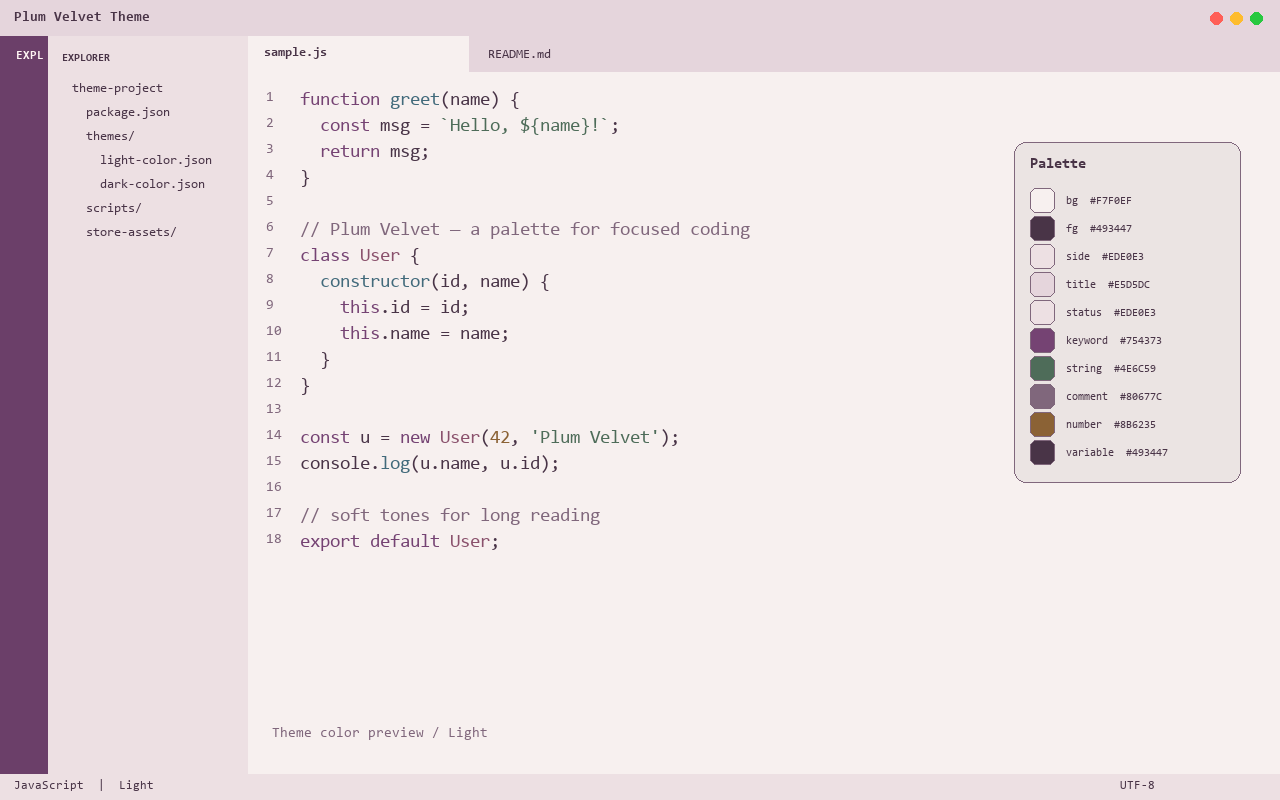
Light
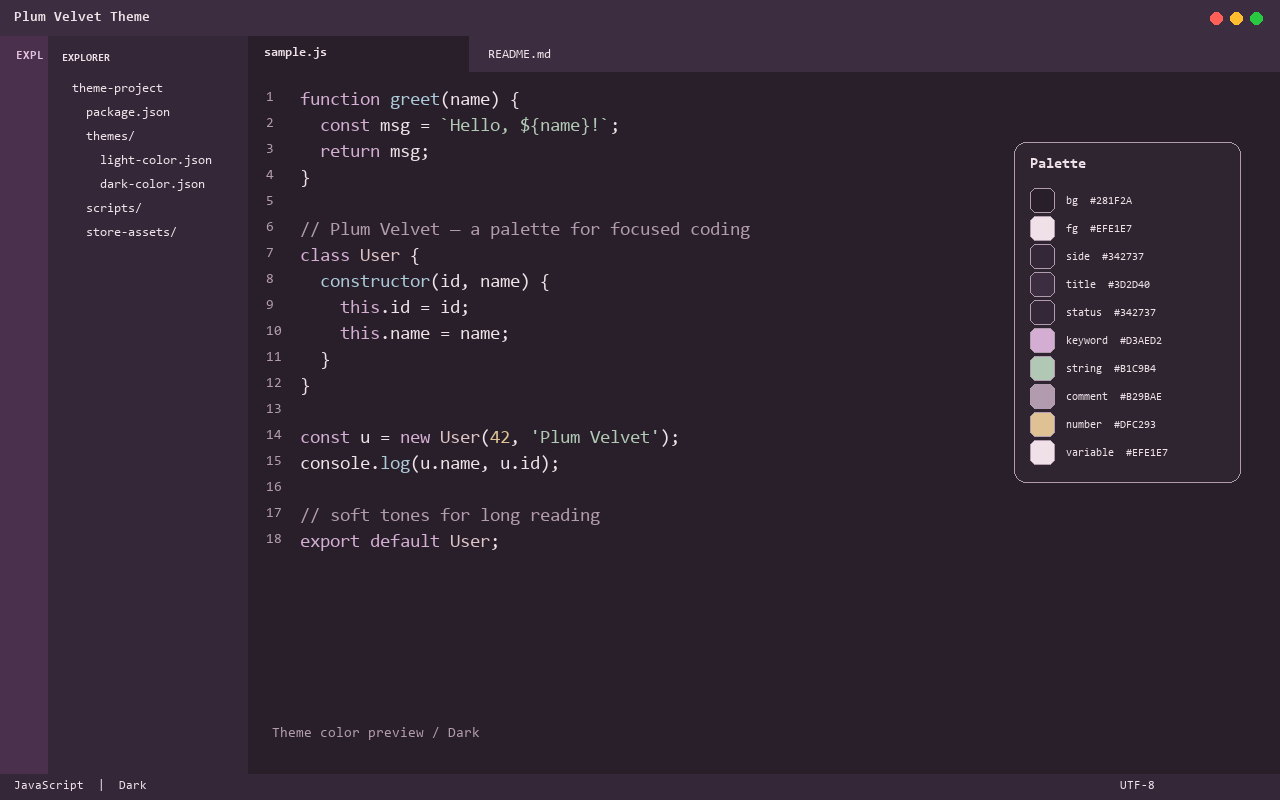
Dark
The previews above are color-accurate mockups generated directly from the theme JSON — they illustrate the editor and palette but are not native VS Code window captures.
Development
Open this folder in VS Code and press F5 to launch an Extension Development Host with the theme applied.