VSCode AI Cost Tracker 🐾
实时追踪 AI 编码成本 · Real-time AI API cost tracking for VS Code
Monitor your Copilot Chat and Language Model usage costs without leaving your editor.




📸 Screenshots
| Dashboard View |
Status Bar |
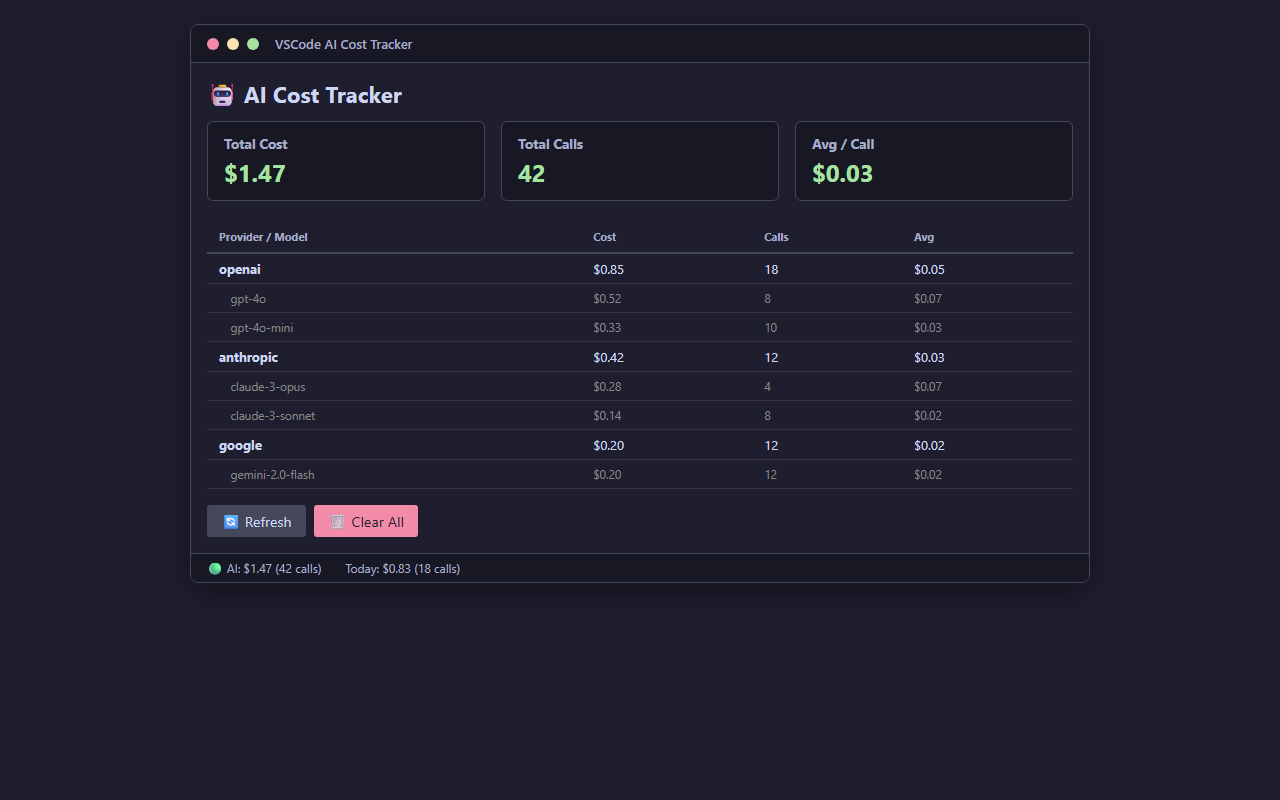 |
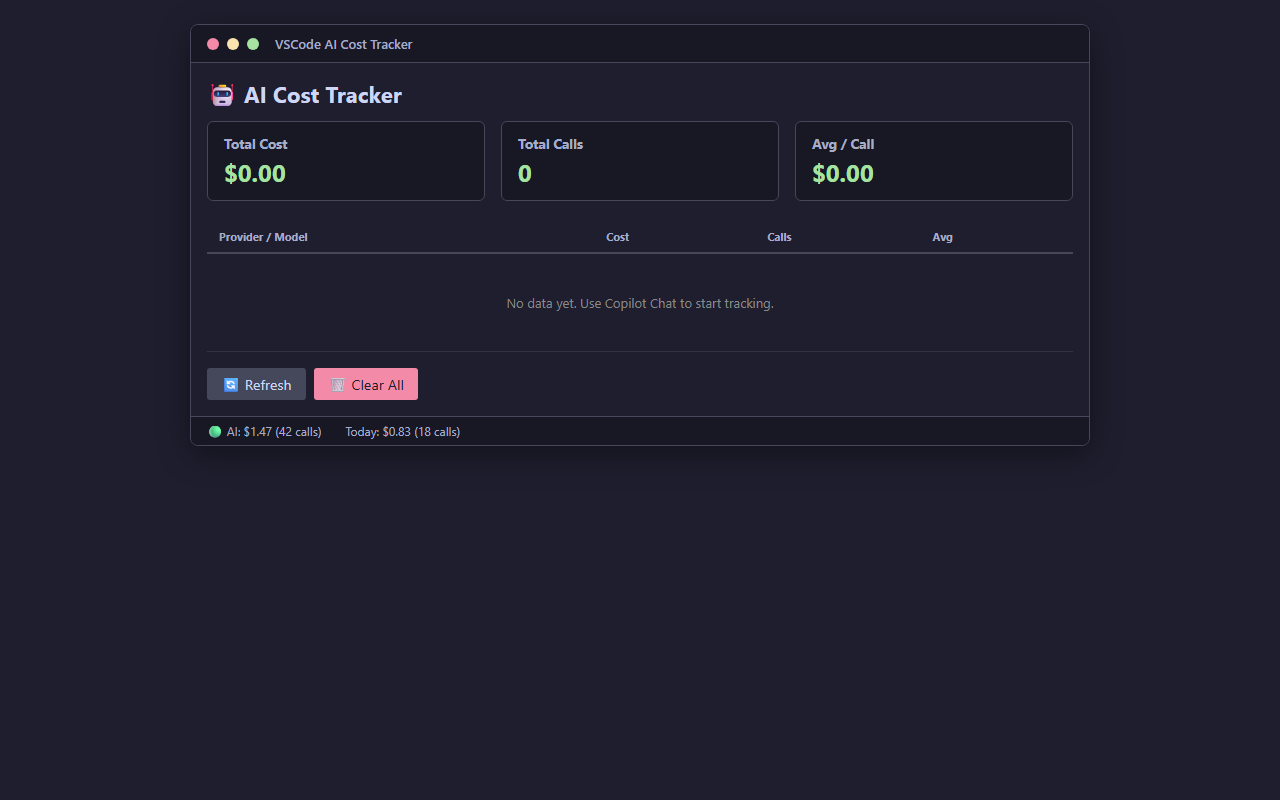 |
🚀 Features
- 💰 Real-time cost tracking — automatically captures every Copilot Chat and
vscode.lm API call
- 📊 Status bar indicator — see total cost and call count at a glance (
$(graph) AI: $0.00)
- 📈 WebView dashboard — detailed breakdown by provider and model, with average cost per call
- 🔍 Provider auto-detection — covers 23 AI providers: OpenAI, Anthropic, Google, DeepSeek, Meta, Mistral, Qwen, xAI, Groq, Together, Fireworks, Perplexity, OpenRouter, SiliconFlow, and 10 Chinese LLM providers
- 💾 Persistent storage — call history survives VS Code restarts (up to 10,000 records)
- 🔌 Zero configuration — works out of the box, no API keys needed
- 🕵️ Privacy first — all data stays local, no external network calls
📦 Installation
From VS Code Marketplace
- Open VS Code
- Press
Ctrl+P to open the Command Palette
- Paste:
ext install lijustin655.vscode-tracker
- Press Enter
From Marketplace Website
Click here to install
🎯 Usage
- Install the extension
- Use Copilot Chat or any
vscode.lm-based AI feature as usual
- See costs automatically tracked in the status bar:
$(graph) AI: $0.00
- Click the status bar to open the detailed cost dashboard
- Explore per-provider and per-model breakdowns
Commands
| Command |
Description |
VSCode-Tracker: Show Cost Panel |
Open the cost dashboard WebView |
VSCode-Tracker: Refresh Status Bar |
Refresh the status bar display |
VSCode-Tracker: Clear All Data |
Remove all tracked call history |
🔒 Privacy
- No external network calls — all data stays in your local VS Code
- No data collection — no analytics, no tracking, no telemetry
- No API keys required — works with existing Copilot/Chat setup
- No response modification — reads metadata only, never alters AI responses
All tracked data is stored in VS Code's globalState and can be cleared at any time via the Clear All Data command.
📋 Requirements
- VS Code 1.96 or higher
- Copilot Chat or any extension using the
vscode.lm API
📄 License & Privacy
🇨🇳 中文简介
VSCode AI Cost Tracker 是一款免费的 VS Code 扩展,自动追踪 Copilot Chat 和各 AI API 的调用费用。
| 功能 |
说明 |
| 💰 实时追踪 |
自动捕捉每次 Copilot 和 AI API 调用,计算 Token 费用 |
| 📊 状态栏显示 |
状态栏一眼看到总花费和调用次数 |
| 📈 WebView 仪表盘 |
按 Provider 和模型展示详细费用分布 |
| 🔍 23 家 Provider |
覆盖 OpenAI / Anthropic / Google / DeepSeek / 通义千问 / 文心 / 智谱GLM / Kimi / 豆包 / MiniMax 等国内外主流模型 |
| 🔌 零配置 |
安装即用,无需 API Key |
| 🕵️ 隐私优先 |
所有数据本地存储,无网络请求 |
安装: VS Code 中按 Ctrl+P → 输入 ext install lijustin655.vscode-tracker
Made with ❤️ by 小小抓
- ListingAI — AI listing generator for Amazon & TikTok Shop sellers
- TokenTracker — AI API cost tracker browser extension
| |

