LEPASOFT Image PreviewDisplay image previews from doc comments directly in symbol hover panels. Supports multiple images, base64, and multiple languages. Ideal for i18n dictionaries and game development. Installation Launch VS Code Quick Open ( Ctrl+P), paste the following command, and press enter.Copied to clipboard |

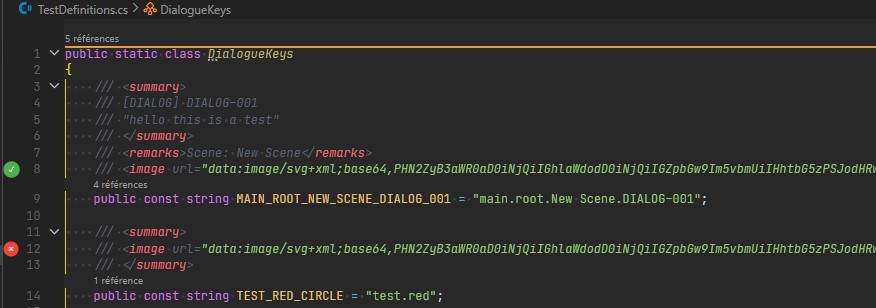
LEPASOFT Image PreviewDisplay image previews from documentation comments directly in symbol hover panels. Supports multiple images, base64-encoded images, and multiple languages (C#, TypeScript, GDScript, and more). Ideal for game developers and software engineers maintaining i18n key dictionaries or any reference system where previewing the visual context of defined keys improves workflow. FeaturesGutter previewImage thumbnails displayed directly in the editor gutter for any recognized image URI.
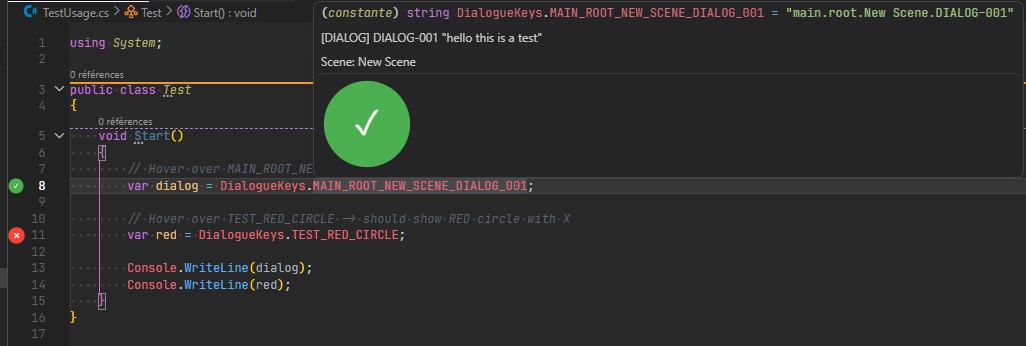
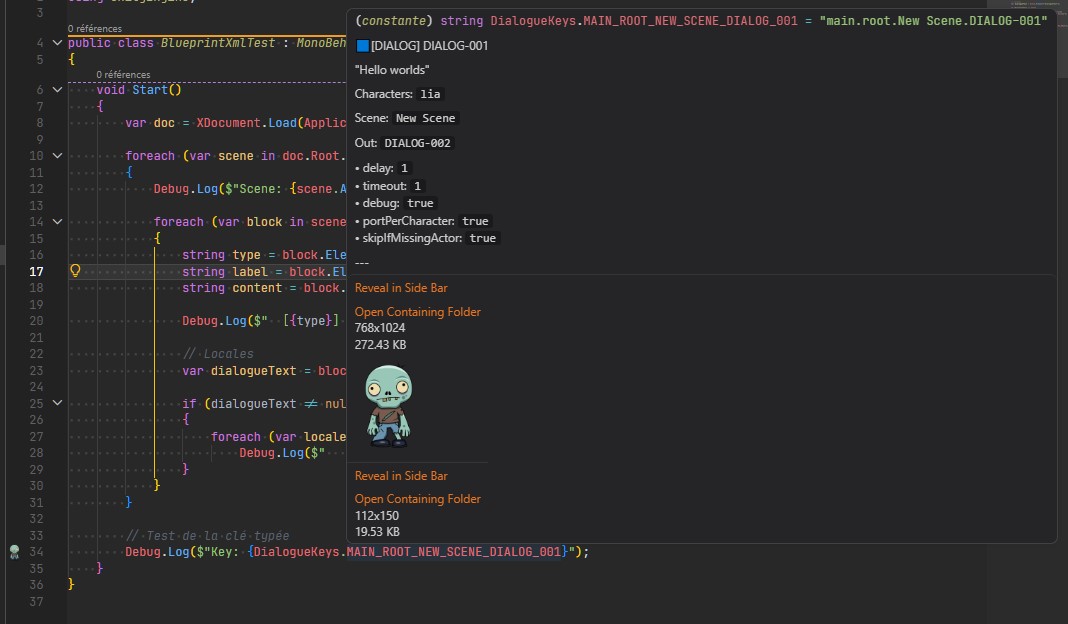
Hover previewHover over an image reference to see a full preview with dimensions and file size.
Doc comment image preview for all languagesReferences containing images are identified with a gutter icon. Hover to view the visual reference directly in the editor. Supports C#, TypeScript, GDScript, and any language supported by VS Code's definition provider. Multiple images can be referenced in doc comments to guide developers through dictionary keys. Image preview reduces ambiguity when working with large, complex dictionaries used in game engines or software localization.
InstallSearch for LEPASOFT Image Preview in the VS Code Extensions panel, or install from the Visual Studio Code Marketplace. Configuration
CreditsBased on Image Preview by Tamas Kiss (kisstkondoros). Licensed under MIT. LicenseLicensed under MIT |